conexThis addon tries to replace some functionality from the discontinued *TabGroups* with some differences:
Differences to tabgroups
- it lacks the big "Manage my TabGroups" overview window
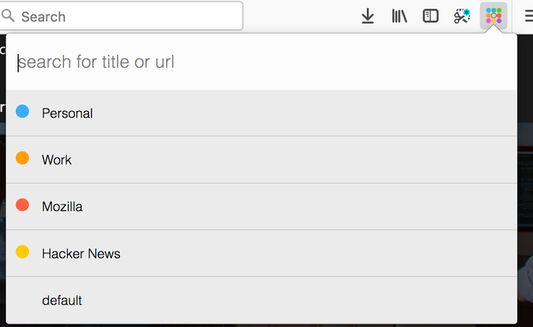
- tab groups are implemented via containers
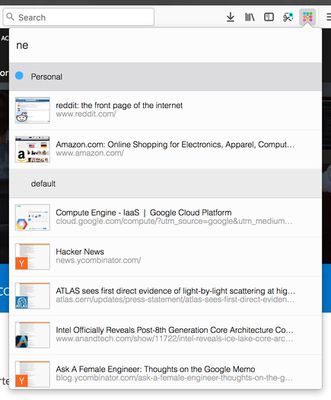
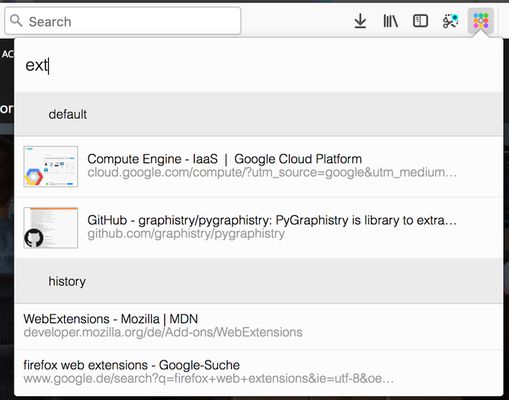
- the quick search contains thumbnail of the results
- the quick search includes bookmarks and history
Global keyboard shortcuts
Ctrl+Space (adjustable) : open conex popupCtrl+Shift+E / Cmd+Shift+E (adjustable) : move tab to another containerCtrl+T / Cmd+T : open tab in current container
Conex popup keyboard shortcuts
↓ / Tab jump to next container or tab in the popup list↑ / Shift+Tab jump to previous container or tab in the popup listEnter on a tab: switch to tab / on a container: activate the last accessed tab of the selected containerBackspace on a tab: close the selected tab / on a container: delete selected container→ / ← / Ctrl+Enter on a container: expand / unexpand tab list of the selected containerCtrl+Shift+Enter / Ctrl+ + on a container: open a new tab in the selected container and activate this tab / in the search box: open new container dialog
Enable tab hidingNecessary addon permissions
- <all_url> : for taking screenshots for the thumbnails during search
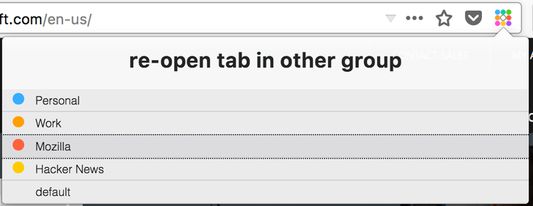
- activeTab (optional) : necessary in order to show a dialog, where the user can select the container to open external links
- bookmarks (optional) : for searching in bookmarks
- contextMenus : for context menu for moving tab to a different container
- contextualIdentities : for working with tab containers
- cookies : for working with tab containers
- history (optional) : for showing history results in quick search
- menus : for creating context menus when moving tabs
- notifications (optional) : to show a warning if the tabhiding is not activated
- storage : for storing thumbnails
- tabs : for tab handling
- tabHide : for hiding and showing tabs
- webNavigation : for intercepting and reacting on new tabs
- webRequest : necessary in order to show a dialog, where the user can select the container to open external links
- webRequestBlocking : necessary in order to show a dialog, where the user can select the container to open external links