
👁 TYPO3 logo
Aimeos > THE TYPO3 shop framework

Aimeos > THE TYPO3 shop framework
» Open Source & Free «
ultra fast, full-featured and most widely used

AimeosAimeos TYPO3aimeos-typo3The TYPO3 E-Commerce Framework👁 Image
👁 Capterra
👁 Capterra

Capterra reviews
4.8 / 518

👁 Lines

Highlights
- For shops from one to 1 billion items that render in 100ms
- Multi vendor, multi channel and multi warehouse capable
- Build multi-tentant SaaS with custom domains out of the box
- Incl. bundle, voucher, virtual, config, custom and event products
- Turn every product into a subscription with recurring payment
- Supports 100+ payment gateways via Omnipay PHP library
- World class JSON REST API based on jsonapi.org standard

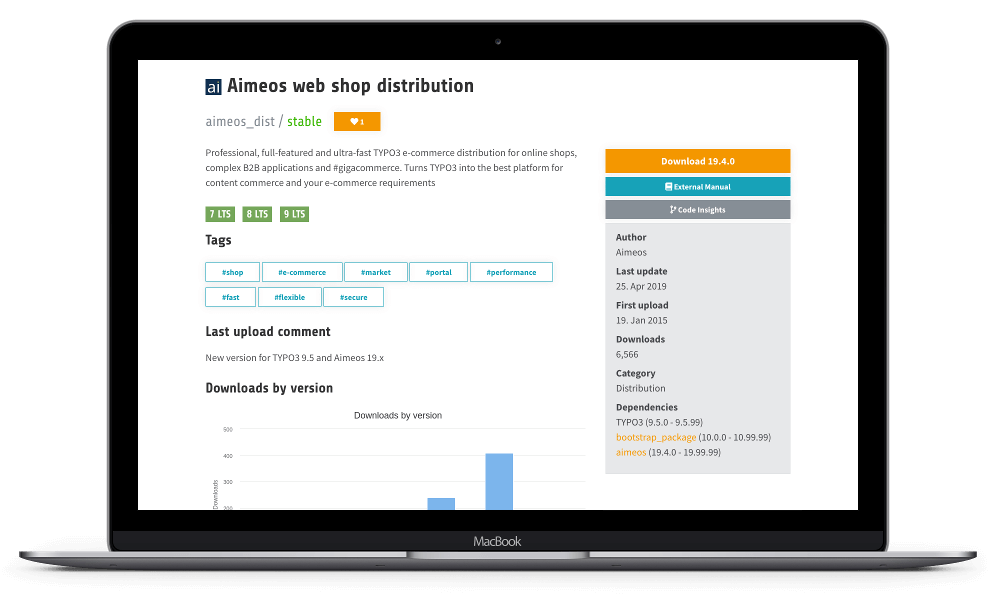
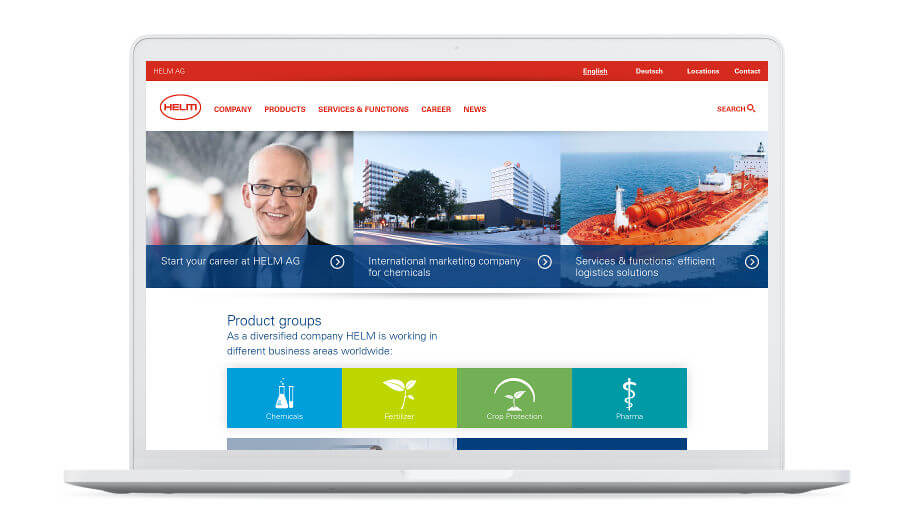
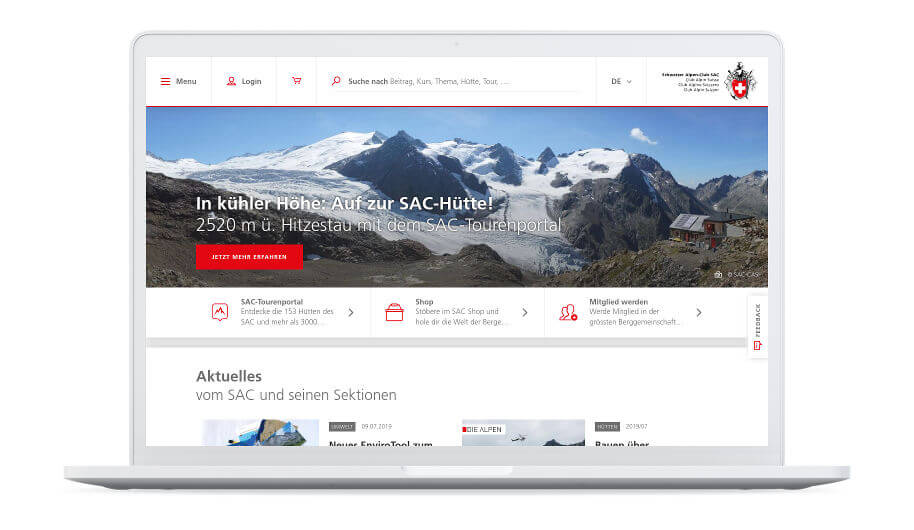
High quality Aimeos TYPO3 themes for your online shop

👁 Lines
Build your custom TYPO3 shop easily
- use \Aimeos\Controller\Frontend;
- $cntl = Frontend::create($context, 'product');
- $items = $cntl->uses(['text', 'media', 'price'])
- ->catetory(123)->text('sneaker')
- ->sort('name')->slice(0, 48)->search();
- use \Aimeos\Controller\Frontend;
- $cntl = Frontend::create($context, 'catalog');
- $catalog = $cntl->uses(['text', 'media']);
- $tree = $catalog->getTree();
- $list = $catalog->getPath(123);
- use \Aimeos\Controller\Frontend
- $product = Frontend::create($context, 'product');
- $item = $product->uses(['price'])->find('abc');
- $basket = Frontend::create($context, 'basket');
- $cart = $basket->addProduct($item)->get();