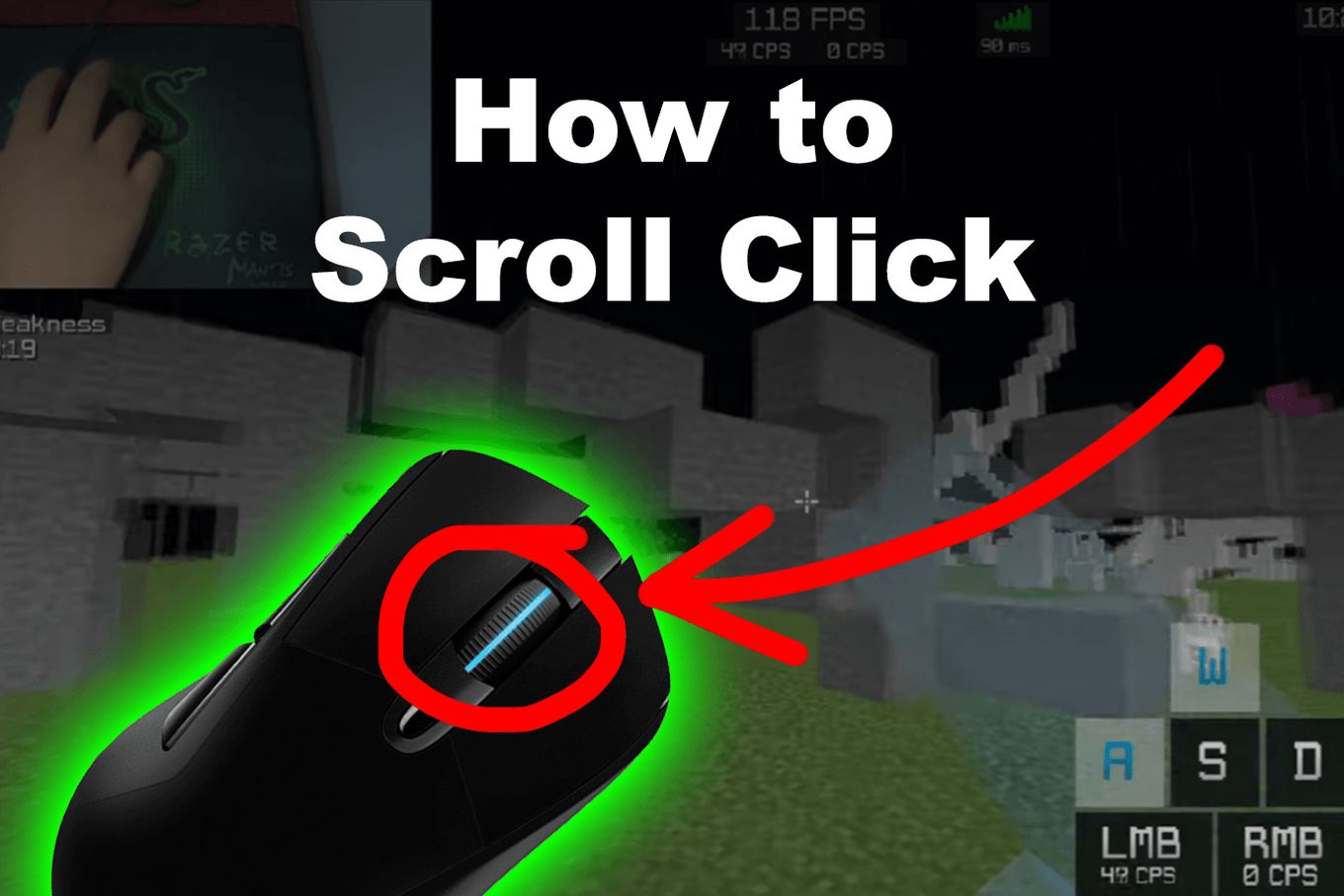
But first, let’s understand what a scroll click is.
What is a Scroll Click?
A scroll click is a technique used by some video game players to speed up the number of clicks per second (CPS) on a game. It consists of binding the scroll wheel up, and the scroll wheel down to the left-click or right-click events. Commonly used in Minecraft.
https://www.youtube.com/watch?v=To0GGw4_La4
This technique is well known in some games and public servers usually have anti-cheat systems implemented on them to detect this technique.
Warning: do not try it out on a public server or you might get banned.
Flip your mouse so the mouse wheel faces the table and move it up and down using the mouse wheel as an actual wheel.
% image “../assets/imgs/2022-06-30/inverted-mouse-scroll-click.png”, “Flipping Mouse To Use Scroll Click” %}
Additionally, some mouses’ software provides a way to accomplish the Scroll Click by creating a new macro. So you might want to check out if your software does before downloading x-mouse.
Scroll Clicking is bannable if your CPS are considered extremely high. A CPS of more than 25 or 30 can get you banned in many public servers. It’s considered an unfair advantage, an “auto clicker” and a “macro”.
Scroll clicking belongs to the same group as any other technique using third-party software or macros. It makes the game less fair for those players who are not using this external software. Therefore is not allowed.
In case you want to make a scroll wheel left-click, here are tips on how you can do it:
Open the application list.
Click on “Settings“.
Scroll down and click on “Advanced settings“.
Scroll down and click on the “mouse and touchpad“.
Select “Mouse” under devices.
Click on the button. Change mouse wheel settings in the section “Wheel” at the top of the window that opens up.
Click on the first entry (the mouse wheel has a universal scroll in all applications).
Scroll down to and click on left-only support scrolling.
Save your new settings by clicking on OK.
How to Make Scroll Wheel Right-Click
Follow these tips to make a scroll wheel right-click:
Scroll Wheel Right Click on a PC
You can use the mouse wheel button to right-click by pressing down on it like a regular right-click. You can also hold down the alt key while scrolling.
Scroll Wheel Right Click on a Mac
Click the Apple menu and choose “System Preferences“
Click “Mouse” and the trackpad icon to bring up the mouse options screen.
Select “secondary click” from the list of options.
Select “Right” from the drop-down menus.
Save your settings
Steps to Re-map Your Mouse Scroll Wheel Click
Here are steps to guide you while re-mapping your mouse scroll wheel click:
Open the control panel of the X-mouse button software.
Make sure you have the latest version installed.
Go ahead and upload a settings file by typing the file’s location in the search box.
Launch the app.
Expand the drop-down menu, which is right before the middle button.
Kimanthi Sammy is a tech enthusiast and writer passionate about web development, design, video games, software, and tech in general. She combines creativity with technical prowess to produce captivating and informative content.