


Learn how to setup your first Vue project powered by Appwrite.
Head to the Appwrite Console.
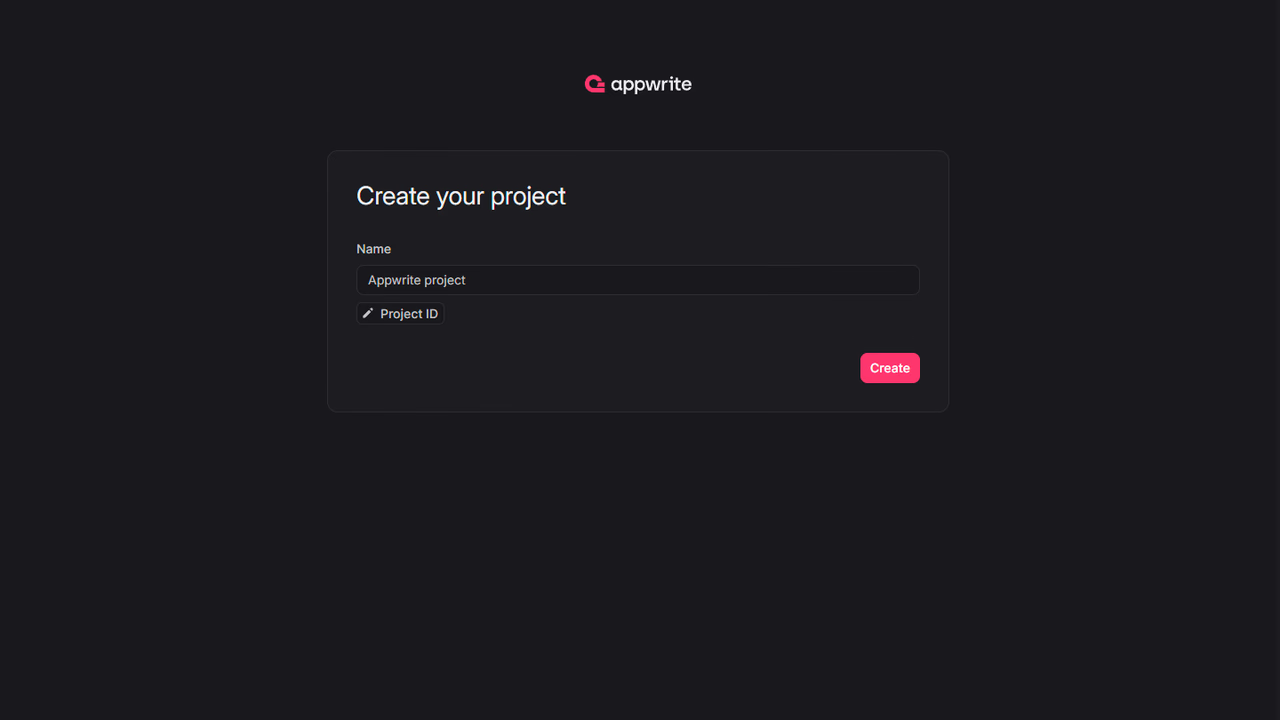
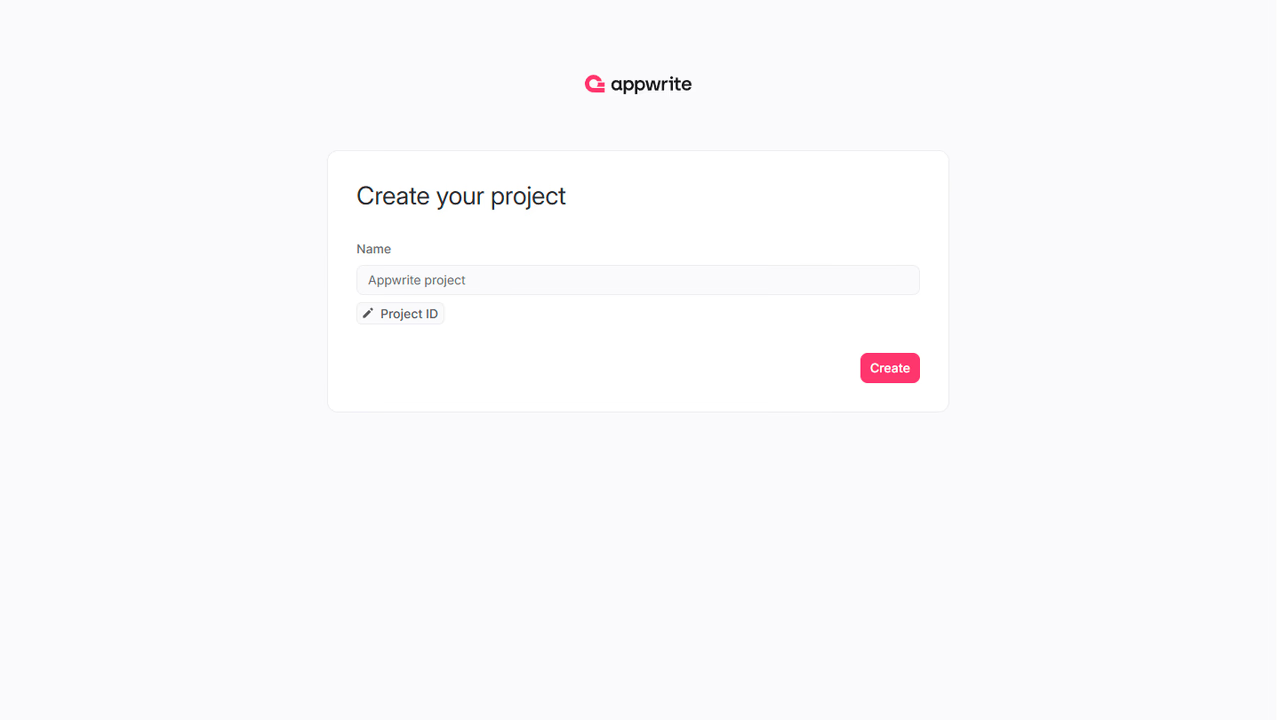
If this is your first time using Appwrite, create an account and create your first project.
Then, under Add a platform, add a Web app. The Hostname should be localhost.
Cross-Origin Resource Sharing (CORS)
Adding localhost as a platform lets your local app talk to Appwrite. For production, add your live domain to avoid CORS errors.
Learn more in our CORS error guide.
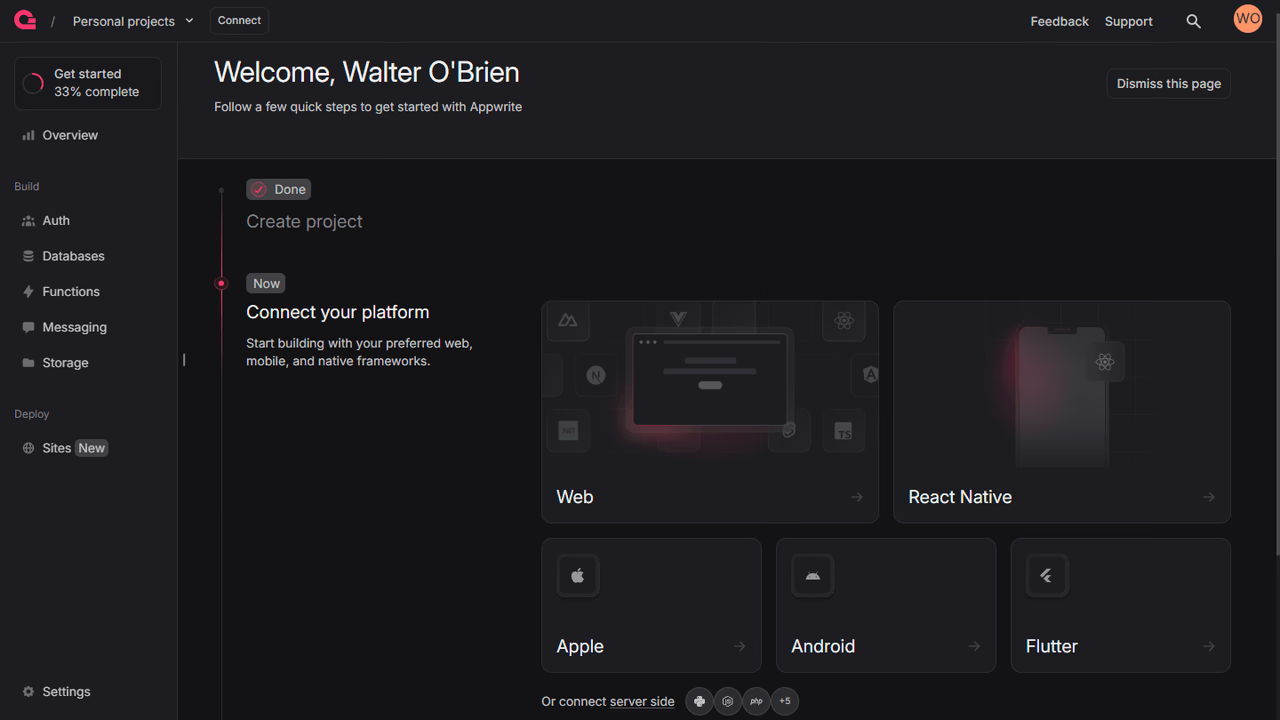
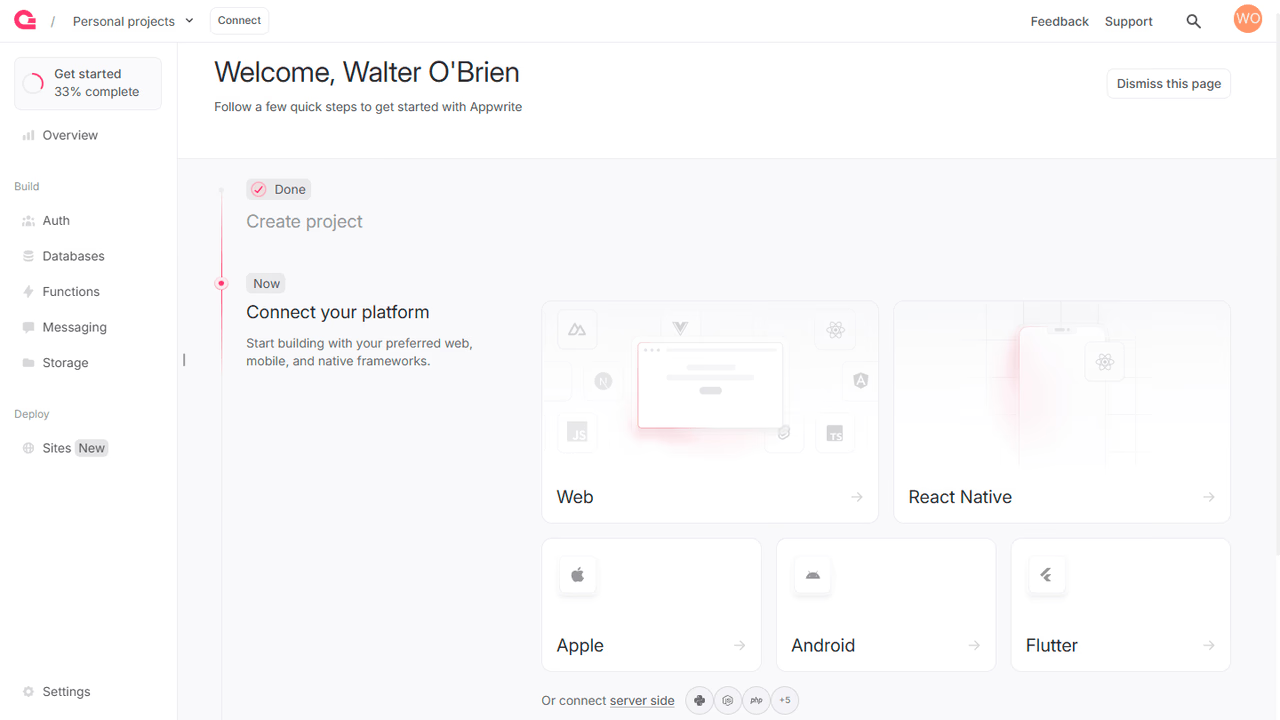
You can skip optional steps.
Create a Vue project.
npm init vue@latest my-app && cd my-app
Install the JavaScript Appwrite SDK.
npm install appwrite
Find your project's ID in the Settings page.
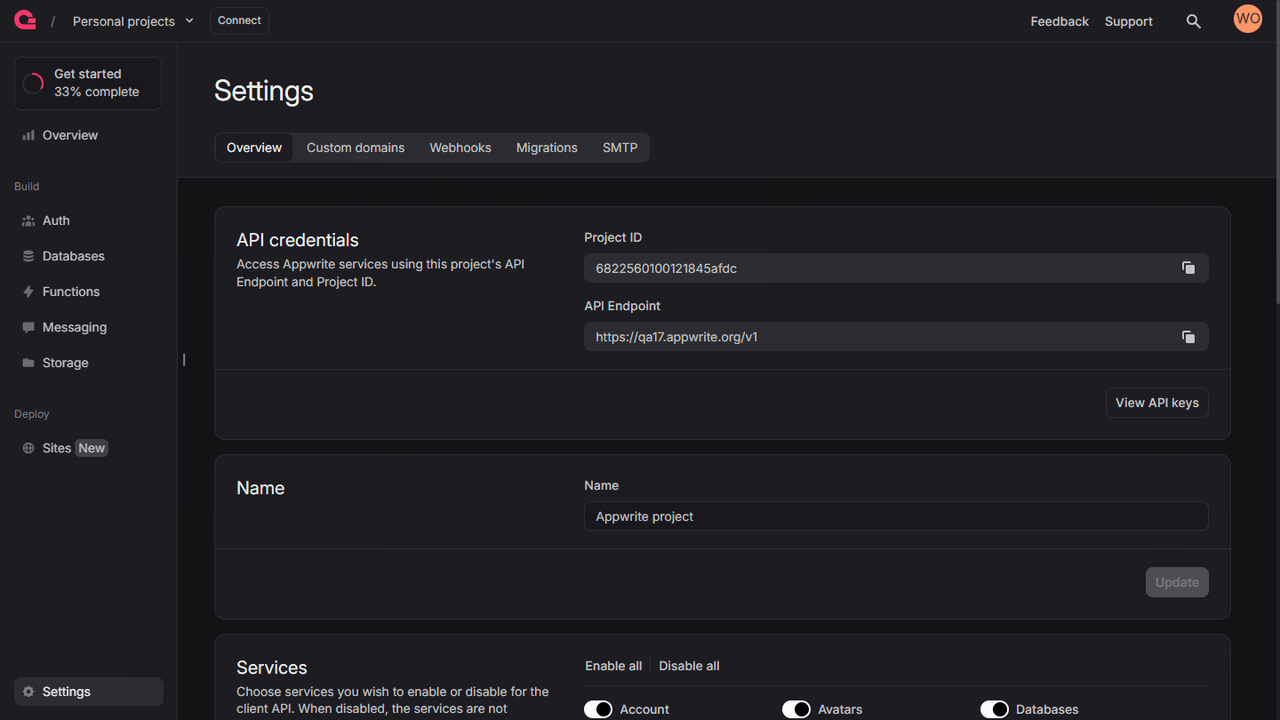
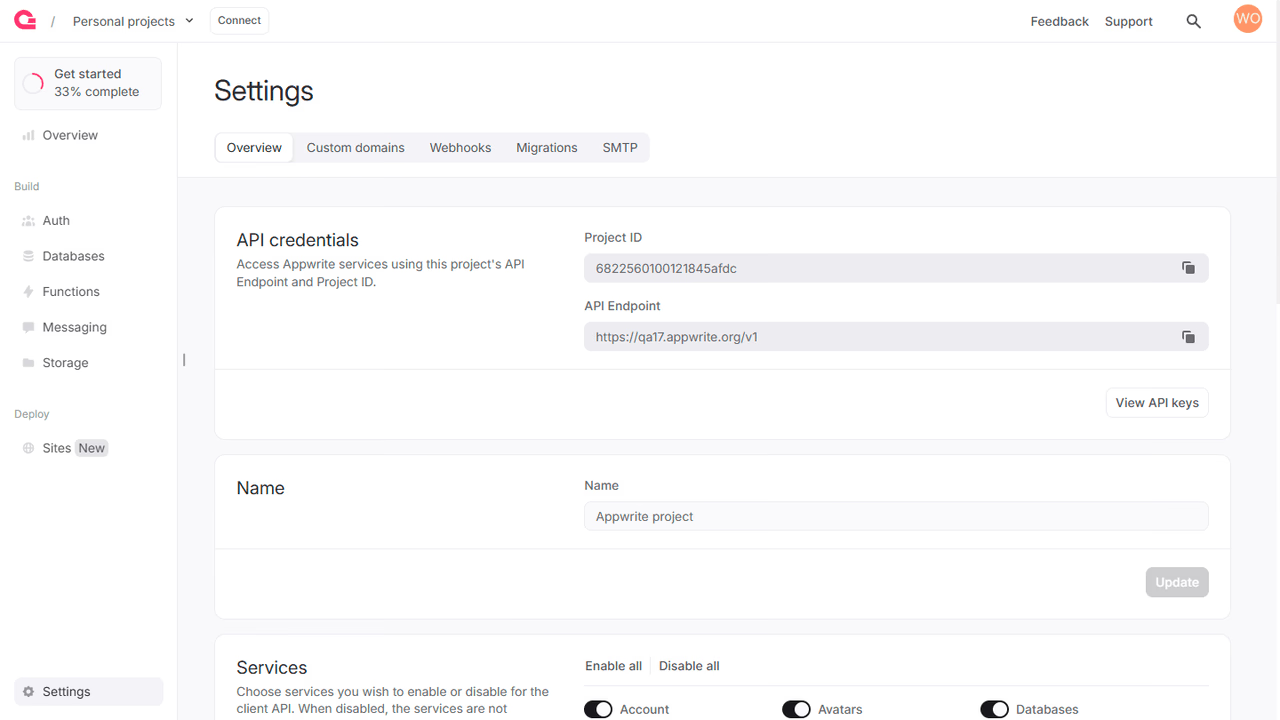
Create a new file src/lib/appwrite.js and add the following code to it, replace <PROJECT_ID> with your project ID.
import { Client, Account} from 'appwrite';

export const client = new Client();

client
 .setEndpoint('https://<REGION>.cloud.appwrite.io/v1')
 .setProject('<PROJECT_ID>'); // Replace with your project ID

export const account = new Account(client);
export { ID } from 'appwrite';
Add the following code to src/App.vue.
<template>
 <div>
 <p>
 {{ loggedInUser ? `Logged in as ${loggedInUser.name}` : 'Not logged in' }}
 </p>

 <form>
 <input type="email" placeholder="Email" v-model="email" />
 <input type="password" placeholder="Password" v-model="password" />
 <input type="text" placeholder="Name" v-model="name" />
 <button type="button" @click="login(email, password)">Login</button>
 <button type="button" @click="register">
 Register
 </button>
 <button type="button" @click="logout">
 Logout
 </button>
 </form>
 </div>
</template>

<script setup>
import { ref } from 'vue';
import { account, ID } from './lib/appwrite.js';

const loggedInUser = ref(null);
const email = ref('');
const password = ref('');
const name = ref('');

const login = async (email, password) => {
 await account.createEmailPasswordSession({
 email,
 password
 });
 loggedInUser.value = await account.get();
};

const register = async () => {
 await account.create({
 userId: ID.unique(),
 email: email.value,
 password: password.value,
 name: name.value
 });
 login(email.value, password.value);
};

const logout = async () => {
 await account.deleteSession({
 sessionId: 'current'
 });
 loggedInUser.value = null;
};
</script>
Run your project with npm run dev -- --open --port 3000 and open Localhost on Port 3000 in your browser.