
AWS DeepRacer
Getting Started with AWS DeepRacer
Begin your DeepRacer journey by visiting the DeepRacer on AWS landing page and reviewing the documentation. After deploying DeepRacer in your AWS account, you'll be ready to invite other users, train models, and host races.
Quick start guides
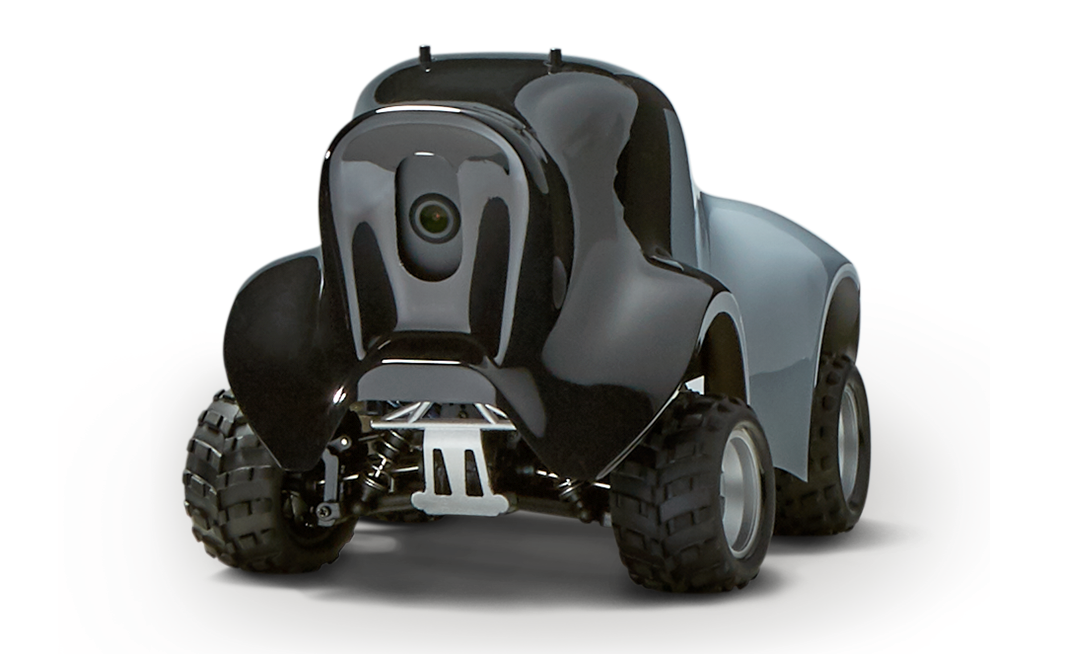
AWS DeepRacer device
Includes step-by-step guide to assemble, get connected and drive
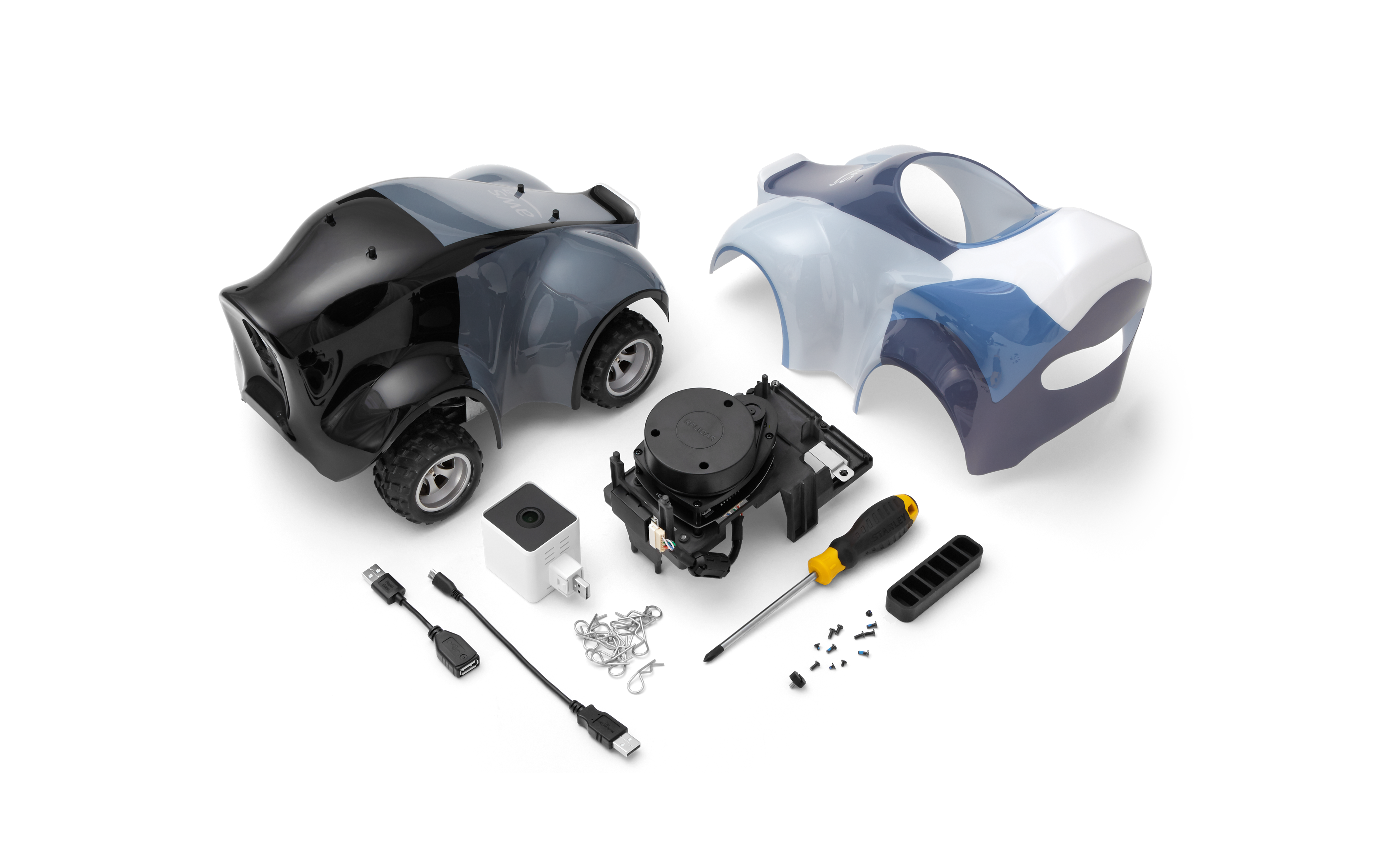
AWS DeepRacer Evo and Sensor Kit
Includes step-by-step guide to install sensors, assemble, get connected and drive
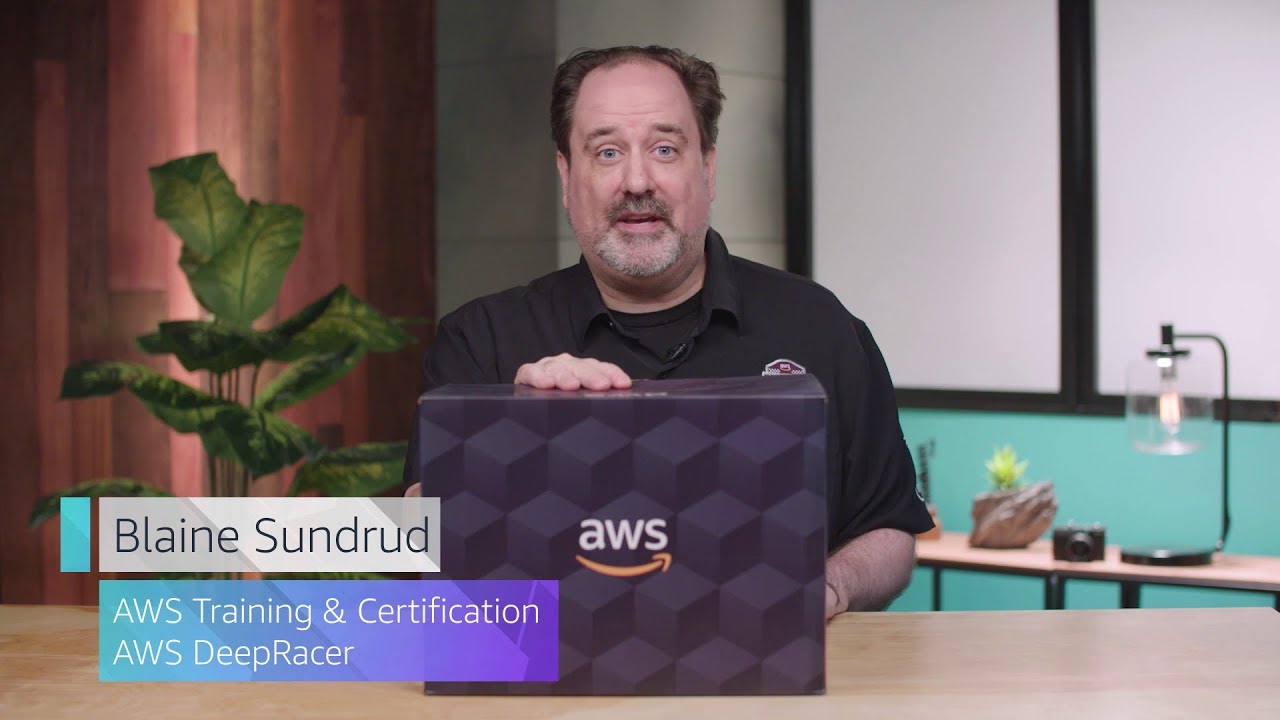
Step 1. Unboxing AWS DeepRacer
This step-by-step guide covers what comes in the box, initial set up and battery charging.
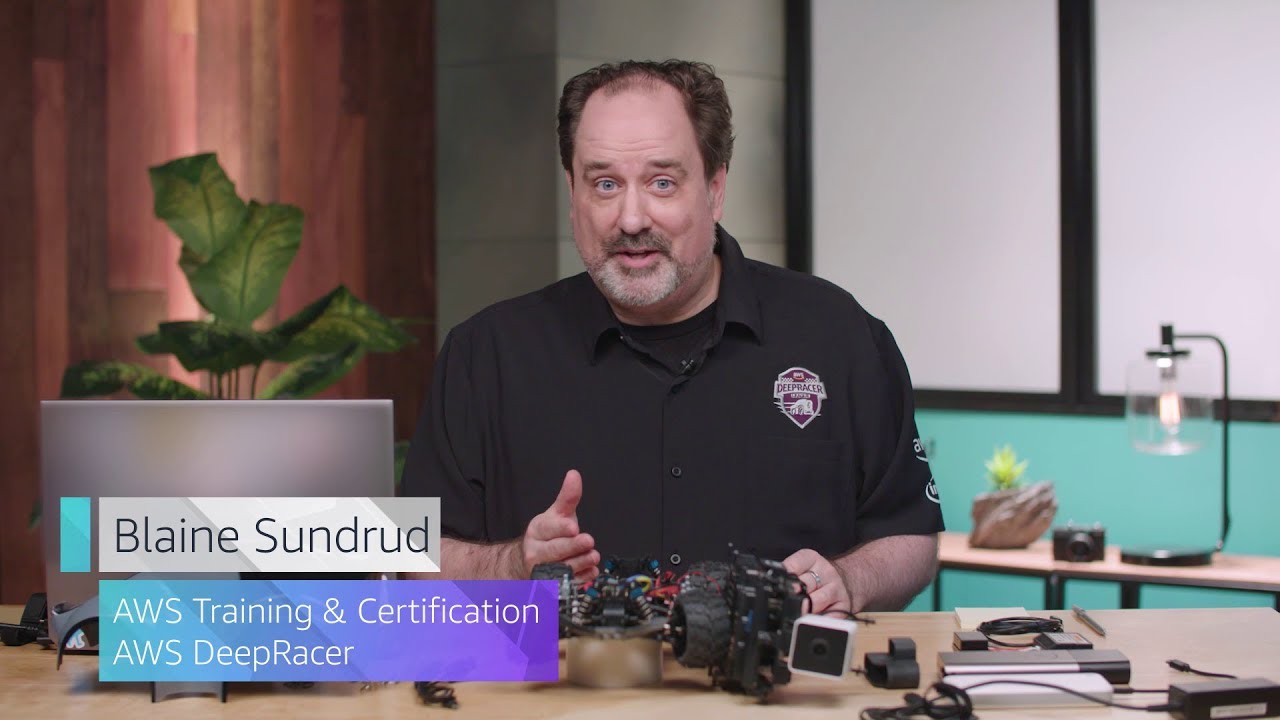
Step 2. Assembling AWS DeepRacer
This step-by-step guide walks though assembling the car and connecting to Wi-Fi.
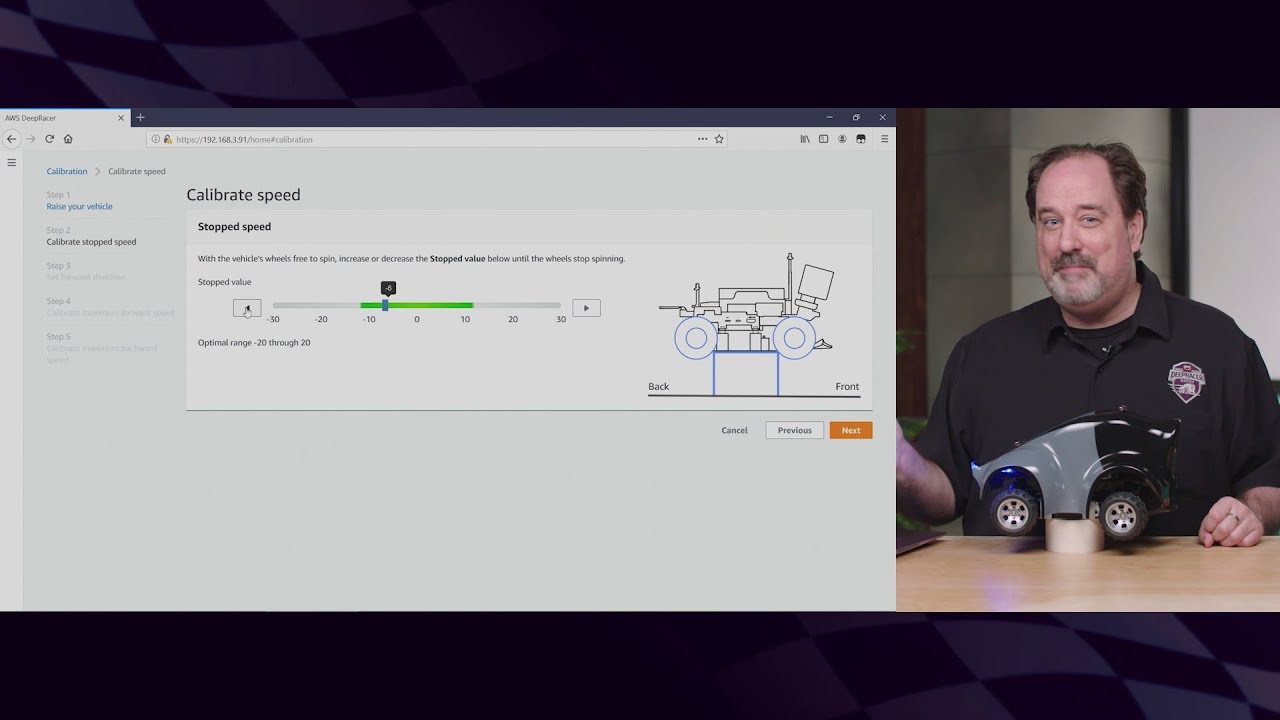
Step 3. Calibrating AWS DeepRacer
This step-by-step guide walks though calibrating the car to improve it's driving behaviour.
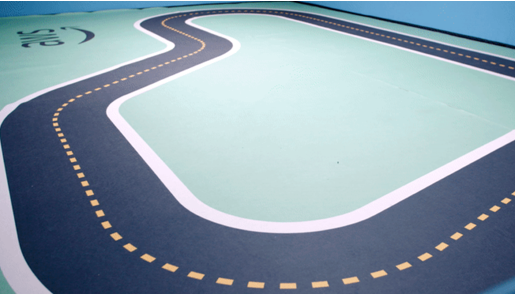
Step 4. Build your own track
Follow these steps to build a simple track to test drive at home or in the office.
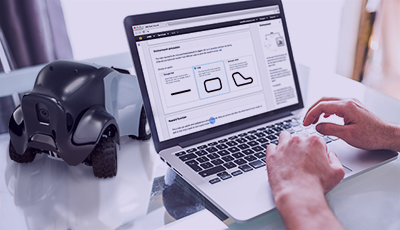
Step 5. Build your model
Take this e-learning course to build your reinforcement learning model.
Step 6. Connect with racers
Join the DeepRacer Discord community to find and share racing tips.
Did you find what you were looking for today?
Let us know so we can improve the quality of the content on our pages