|
VOOZH | about |
|
VOOZH | about |
As web developers, we use icons to make our websites and apps more visually appealing, navigable, and engaging. Icons are recognized patterns that the vast majority of users are familiar with. For instance, a microphone icon in a web or mobile application almost always indicates some kind of voice command or recording functionality.
👁 7 Popular Icon Libraries You Can Use for FreeIcons are useful precisely because they are universal symbols. In many cases, icons can even replace text entirely.
In this tutorial, we’ll explore and compare some of the most popular icon libraries you can use in your next JavaScript project. These icon libraries are very simple to set up and they all allow you to import just the icon you need instead of the entire collection. Best of all, they don’t cost a thing.
Below are the top 7 icon libraries you can use for free.
The Replay is a weekly newsletter for dev and engineering leaders.
Delivered once a week, it's your curated guide to the most important conversations around frontend dev, emerging AI tools, and the state of modern software.
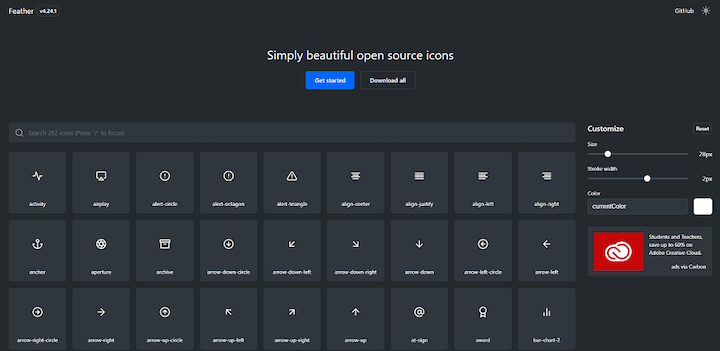
Feather is a collection of clean, beautiful open-source icons that are generally used to help users navigate and operate applications. Each icon is designed on a 24×24 grid with an emphasis on simplicity, consistency, and flexibility.
All the icons in Feather are SVG-based, meaning you can use them inside most HTML and CSS attributes, such as img, background-image, inline, object, embed, iframe, etc.
At the time of this writing, Feather has a collection of 282 icons that you can tweak in terms of size, stroke width, and color.
To use a Feather icon, install its package.
npm install feather-icons
#or
yarn add feather-icons
You can also fetch it from a CDN.
<!-- choose one -->
<script src="https://unpkg.com/feather-icons"></script>
<script src="https://cdn.jsdelivr.net/npm/feather-icons/dist/feather.min.js"></script>
Feather has third-party libraries that make it easier to use icons inside modern popular frameworks such as Angular, Vue, and React with little hassle.
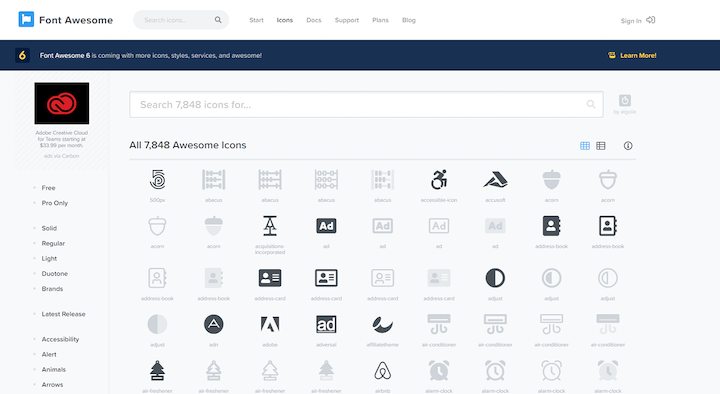
Developed in 2012 by Dave Gandy, Font Awesome is one of the oldest and most popular icon collections available. It was originally designed for Bootstrap and later grew to become its own independent icon set. Font Awesome 5 set a record as the most funded software Kickstarter ever.
The library includes a collection of more than 1,500 icons you can use for free. It supports popular web development frameworks such as React, Angular, and Vue as well popular design tools such as Sketch and Adobe apps.
Font Awesome also has a paid premium plan that includes 6,000 more icons with faster icon loading, more kits, more icons, more tools, and actual human technical support.
👁 Font Awesome Icon Collection
Despite its huge collection, you probably won’t need more than a few icons for your application. If you’re worried about the size of your app, make sure to use the search bar on the homepage to find your icons individually instead of importing the entire library.
The most popular CSS framework now has its own icon library as of version 4. Obviously, Bootstrap Icons are designed for Bootstrap’s components and documentations. Bootstrap opted to use SVG-based icons at a time when Font Awesome was font-based.
Bootstrap Icons is currently in its alpha version with over 1,000 icons ready for use.
You can install Bootstrap Icons via npm or downloaded it manually.
Depending on your setup, you can include Bootstrap Icons in a handful of ways:
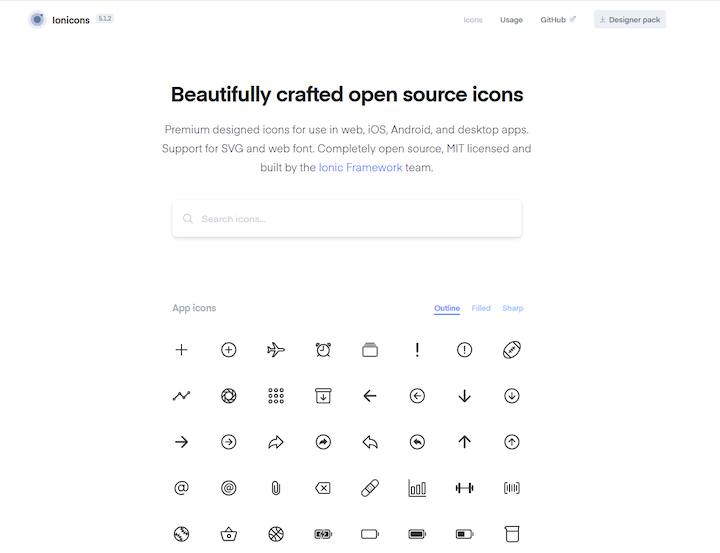
<img> elementIonicons is a high-quality icon library designed for use in web, iOS, Android, and desktop apps with support for SVG and web fonts. It comes in two versions: material design and iOS.
Although it was built for the Ionic framework, the icons are completely open-source and MIT-licensed, meaning you can use them as you see fit for any kind of project, personal or commercial.
To use Ionicons, include its CDN link in your project.
<script src="https://unpkg.com/[email protected]/dist/ionicons.js"></script>
Then, use the special ion-icon component to render the icons.
<ion-icon name="heart"></ion-icon>
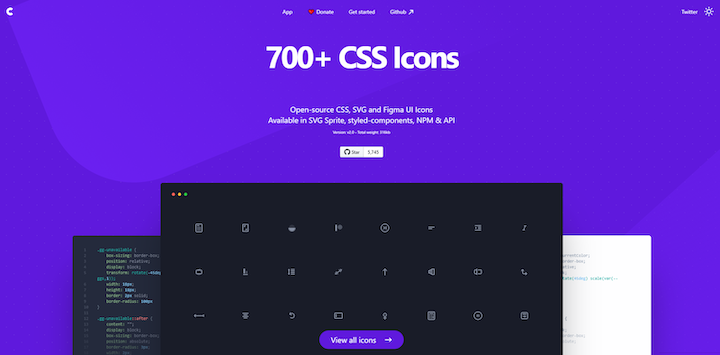
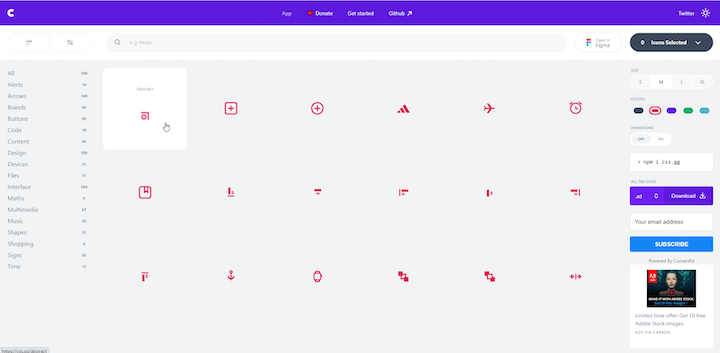
css.gg is a unique icon library that was written entirely in CSS. It includes more than 700 UI icons and it’s completely free.
One of the most noteworthy things about css.gg is that each individual icon page displays the source code of how the icon was built. Check out this Git Pull icon, for example.
Because the icons were made using pure CSS, they’ll render super quickly because they don’t require any other resource.
css.gg was created by Astrid Malsija as a personal project, but it caught the attention of the community and several designers have contributed to add an SVG version, a designer pack for Figma and Adobe XD, and web components for React.
These icons also scale well because they’re retina-ready by default. You can scale the icon size easily by defining the --ggs to multiply the icon size. If you want to use css.gg icons for your project, you can install the package, use the CDN link, download the SVG, or use React’s components.
Tabler Icons is a set of over 550 free, MIT-licensed SVG icons. Each icon is designed on a 24×24 grid and a 2px stroke.
To use Tabler Icons, install the library from npm or simply download it from GitHub.
Just like Feather, Tabler also includes the stroke-width CSS attribute to enable you to produce different icon variants.
👁 Tabler Icons Stroke and Width Properties
You can place Tabler Icons as <img>, background-image, and inline in HTML code. To learn more about this package and see full installation instructions, visit the source code on GitHub.
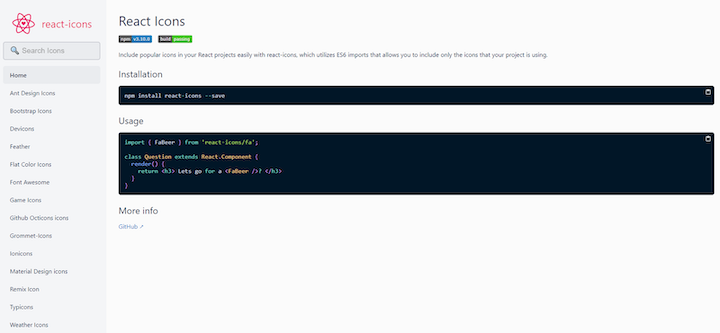
Unlike the aforementioned icon libraries, React Icons is an icon compilation library that enables you to add icons from various libraries into your React project as an SVG element.
To add an icon, install the package and import it into your components file.
# Install the package
npm install react-icons
# or
yarn add react-icons


// FaBeer component will be rendered as an SVG..
import { FaBeer } from 'react-icons/fa';
class Question extends React.Component {
 render() {
 return <h3> Lets go for a <FaBeer />? </h3>
 }
}
React Icons includes icons from the following libraries.
Only imported icons are included in your build to prevent bloating your bundle with unused icons.
No matter what kind of application you create, it’s nice to have a set of icons to help users navigate and interact with your interface. Generic icons that are universally recognized will help users feel more comfortable and engaged when using your application. Since most icons used for application development are free anyway, there’s no reason not to include them in your project.
When choosing an icon library for your application, be sure to check out each library’s website and search for the icons that are essential for your application.
Debugging code is always a tedious task. But the more you understand your errors, the easier it is to fix them.
LogRocket allows you to understand these errors in new and unique ways. Our frontend monitoring solution tracks user engagement with your JavaScript frontends to give you the ability to see exactly what the user did that led to an error.
👁 LogRocket Dashboard Free Trial BannerLogRocket records console logs, page load times, stack traces, slow network requests/responses with headers + bodies, browser metadata, and custom logs. Understanding the impact of your JavaScript code will never be easier!
TSRX adds first-class control flow, conditional hooks, and scoped styles to React via a TypeScript compiler extension — no new framework required.
Learn how to build a full React Native auth system using Better Auth and Expo — with email/password login, Google OAuth, session persistence, and protected routes.
Compare the top AI development tools and models of June 2026. View updated rankings, feature breakdowns, and find the best fit for you.
Learn how Bloom filters reduce database lookups for username availability checks while preserving correctness at scale.
Hey there, want to help make our blog better?
Join LogRocket’s Content Advisory Board. You’ll help inform the type of content we create and get access to exclusive meetups, social accreditation, and swag.
Sign up now