|
VOOZH | about |
|
VOOZH | about |
Editor’s note: This post was updated on 22 December 2023 to introduce component collections such as Tailwind Elements and TailGrids.
👁 10 Best Tailwind CSS Component And Template CollectionsTailwind CSS is a utility-first framework for rapidly building custom UI components.
This means that, unlike other CSS frameworks or libraries, Tailwind CSS components are not pre-styled. Instead, you can build custom interfaces using Tailwind’s low-level utility classes for styling CSS properties like margin, flex, color, and more.
Since its launch in 2017, Tailwind CSS has grown substantially in popularity with the developer community, mainly because it provides developers the flexibility to build custom interfaces without being bound by any UI kit rules.
However, too much choice may cause decision paralysis. Sometimes, you may want to modify or draw inspiration from an existing example so that you can get started more quickly. To meet this need, Tailwind components and template collections provide fully responsive UI components and page templates.
These collections allow you to copy and paste HTML snippets directly into your codebase to use or modify. Built by other developers and organizations, they allow you to get started on your project quickly by seeing the potential outcome.
In this article, we’ll introduce eleven of the best free Tailwind CSS component collections. If you have no experience using Tailwind CSS, you may want to check out this guide on styling components with Tailwind CSS first. Let’s dive in.
The Replay is a weekly newsletter for dev and engineering leaders.
Delivered once a week, it's your curated guide to the most important conversations around frontend dev, emerging AI tools, and the state of modern software.
👁 Tailwind Components Homepage Showing Repo Information And Search Bar For Tailwind Components
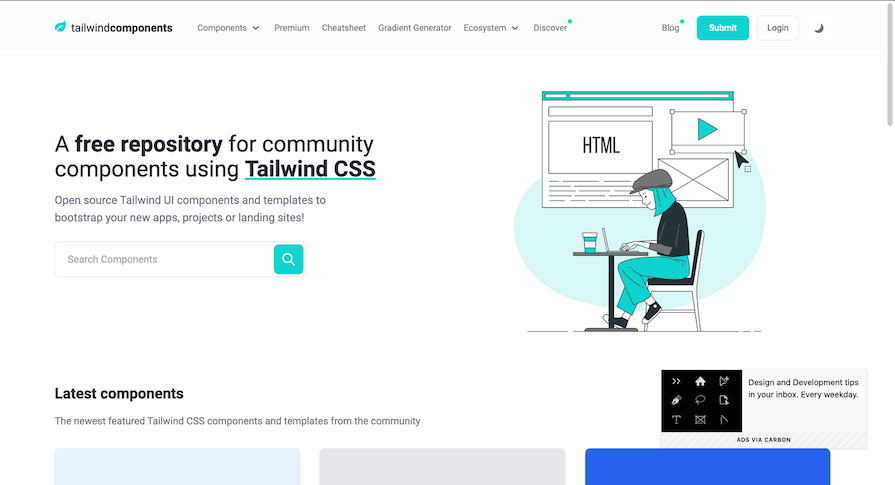
Tailwind Components is an open source, community-contributed collection of free or paid Tailwind UI templates and components that can be used to bootstrap new apps, projects, and landing pages.
The collection includes ready-to-use dropdowns, logins, modals, tabs, inputs, and selects that are all built with Tailwind CSS, along with a very helpful cheatsheet. You can also contribute to the collection by submitting your own components for others to use:
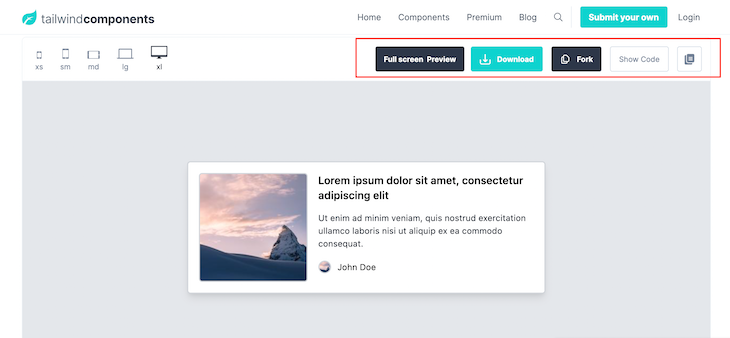
To use any component or template, click on it and you’ll be redirected to an individual page. Preview it if you want to, then either download it, fork it into your GitHub, or copy the code directly.
👁 Example Minimalist Homepage Hero Block That Can Be Created With Tailblocks
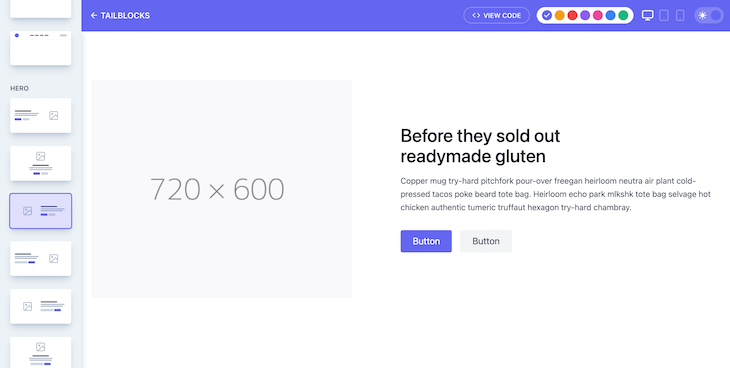
Tailblocks is a collection of 60+ minimalist layout blocks, including testimonials, statistics, pricing, heroes, headers, galleries, footers, features, and ecommerce.
The Tailblocks components are especially cool because they offer dark mode support, and you can change the primary colors from the interface. Created and maintained by Mert Curuken, the project’s GitHub repo has over 5.1k stars and has been forked over 400 times, so it’s quite popular.
To make use of any layout block, select it, choose a color from the color palette, select dark or light mode, click the View Code button, and then copy and paste it into your project.
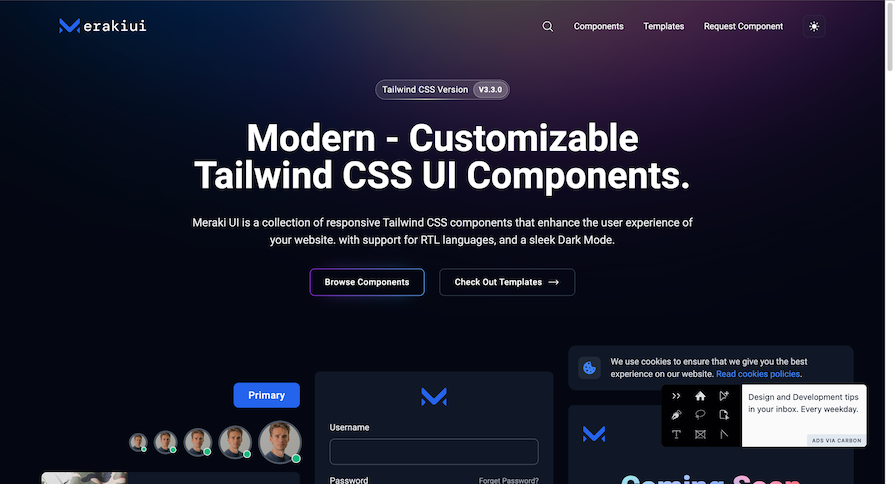
Meraki UI is a growing collection of more than 50 beautiful Tailwind CSS components that support right-to-left (RTL) languages. This means that if a user’s default browser language is set to an RTL language, Meraki UI will reverse everything, including text, scroll, progress indicators, buttons, etc.
Created by Khatab Wedaa and Mosab Ibrahim, this Tailwind components collection includes alerts, login forms, buttons, cards, dropdowns, navbar, pagination, and footers. To make use of any component, just copy it and you’re good to go.
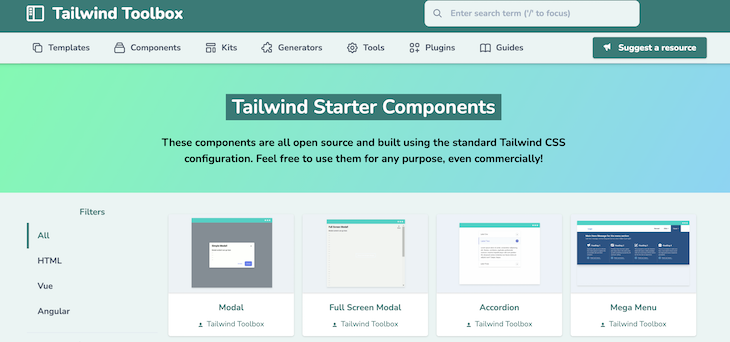
Tailwind Toolbox is a collection of open source, community-contributed starter templates and components, as well as a directory of plugins, tools, generators, kits, and guides that will help you make better use of Tailwind CSS.
Created and maintained by Amrit Nagi, Tailwind Toolbox includes over 45 landing page templates and 16 components, among other listings. You can contribute to the collection by clicking on the Suggest a resource button.
In addition to HTML markup, Tailwind Toolbox provides template scripts for expected JavaScript interactions, like opening and closing modals. To make use of scripts, click on the template or component to either download CSS templates or copy the code for Tailwind components.
👁 TailwindTemplates Homepage Displaying Cards For Different Categories Of Tailwind CSS Templates
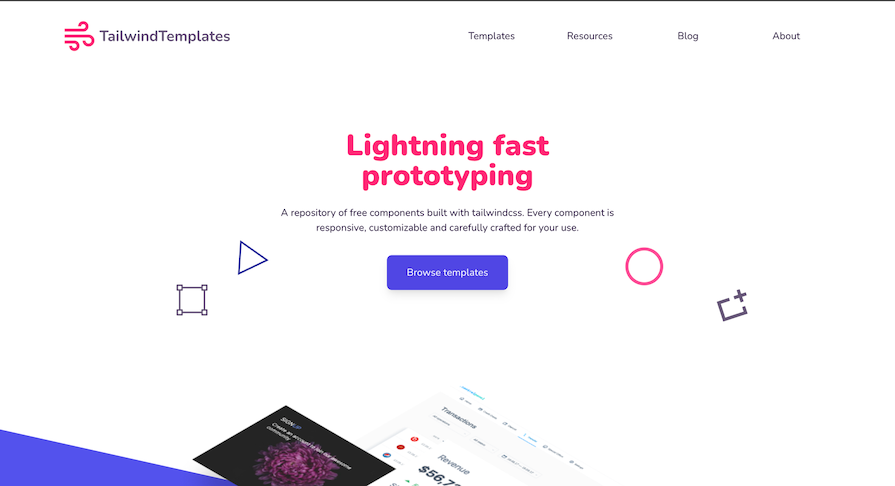
TailwindTemplates is a growing collection of free UI components styled with Tailwind CSS. It features over 30 unique component designs, including alerts, buttons, cards, forms, search inputs, and modals.
Currently, TailwindTemplates features components and themes. To use any component, click on the parent classification, then copy the code for whichever template you like.
👁 The homepage of TW Elements Top Quality (Open Source UI Kit) With Demo Components
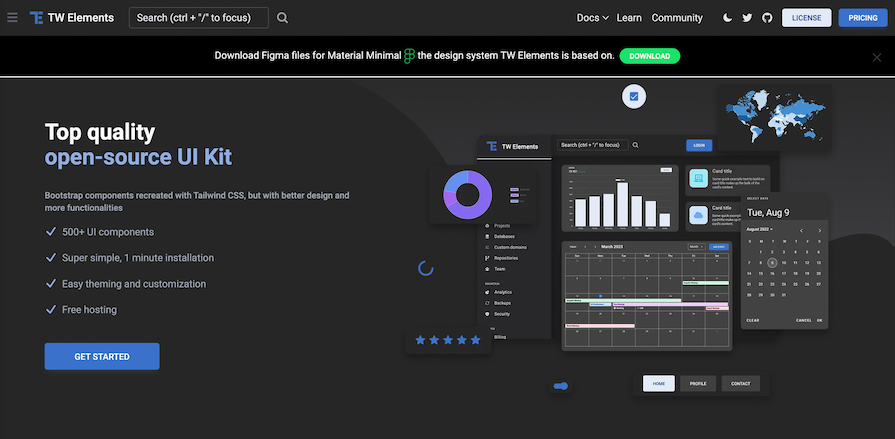
Tailwind Elements is a library that significantly enhances the functionalities of standard Tailwind CSS. It is an open source UI kit comprised of over 500 UI components.
Founded by the co-founder of MDBootstrap Michal Szymanski, Tailwind Elements is a recreation of Bootstrap components using Tailwind CSS, but with better design and functionalities. Tailwind Elements makes using Tailwind easy for developers who already have experience with Bootstrap.
To make use of Tailwind Elements, you could use one of the following methods:
Once Tailwind Elements is installed, usage is as simple as copying the component codes from the Tailwind Elements documentation.
👁 Kometa Ui Kit Homepage Showing Example Tailwind CSS Components
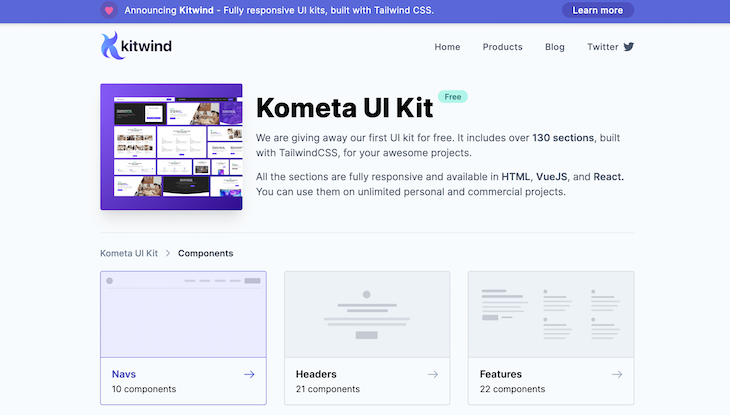
Kometa UI Kit is a Tailwind CSS kit of over 130 components and layout blocks in different categories, including navs, headers, features, pricing, FAQ, contents, teams, blog, stats, and footers.
As mentioned on the homepage, all layout blocks are fully responsive and are available as plain HTML snippets or React/Vue components. Kometa also has a blog for sharing tips and tricks on how to build more beautiful and outstanding user interfaces with Tailwind CSS.
Kometa UI is a product of the Kitwind team. To use any component from the Kometa UI Kit, click on the parent classification, find a variation you like, and copy the code either as plain HTML, Vue, or React code.
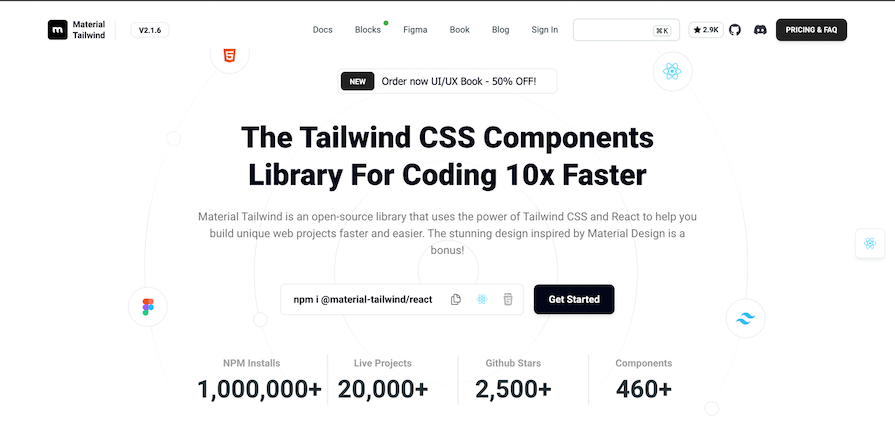
👁 Material Tailwind Homepage Showing Information About This Tailwind Components Library
Material Tailwind is a simple-to-use components library for Tailwind CSS with Google’s Material Design. It has several React and HTML components, all of which are written using Tailwind CSS classes and adhere to the Material Design guidelines.
Material Tailwind makes it easy to personalize your Tailwind CSS components by allowing you to modify the colors, fonts, styling, and anything else to your liking.
Material Tailwind works with a variety of frameworks, although it currently only supports React and HTML components. Other frameworks, such as Vue and Angular, will be supported soon.
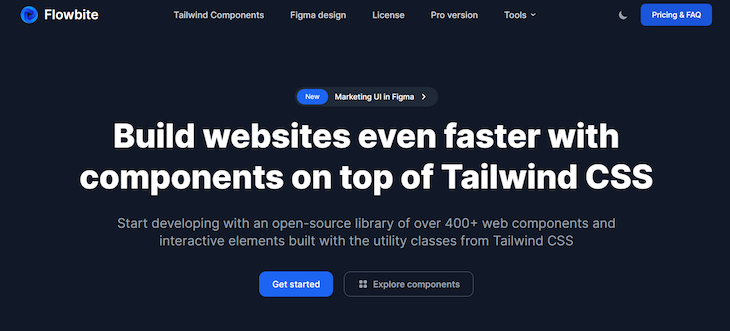
👁 Flowbite Homepage With Information About Flowbite And Buttons To Explore Tailwind CSS Components
Flowbite is an open source component library that uses Tailwind CSS utility classes to create components. It offers over 400 components and interactive elements, as well as dark mode support and a Figma design system.
It supports several modern frontend development frameworks, including React, Vue, Svelte, Laravel, and Rails.
A pro edition of Flowbite is available, containing a Figma design system based on Tailwind CSS utility classes and hundreds of developed pages and components, such as application UI, marketing UI, and e-commerce layouts.
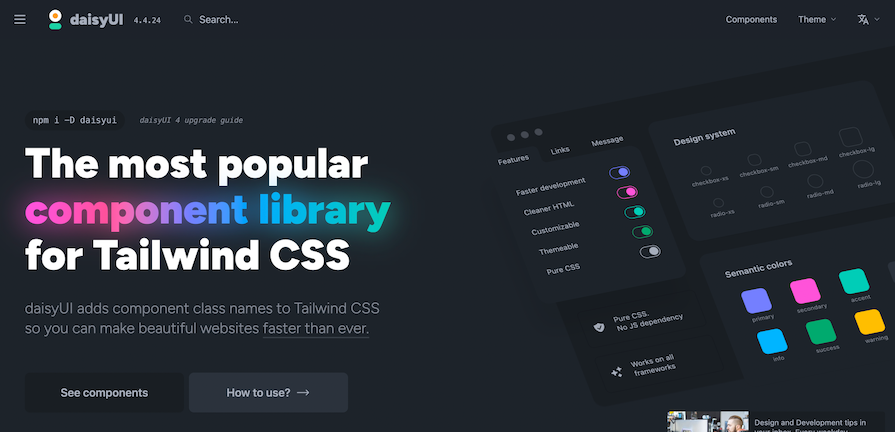
daisyUI is a popular opensource Tailwind CSS component library with over 28k Github stars and about 9 million npm downloads.
daisyUI adds classes such as btn and card to Tailwind CSS for all common UI components. This allows us to concentrate on the most critical aspects of each project rather than creating basic elements for each one.
The Tailwind components in daisyUI have a low CSS specificity, so you can use Tailwind CSS utility classes to personalize everything.
daisyUI works with a variety of frontend frameworks, including React, Next.js, Nuxt, Vue, Solid.js, Svelte, Remix, Angular, and others.
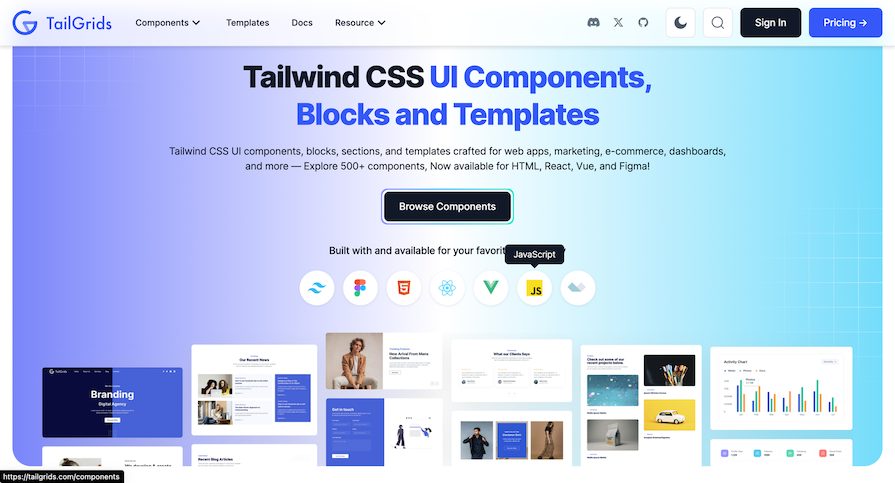
👁 TailGrids Tailwind CSS UI Components, Blocks And Templates
TailGrids is a collection of over 500 UI components, blocks, and templates made for web applications, marketing, e-commerce, and more.
To use the components from TailGrids, simply find the component you wish to use, and then specify the technology which you intend to use the component for. You’ll easily be able to copy the code to your project. Pro components and templates require a subscription fee, but there are many free options as well.
Given the low-level nature of Tailwind CSS, you can build highly customizable templates and designs without writing a single line of CSS or worrying about how to override opinionated component styles, which other CSS frameworks offer.
With the Tailwind CSS component and template collections featured in this article, styling your projects just got a lot easier. Get inspiration to create your own Tailwind CSS-styled templates or simply copy, paste, and effortlessly customize to suit your taste.
As web frontends get increasingly complex, resource-greedy features demand more and more from the browser. If you’re interested in monitoring and tracking client-side CPU usage, memory usage, and more for all of your users in production, try LogRocket.
👁 LogRocket Dashboard Free Trial BannerLogRocket lets you replay user sessions, eliminating guesswork around why bugs happen by showing exactly what users experienced. It captures console logs, errors, network requests, and pixel-perfect DOM recordings — compatible with all frameworks.
LogRocket's Galileo AI watches sessions for you, instantly identifying and explaining user struggles with automated monitoring of your entire product experience.
Modernize how you debug web and mobile apps — start monitoring for free.
Claude Code vs. OpenCode in a real Next.js refactor: benchmark results, mistakes, prompts, and when to use each CLI agent.
Every time you explain your team’s coding standards to Claude, you are doing work that should be reusable. The same […]
Learn how to move beyond one-shot prompting in Claude with structured workflows for AI-assisted coding, debugging, PR reviews, documentation, testing, and automation.
Learn how to build advanced Next.js forms with rule engines, client-side previews, Server Actions, and server-validated form logic.
Hey there, want to help make our blog better?
Join LogRocket’s Content Advisory Board. You’ll help inform the type of content we create and get access to exclusive meetups, social accreditation, and swag.
Sign up now