|
VOOZH | about |
|
VOOZH | about |
The Replay is a weekly newsletter for dev and engineering leaders.
Delivered once a week, it's your curated guide to the most important conversations around frontend dev, emerging AI tools, and the state of modern software.
Qwen, Alibaba’s model family, just dropped its most ambitious coding model yet: Qwen3-Coder-480B-A35B-Instruct. Behind the long name is a 480-billion parameter tool trained on over 7 trillion tokens, with a 70% code ratio. This isn’t just another autocomplete engine — it’s designed to code, reason, and adapt.
👁 ImageThink of it as compressing the programming knowledge of thousands of bootcamp graduates into a single tool. It has knowledge that comes from building projects, not just reading documentation.
Qwen3-Coder is open source and technically self-hostable. But before you get excited, self-hosting isn’t cheap. Running it requires $50K+ in GPUs, not including power costs. For most developers, that means sticking with hosted options or API-based testing.
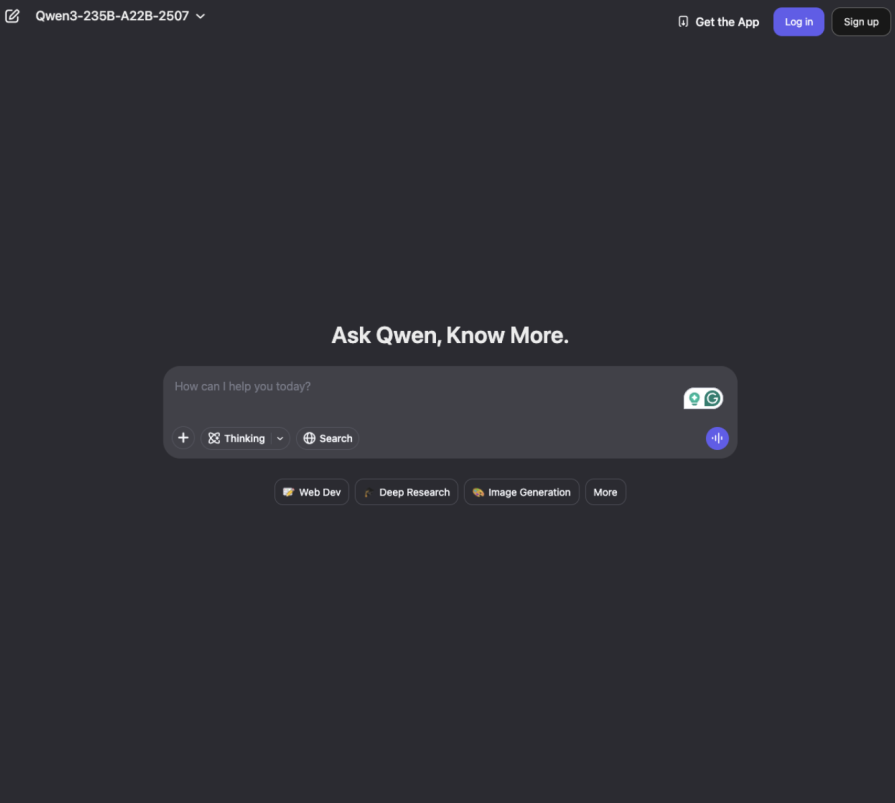
If you want to try Qwen3-Coder, you can experiment with it here. But remember: good tools still need good developers behind them. My goal here is to show how to use Qwen effectively to improve accuracy, cut down on repetitive tasks, and understand where it fits in a real workflow.
In this article, we’ll look at Qwen’s coding CLI, cover its benefits and use cases, and run some tests. Let’s see how it performs.
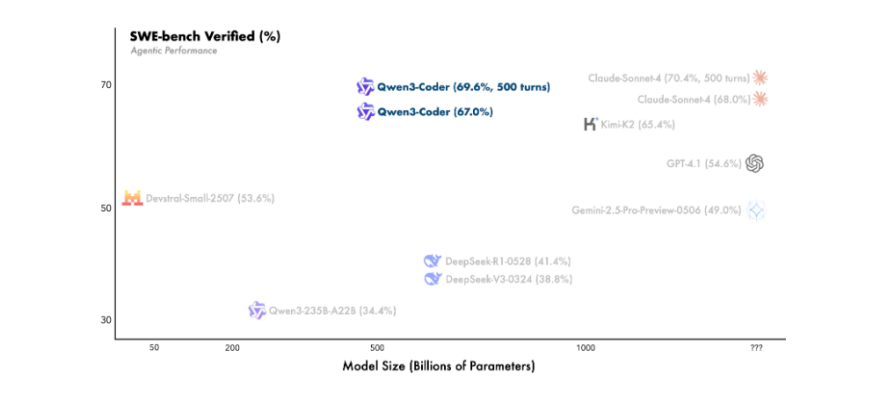
Unlike “smart autocomplete” tools, Qwen3-Coder takes on agentic tasks — browsing the web, using tools, and tackling projects end to end. Benchmarks claim it performs on par with Claude Sonnet 4, which is impressive for an open model.
It also supports 256K tokens natively and can extend to 1M tokens. That’s enough to load entire codebases into context.
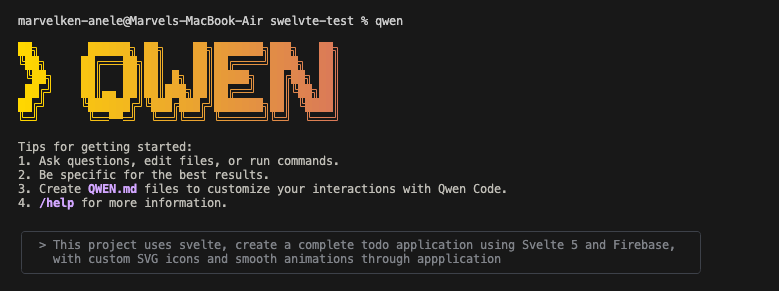
Qwen Code is the CLI built around this model. It’s essentially a fork of Google’s Gemini CLI, tuned to Qwen’s strengths — and it’s free. No more copy-pasting between your IDE and a chatbot; Qwen lives where you actually work: the terminal.
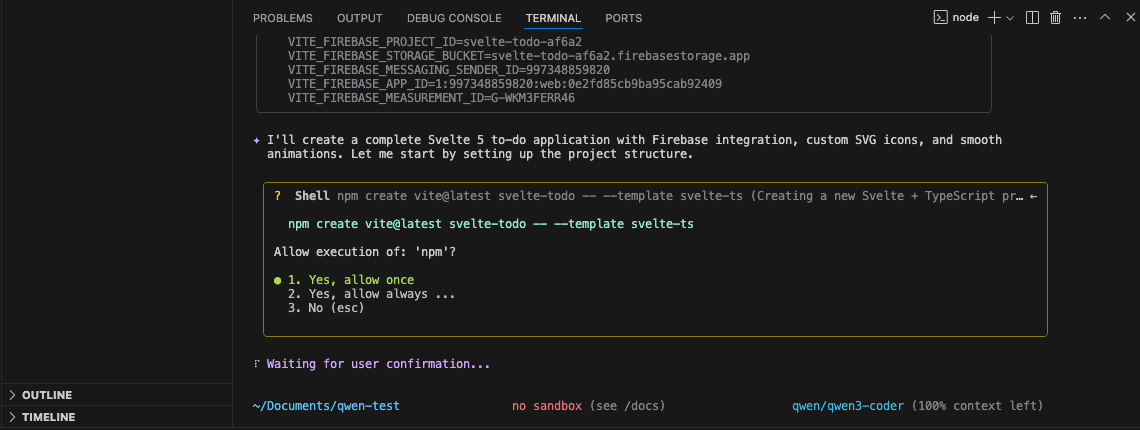
We tested Qwen3-Coder using its CLI, where most real dev work happens. Before we jump into testing this thing, you’ll need to get Qwen Code running on your machine. It’s pretty straightforward, but there are a few steps to get through.
First things first – you need Node.js 20 or higher. If you don’t have it installed, grab it with:
curl -qL https://www.npmjs.com/install.sh | sh
npm i -g @qwen-code/qwen-code
git clone https://github.com/QwenLM/qwen-code.git
cd qwen-code && npm install && npm install -g
export OPENAI_API_KEY="your_api_key_here"
export OPENAI_BASE_URL="https://dashscope-intl.aliyuncs.com/compatible-mode/v1"
export OPENAI_MODEL="qwen/qwen3-coder"
(Tip: Save these in a .env file so you don’t need to re-export.)
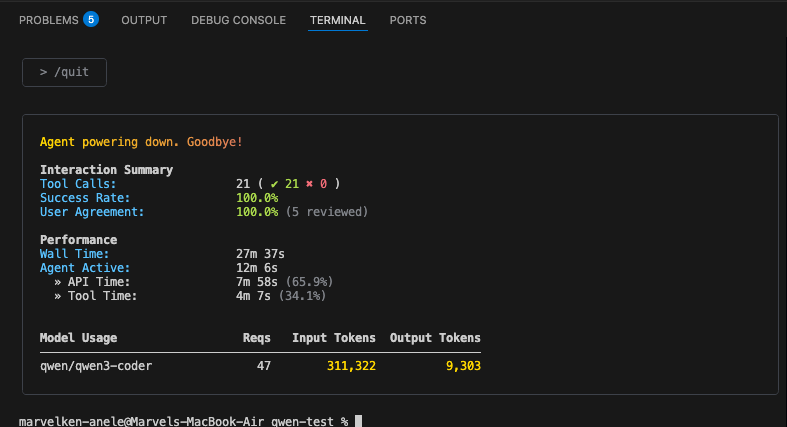
Let’s break down what these results actually tell us about Qwen3-Coder’s strengths — and where it still struggles.
The three-iteration pattern is actually pretty typical for complex coding tasks with current AI. It usually breaks down like:
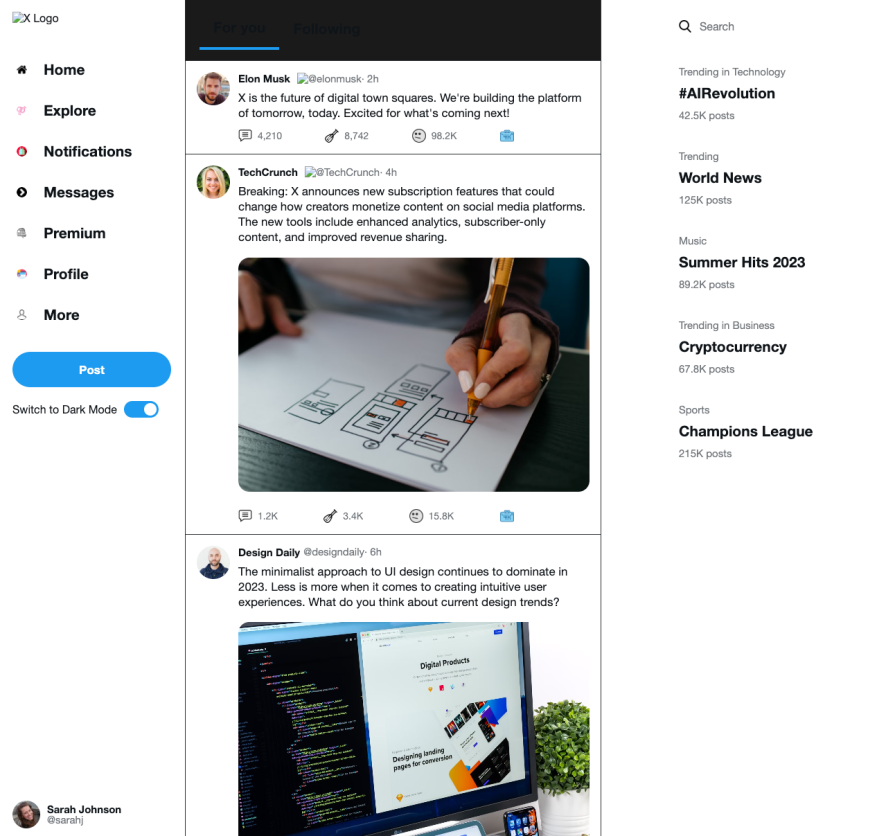
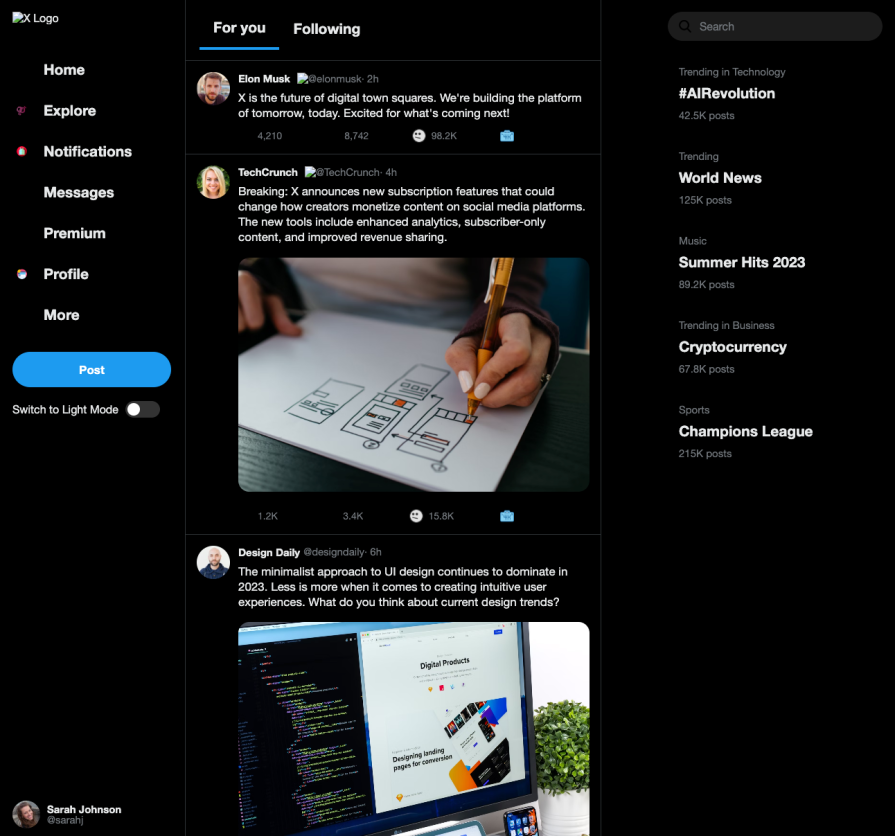
Next, we asked Qwen to rebuild X’s (formerly Twitter) homepage with HTML, CSS, and JS. I performed this same test while testing out the UI capabilities of Gemni-2.5-pro when it first came out, and it was excellent. Let’s see how Qwen scales this in comparison. Here’s the prompt: In one HTML file, recreate the X home page on desktop. Look up X to see what it recently looks like, put in real images everywhere an image is needed, and add a toggle functionality for themes.
Here it is in light mode:
And in dark mode:
The results were functional, with light/dark mode included. While not perfect, it produced a working draft with real images and toggle support after a few refinements.
Qwen3-Coder isn’t outperforming Claude Code yet, but it’s close. The biggest draw is that Qwen is far more cost-effective. As a Gemini CLI fork, its biggest strength is accessibility. It’s an open, flexible option that can integrate into real workflows.
Expect some iteration and patience, but the fact that Qwen3-Coder handled Svelte 5 and Firebase shows promise. Sometimes in AI, timing and accessibility matter more than perfection, and Qwen may have nailed both.
I had four weeks to build a complete app from scratch using AI tools like OpenCode and Claude Opus: here’s how it went.
Learn how to build a reusable Vue 3 table engine that powers tables, cards, and lists with shared sorting and pagination logic.
Compare the best React chart libraries for 2026, including Recharts, Nivo, visx, Apache ECharts, MUI X Charts, and more.
Claude Code vs. OpenCode in a real Next.js refactor: benchmark results, mistakes, prompts, and when to use each CLI agent.
Would you be interested in joining LogRocket's developer community?
Join LogRocket’s Content Advisory Board. You’ll help inform the type of content we create and get access to exclusive meetups, social accreditation, and swag.
Sign up now