|
VOOZH | about |
|
VOOZH | about |
React’s useEffect Hook lets users work on their app’s side effects. Some examples can be:
useEffect functionEven though usage of the useEffect Hook is common in the React ecosystem, it requires time to master it. Because of this, many newbie developers configure their useEffect function in such a way that it causes an infinite loop problem. In this article, you will learn about the infamous infinite loop and how to solve it.
This is what we will learn today:
Let’s get started!
The Replay is a weekly newsletter for dev and engineering leaders.
Delivered once a week, it's your curated guide to the most important conversations around frontend dev, emerging AI tools, and the state of modern software.
If your useEffect function does not contain any dependencies, an infinite loop will occur.
For example, look at the following code:
function App() {
 const [count, setCount] = useState(0); //initial value of this
 useEffect(() => {
 setCount((count) => count + 1); //increment this Hook
 }); //no dependency array.
 return (
 <div className="App">
 <p> value of count: {count} </p>
 </div>
 );
}
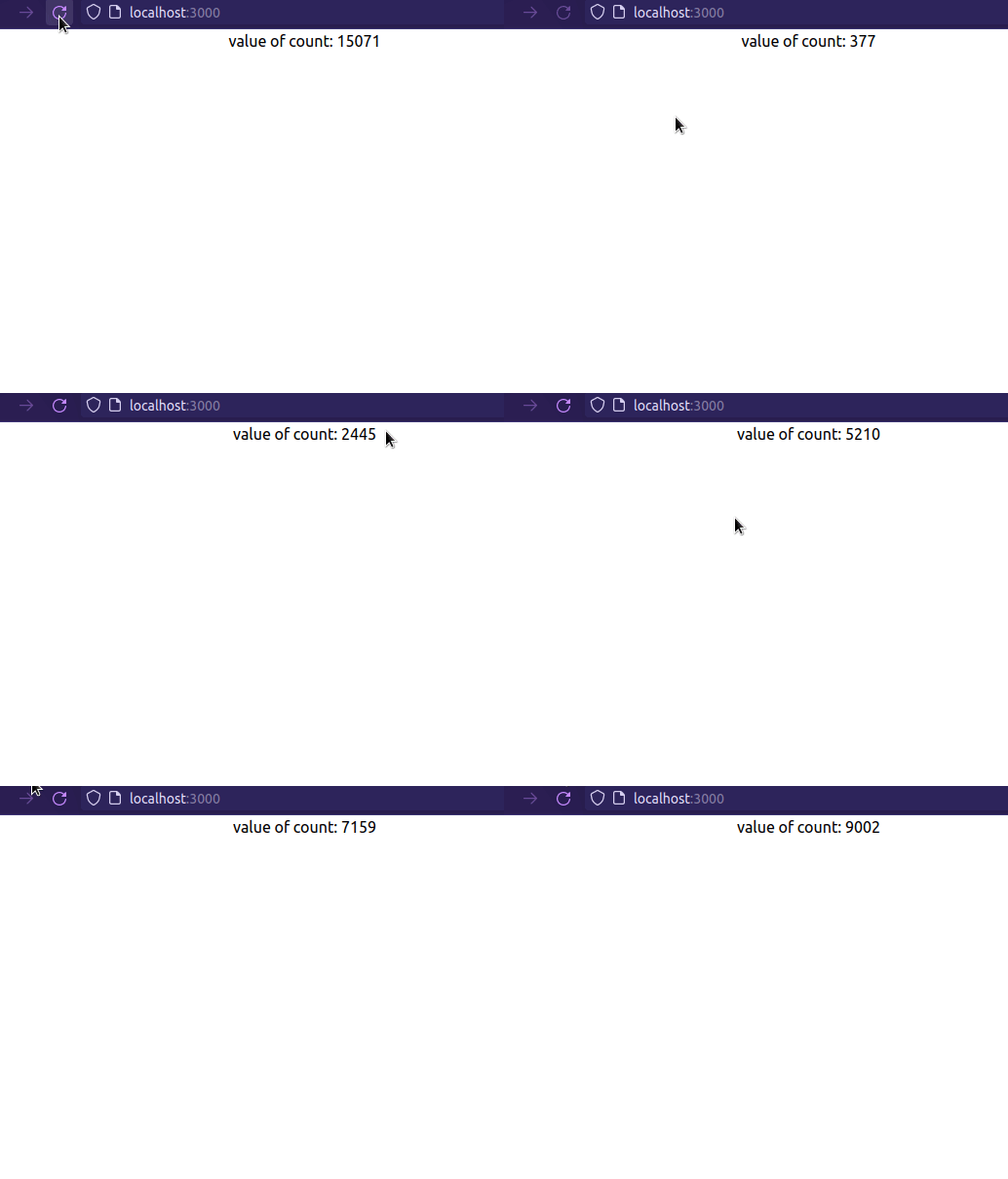
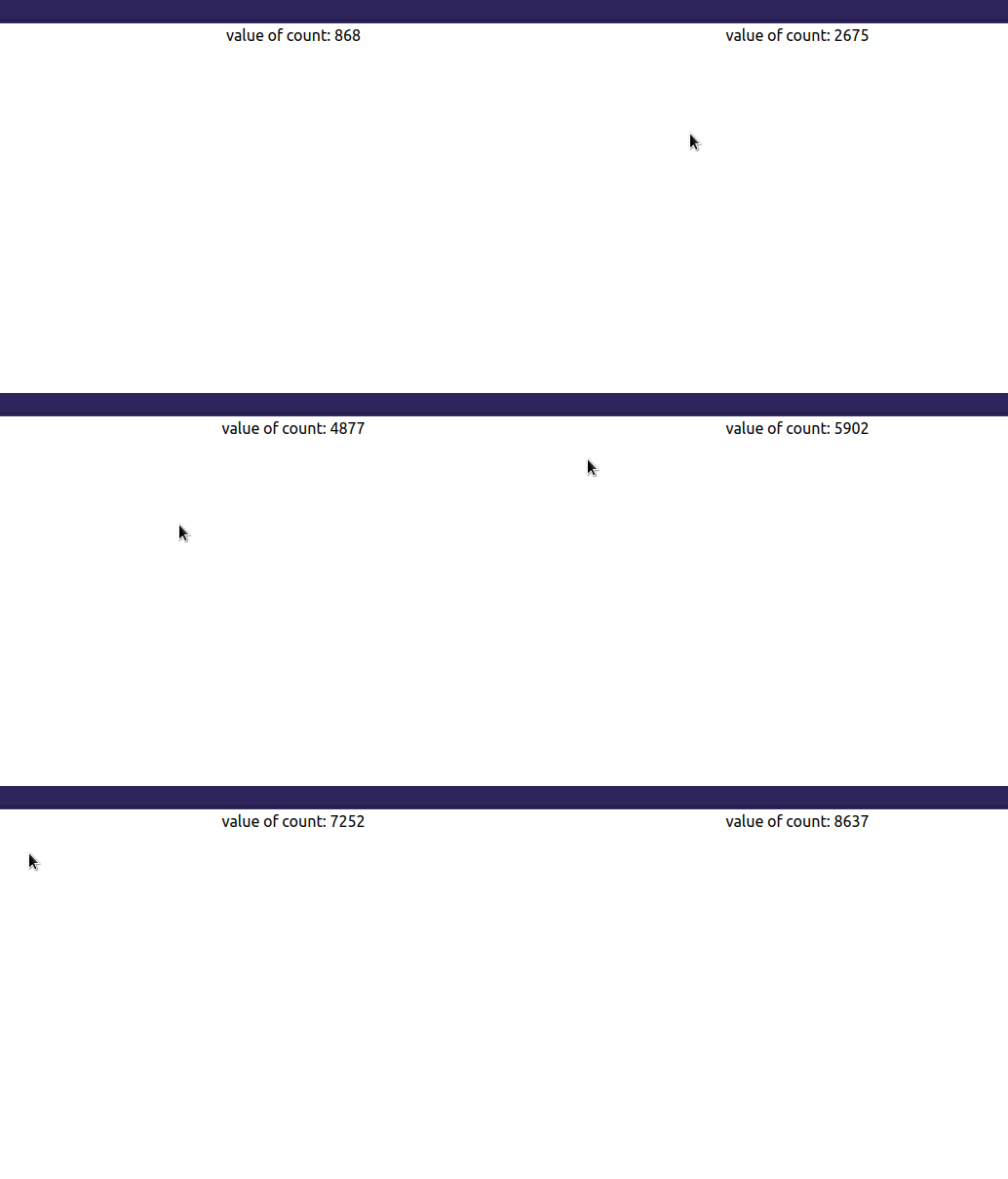
useEffect by default triggers on every update cycle if there are no dependencies. As a result, the app here will execute the setCount function upon every render. So, this causes an infinite loop:
Let’s break down our issue step by step:
count. Here, since count is 0, the program executes the useEffect functionuseEffect invokes the setCount method and updates the value of the count HookcountuseEffect runs on every render cycle, it re-invokes the setCount functionTo mitigate this problem, we have to use a dependency array. This tells React to call useEffect only if a particular value updates.
As the next step, append a blank array as a dependency like so:
useEffect(() => {
 setCount((count) => count + 1);
}, []); //empty array as second argument.
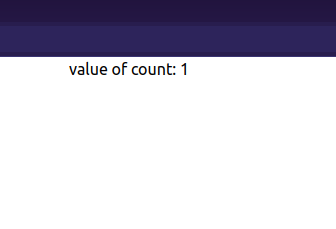
This tells React to execute the setCount function on the first mount.
👁 Execute SetCount Function On The First Mount
If you pass a method into your useEffect dependency array, React will throw an error, indicating that you have an infinite loop:
function App() {
 const [count, setCount] = useState(0);

 function logResult() {
 return 2 + 2;
 }
 useEffect(() => {
 setCount((count) => count + 1);
 }, [logResult]); //set our function as dependency
 return (
 <div className="App">
 <p> value of count: {count} </p> {/*Display the value of count*/}
 </div>
 );
}
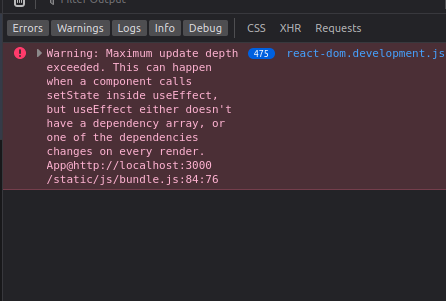
In this snippet, we passed our logResult method into the useEffect array. In theory, React only has to increment the value of count on the first render.
👁 Passing The LogResult Method Into The UseEffect Array
useEffect uses a concept called shallow comparison. It does this to verify whether the dependency has been updatedlogResultuseEffect function upon each cyclesetCount Hook until your app encounters an Update Depth error. This introduces bugs and instability into your programOne solution to this is to use the useCallback Hook. This allows developers to memoize their function, which ensures that the reference value stays the same. Due to the stable reference value, React shouldn’t re-render the UI infinitely:
const logResult = useCallback(() => {
 return 2 + 2;
}, []); //logResult is memoized now.
useEffect(()=> {
 setCount((count)=> count+1);
},[logResult]); //no infinite loop error, since logResult reference stays the same.
This will be the result:
👁 Ensuring That The Reference Value Stays The Same
Passing an array variable into your dependencies will also run an infinite loop. Consider this code sample:
const [count, setCount] = useState(0); //iniital value will be 0.
const myArray = ["one", "two", "three"];

useEffect(() => {
 setCount((count) => count + 1); //just like before, increment the value of Count
}, [myArray]); //passing array variable into dependencies
In this block, we passed in our myArray variable into our dependency argument.
👁 Passing Our MyArray Variable Into Our Dependency Argument
Since the value of myArray doesn’t change throughout the program, why is our code triggering useEffect multiple times?
myArray keeps on changing upon each render, useEffect will trigger the setCount callbackmyArray's unstable reference value, React will invoke useEffect on every render cycle. Eventually, this causes your application to crashTo solve this problem, we can make use of a useRefHook. This returns a mutable object which ensures that the reference does not change:
const [count, setCount] = useState(0);
//extract the 'current' property and assign it a value
const { current: myArray } = useRef(["one", "two", "three"]);

useEffect(() => {
 setCount((count) => count + 1);
}, [myArray]); //the reference value is stable, so no infinite loop
Using an object in your useEffect dependency array also causes the infinite loop problem.
Consider the following code:
const [count, setCount] = useState(0);
const person = { name: "Rue", age: 17 }; //create an object
useEffect(() => {
 //increment the value of count every time
 //the value of 'person' changes
 setCount((count) => count + 1);
}, [person]); //dependency array contains an object as an argument
return (
 <div className="App">
 <p> Value of {count} </p>
 </div>
);
The result in the console indicates that the program is infinite looping:
👁 Console Result Showing Infinite Looping
person has changedperson object changes on every render, React re-runs useEffectsetCount on every update cycle. This means that we now have an infinite loopSo how do we get rid of this problem?
This is where useMemo comes in. This Hook will compute a memoized value when the dependencies change. Other than that, since we have a memoized variable, this ensures that the state’s reference value does not change during each render:
//create an object with useMemo
const person = useMemo(
 () => ({ name: "Rue", age: 17 }),
 [] //no dependencies so the value doesn't change
);
useEffect(() => {
 setCount((count) => count + 1);
}, [person]);
If one passes the wrong variable into the useEffect function, React will throw an error.
Here is a brief example:
const [count, setCount] = useState(0);

useEffect(() => {
 setCount((count) => count + 1);
}, [count]); //notice that we passed count to this array.

return (
 <div className="App">
 <button onClick={() => setCount((count) => count + 1)}>+</button>
 <p> Value of count{count} </p>
 </div>
);
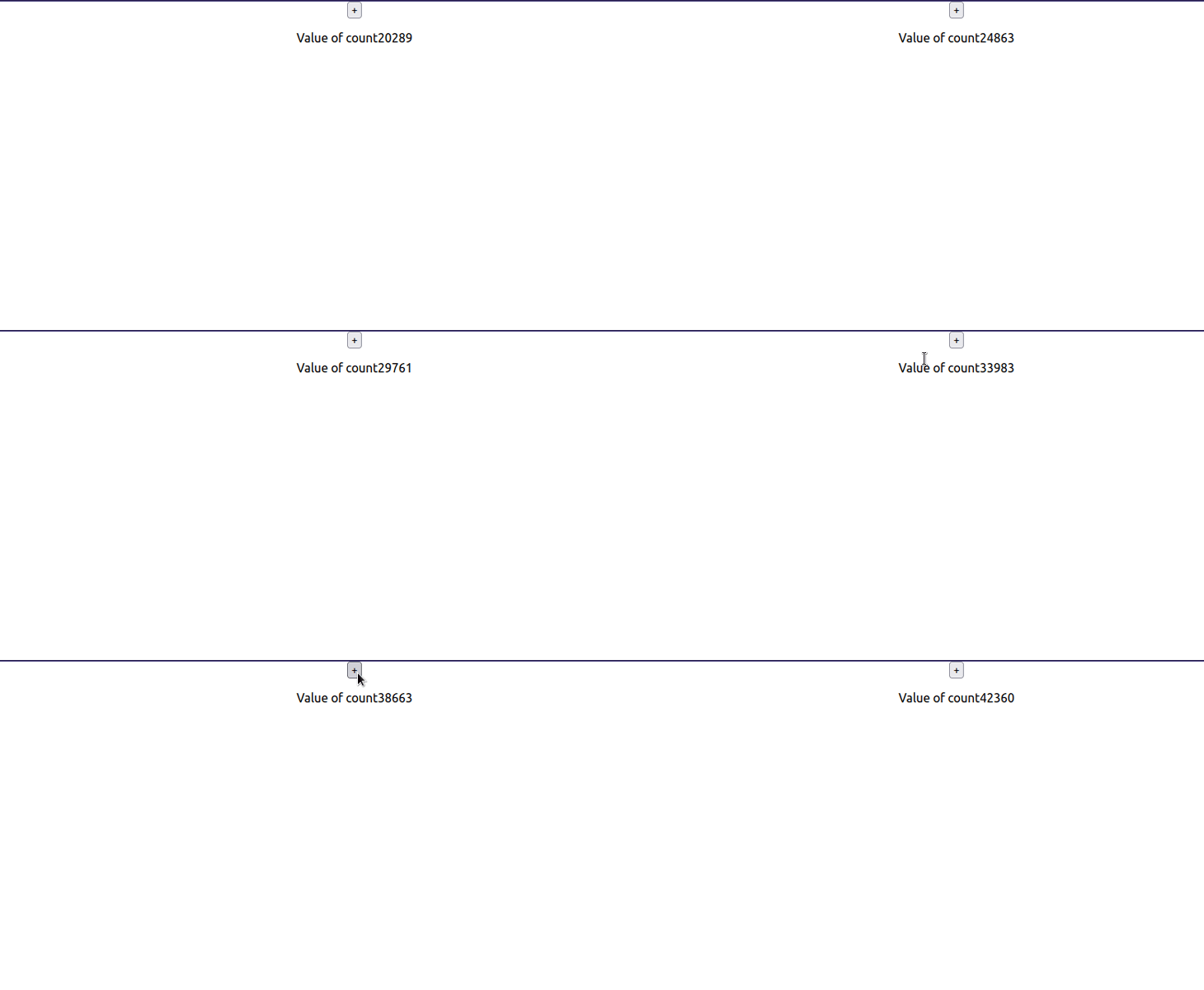
👁 Passing An Incorrect Dependency
count within the useEffect methodcount Hook to its dependency array as wellcount updates, React invokes useEffectuseEffect Hook invokes setCount, thus updating count againTo get rid of your infinite loop, simply use an empty dependency array like so:
const [count, setCount] = useState(0);
//only update the value of 'count' when component is first mounted
useEffect(() => {
 setCount((count) => count + 1);
}, []);
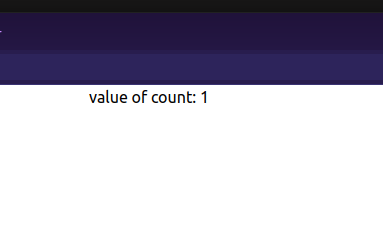
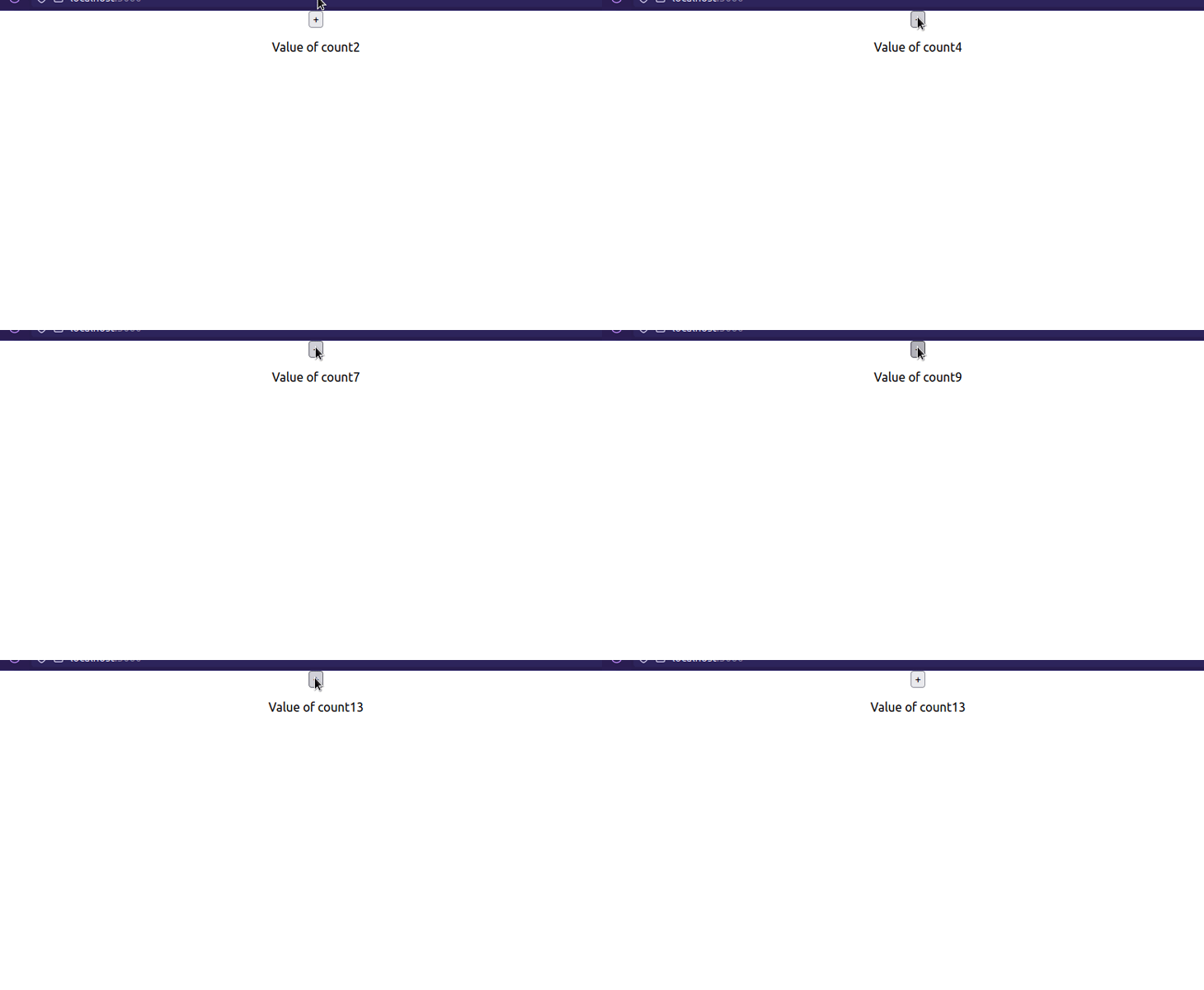
This will tell React to run useEffect on the first render.
👁 Run UseEffect On First Render
Even though React Hooks are an easy concept, there are many rules to remember when incorporating them into your project. This will ensure that your app stays stable, optimized, and throws no errors during production.
Furthermore, recent releases of the Create React App CLI also detect and report infinite loop errors during runtime. This helps developers spot and mitigate these issues before they make it onto the production server.
Thank you so much for reading! Happy coding!
Install LogRocket via npm or script tag. LogRocket.init() must be called client-side, not
server-side
$ npm i --save logrocket

// Code:

import LogRocket from 'logrocket';
LogRocket.init('app/id');
// Add to your HTML:

<script src="https://cdn.lr-ingest.com/LogRocket.min.js"></script>
<script>window.LogRocket && window.LogRocket.init('app/id');</script>
TSRX adds first-class control flow, conditional hooks, and scoped styles to React via a TypeScript compiler extension — no new framework required.
Learn how to build a full React Native auth system using Better Auth and Expo — with email/password login, Google OAuth, session persistence, and protected routes.
Compare the top AI development tools and models of June 2026. View updated rankings, feature breakdowns, and find the best fit for you.
Learn how Bloom filters reduce database lookups for username availability checks while preserving correctness at scale.
Hey there, want to help make our blog better?
Join LogRocket’s Content Advisory Board. You’ll help inform the type of content we create and get access to exclusive meetups, social accreditation, and swag.
Sign up now