AI Audio Generator API Guide: Text-to-Speech, Speech-to-Text, and Music Models#
Audio is becoming a normal part of AI apps. A support bot can speak. A meeting app can transcribe calls. A podcast tool can create narration. A game can generate sound effects or background music.
But many teams hit the same problem: audio models are fragmented.
One provider is good at text-to-speech. Another is better for speech-to-text. Music generation may use a completely different API shape. If you wire each provider directly into your app, your backend becomes a pile of custom adapters.
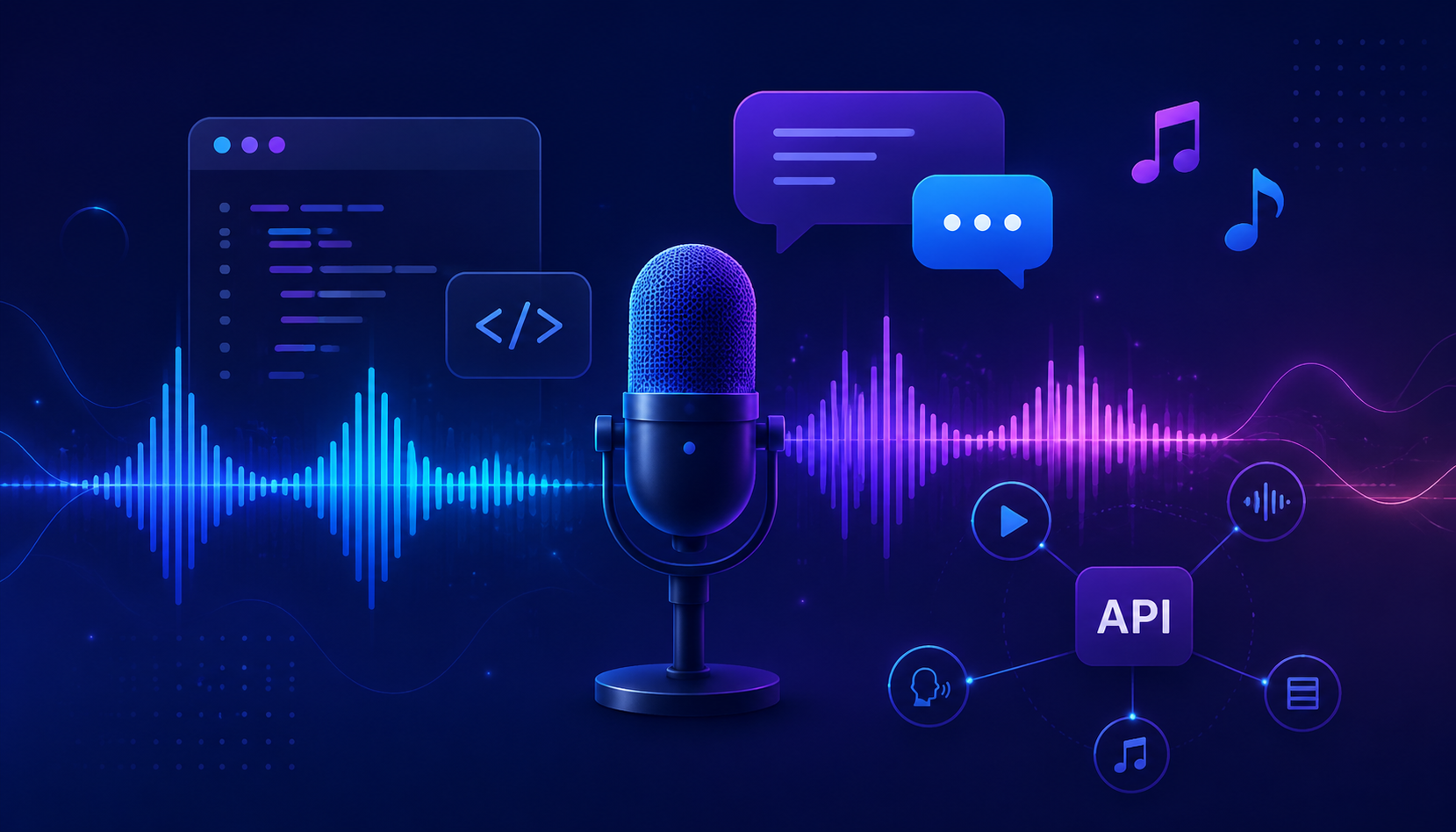
This guide explains how an AI audio generator API works, how to structure text-to-speech, speech-to-text, and music generation calls, and how to test audio endpoints through an OpenAI-compatible gateway.
👁 AI audio generator API workflow
What is an AI audio generator API?#
An AI audio generator API is a programmatic endpoint that creates, transforms, or understands audio.
The most common categories are:
| Category | Input | Output | Example use case |
|---|---|---|---|
| Text-to-speech API | Text | Audio file or stream | Voice agents, narration, accessibility |
| Speech-to-text API | Audio file | Transcript text | Meeting notes, call analytics, subtitles |
| Music generation API | Prompt / lyrics | Music track | Background music, demos, creator tools |
| Voice cloning API | Reference voice + text | Synthetic voice | Personalized narration, game characters |
| Audio analysis API | Audio | Labels / metadata | Moderation, language detection, quality checks |
For developers, the important question is not “which model sounds coolest?” It is:
Can I call the right audio model from my app without rewriting the integration every time?
That is where a gateway pattern helps.
AI audio generator API endpoints you usually need#
A production audio app normally needs at least three endpoint types.
1. Text-to-speech: /v1/audio/speech#
Text-to-speech converts written text into spoken audio.
Common parameters:
model: the TTS modelvoice: the voice presetinput: the text to speakresponse_format: mp3, wav, opus, or another audio format if supportedspeed: optional speed control
Example:
curl https://crazyrouter.com/v1/audio/speech \
 -H "Authorization: Bearer $CRAZYROUTER_API_KEY" \
 -H "Content-Type: application/json" \
 -d '{
 "model": "tts-1",
 "voice": "alloy",
 "input": "This is a short audio API test."
 }' \
 --output speech.mp3
We tested this endpoint through Crazyrouter. The smoke test returned audio/mpeg with a valid MP3 response.
2. Speech-to-text: /v1/audio/transcriptions#
Speech-to-text converts audio into text.
Typical use cases:
- Meeting transcription
- Podcast transcript generation
- Customer support call summaries
- Subtitle generation
- Voice note search
Example shape:
curl https://crazyrouter.com/v1/audio/transcriptions \
 -H "Authorization: Bearer $CRAZYROUTER_API_KEY" \
 -F "model=whisper-1" \
 -F "file=@meeting.mp3"
A good transcription workflow should also store metadata:
- speaker name or channel
- language
- timestamp ranges
- confidence score if available
- source file ID
The transcript alone is not enough for production search and review.
3. Music generation: provider-specific endpoints#
Music generation often uses a different API shape because the job is asynchronous.
A typical flow is:
- Submit a prompt or lyrics.
- Receive a task ID.
- Poll the task status.
- Download the final audio.
With Crazyrouter, audio and music endpoints can live behind the same account and token system, even when model families are different.
That matters for teams that want to test TTS, STT, and music generation without creating separate vendor accounts for every experiment.
Text-to-speech API example in Python#
import os
import requests

api_key = os.environ["CRAZYROUTER_API_KEY"]

response = requests.post(
 "https://crazyrouter.com/v1/audio/speech",
 headers={
 "Authorization": f"Bearer {api_key}",
 "Content-Type": "application/json",
 },
 json={
 "model": "tts-1",
 "voice": "alloy",
 "input": "Audio APIs are easier to test when they share one base URL.",
 },
 timeout=60,
)

response.raise_for_status()

with open("speech.mp3", "wb") as f:
 f.write(response.content)

print("Saved speech.mp3")
This is the simplest useful test: send text, save binary audio, play the file.
Speech-to-text API example in Python#
import os
import requests

api_key = os.environ["CRAZYROUTER_API_KEY"]

with open("meeting.mp3", "rb") as audio:
 response = requests.post(
 "https://crazyrouter.com/v1/audio/transcriptions",
 headers={"Authorization": f"Bearer {api_key}"},
 files={"file": audio},
 data={"model": "whisper-1"},
 timeout=120,
 )

response.raise_for_status()
print(response.json())
For a real product, do not stop at the raw transcript. Add summarization, action items, and search indexing.
Useful follow-up guides:
- OpenAI-compatible base URL explained
- AI API cost optimization guide
- Whisper API speech-to-text guide
- Text-to-speech API comparison
- AI music generation API guide
Choosing the right AI audio model#
Different audio tasks need different model behavior.
| Use case | What matters most | Good first test |
|---|---|---|
| Voice agent | Low latency, streaming, stable voice | Short TTS responses |
| Podcast narration | Natural voice, long-form consistency | 3-5 minute scripts |
| Meeting transcription | Accuracy, diarization, timestamps | Real meeting clips |
| Call center QA | Robustness to noise | Noisy phone recordings |
| Music generation | Prompt control, output quality | 30-60 second tracks |
| Accessibility | Reliability, language support | UI labels and help text |
Do not choose an audio API from demo clips alone. Test it with your actual content.
A voice that sounds great in a polished sample may fail on technical terms, mixed languages, or long paragraphs.
Production checklist for audio APIs#
Before you ship an AI audio feature, check these points.
Latency#
For voice agents, latency is product quality. A three-second pause feels broken in a conversation.
Measure:
- time to first audio byte
- full generation time
- upload time for transcription
- queue time for async music tasks
File formats#
Decide which formats you support.
Common choices:
- MP3 for general playback
- WAV for editing and high quality
- Opus for real-time voice and efficient streaming
- M4A for mobile compatibility
Chunking#
Long text may need chunking. Long audio may need segmentation.
For TTS, split by sentence or paragraph. For transcription, split by time window while preserving timestamps.
Cost controls#
Audio workloads can become expensive when users generate long files.
Add:
- per-user limits
- max text length
- max audio duration
- retry limits
- cache for repeated narration
Moderation and consent#
Voice cloning and synthetic speech need careful handling. Require user consent for cloned voices. Avoid impersonation features unless you have a clear safety process.
Why use one gateway for audio models?#
A single gateway does not make every model the same. But it makes experimentation much easier.
With Crazyrouter, you can access chat, image, video, audio, embedding, and rerank endpoints through one account and shared token controls.
For audio apps, that means you can:
- test TTS and STT without creating multiple billing setups
- keep one API key policy
- track usage from one console
- switch models without rewriting your whole backend
- combine audio with chat summarization and embeddings
For example, a meeting assistant may use:
- STT to transcribe the meeting.
- Chat model to summarize action items.
- Embeddings to index transcript chunks.
- TTS to create an audio recap.
That is not one model. It is a workflow.
Simple audio workflow architecture#
User audio/text
 ↓
Backend API
 ↓
AI gateway
 ├── /v1/audio/speech → narration
 ├── /v1/audio/transcriptions → transcript
 ├── /v1/chat/completions → summary
 └── /v1/embeddings → searchable memory
 ↓
Storage + analytics
 ↓
User-facing app
The main benefit is operational simplicity. Your product code talks to one gateway. The gateway handles model access and routing.
Common mistakes with AI audio generator APIs#
Mistake 1: testing only short demos#
Short demos hide problems. Test long paragraphs, numbers, product names, mixed languages, and noisy audio.
Mistake 2: ignoring binary responses#
TTS returns audio bytes, not JSON. Your client must save or stream binary content correctly.
Mistake 3: no retry strategy#
Audio generation can be slower than text generation. Use timeouts, retries, and async jobs where needed.
Mistake 4: no usage limits#
Users can paste very long scripts. Add limits before you expose audio generation publicly.
Mistake 5: treating transcription as final output#
A transcript is raw material. Most users want summaries, chapters, action items, or searchable notes.
Final recommendation#
If you are building audio features, start with one small workflow:
- Generate a short TTS file.
- Transcribe a short audio file.
- Summarize the transcript.
- Track cost and latency.
- Only then scale to long-form audio or music generation.
You can test the basic flow through Crazyrouter with https://crazyrouter.com/v1, a single API key, and the audio endpoints shown above.
Audio is not just another model category. It changes how users experience your product. Treat it like a real product surface, not a side demo.
FAQ: AI audio generator API#
What is the best AI audio generator API?#
There is no single best API for every use case. Voice agents need low latency. Podcasts need natural long-form speech. Transcription needs accuracy and timestamps. Test with your own audio.
What is the difference between TTS and STT?#
TTS means text-to-speech: text in, audio out. STT means speech-to-text: audio in, transcript out.
Can I use an OpenAI-compatible API for audio?#
Yes, many tools use OpenAI-style endpoints such as /v1/audio/speech and /v1/audio/transcriptions. With Crazyrouter, you can call these through https://crazyrouter.com/v1.
Does text-to-speech return JSON?#
Usually no. A TTS endpoint often returns binary audio such as MP3 or WAV. Your code should write response.content to a file or stream it to the client.
How do I reduce AI audio API cost?#
Limit text length, cache repeated outputs, compress files, avoid unnecessary retries, and choose the right model for each task.
Can AI audio APIs generate music?#
Yes, but music generation often uses asynchronous task APIs instead of a simple synchronous response. You usually submit a prompt, poll for status, then download the result.
Should I use one provider for TTS, STT, and music?#
Not always. Different providers are strong in different categories. A gateway lets you test and combine them without hard-coding every provider directly into your app.