Grok Imagine API: How to Generate Images with xAI Grok via One API Key#
Grok Imagine is xAI's image generation capability built into the Grok model family. Developers searching for Grok Imagine access usually want to know one thing: can I call it through an API, and how?
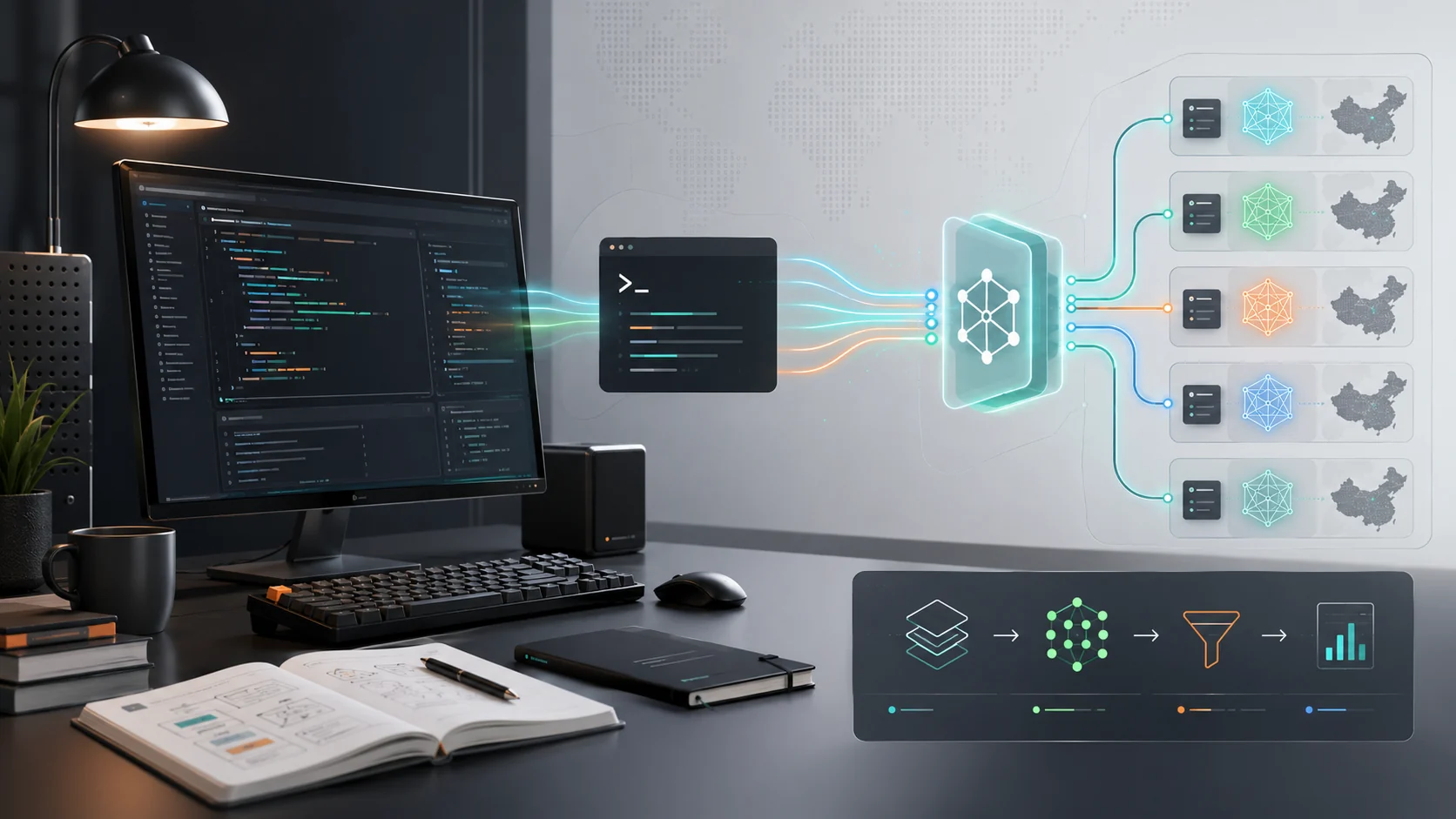
The short answer: yes. Through Crazyrouter, you can access Grok image generation using a single API key, with OpenAI-compatible request formats. The same key also gives you access to GPT Image, Midjourney, Flux, DALL-E, and other image models — no separate integrations needed.
What Is Grok Imagine?#
Grok Imagine is xAI's image generation feature, available through the Grok model ecosystem. Key capabilities:
- Text-to-image generation — describe what you want, get an image
- Multiple styles — photorealistic, artistic, illustration, and more
- Fast generation — typically under 10 seconds per image
- Integrated with Grok chat — can be triggered within conversational workflows
Unlike standalone image generators, Grok Imagine is part of a broader AI model family that includes chat, reasoning, and code generation.
How to Access Grok Imagine via API#
Crazyrouter provides unified access to Grok models through standard API endpoints. Here's how to get started.
Step 1: Get Your API Key#
- Create an account at crazyrouter.com
- Go to Token Management
- Click "Create Token" — your key starts with
sk-
Step 2: Generate an Image#
from openai import OpenAI

client = OpenAI(
 api_key="sk-your-crazyrouter-key",
 base_url="https://crazyrouter.com/v1"
)

response = client.images.generate(
 model="grok-2-image",
 prompt="A futuristic Tokyo street at night, neon signs reflecting on wet pavement, cyberpunk style",
 n=1,
 size="1024x1024"
)

print(response.data[0].url)
Node.js Example#
import OpenAI from 'openai';

const client = new OpenAI({
 apiKey: 'sk-your-crazyrouter-key',
 baseURL: 'https://crazyrouter.com/v1'
});

const response = await client.images.generate({
 model: 'grok-2-image',
 prompt: 'A minimalist logo design for a tech startup, clean lines, blue and white',
 n: 1,
 size: '1024x1024'
});

console.log(response.data[0].url);
cURL Example#
curl https://crazyrouter.com/v1/images/generations \
 -H "Authorization: Bearer $CRAZYROUTER_API_KEY" \
 -H "Content-Type: application/json" \
 -d '{
 "model": "grok-2-image",
 "prompt": "An astronaut riding a horse on Mars, photorealistic",
 "n": 1,
 "size": "1024x1024"
 }'
Grok Imagine vs Other Image Models#
| Feature | Grok Imagine | GPT Image | Midjourney | Flux |
|---|---|---|---|---|
| API Access | ✅ via Crazyrouter | ✅ via Crazyrouter | ✅ via Crazyrouter | ✅ via Crazyrouter |
| Style Range | Good | Very Good | Excellent | Very Good |
| Speed | Fast | Medium | Medium | Fast |
| Photorealism | Good | Very Good | Excellent | Good |
| Text in Images | Basic | Good | Limited | Basic |
| Request Format | OpenAI-compatible | OpenAI-native | Custom → unified | Custom → unified |
All four models are accessible through the same Crazyrouter API key and endpoint. Switch between them by changing the model parameter — no code restructuring needed.
Supported Endpoints#
Crazyrouter supports multiple image generation endpoints:
| Endpoint | Method | Description |
|---|---|---|
/v1/images/generations | POST | OpenAI-compatible image generation (Grok, GPT, Flux) |
/v1/images/edits | POST | Image editing |
/mj/submit/imagine | POST | Midjourney image generation |
/kling/v1/images/generations | POST | Kling image generation |
Pricing#
Grok image generation through Crazyrouter is billed per request. Check the latest pricing at crazyrouter.com/pricing.
Key advantage: Crazyrouter typically offers lower rates than direct provider access, and you only need one account and one billing setup for all models.
When to Use Grok Imagine#
Use Grok Imagine when:
- You want fast image generation integrated with Grok chat workflows
- You need a general-purpose image generator with decent quality
- You're already using Grok for text and want to stay in the same ecosystem
Consider alternatives when:
- You need the highest possible photorealism → Midjourney
- You need precise text rendering in images → GPT Image
- You need maximum speed at lowest cost → Flux
FAQ#
Can I use Grok Imagine through the OpenAI SDK?#
Yes. Crazyrouter provides OpenAI-compatible endpoints, so any OpenAI SDK (Python, Node.js, etc.) works by changing base_url and api_key.
Do I need a separate xAI account?#
No. Crazyrouter handles the provider connection. You only need a Crazyrouter API key.
Can I switch between Grok and other image models without changing code?#
Yes. Change the model parameter from grok-2-image to dall-e-3, midjourney, or flux — the endpoint and auth stay the same.
What image sizes does Grok Imagine support?#
Standard sizes include 1024x1024, 1024x1792, and 1792x1024. Check the API docs for the latest supported dimensions.
Is there a free tier?#
Crazyrouter offers pay-as-you-go pricing. New accounts may receive starter credits. Check pricing for current offers.
Next Steps#
- Quickstart Guide — send your first API request in 5 minutes
- API Endpoints — full endpoint reference
- Authentication — API key setup
- Pricing — model pricing comparison
- Service Status — real-time availability