

New design
The new design across Apple platforms elevates the content people care about most, and creates a unified design language between platforms — all while maintaining the distinct qualities that make each unique. It introduces Liquid Glass, a new dynamic material that combines the optical properties of glass with a sense of fluidity. Liquid Glass refracts content from below it, reflects light from around it, and has a gorgeous lensing effect along its edges.


Foundation Models framework
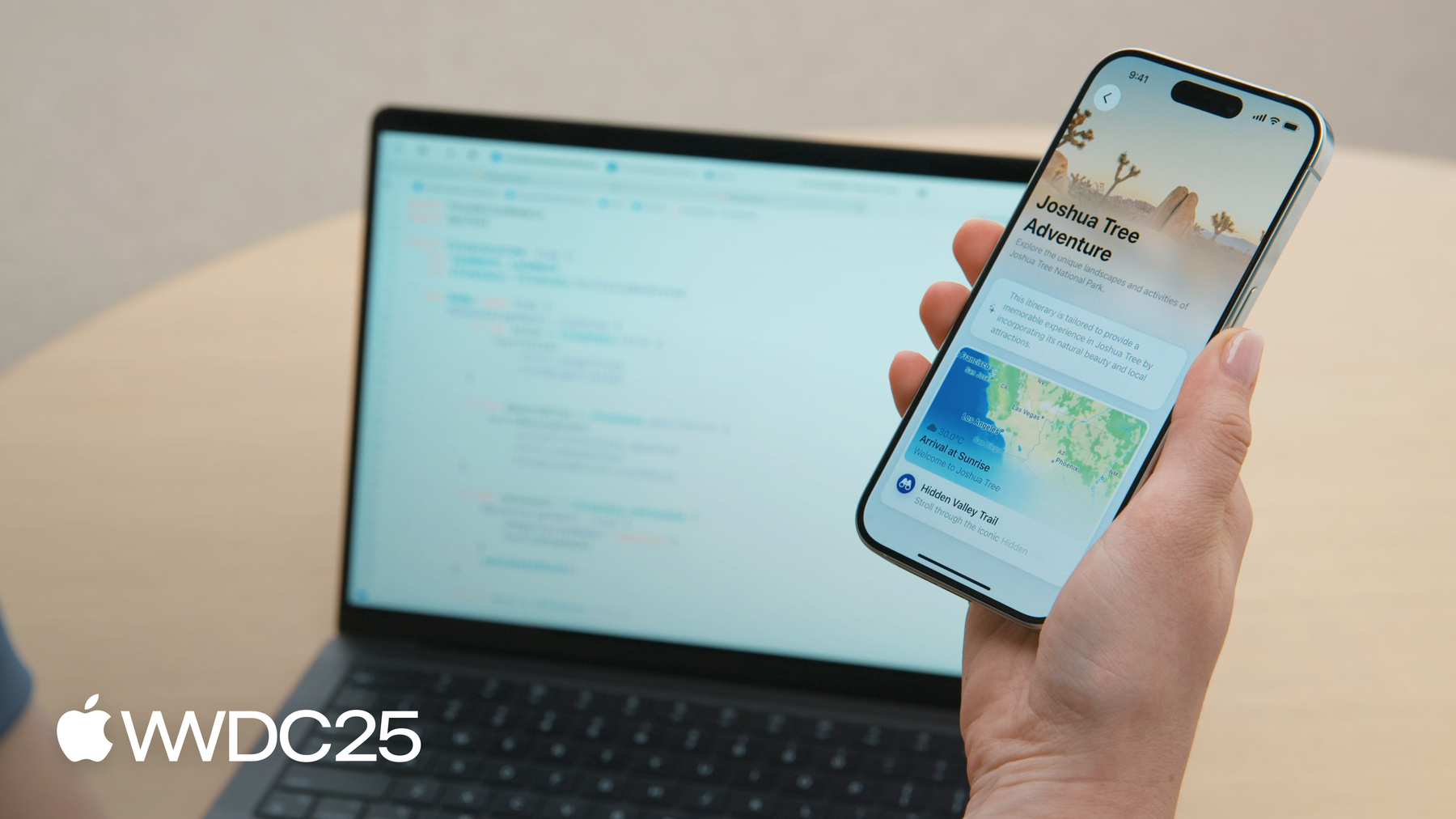
Built into the core of Apple operating systems, Apple Intelligence is the personal intelligence system that helps people get things done through features like Writing Tools, Genmoji, and Image Playground. Now, any app can tap into the on-device models that power many Apple Intelligence features through the Foundation Models framework. Use this framework to power intelligent features in your app, using model capabilities, such as text extraction, summarization, and more. Since the model is on-device, your users’ data stays private and doesn’t need to go to a server-side model or anyone else. It’s readily available, so features you build will work offline. And it’s all available at no cost per request.


App Intents framework updates
With the App Intents framework, people can easily find and use the core functions of your app, even when they’re not in your app. The App Intents framework deeply integrates your app’s actions and content with system experiences, including Siri, Spotlight, widgets, controls, and more. App Intents can be used with context-aware Action Button experiences, interactivity in Widgets, automation via Shortcuts, and quick controls in Control Center. You can now apply your app-specific visual search logic to content in visual intelligence. This brings your results right into the search experience, so people can deep link into your app from the results.


Live Translation
Take advantage of Live Translation in your apps by using the Call Translation API. Live Translation automatically translates text, enabling you to communicate with friends in their language. FaceTime also now provides translated live captions, enabled by Apple-built models that run entirely on-device, so people’s personal conversations stay private.
Apple Games app
The Games app brings players and their friends together in one convenient place where they can discover, download, and play games on their iPhone, iPad, and Mac. Your games will automatically display on the Games app, and you can maximize your games’ visibility and engagement by using In-App Events and Game Center features.


Challenges
A new feature called Challenges turns single-player games into experiences that can be shared with friends. Challenges are based on Game Center leaderboards and make it easier to offer players more ways to rally a group of friends for lightweight competition, see scores in real time, crown a winner, and have a rematch.

Declared Age Range
The new Declared Age Range API helps you adjust your app’s experience to be age-appropriate, while preserving user privacy. With the API, parents can allow their child to share an age range with an app to ensure a safe experience in a privacy-preserving way. You can also use the framework to tailor your app’s content and features based on a user’s age, implement age gates, and respect user privacy while creating safer and more engaging experiences.

Resources
Take advantage of the latest advancements in iOS by building your apps and games with Xcode 26 beta. Browse updated documentation and try out the sample code for the new technologies introduced at WWDC25.