|
VOOZH | about |
|
VOOZH | about |
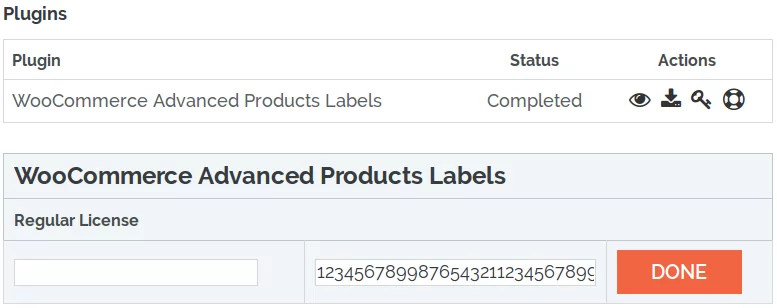
BeRocket Plugin Key are used for an auto-update of plugins from BeRocket site.
To enter the Plugin Key, open the Admin Bar of your site and click on BeRocket→ Account Key.
How do I activate the Plugin Key?
Contains general settings for Image watermarks.
Full image size and “shop_single” image size (main product page image)
Replace images live
Add watermark to an image when it loads on shop page or product page for the first time.
Replace images via AJAX
Do not close this page until end
Create/Restore/Regenerate buttons
Custom CSS – field for custom CSS; contains custom CSS code settings to be displayed on the front end pages. Custom CSS is the CSS as you want it to be.
Media Library Buttons – buttons for WordPress Media Library to add watermark to images or restore images
To restore images and to not watermark them again follow the steps below:
Public function to get WooCommerce version
return string. woocommerce version
All of these functions are static functions in the BeRocket_image_watermark class.
Function for initializing scripts and page settings in the admin bar.
Add option page to admin menu.
Get template part.
Default templates are placed in plugins folder woocommerce-products-image-watermark/templates.
To rewrite the template in your theme folder create folder with name woocommerce-image_watermark and places new template with identical name in this folder.
Add watermark to images attached to product with id $post_id.
Templates that are used in the plugin.
Parameters
Usage
<?php
function change_image_watermark_get_template_part ( $template, $name ) {
//your code here
 return $template;
}

add_filter( 'image_watermark_get_template_part', 'change_image_watermark_get_template_part', 10, 2 );
?>When WordPress tries to get an image with size from this array, the plugin enables the script to add watermarks to images for this product.
Parameters
Usage
<?php
function change_br_watermark_check_types ( $types ) {
//your code here
 return $types;
}

add_filter( 'br_watermark_check_types', 'change_br_watermark_check_types', 10, 2 );
?>Array of image sizes to add watermarks.
Parameters
Usage
<?php
function change_br_watermark_replace_types ( $types ) {
//your code here
 return $types;
}

add_filter( 'br_watermark_replace_types', 'change_br_watermark_replace_types', 10, 2 );
?>