|
VOOZH | about |
|
VOOZH | about |
This version of GitHub Enterprise was discontinued on February 9th, 2016. No patch releases will be made, even for critical security issues. For better performance, improved security, and new features, upgrade to the latest version of GitHub Enterprise. For help with the upgrade, contact GitHub Enterprise support.
Notifications can either be viewed on your GitHub Enterprise instance or delivered as an email.
For personal accounts, notification emails are automatically sent to your primary email address.
You will only receive email notifications if outbound email support is enabled on your GitHub Enterprise instance. For more information, contact your site administrator.
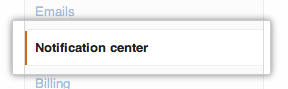
In the user settings sidebar, click Notification center.
👁 Notification center
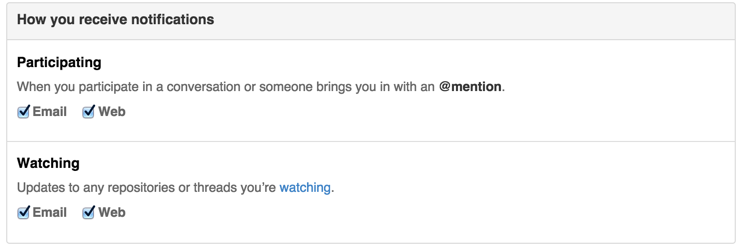
Configure how you would like to receive notifications you either participate in or watch by selecting the checkboxes: