|
VOOZH | about |
|
VOOZH | about |
This version of GitHub Enterprise is discontinued as of September 13, 2018. No patch releases will be made, even for critical security issues. For better performance, improved security, and new features, upgrade to the latest version of GitHub Enterprise. For help with the upgrade, contact GitHub Enterprise support.
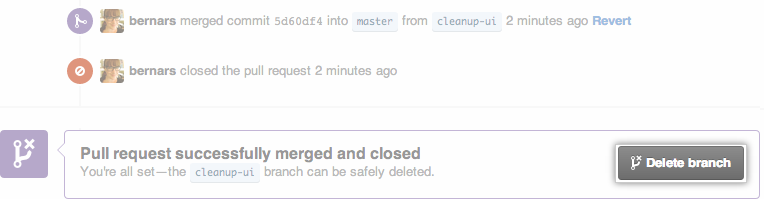
If you have write access in a repository, you can delete branches that are associated with closed or merged pull requests. You cannot delete branches that are associated with open pull requests.
On GitHub Enterprise, navigate to the main page of the repository.
Under your repository name, click Pull requests.
👁 Issues and pull requests tab selection
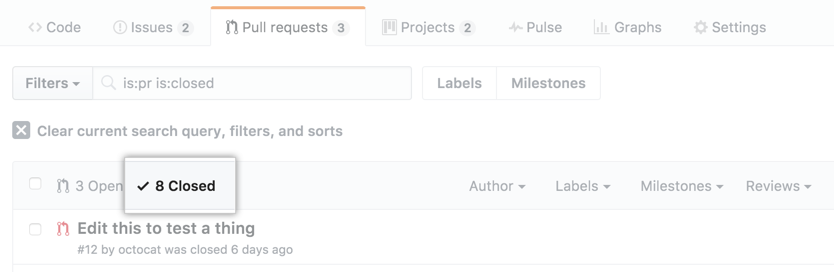
Click Closed to see a list of closed pull requests.
👁 Closed tab
In the list of pull requests, click the pull request that's associated with the branch that you want to delete.
You can restore the head branch of a closed pull request.
On GitHub Enterprise, navigate to the main page of the repository.
Under your repository name, click Pull requests.
👁 Issues and pull requests tab selection
Click Closed to see a list of closed pull requests.
👁 Closed tab
In the list of pull requests, click the pull request that's associated with the branch that you want to restore.