|
VOOZH | about |
|
VOOZH | about |
This version of GitHub Enterprise was discontinued on February 9, 2017. No patch releases will be made, even for critical security issues. For better performance, improved security, and new features, upgrade to the latest version of GitHub Enterprise. For help with the upgrade, contact GitHub Enterprise support.
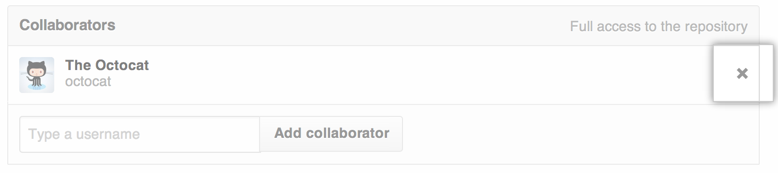
When you remove a collaborator from your project, they lose read/write access to your repository. If the repository is private and the person has created a fork, then that fork is also deleted.
While forks of private repositories are deleted when a collaborator is removed, the person will still retain any local clones of your repository.
On GitHub Enterprise, navigate to the main page of the repository.
In the repository's right sidebar, click Settings.
👁 Repository settings button
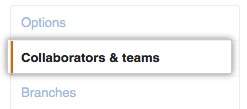
In the left sidebar, click Collaborators & teams.
👁 Collaborators tab