|
VOOZH | about |
|
VOOZH | about |
This version of GitHub Enterprise was discontinued on April 26, 2017. No patch releases will be made, even for critical security issues. For better performance, improved security, and new features, upgrade to the latest version of GitHub Enterprise. For help with the upgrade, contact GitHub Enterprise support.
Members of legacy admin teams automatically retain the ability to create repositories until those teams are migrated to the improved organization permissions model.
By default, all organization members can create repositories under improved organization permissions. If you restrict repository creation permissions to organization owners, and your organization was created under the legacy organization permissions structure, members of legacy admin teams will still be able to create repositories.
Legacy admin teams are teams that were created with the admin permission level under the legacy organization permissions structure. Members of these teams were able to create repositories for the organization, and we've preserved this ability in the improved organization permissions structure.
You can remove this ability by migrating your legacy admin teams to the improved organization permissions.
For more information about improved organization permissions, see "Repository permission levels for an organization."
Warning: If your organization has disabled repository creation permissions for all members, some members of legacy admin teams may lose repository creation permissions. If your organization has enabled member repository creation, migrating legacy admin teams to improved organization permissions will not affect team members' ability to create repositories.
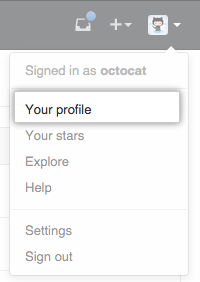
In the top right corner of GitHub Enterprise, click your profile photo, then click Your profile.
👁 Profile photo
On the left side of your profile page, under "Organizations", click the icon for your organization.
👁 organization icons
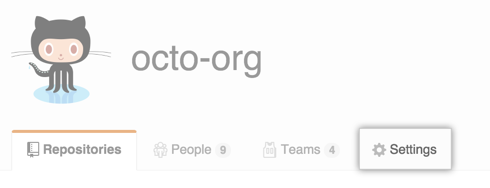
Under your organization name, click Settings.
👁 Organization settings button
In the Settings sidebar, click Team settings.
👁 Team settings option in organization settings sidebar
In the top right corner of GitHub Enterprise, click your profile photo, then click Your profile.
👁 Profile photo
On the left side of your profile page, under "Organizations", click the icon for your organization.
👁 organization icons
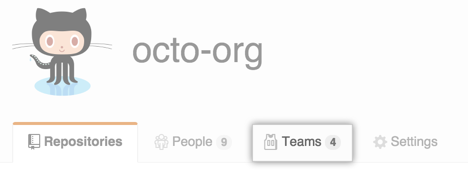
Under your organization name, click Teams.
👁 Teams tab
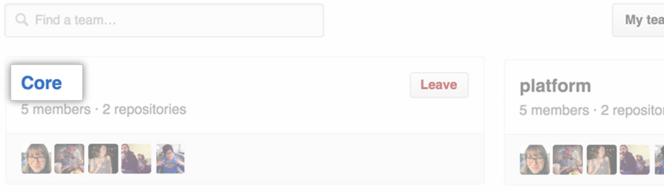
On the Teams tab, click the name of the team.
👁 Team page with list of teams
In the team description box, click Migrate team.
👁 Migrate team button