|
VOOZH | about |
|
VOOZH | about |
This version of GitHub Enterprise was discontinued on March 1, 2018. No patch releases will be made, even for critical security issues. For better performance, improved security, and new features, upgrade to the latest version of GitHub Enterprise. For help with the upgrade, contact GitHub Enterprise support.
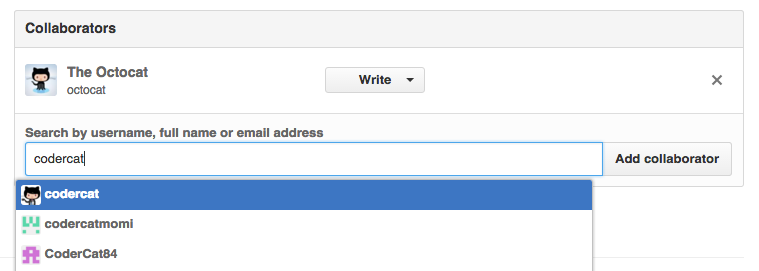
You can add users as collaborators to your personal repository.
Repositories owned by an organization can grant more granular access. For more information, see "Access permissions on GitHub Enterprise."
On GitHub Enterprise, navigate to the main page of the repository.
Under your repository name, click
Settings.
👁 Repository settings button
In the left sidebar, click Collaborators.
👁 Repository settings sidebar with Collaborators highlighted