Documentation Index
Fetch the complete documentation index at: /llms.txt
Use this file to discover all available pages before exploring further.
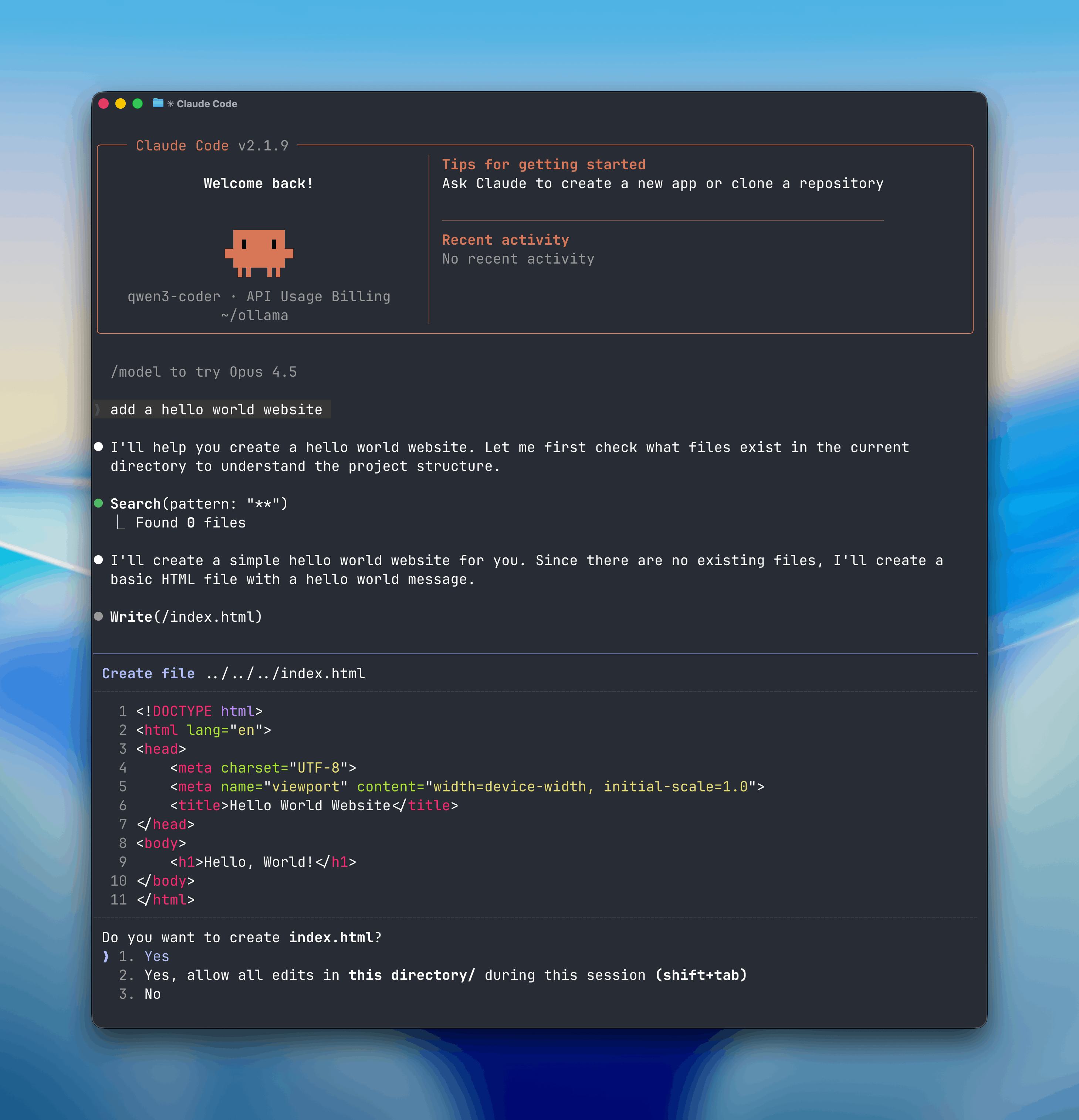
Skip to main contentClaude Code is Anthropic’s agentic coding tool that can read, modify, and execute code in your working directory.
Open models can be used with Claude Code through Ollama’s Anthropic-compatible API, enabling you to use models such as qwen3.5, glm-5:cloud, kimi-k2.5:cloud.
👁 Claude Code with Ollama
Install
Install Claude Code:
curl -fsSL https://claude.ai/install.sh | bash
Usage with Ollama
Quick setup
Run directly with a model
ollama launch claude --model kimi-k2.5:cloud
Recommended Models
kimi-k2.5:cloudglm-5:cloudminimax-m2.7:cloudqwen3.5:cloudglm-4.7-flashqwen3.5
Cloud models are also available at ollama.com/search?c=cloud.
Non-interactive (headless) mode
Run Claude Code without interaction for use in Docker, CI/CD, or scripts:
ollama launch claude --model kimi-k2.5:cloud --yes -- -p "how does this repository work?"
--yes flag auto-pulls the model, skips selectors, and requires --model to be specified. Arguments after -- are passed directly to Claude Code.
Web search
Claude Code can search the web through Ollama’s web search API. See the web search documentation for setup and usage.
Scheduled Tasks with /loop
The /loop command runs a prompt or slash command on a recurring schedule inside Claude Code. This is useful for automating repetitive tasks like checking PRs, running research, or setting reminders.
/loop <interval> <prompt or /command>
Examples
Check in on your PRs
/loop 30m Check my open PRs and summarize their status
/loop 1h Research the latest AI news and summarize key developments
/loop 15m Check for new GitHub issues and triage by priority
/loop 1h Remind me to review the deploy status
Telegram
Chat with Claude Code from Telegram by connecting a bot to your session. Install the Telegram plugin, create a bot via @BotFather, then launch with the channel flag:
ollama launch claude -- --channels plugin:telegram@claude-plugins-official
--dangerously-skip-permissions in isolated environments.
See the plugin README for full setup instructions including pairing and access control.
Manual setup
Claude Code connects to Ollama using the Anthropic-compatible API.
- Set the environment variables:
export ANTHROPIC_AUTH_TOKEN=ollama
export ANTHROPIC_API_KEY=""
export ANTHROPIC_BASE_URL=http://localhost:11434
- Run Claude Code with an Ollama model:
Or run with environment variables inline:
ANTHROPIC_AUTH_TOKEN=ollama ANTHROPIC_BASE_URL=http://localhost:11434 ANTHROPIC_API_KEY="" claude --model glm-5:cloud