
Design an advanced Connect integration using the Accounts v1 APILegacy
Learn about alternative configuration combinations for a Connect integration based on the Accounts v1 API.
Accounts v2 API integrations
This guide only applies to existing Connect platforms that use the Accounts v1 API. If you’re a new Connect user, use the Accounts v2 API instead. See the Interactive platform guide for information about how to configure a Connect platform using the Accounts v2 API.
Use this guide to explore different Connect integrations and create a list of personalized integration steps. Before starting your integration in a sandbox environment, you must create a Stripe Account or log in and onboard your platform to Connect.
Select properties
Create and onboard accounts
Stripe enables you to create accounts on behalf of users, called connected accounts. When using Connect, you create connected accounts for each user that receives money on your platform.
Send connected accounts to a Stripe-hosted onboarding flow. Stripe-hosted onboarding allows you to redirect your user to Stripe to complete the onboarding process in a co-branded interface.
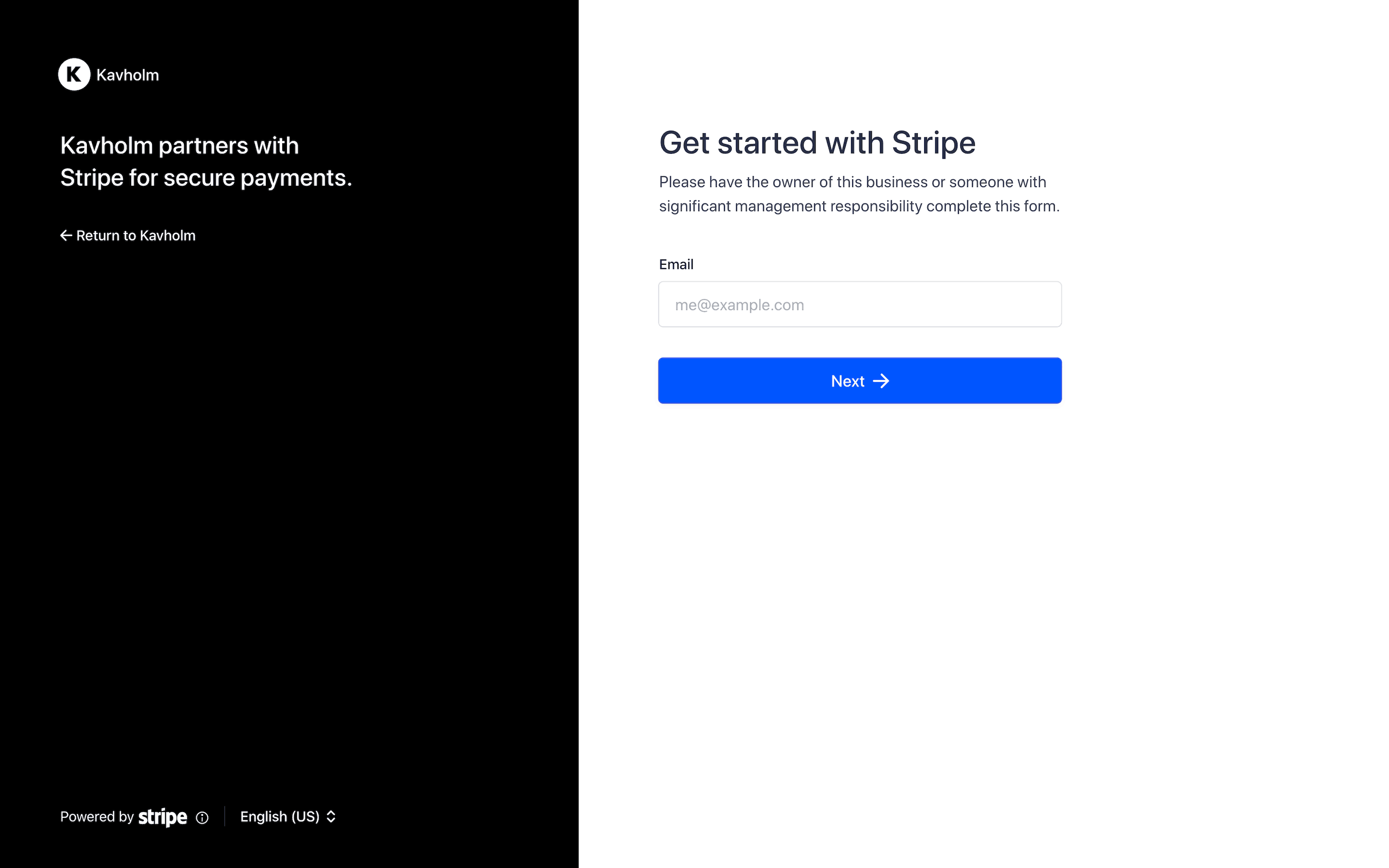
Best for when you want to launch quickly with the lowest integration effort:
- Connected accounts leave your site and are redirected to Stripe to complete the flow.
- Co-branding with Stripe and limited options to customize.
- Stripe handles all of the onboarding flow logic.
- Automatically supports 46+ countries and 14 languages.
Set up dashboard flows
Connected accounts need access to a dashboard to manage their account. Provide connected accounts with access to the Stripe Dashboard, the Express Dashboard, or a dashboard built using the Stripe API and embedded components.
Provide access to the Stripe Dashboard to connected accounts.
The Stripe Dashboard gives connected accounts unrestricted access to Stripe’s full feature set using their own login credentials. Connected accounts can sign into dashboard.stripe.com directly at any time. They have access to Stripe support, and Stripe can communicate with them about their account.
Use the Stripe Dashboard when your connected accounts:
- Need to manage their own API keys, webhooks, or developer integrations.
- Require detailed financial reporting or data exports.
- Have teams with different access needs (for example, separate admin and analyst roles).
- Use Stripe Apps.
You can always add embedded components to your own website in tandem with providing access to the Stripe Dashboard.
Dashboard type is immutable
The dashboard you specify when creating a connected account is permanent, so consider your long-term business requirements when deciding on the dashboard type. To change a connected account’s dashboard, you must create a new Account object.
Accept a payment
You create a charge to accept a payment from a customer on behalf of your connected account. The type of charge you create:
- Determines how payment funds are split among all parties involved
- Impacts how the charge appears on the customer’s bank or billing statement (with your platform’s information or your user’s)
- Determines which account Stripe debits for refunds and chargebacks
A direct charge is a customer payment made directly to a connected account. Customers directly transact with your connected account, often unaware of your platform’s existence.
This charge type is best suited for platforms providing software as a service. For example, Shopify provides tools for building online storefronts, and Thinkific enables educators to sell online courses.
Stripe fees
Stripe collects Stripe fees directly from your connected accounts. You can collect an optional application fee when you create the direct charge.
Pay out users
When the funds from the payment settle and your user’s connected account has a positive Stripe balance, you can pay out those funds to their external account.
By default, Stripe pays out funds that have settled in your connected accounts’ balances on a daily rolling basis. If you prefer, you can configure different automatic payout schedules, trigger payouts manually instead of automatically, or pay out instantly.
Responsibility for negative balances
Stripe monitors risk signals on connected accounts, implements risk interventions on connected accounts in response to observed signals, and seeks to recover negative balances from your connected accounts.
For most software as a service platforms, this is the best default choice, especially for those that are new to embedding payments:
- Stripe monitors your connected accounts for credit and fraud risk, as well as protection against risk of loss in the event of negative balances attributed to business risk.
- Stripe handles all the end to end communications and remediations directly with your connected accounts through hosted flows or embedded components.
Integration steps for your selections
The following integration steps are based on the options you selected above. You can see different steps by selecting different options above or in the panel to the right of the steps. The options on this page only control the steps displayed below. They don’t affect your platform configuration.
The following button generates an LLM prompt based on your selections. It only supports Stripe-hosted Dashboard and hosted onboarding.
Create connected accounts and collect requirements using Stripe-hosted onboarding. Learn more
Create direct charges. Your connected accounts will pay Stripe fees. Learn more
Understand the Stripe Dashboard and control what your connected accounts can do with it.
Understand how Stripe handles negative balance liabilities on your connected accounts. Learn more
Understand how to control bank account and debit card payouts.