|
VOOZH | about |
|
VOOZH | about |
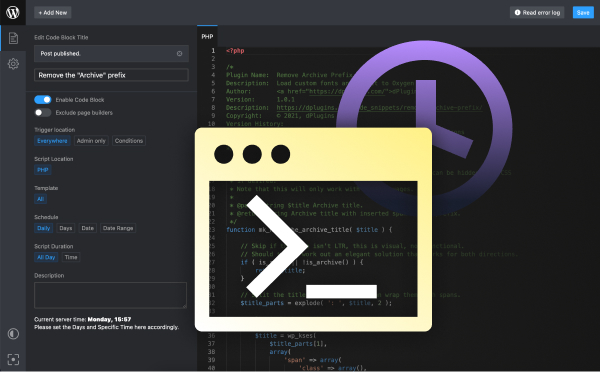
Get full Code Editor experience inside WordPress with support to write PHP hooks and functions, JavaScript, CSS, and compile SCSS. Scripts can be scheduled and triggered based on your needs regardless if you’re sleeping taking a coffee break or on vacation.
14 Days Money Back Guarantee
Secured Payments Stripe and PayPal
+ 30 000 Happy Users
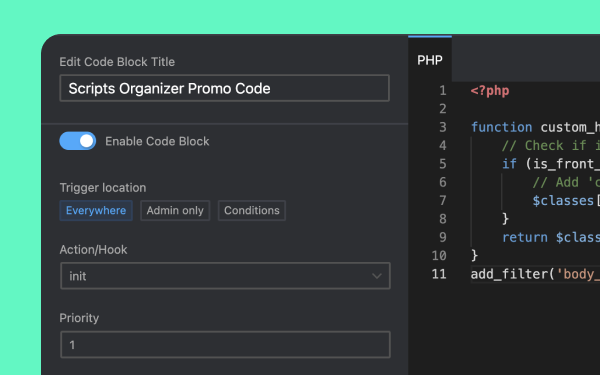
Scripts Organizer provides a PHP block where you can write filters, hooks, or shortcodes. If you need to modify website styles, you can add CSS or compile SCSS. For interactive features, you can write JavaScript. Additionally, you can inject tracking scripts like Google Analytics (GA), HotJar, or others.
If you are using a classic or block theme, or if you are using a visual builder, Scripts Organizer will assist you throughout the process. We are not only compatible with them but have also integrated deeply, allowing us to access colors or variables from themes or builders.
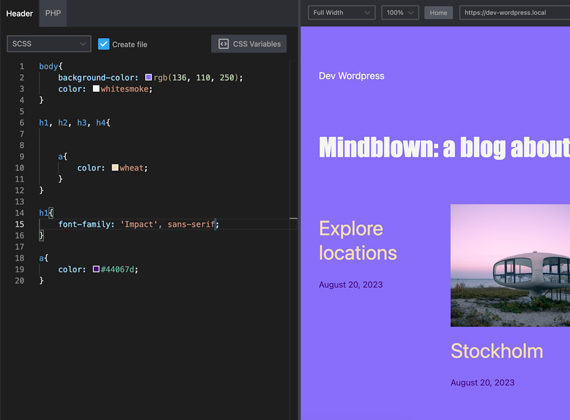
Developers and designers adore using dual screens and multiple tabs. With Scripts Organizer in one tab and the website frontend in another, simply press ‘save,’ and all tabs and screens will be updated with the latest CSS. We save you a ton of time, especially when using visual builders—you don’t need to reload to see the results.
If you prefer to have everything in one tab, that also works. You can have both the editor and website in a single tab, and it will automatically reload upon saving. Additionally, you can utilize inspect tools and resize the website, with predefined sizes available from desktop to mobile.
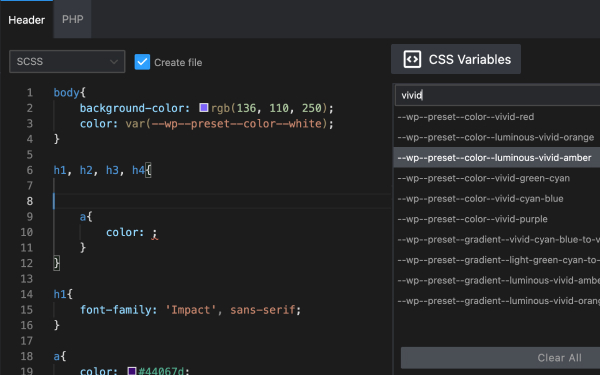
Scripts Organizer will scan all the CSS loaded on the selected page and extract CSS variables for use with the variable picker. You no longer need to remember them.
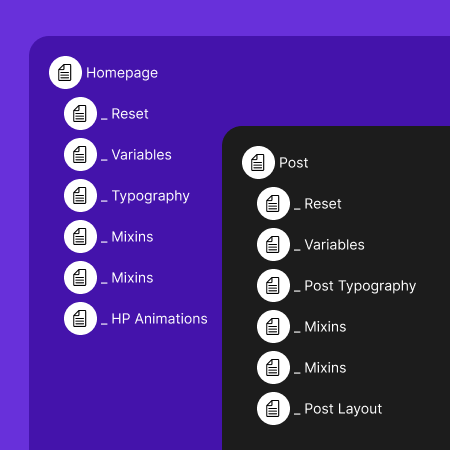
Avoid repetition and centralize core CSS in one location. Discard lengthy CSS files. For optimal performance, divide them and load them only when required for each page or post type. This will allow you to update it in one place instead of making changes in every CSS file.
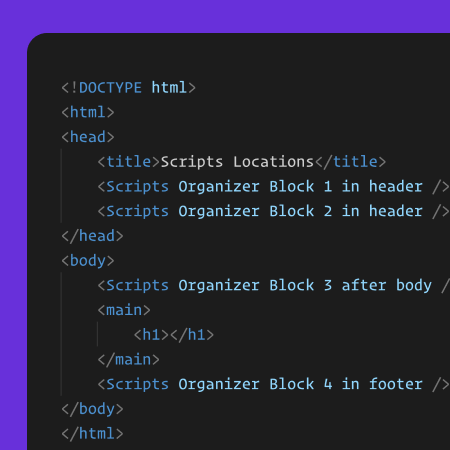
By default, we place CSS in the header and JS in the footer. However, you can customize this based on your requirements. Additionally, for PHP, there are multiple hooks available, such as ‘plugins loaded,’ ‘init,’ ‘admin header and footer,’ ‘body open,’ and many more, to help you integrate your code effectively.
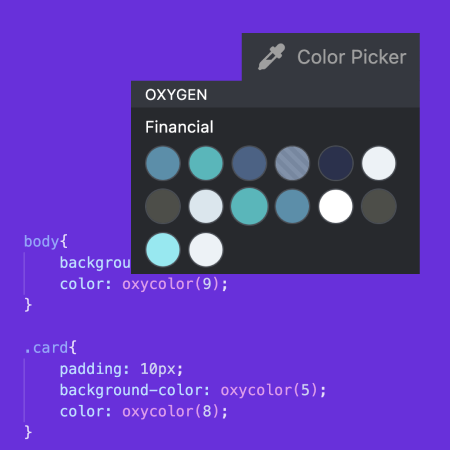
Integrating with visual builders to extract global colors as code values is a clever approach. Obtaining these values as variables ensures automatic updates when changes occur within the builder. This simplifies maintaining design consistency on your website or app, whether you use Oxygen, Bricks, Elementor, or other builders, streamlining your development process.
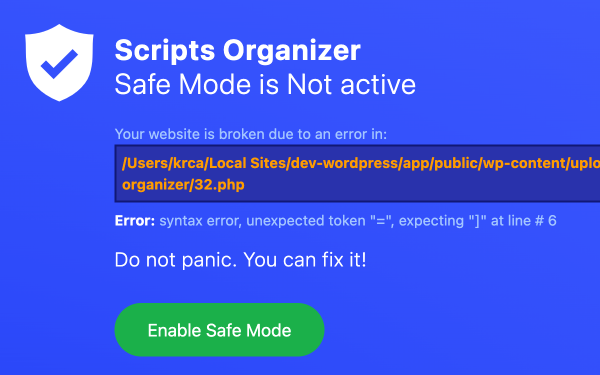
Coding directly on a live website carries significant risks. If the code contains errors, it can potentially disrupt the entire website for all users. This might necessitate enabling debugging, causing errors and warnings to be visible to everyone visiting the site. Instead of this, we propose a safer approach: we will assess your code in the background. In the event of an error, you will promptly receive an option to deactivate only the problematic code block, along with an explanation pinpointing the source of the error.
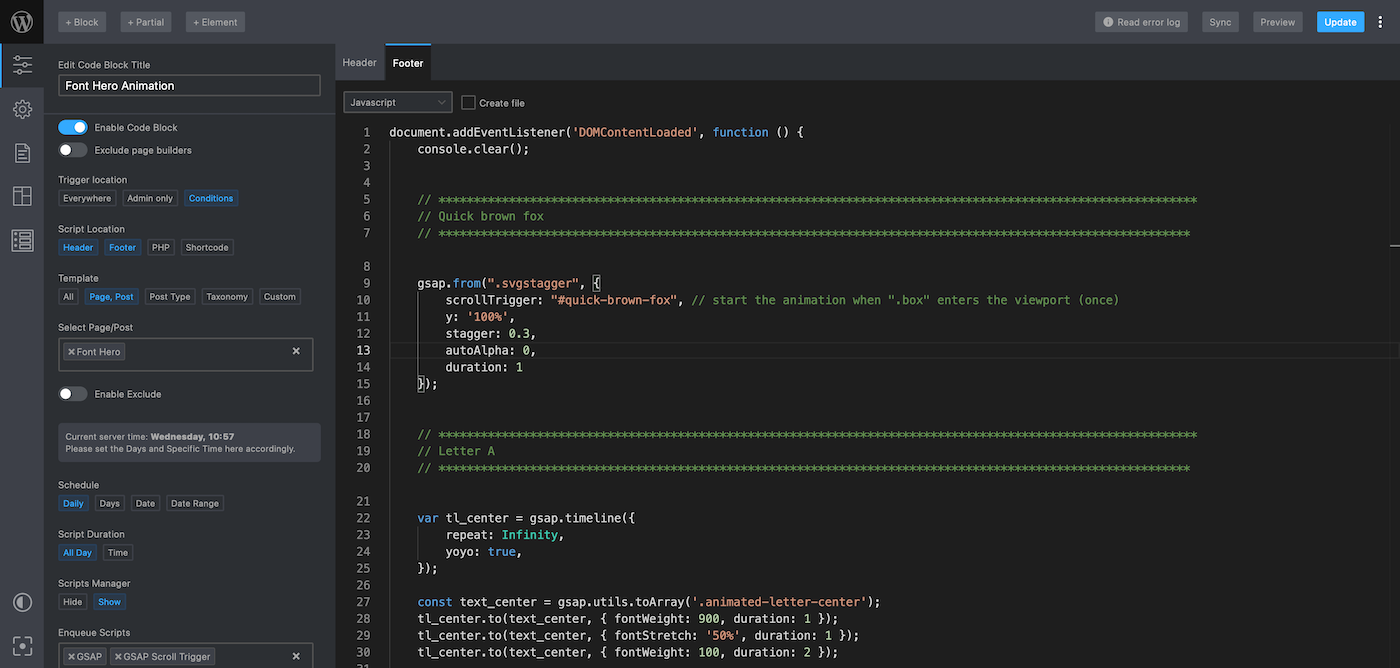
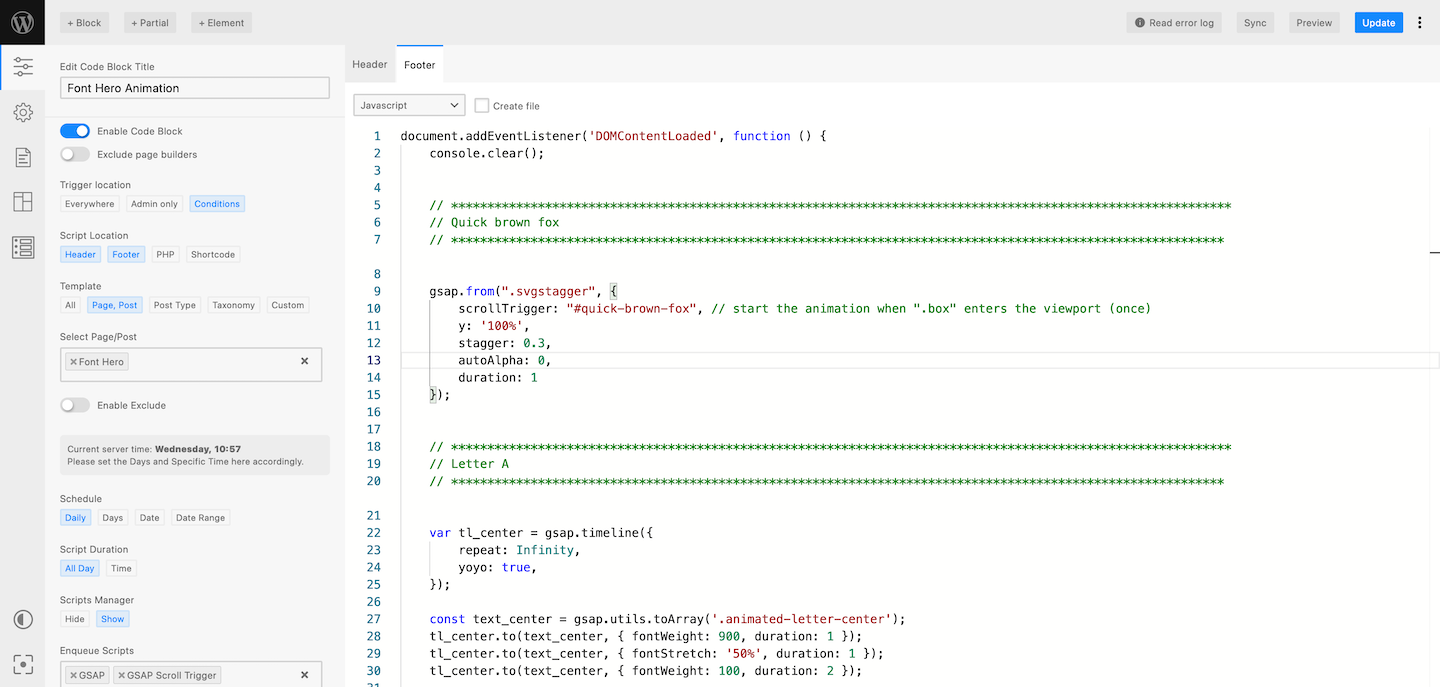
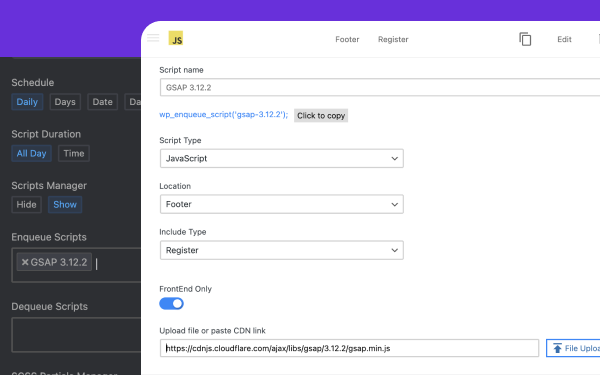
With the Scripts Manager, you gain an intelligent method for organizing your scripts in one centralized location. You can effortlessly incorporate CSS or JS libraries via CDN or self-host them by uploading them to the media library, just like any other file. You have the flexibility to choose whether you want to enable them across the entire website or activate them based on code block conditions. If you update or replace a file, these changes will automatically propagate to all relevant code blocks.
In terms of performance, CSS and JavaScript can either be inlined in HTML or, for better caching, be created as separate files. On the other hand, SCSS and PHP blocks are always saved as files. This ensures that we don’t retrieve them from the database every time, unless they are updated.
If you wish to edit the generated files using your preferred editor, you are free to do so. The script organizer will retrieve the code from these edited files. Once you’re satisfied with the results, you can also sync these edited files back to the database.
By default, all files are placed inside the wp-content directory. However, if you wish to change this location for security reasons or any other purpose, we have provided an option to modify the path and relocate the files.
Trigger Everywhere offers a straightforward approach to executing code before your themes or plugins activate. It provides access to a comprehensive set of WordPress actions and hooks, ranging from “plugins loaded” to “wp_footer”. It’s a practical tool designed for developers seeking precision and control in their WordPress projects.
This will also help you replace Functions.php without modifying your WordPress Theme so nothing will be lost with Themes updates.
Utilize this straightforward one-click setup to implement scripts, styles, or PHP hooks and actions within the WordPress admin area without altering the appearance or functionality of your website’s front end.
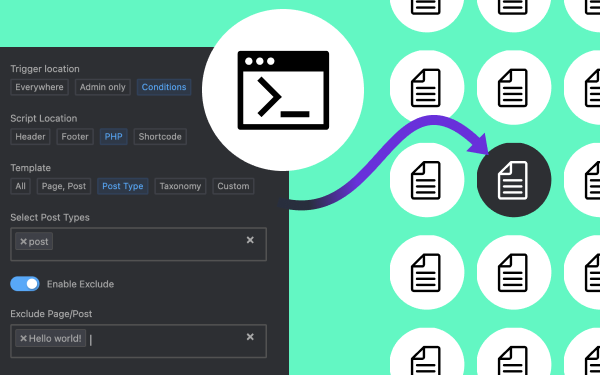
This is the most flexible code snippets plugin feature available in the WordPress ecosystem. You can hand-pick pages or posts for execution inclusion. Filter by post type, category, or taxonomy. Opt for comprehensive execution with exceptions for specific selections or ranges. Utilize built-in WordPress conditions like “is_home()”, integrate conditions from other plugins, or craft your own. Ideal for developers seeking precise control.
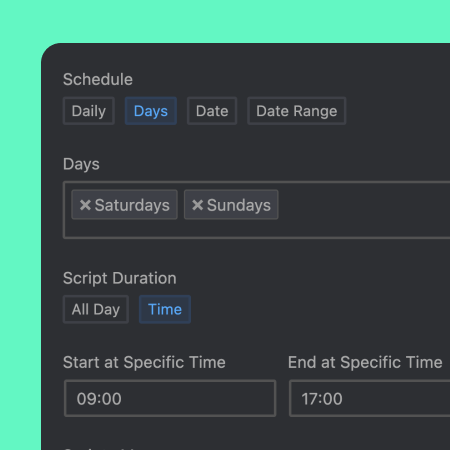
Trigger scripts daily at predetermined times. Adjust for a specific time range daily or choose particular days of the week to run scripts at a given time or during a selected time window. Designed for developers wanting controlled scheduling, this option will recur daily or weekly based on your preferences. Use this feature to modify store styles during off-hours or business hours.
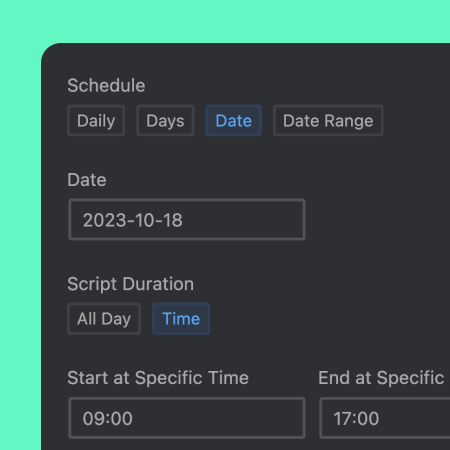
You can also set triggers for a specific day in its entirety. On that designated day, you can have the code run all day or within a specified time frame. This feature allows you to alter the styles of the entire website or just a page for that day. Ideal for developers looking to implement temporary design changes or special event styling.
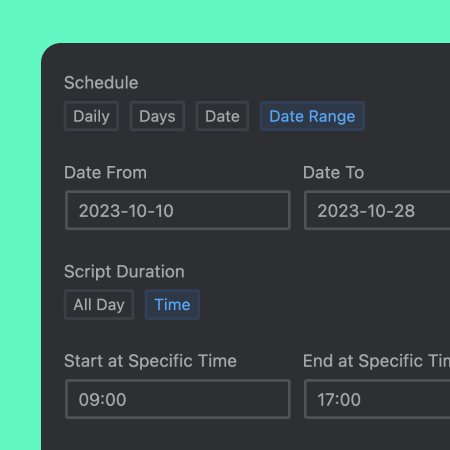
Execute promotions without being tied to your computer. Set a predefined date range for when scripts should run. This is ideal for launching promotions or holiday specials. You have the option to run these all day or within a specific time frame, offering flexibility for time-sensitive offers or events. Perfect for developers and marketers planning in advance.
Please watch the plugin intro video while we are redesigning our website
and presenting all the features of our plugin.
After that we will move to yearly plans.
/ One payment
/ One payment
/ One payment
Probably you will never need this with our awesome products but here it is just in case. If you aren’t completely satisfied within 14 days of purchase, you’re more than welcome to get a full refund!