Claude Code hooks: A practical guide with examples (2026)


Last edited September 29, 2025
Claude Code has probably found its way into your terminal by now. It’s a fantastic AI assistant for whipping up new features, tracking down bugs, and untangling messy code.

This is exactly why hooks exist. They’re a feature designed to bring some much-needed predictability to your AI-driven workflow. This post is a full rundown of hooks in Claude Code, explaining what they are, how they work, and what they're really good for. We'll also get real about the limitations of this developer-first tool and look at how businesses can automate workflows in other areas, like customer support, without needing to write a line of code.
What are hooks in Claude Code?
Basically, hooks in Claude Code are custom, automated triggers that run shell commands at specific points during its operation. Think of them as "if this, then that" rules for your coding assistant. For example, if Claude Code edits a file, a hook can automatically trigger a script to format it. This completely takes away the need to rely on the AI remembering to follow instructions from your prompt.
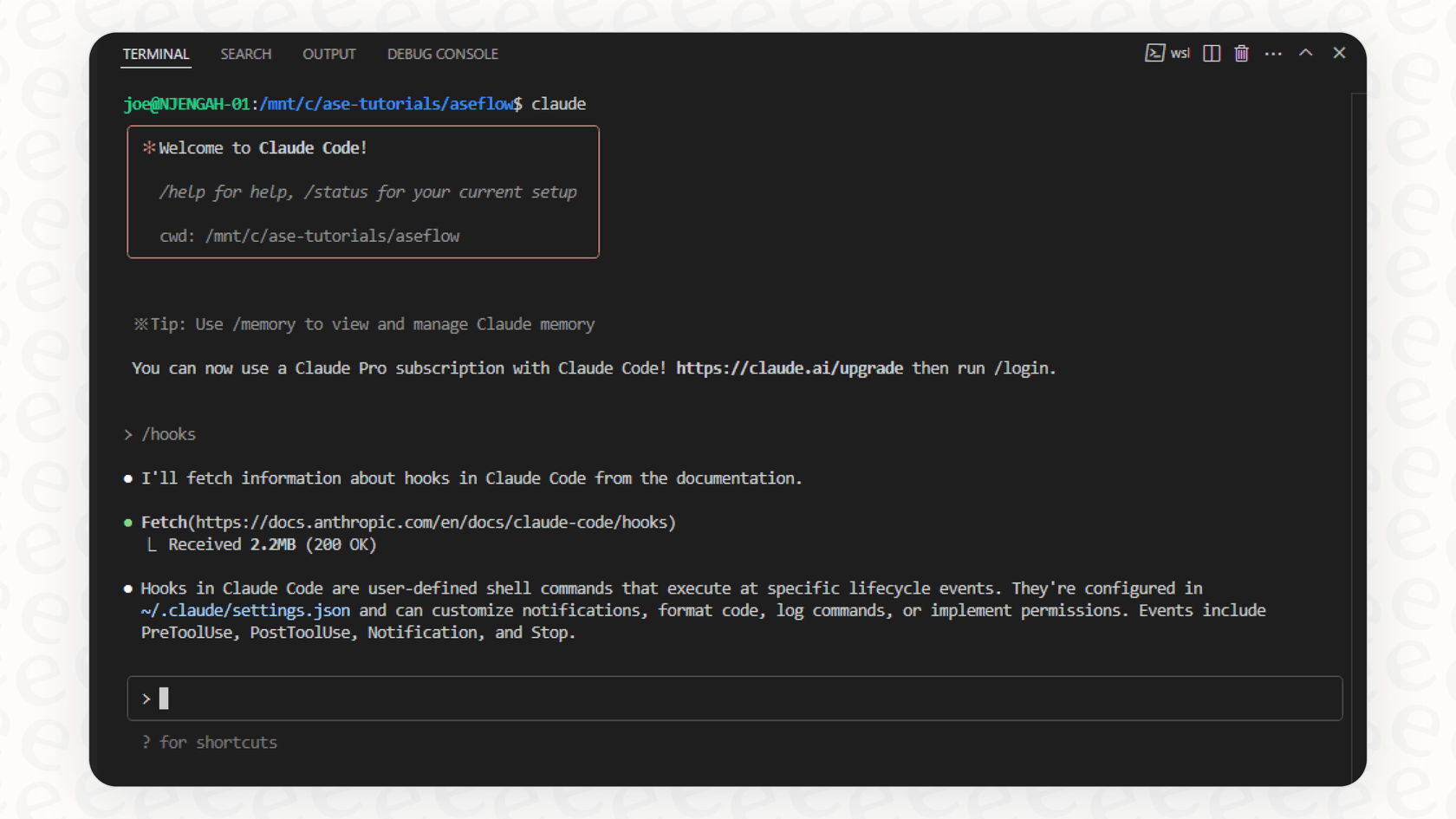
The real win here is that hooks give you deterministic control. They turn a polite suggestion in a prompt (like "please run tests after writing code") into a guaranteed action that executes every time. This ensures your development standards are always met, building a reliable, automated workflow right into your coding process. You're not just hoping for the best; you're enforcing the rules.
How hooks in Claude Code work: Key features and events
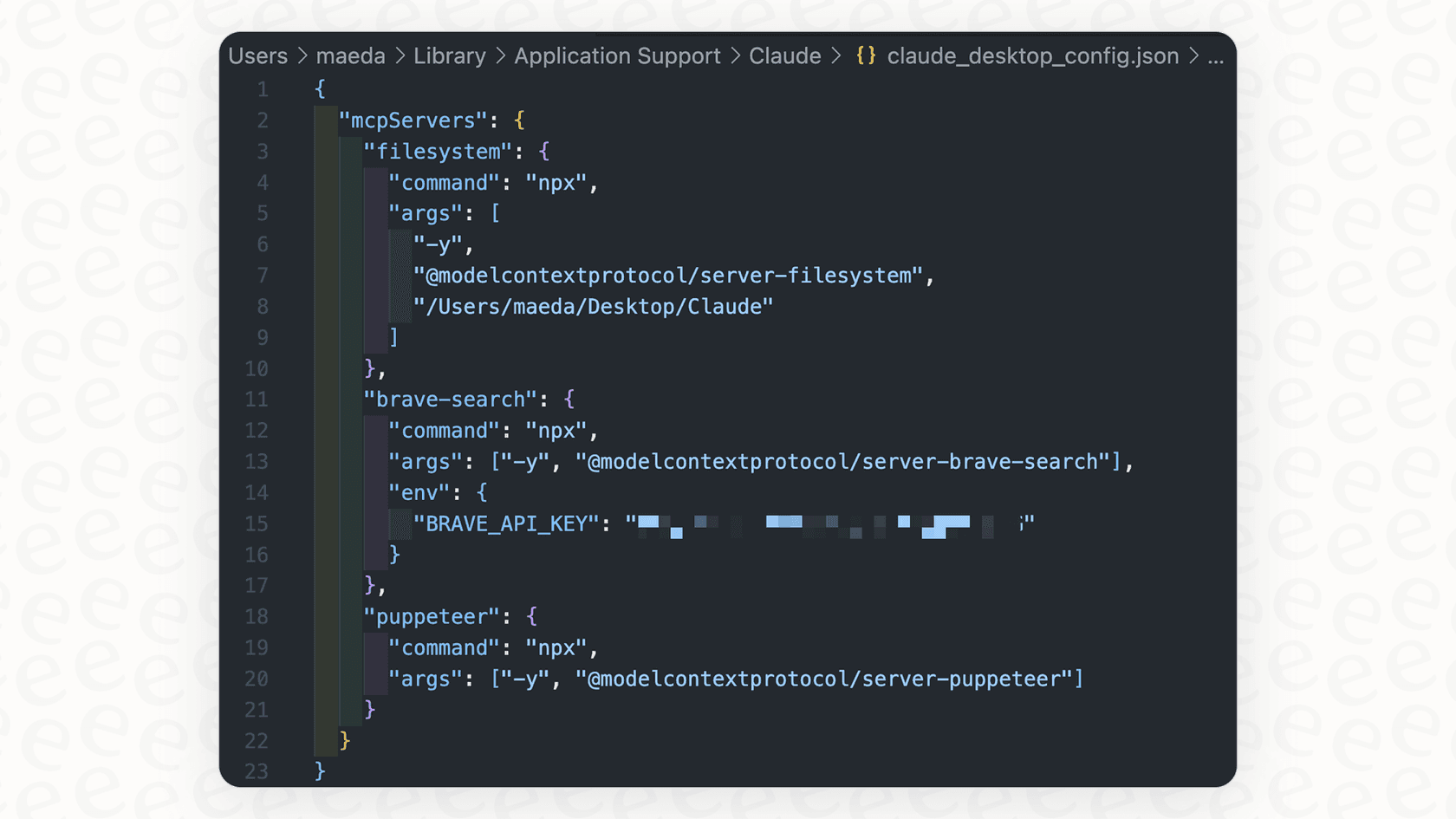
To get started with hooks, you'll need to get comfortable with your "settings.json" file, which you can usually find in a ".claude" directory. This file is where you define which "events" in the Claude Code lifecycle you want your hooks to listen for. Each event is a specific moment in the AI's workflow, giving you fine-grained control over when your custom scripts run.
Here are the most important events you'll want to know:
| Hook Event | When It Runs | Common Use Case |
|---|---|---|
| "PreToolUse" | Before Claude runs a tool (like writing a file or executing a command). | Validating a command before it runs or blocking risky actions, like editing a sensitive configuration file. |
| "PostToolUse" | After a tool completes successfully. | Automatically formatting code, running tests on new code, or logging the action for audit purposes. |
| "Notification" | When Claude sends a notification (e.g., it needs permission or is waiting for input). | Sending a custom alert to a desktop notification system or a Slack channel so you don't miss anything. |
| "Stop" | When the main AI agent has finished its entire response. | Triggering a final action, like creating a summary of the work done or sending a "task complete" notification. |
| "UserPromptSubmit" | When you submit a prompt, but before the AI processes it. | Automatically adding extra context to a prompt (like the current date/time) or validating the prompt for security reasons. |
| "SessionStart" | When a new Claude Code session begins. | Setting up the environment by loading in project context, like recent git changes or open Jira tickets. |
By mixing and matching these events, you can build some surprisingly useful automations. For instance, you could use a "SessionStart" hook to pull in the latest bug reports, a "PostToolUse" hook to run tests after every single code change, and a "Stop" hook to push the changes to a staging branch for review. This level of control lets you chain actions together and create a development loop that practically runs itself.
Practical ways to use hooks in Claude Code
Okay, that's the theory. But what are developers actually doing with hooks to make their lives easier? Here are a few real-world examples.
1. Automatic code formatting and linting This is probably the most common use case, and for good reason. It’s frustrating when an AI generates perfect logic but with terrible formatting. With a "PostToolUse" hook, you can trigger a formatter like Prettier or Black every time Claude edits a file. This means all AI-generated code instantly matches your project's style guide, keeping the codebase clean without you having to lift a finger.
2. Enforcing tests and quality checks How do you make sure the AI’s brilliant new function didn't just quietly break three other parts of the application? A "PostToolUse" hook can automatically run your test suite (like "pytest" or "npm test") on any files that were just modified. You get instant feedback on whether the changes introduced any regressions, letting you catch problems right away instead of waiting for a formal CI run.
3. Custom notifications and alerts If you’ve ever started a long-running task with Claude and then completely forgotten about it, you’ll appreciate this one. A "Notification" hook can be set up to integrate with tools like Slack or your computer's native notification system. You can write a script that pings you when a task is done or when Claude needs your permission to continue. No more staring at a blinking cursor, wondering if it's finished.
4. Integrating with version control (Git) Some folks have set up more advanced workflows that use hooks to interact with Git. For example, a "PreToolUse" hook could automatically create a temporary commit right before Claude makes a big change. This gives you a safe backup point, so you have an easy way to roll back if the AI goes in a direction you don't like.
Limitations of Claude Code hooks
Hooks are incredibly useful for developers, but it's important to be honest about what they're not designed for. Their strengths in the terminal are also what create their limitations for wider business use.
1. They require deep technical expertise First off, setting up hooks means writing and maintaining shell scripts, Python code, or other programs. This is a feature built by developers, for developers. It isn't something you can hand off to a support manager or an IT lead who also needs automation but doesn't have the coding skills to build it.
2. They're focused only on the development lifecycle These hooks are designed to automate coding. They're tied directly to what's happening in a developer's local terminal. They can’t automate business workflows like triaging a customer support ticket in Zendesk, answering an employee’s question in Slack based on a Confluence article, or creating a knowledge base entry from a resolved issue.
3. They add maintenance and security overhead The official Claude Code documentation has a big security disclaimer for a reason. Hooks execute arbitrary commands on your machine, and a poorly written script can create serious risks. Security aside, these custom scripts become another piece of your toolchain that needs to be maintained, versioned, and debugged, which adds to your team's workload.
4. There's no user-friendly interface for building workflows All the automation is defined in code and JSON configuration files. There's no visual editor for designing workflows, no sandbox to test automations safely with real data, and no dashboard to see how they're performing. This makes it tough to manage, scale, and get insights from your automations, especially if you're working in a team.
Beyond code: A better way to automate business workflows
So, developers get powerful, code-first tools like hooks, but teams in customer support, IT, and operations are often left with rigid, clunky systems that don't quite fit their needs. The idea behind hooks, triggering actions based on events, is exactly what these teams need, but they need it in a package that doesn't require writing code.
This is where a dedicated AI automation platform like eesel AI fits in. Our goal is to give you a platform to automate important business processes in minutes, not months, without needing a developer on standby.
eesel AI is built to solve the very limitations of a hooks-based approach, but for business workflows:
-
No coding required: Our platform is genuinely self-serve. You can get started for free in minutes and connect your help desk (like Zendesk or Freshdesk), knowledge bases (like Confluence or Google Docs), and chat tools (like Slack) with simple, one-click integrations. No sales calls, no mandatory demos.
-
Built for business workflows: eesel AI is made specifically for customer service and internal support. Our AI Agent can resolve support tickets on its own, our AI Triage can automatically tag and route incoming issues, and our AI Internal Chat can answer employee questions instantly in Slack or MS Teams.
-
Safe and easy to manage: Instead of running scripts on your local machine and hoping for the best, you can test everything safely in our simulation mode. You can preview how the AI will respond to thousands of your past support tickets and get accurate forecasts on resolution rates before you go live. It lets you roll out automation with confidence.
-
Total, visual control: Our dashboard and prompt editor give you an intuitive way to define exactly how your AI should behave, what it can do, and what knowledge it should use. It’s all managed from a simple interface that anyone on your team can pick up and use.
Final thoughts on hooks in Claude Code
Hooks in Claude Code are a fantastic tool for developers. They bring some much-needed order to AI-assisted coding and allow for seriously deep, custom automation right inside the terminal. If you're a developer, you should definitely be using them.
But their technical nature and sharp focus on coding highlight a bigger picture: real business automation needs tools built for business users. For tasks like formatting code and running local tests, hooks are a perfect solution. But for automating customer support, managing internal knowledge, and triaging IT tickets, you need a platform that’s more robust, secure, and user-friendly.
Ready to move beyond code-level scripts and start automating your support workflow? Try eesel AI for free and see how fast you can launch a powerful AI agent that works with the tools your team already relies on.
Frequently asked questions

Share this article

Article by
Stevia Putri
Stevia Putri is a marketing generalist at eesel AI, where she helps turn powerful AI tools into stories that resonate. She’s driven by curiosity, clarity, and the human side of technology.