Runway AI: Is it worth the price for video? (2026)


Last edited November 14, 2025

You’ve probably seen the buzz around Runway AI. It’s one of those tools that seems to be everywhere, powering those mind-bending video clips on your social feeds and popping up in conversations about the future of film. At its core, Runway is a suite of AI-powered tools for creating and editing video and image content in ways that used to feel like pure science fiction.
But if you do a quick search, things can get confusing. You might stumble upon two different companies named Runway, and they each solve a completely different problem. This guide is here to sort that out. We’ll explain which Runway is which, and then take a closer look at the creative AI platform everyone’s talking about: RunwayML. We’ll cover its key features, who it’s for, what it costs, and, just as important, what it’s not for.
What is Runway AI? (and which one are you looking for?)
Okay, let's clear up the biggest point of confusion right away. When people talk about Runway AI, they’re almost always referring to one company, but it's surprisingly easy to land on the wrong website.
RunwayML: The creative Runway AI suite
This is probably the one you're looking for. RunwayML is an AI research company that builds some seriously powerful creative tools for artists, filmmakers, and designers. It’s the platform behind the incredible text-to-video models (like the new Gen-3) and a whole bunch of "AI Magic Tools" that can do everything from removing an object in a video to making a static photograph move.
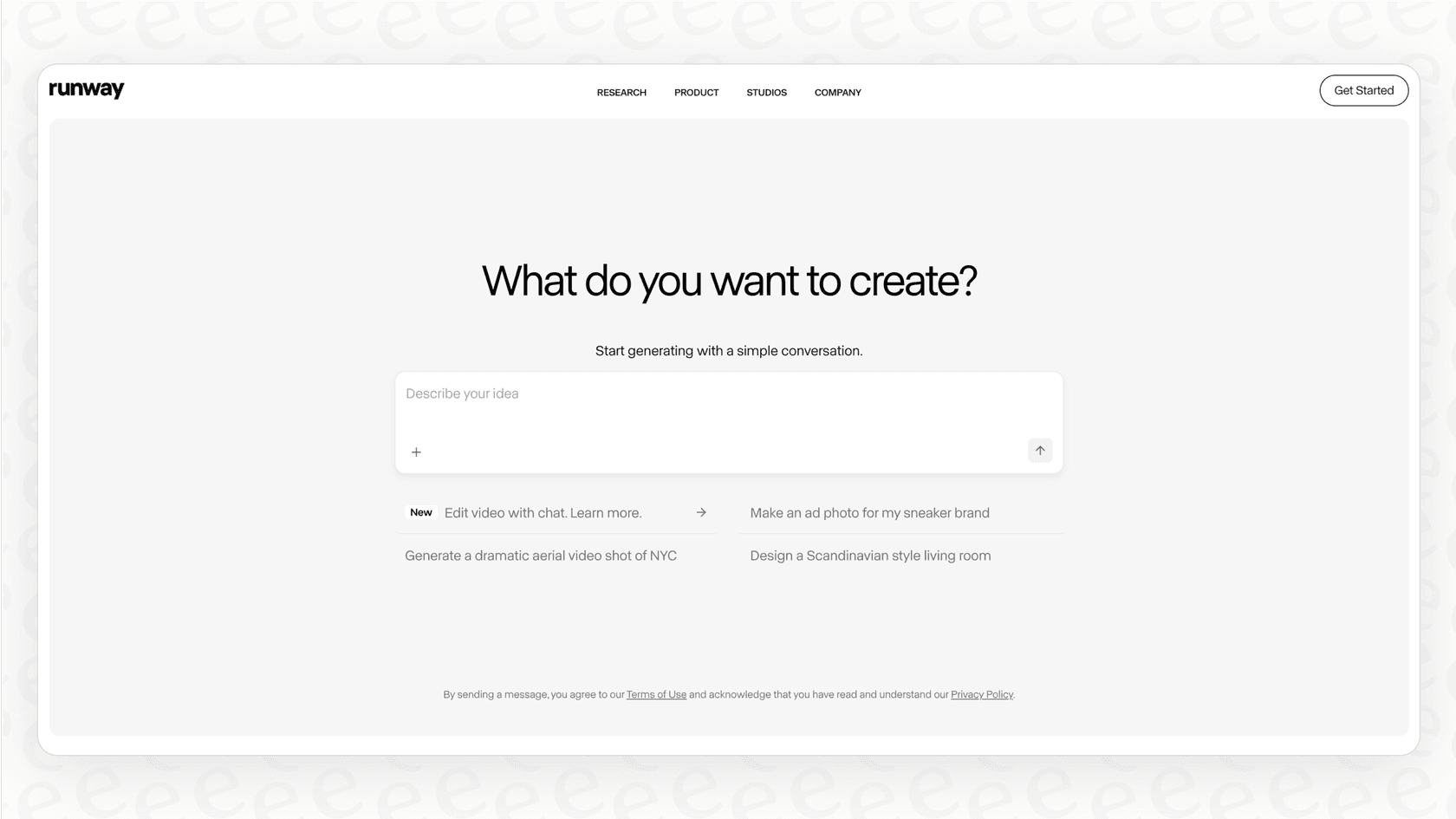
Their goal is to get cutting-edge AI into the hands of creators, making it easier to tell stories and bring wild ideas to life. Think of it less as a robot taking over and more as a creative partner that helps you do your best work.
Runway.com: The financial planning tool, not the creative Runway AI
If you land on Runway.com, you’ve found a different tool entirely. This Runway is a financial planning and analysis (FP&A) platform made for growing businesses. It helps finance teams with complex modeling, forecasting, and reporting. It's a handy tool for CFOs and finance departments, but it has absolutely nothing to do with generating videos or images.
For the rest of this guide, we'll be focusing on the creative powerhouse, RunwayML.
A deep dive into Runway AI features
RunwayML isn’t just a single tool; it’s a whole collection of them. Its features generally fall into two buckets: tools for generating content from scratch and tools for editing what you already have.
Generative video and image tools
These are the features that get most of the spotlight. They let you create brand-new visuals just by describing them.
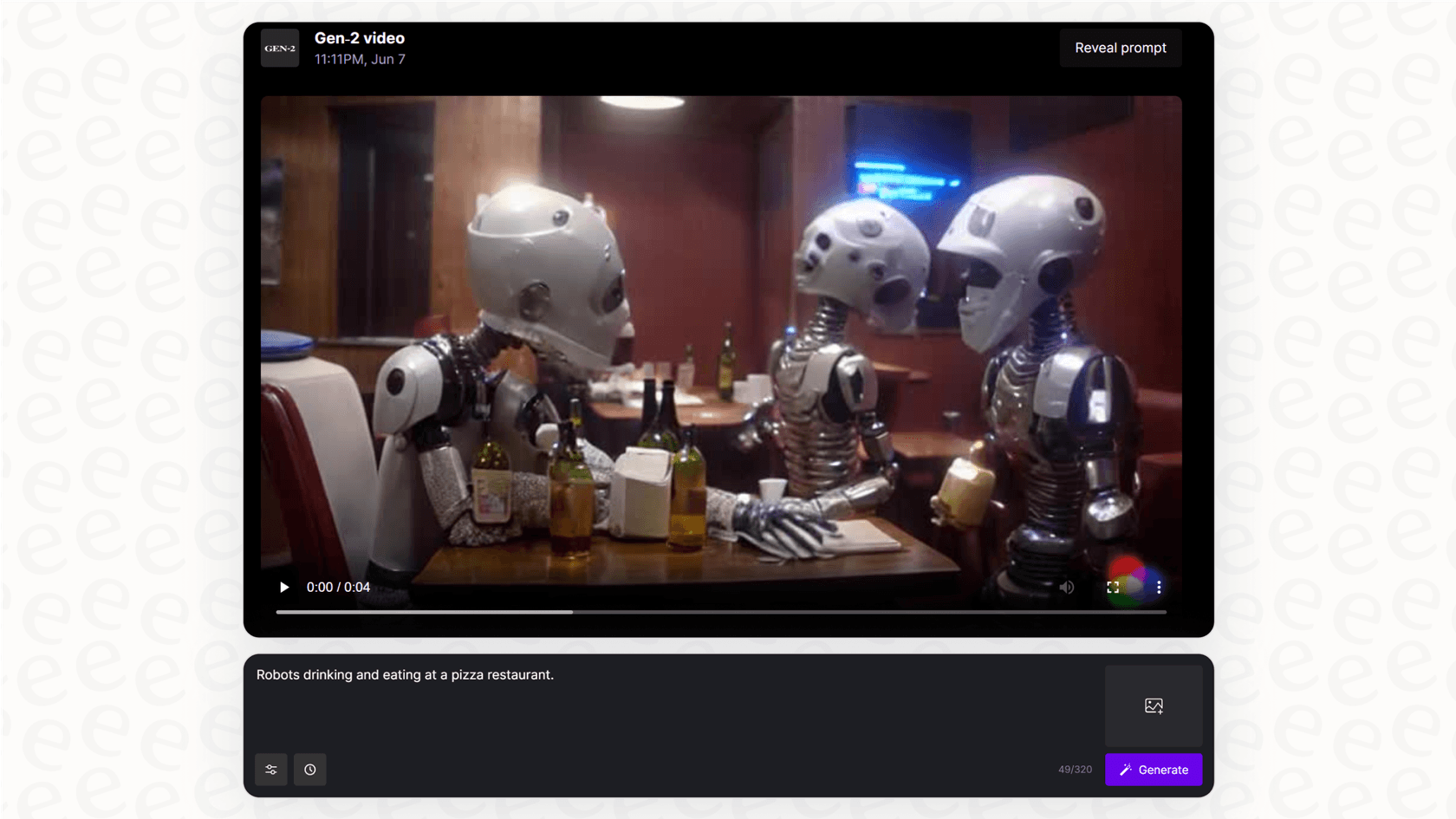
- Text-to-Video & Image-to-Video: This is Runway’s claim to fame. You can type a simple prompt like "a golden retriever running through a field of flowers in cinematic style," and the AI will generate a short video clip for you. You can also upload a static image and ask the AI to animate it, which is a cool way to bring your photos to life. The models have improved fast, with the latest versions like Gen-3 Alpha showing huge improvements in realism, consistency, and how much control you have over characters and scenes.
-
Video-to-Video: This feature lets you change the entire style of a video you already have. You can upload a clip and use a text prompt or a reference image to give it a completely new aesthetic. For example, you could take a normal video of a city street and turn it into a moving watercolor painting.
-
Text-to-Image: Like other popular AI image generators, Runway can also create still images from text prompts. This is super useful for storyboarding ideas, creating concept art, or just generating unique assets to use in your video projects.
Magic tools for advanced editing
Beyond just making things from scratch, Runway's real power comes from its smart editing tools that give you precise control over your content.
-
Inpainting: Ever wish you could remove that one person who walked into the background of your perfect shot? Inpainting lets you do just that. You just have to mask the object you want to get rid of, and the AI intelligently fills in the background like it was never there. It's pretty amazing to watch.
-
Motion Brush: This tool is fantastic for adding life to static images. You can literally "paint" motion onto specific parts of a picture. So if you want the clouds to move but the building in front of them to stay still, you just brush over the clouds, and the AI will animate them for you.
-
Camera Controls: You can add a professional, cinematic feel to your generated clips by controlling the virtual camera’s movement. Adding subtle pans, zooms, and tilts can make your AI-generated shots feel much more dynamic and intentional.
Here’s a quick look at how Runway’s video models have evolved:
| Feature | Gen-2 | Gen-3 Alpha |
|---|---|---|
| Max Length | Up to 18 seconds | Up to 10 seconds |
| Realism | Good, but could have some weird artifacts | A lot better, almost photorealistic |
| Character Consistency | So-so, characters could change a bit | High, characters maintain their appearance |
| Motion Control | Basic | Advanced (Motion Brush, Camera Controls) |
| Use Case | Quick concepts, social media clips | Short films, high-quality ads, VFX |
Who uses Runway AI? Key use cases and limitations
Runway is an incredibly versatile tool, but it's built for a specific set of jobs. Knowing its strengths and weaknesses will help you figure out if it's the right fit for you.
Use cases in filmmaking and advertising
Creative industries have jumped on Runway because of its ability to speed up workflows and open up new creative avenues.
-
Filmmaking: The tool has been used for everything from planning shots and creating special effects to generating entire scenes. It was famously used for some of the visual effects in the Oscar-winning film Everything Everywhere All at Once, which shows it's capable of professional-level work.
-
Marketing & Advertising: Agencies and brands use Runway to quickly mock up ad concepts, create eye-catching social media content, and produce slick product videos without the time and budget a traditional shoot requires.
-
Individual Creators: For YouTubers, artists, and designers, Runway helps level the playing field. It makes it possible to create high-quality visual effects and animations that used to be out of reach unless you were a big studio with a huge budget.
Limitations for operational business needs
Now, this is where we have to be clear. While Runway AI is a revolutionary tool for creative content, it isn't built to handle the structured, operational problems that businesses deal with every day.
For example, Runway AI can’t:
-
Read your company’s internal documents to answer employee questions.
-
Connect to your help desk to solve customer support tickets.
-
Analyze customer emails to spot common problems.
-
Sort incoming requests and send them to the right person.
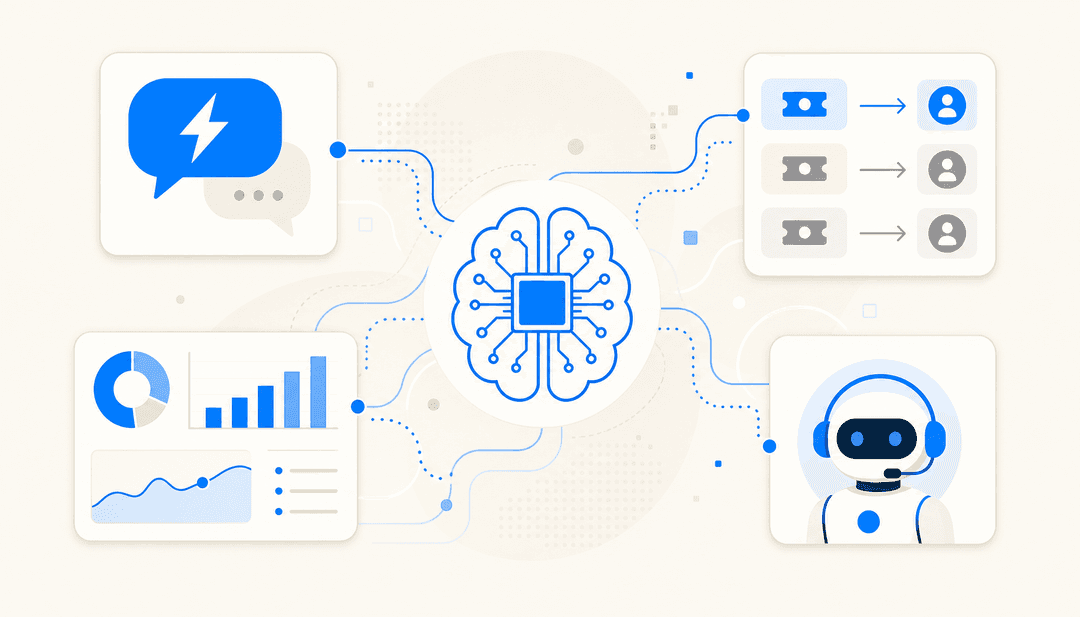
These jobs need a different kind of AI, one that's designed to connect with business systems and help automate workflows. A tool that helps your marketing team make a cool video is fundamentally different from a tool that helps your support team answer questions faster.
For businesses looking to use AI for their operational workflows, a purpose-built platform is the way to go. For instance, tools like eesel AI are designed to integrate directly with help desks like Zendesk and knowledge bases like Confluence to automate customer support. That's a task that's completely outside of what a creative tool like Runway does. It’s not about which AI is better; it’s about using the right tool for the job.
Understanding Runway AI pricing
Runway uses a credit-based subscription model. You pay a monthly or annual fee that gets you a certain number of credits, and different actions use up those credits at different rates. For instance, generating one second of video might cost 5 credits, while using an editing tool might only cost 1 credit.
You can always find the latest details on their website, but the plans generally look something like this:
-
Free Plan: A great way to test things out, but it has limits. You'll get watermarked videos, lower export resolutions, and a small number of credits that don’t get refilled.
-
Standard Plan: The first paid tier, which gives you more credits and gets rid of the watermarks.
-
Pro Plan: This one's aimed at professionals and includes a lot more credits, access to the newest models, and higher-quality exports.
-
Unlimited Plan: Just like the name says, this plan offers unlimited video generations, though there might still be some limits on other features.
-
Enterprise Plan: A custom setup for large teams and studios that need more advanced features, tighter security, and dedicated support.
This credit system is common for generative AI tools, but it can be a bit of a headache for businesses. Costs can become unpredictable, especially when you have a busy month and need to create a lot of content. For core business functions like customer service, a predictable price is pretty important. In contrast, platforms like eesel AI offer transparent plans that don't charge you more just because you had a successful month and more customer interactions.
Runway AI: A powerful creative tool with a specific purpose
There's no question that Runway AI (the RunwayML one) is a groundbreaking platform. It has made video creation and editing more accessible, giving everyone from solo artists to big film studios the power to bring their ideas to life in some amazing new ways. Its strengths are obvious: high-quality generative models, an advanced suite of editing tools, and a pretty friendly interface.
However, it's a specialized tool built for a specific job. It’s designed for creative expression, not for automating the day-to-day processes that keep a business running. If you need an AI to help you make a short film, Runway is a fantastic choice. If you need an AI to answer customer support tickets, handle IT requests, or act as an internal knowledge expert for your team, you'll need a different kind of solution.
Choosing the right AI really just comes down to understanding the problem you're trying to solve.
Ready to automate your support, not just your videos?
If you see the power of AI for creative work and want to bring that same kind of efficiency to your customer support and internal operations, you need a platform built for that job.
eesel AI connects to all your company knowledge, help desks, and communication tools to provide instant, accurate answers for customers and employees. You can go live in minutes with our self-serve platform and see exactly how much time and money you can save.
Frequently asked questions

Share this article

Article by
Kenneth Pangan
Writer and marketer for over ten years, Kenneth Pangan splits his time between history, politics, and art with plenty of interruptions from his dogs demanding attention.