|
VOOZH | about |
|
VOOZH | about |
If you use AI for more than the occasional one-off question, your work has a way of scattering — a draft in one chat, the research for it in another, your notes somewhere you can’t quite find. Every new conversation means setting the scene all over again before you can get anywhere.
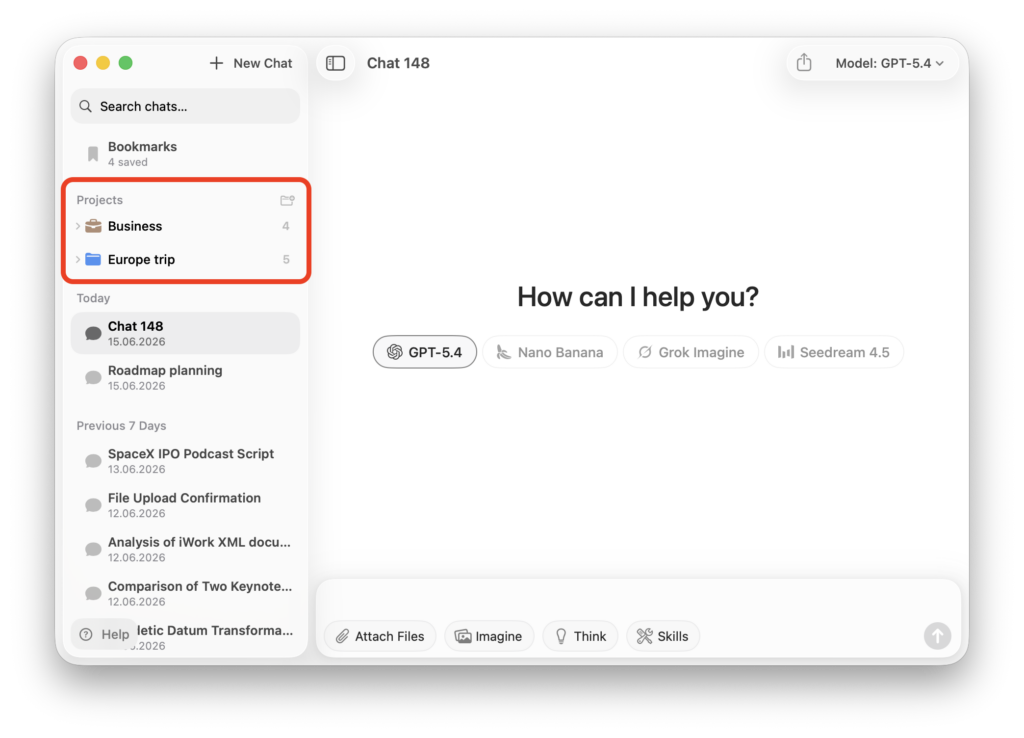
Fello AI 6.6.0 is about bringing some order to that with Projects, a way to organize your conversations around what you’re actually working on and hand the AI the shared context it needs to be useful from the very first message.
On top of that, we’re also adding five of the newest models that will help you get your work done faster and deliver better results. Here’s all you need to know.
Until now, every conversation started from a blank slate. You’d re-explain the project, paste in the same background, restate your preferences — every single time.
Projects fix that. Group related conversations into one place with the shared context where you can specify all the relevant information, instructions, style guide, etc. Every new conversation you start inside that project already has that background to work from, so you skip the re-briefing and get straight to the task. No more copy-pasting the same setup into a fresh window.
A few ways people are already using it:
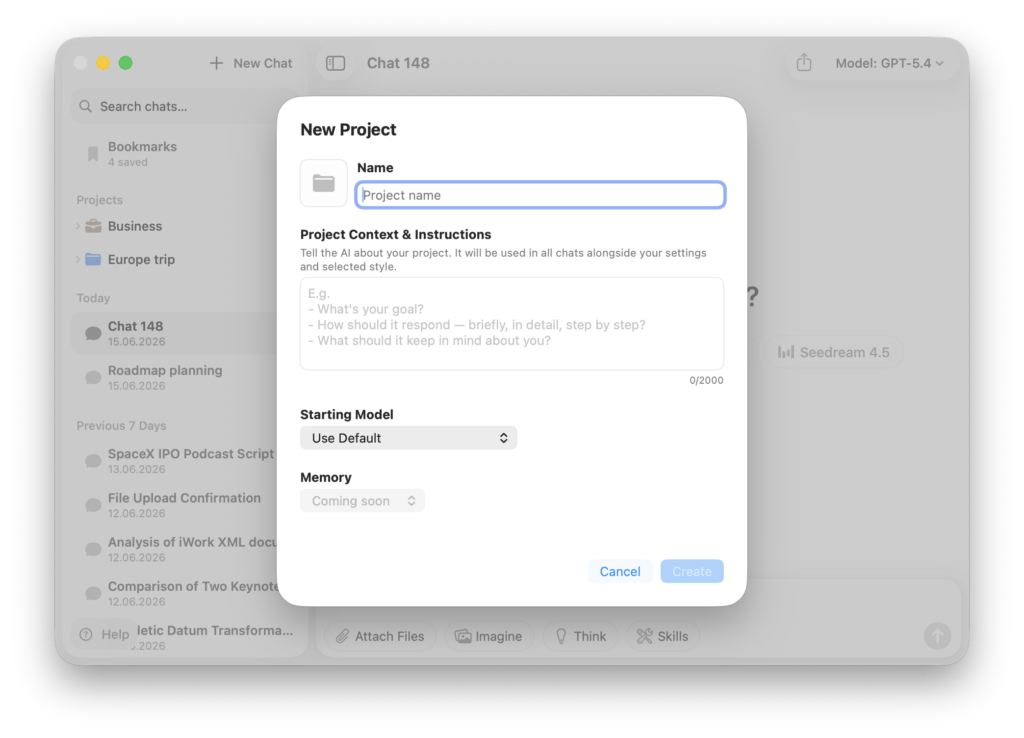
Setting one up takes a few seconds:
From there, open the project and start a new chat — it automatically inherits everything you set up. Keep as many conversations inside a project as you like; the sidebar shows how many each one holds.
You’ll also notice a Memory option marked Coming soon. That’s cross-conversation memory — where the AI carries what it picks up in one chat into the next. It’s on the way. For now, shared context does the heavy lifting, and it does it well.
Whatever you put here travels into every chat in the project, alongside your settings and chosen style — so the more useful it is, the less you’ll repeat yourself later. The dialog gives you three prompts to start from:
A few things help: be specific over polite (“British English, second person, under 200 words” beats “write well”), include the non-negotiables (brand names, key facts, words you never use), and paste in reference material like a style guide or a sample of the output you want. You’ve got up to 2,000 characters — lead with what matters most.
For example, a Business project might read:
Small B2B SaaS selling time-tracking software to agencies. Audience: agency owners and ops managers. Used for marketing copy and customer emails. Tone: clear, friendly, no hype. Always British English, second person. Never promise features we haven’t shipped. Keep emails under 150 words.
That’s enough for every chat to sound on-brand from the first reply — no re-briefing required.
The whole point of Fello AI is that you’re not locked into a single model — you pick the right tool for the job. This update widens that toolbox.
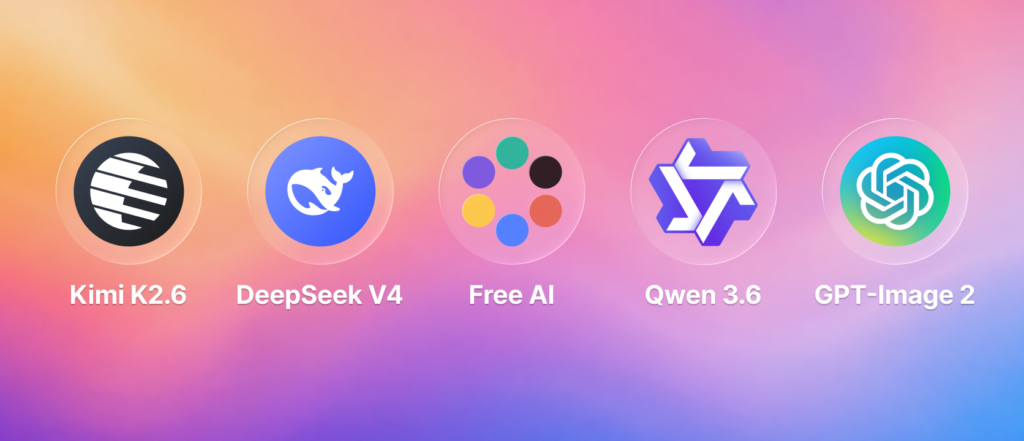
Newly added:
That Free Compound point is worth dwelling on. Most “free” AI tiers quietly cap you after a handful of messages. This one doesn’t — it’s there for everyday questions, quick drafts, and just experimenting without watching a counter. When a task needs more horsepower, the premium models are one click away.
These join the lineup you already have — GPT-5.4, Grok 4.20, Claude 4.6, Gemini 3, Nano Banana, and more — so whether you need sharp reasoning, fast image generation, or a cheap workhorse for bulk tasks, you can switch between them in the same place without juggling separate subscriptions.
Fello AI 6.6.0 is finally bringing Project. An all-time most requested feature that gives your conversations a home and the AI the context to be useful from the first message. You don’t need to keep re-explaining yourself and instead you can start where you left off.
The five new models — including Free Compound, free forever with no limits — mean you’ve always got the right kind of intelligence for the task at hand, all in one place and without juggling subscriptions. Together they take the friction out of the everyday work you bring to AI.
Both are live right now, so the best way to see it is to try it: create your first project, drop in some context, and run your next task through whichever model fits.
And this is just the start — we’re already putting the finishing touches on the next version, with a refreshed look and some genuinely big additions to how Fello AI handles your files, audio, and travel planning. We’ll have plenty to share soon.
Stay ahead with expert AI insights trusted by top tech professionals!
Join thousands of AI fans & professionals benefiting from exclusive tips and insights from industry leaders.