Flare 👁 Laravel

Laravel 👁 PHP

PHP 👁 JavaScript

JavaScript 👁 React

React 👁 Vue

Vue 👁 Svelte

Svelte 👁 Protocol

Protocol
- Error tracking
- Performance monitoring
Linear integration
If you use Linear to track issues in your app, you can connect Flare to Linear.
Our integration allows you to:
- Create a Linear issue directly on a Flare error.
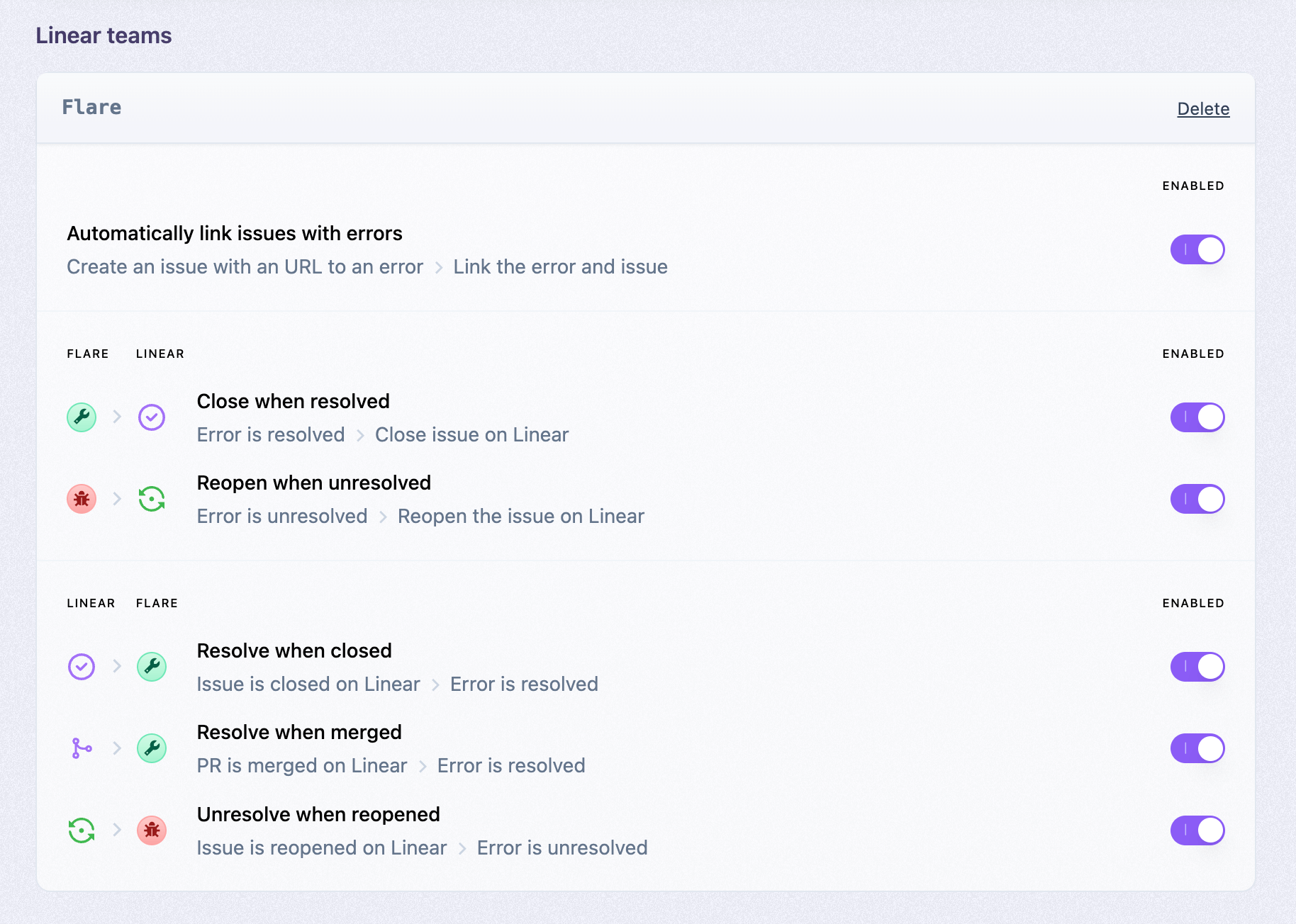
- Automatically resolve / unresolve an error on Flare when you close / reopen the Linear issue.
- Automatically close / reopen a Linear issue when you resolve / unresolve an error in Flare.
Getting started
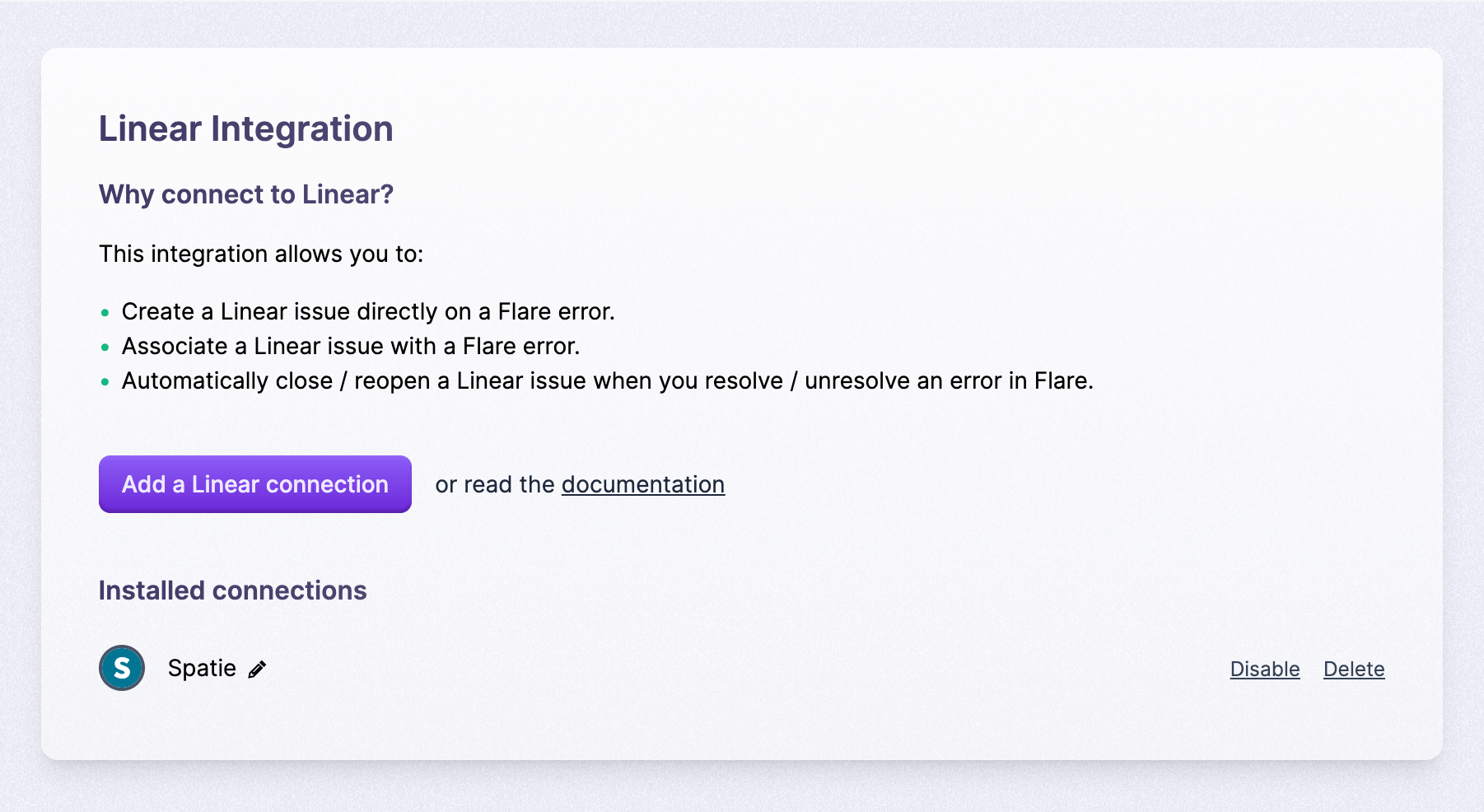
Go to the Integrations page within the team settings. Click on "New Integration" and select Linear.
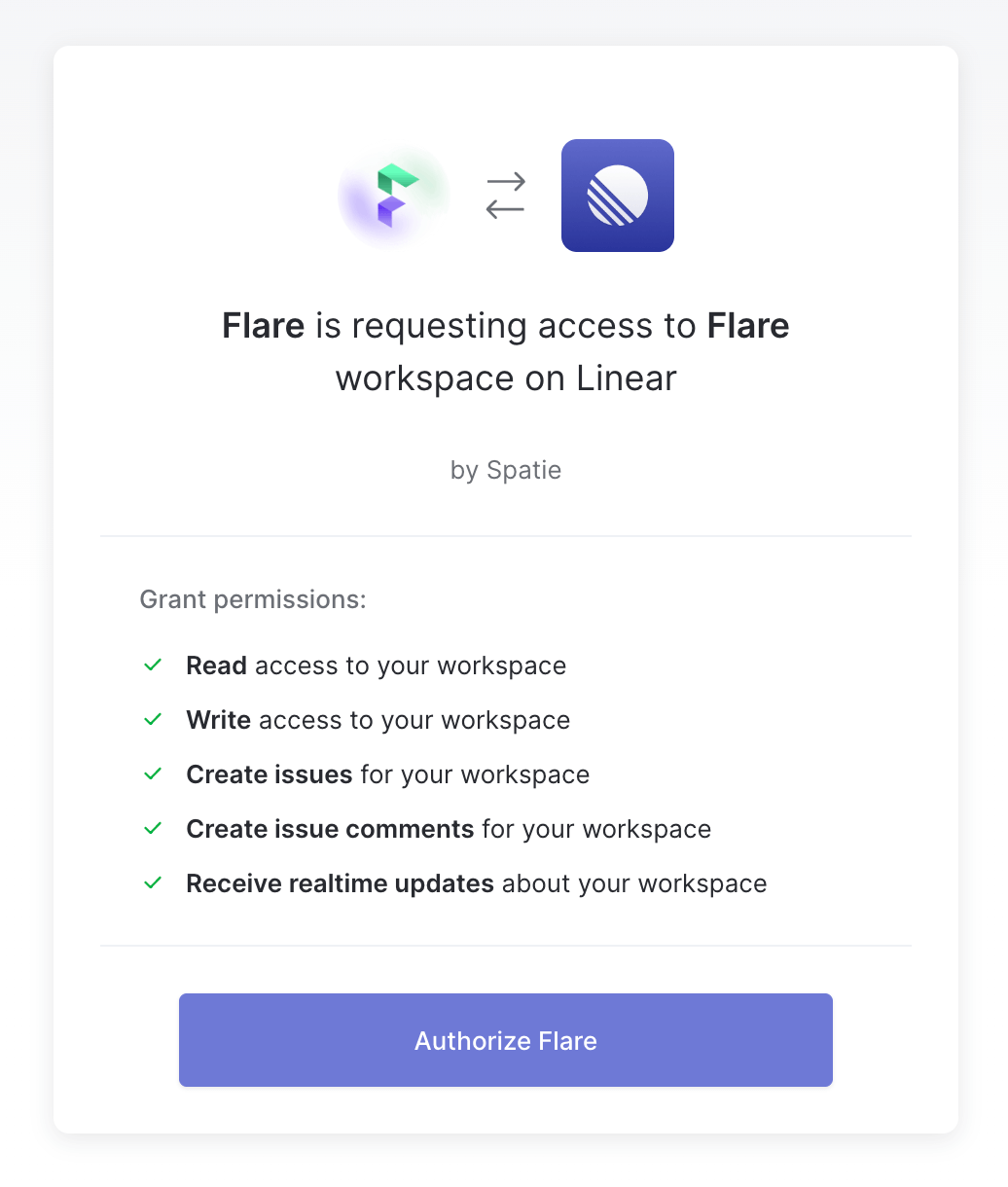
Flare will ask read and write access to your issues and comments on your Linear account.
After authorizing Linear, you can connect Flare projects with Linear teams. Go to the Integrations page in your Flare project settings.
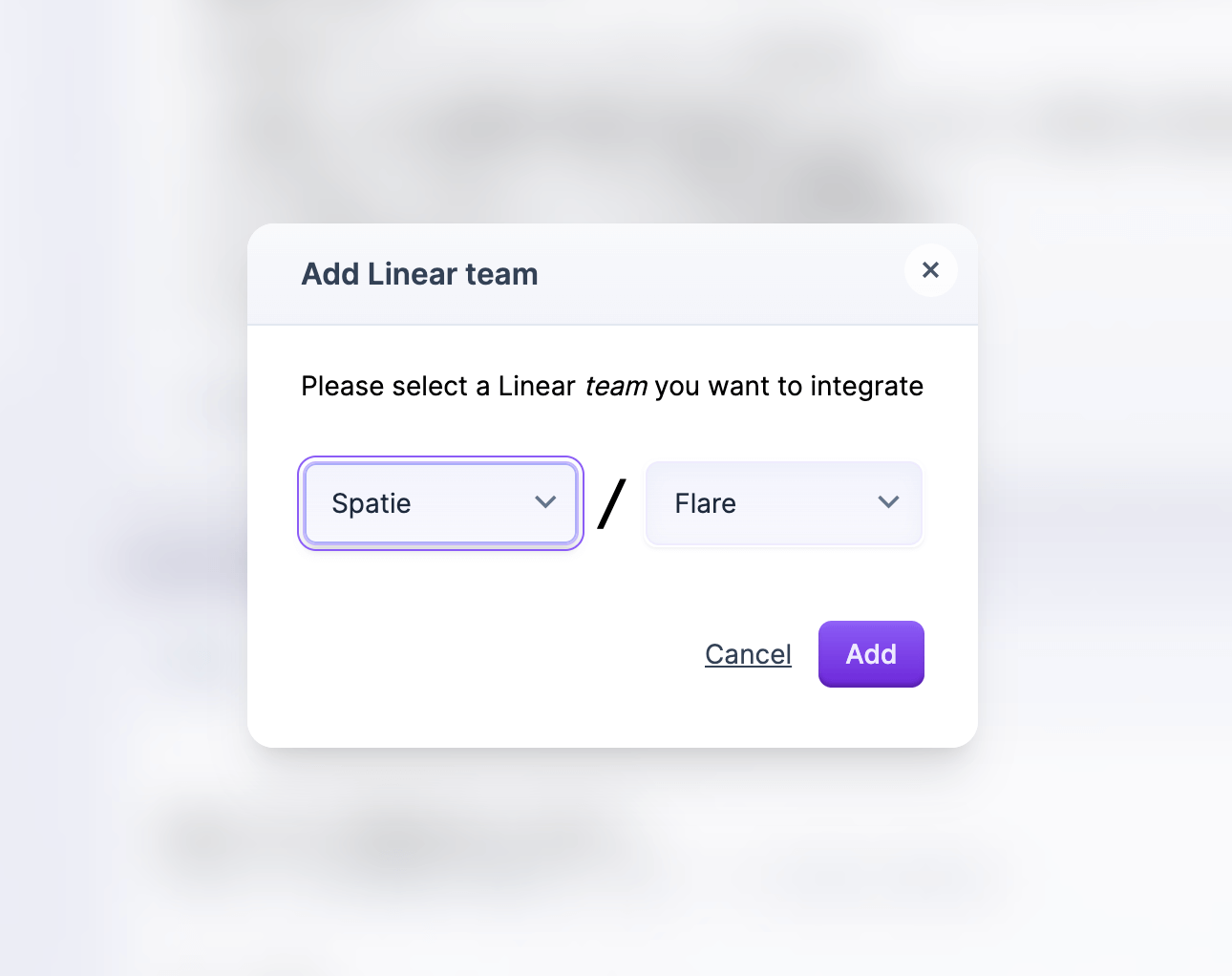
After linking the team you're able to configure how Flare interacts with the Linear team.
Associating Flare errors with Linear issues
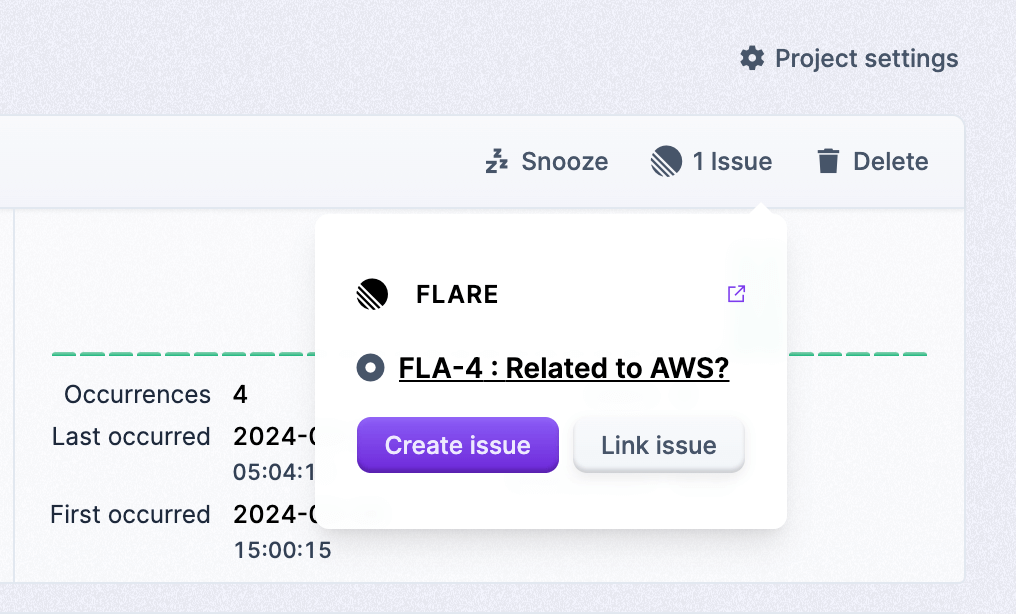
After you've connected a Linear team to a Flare project, you'll see an extra button "Create issue" on each error in Flare.
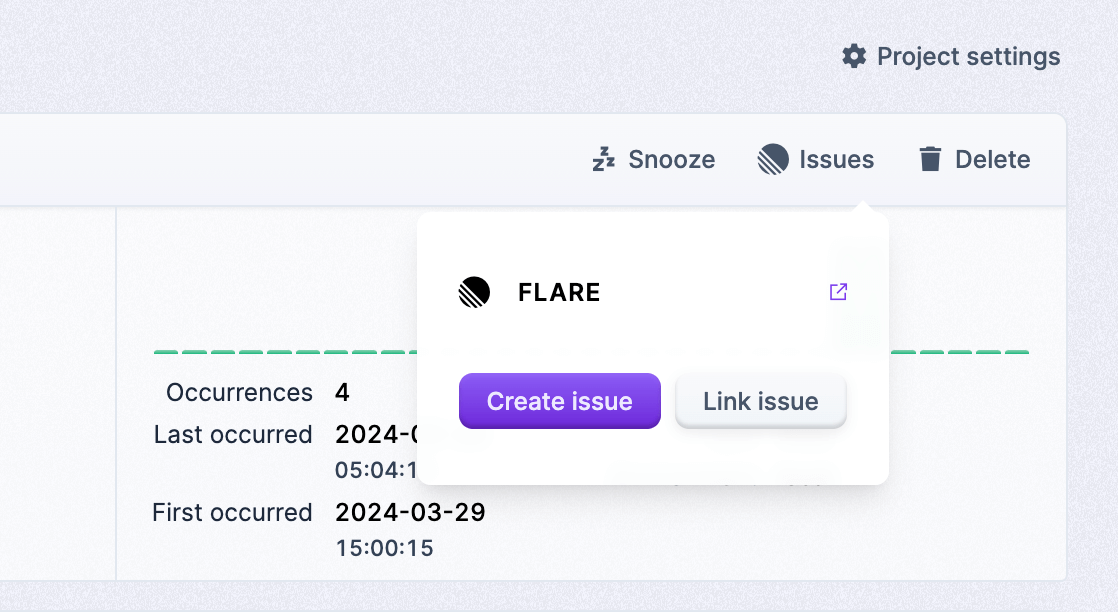
By pressing this button you can create a Linear issue from Flare.
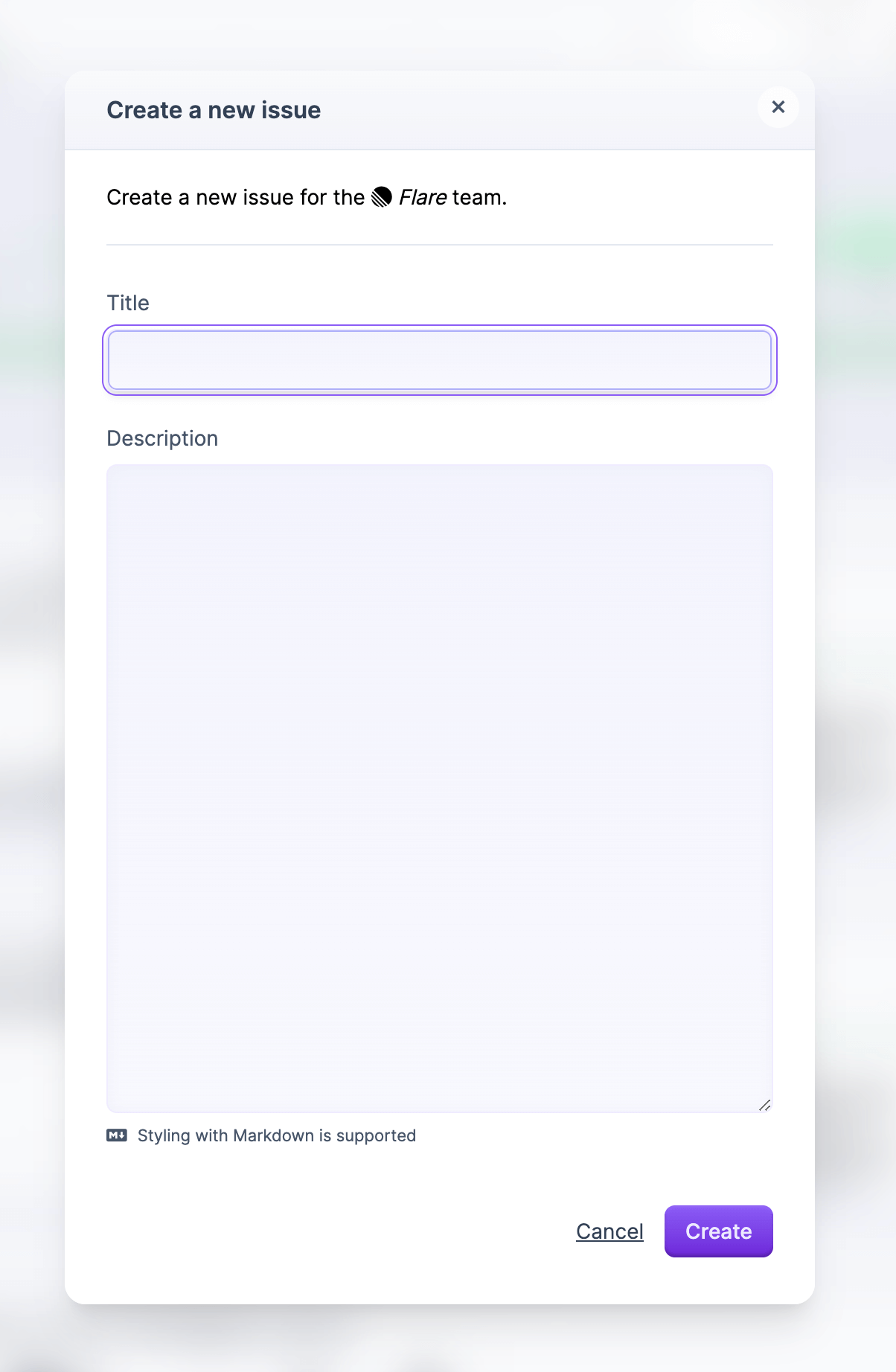
This error is now associated. When you click that link, you'll see a card that contains a link to the issue, and you can optionally couple the same error to another issue.