VOOZH about

URL: https://gpuopen.com/fidelityfx-superresolution/

⇱ AMD FidelityFX™ Super Resolution 1 (FSR 1) - AMD GPUOpen


AMD FidelityFX™ Super Resolution (FSR) is our open source, high-quality solution for producing high resolution frames from lower resolution inputs.

It uses a collection of cutting-edge algorithms with a particular emphasis on creating high-quality edges, giving large performance improvements compared to rendering at native resolution directly. FSR enables “practical performance” for costly render operations, such as hardware ray tracing. 

Supports: 

  • DirectX®12.
  • DirectX®11.
  • Vulkan®.

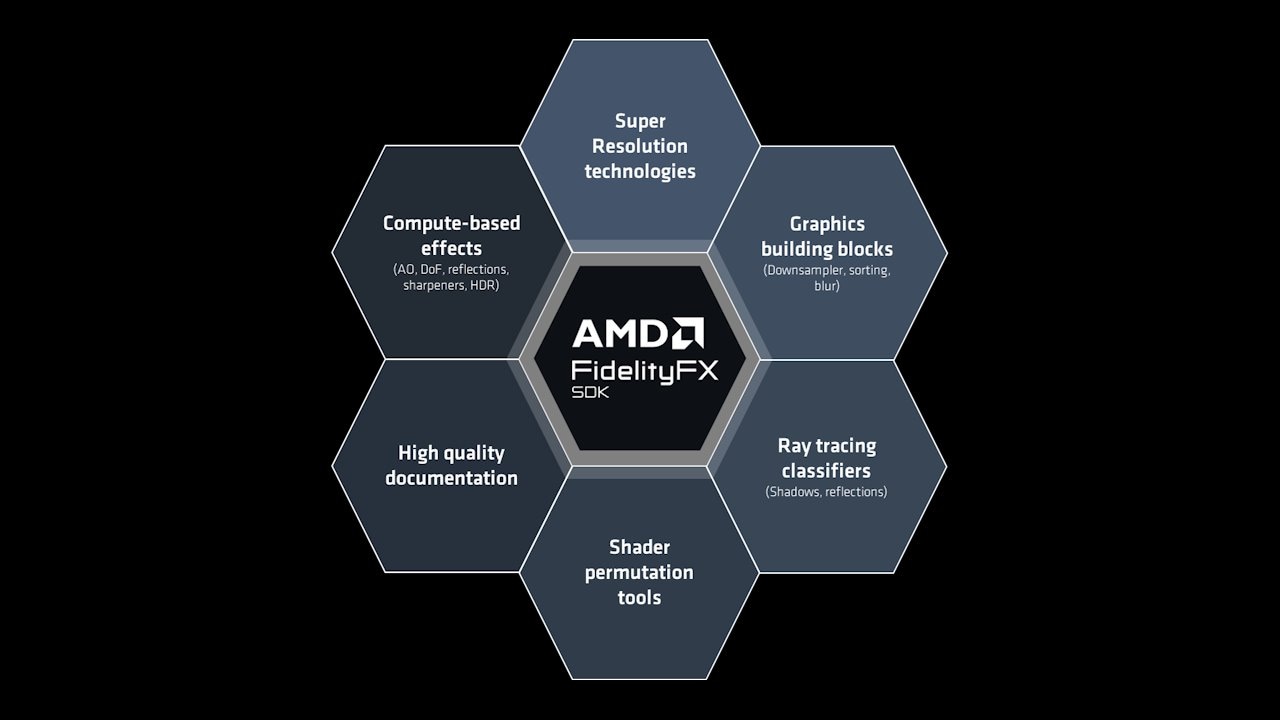
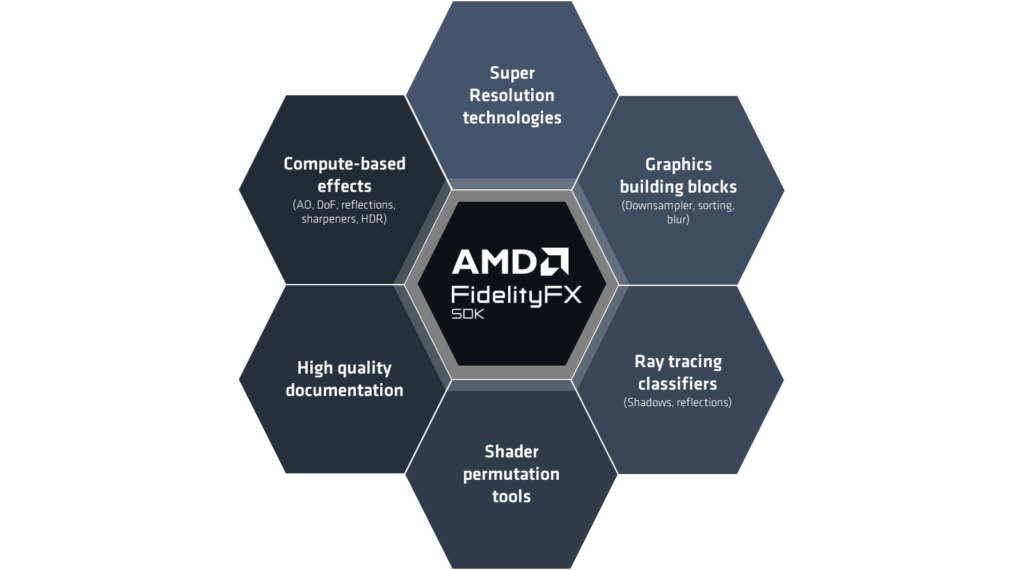
Part of the AMD FidelityFX™ SDK v1

👁 AMD FidelityFX SDK components

Looking for AMD FidelityFX Super Resolution 3? This page is for our spatial upscaler, FSR 1. If you’re looking for our latest super resolution temporal upscaling and frame generation technology you’ll need to head over to our dedicated FSR 3 page instead!

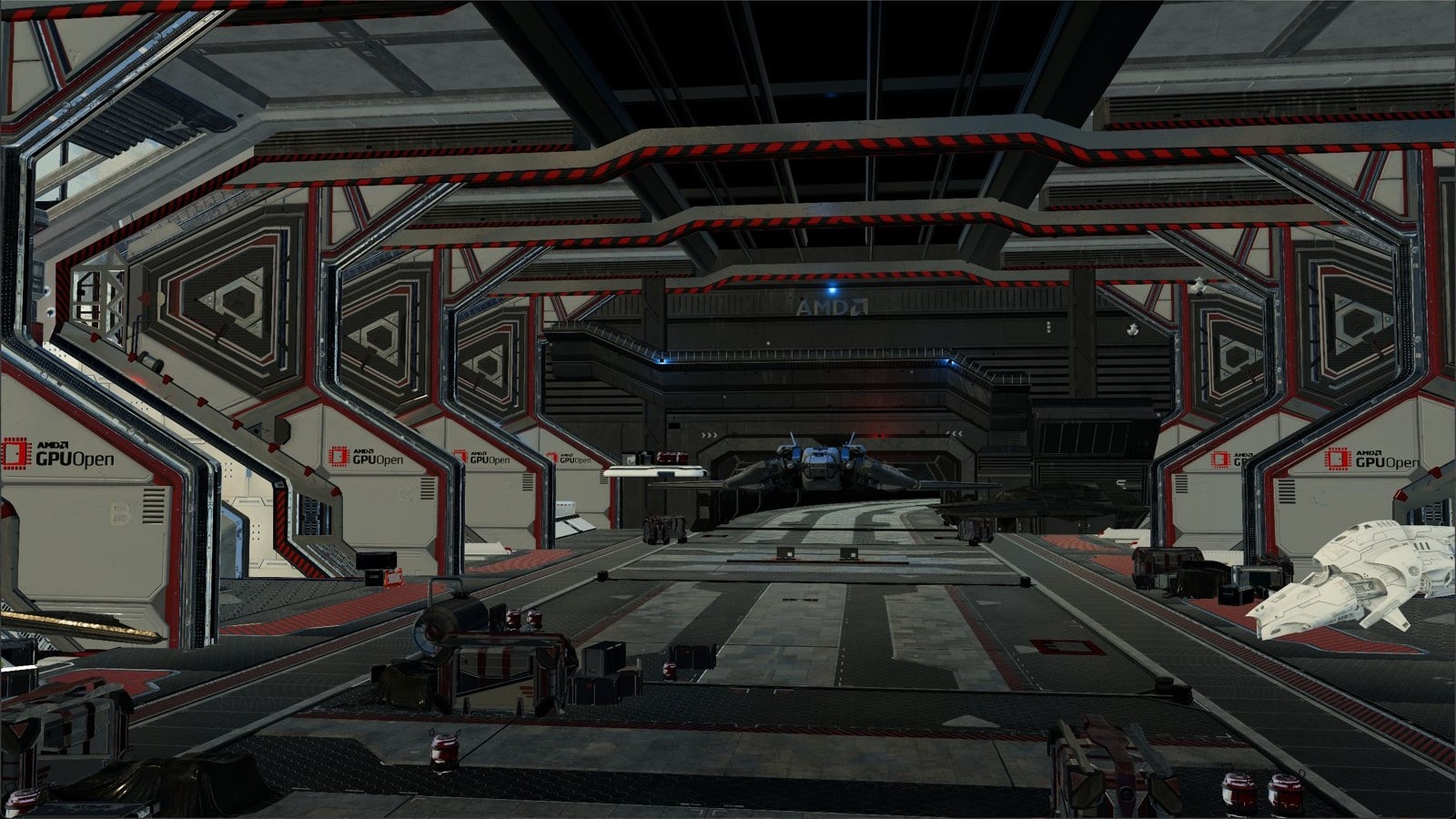
👁 AMD FidelityFX Super Resolution 3 spaceship

Download the latest version - v1.1

Updated as part of AMD FidelityFX SDK v1.1:

  • AMD FidelityFX backend updates, including buffer allocator overrides
  • Updated documentation and release of reference documentation for SDK + Framework
  • Native Microsoft® GDK® backend implementation library (requires developer access to GDK® program)

Features

Easy to integrate

Highly optimized

Super Resolution

  • Major framerate boosts combined with high-quality, high-resolution graphics!
  • Four different quality modes proposed: Ultra QualityQualityBalanced, and Performance.

Cross-platform

Open Source

  • Provided on GPUOpen under an MIT license.

Easy to integrate

  • Full shader source code provided for a smooth and flexible integration.
  • Wide API support for DirectX®12, Vulkan®, and DirectX®11!
  • FSR can be ported onto multiple platforms without restriction. 

Highly optimized

  • FSR is hand-optimized for great performance across a wide variety of GPUs[^1].

AMD FidelityFX CLI

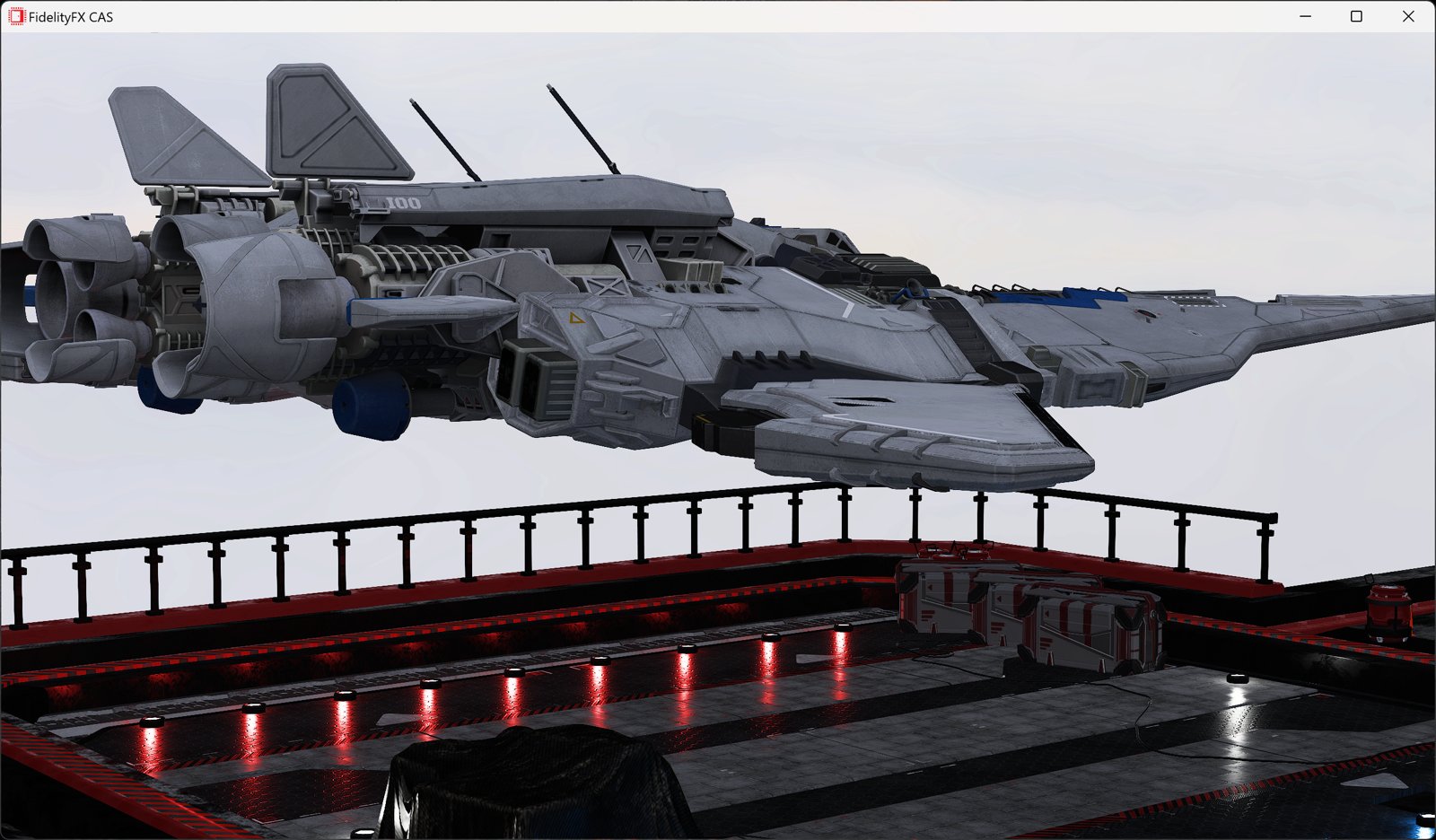
Want to quickly try out AMD FidelityFX Super Resolution (FSR) or AMD FidelityFX Contrast Adaptive Sharpening (CAS)?

You can use our new command-line tool AMD FidelityFX CLI, which lets you test FSR or CAS on a screenshot, or any other image.

Comparison

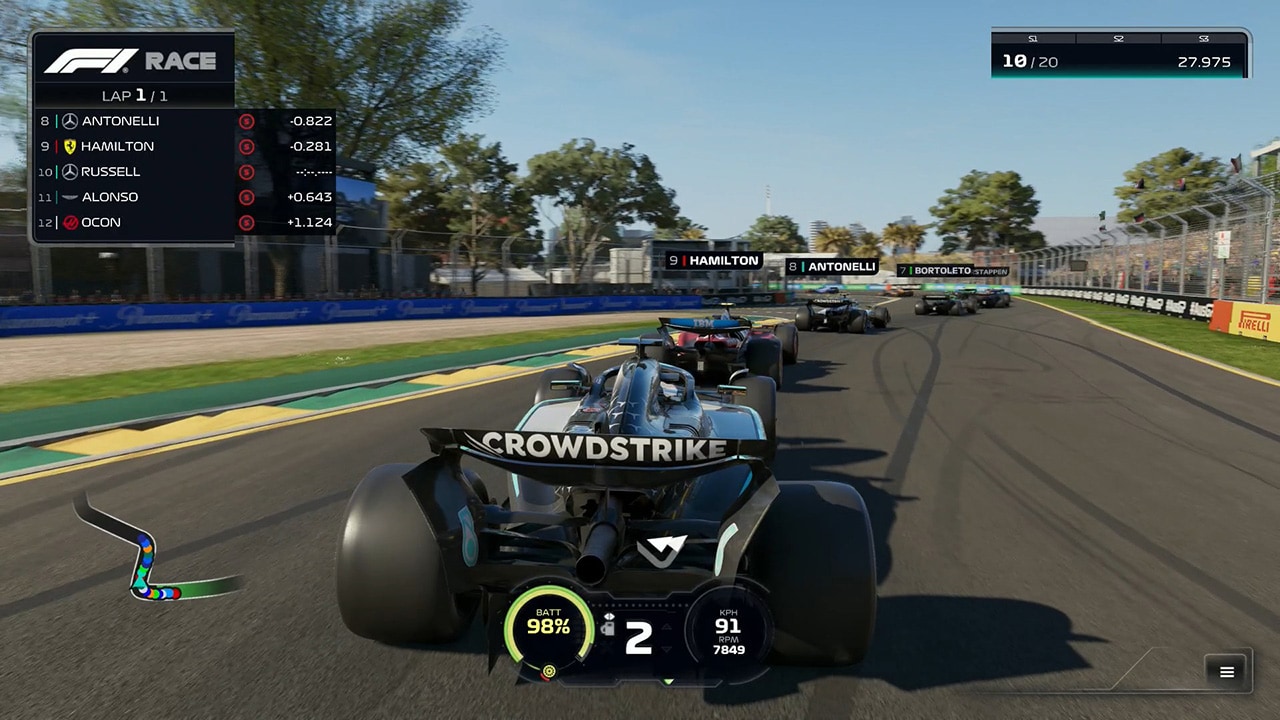
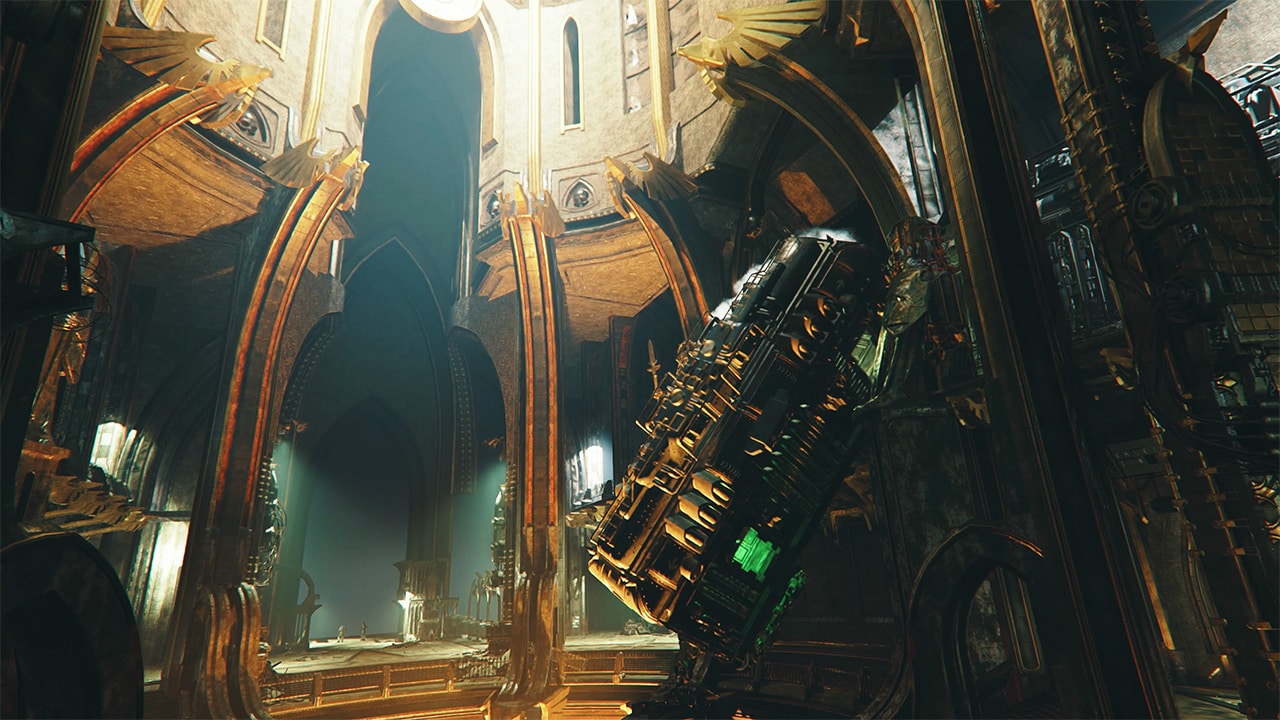
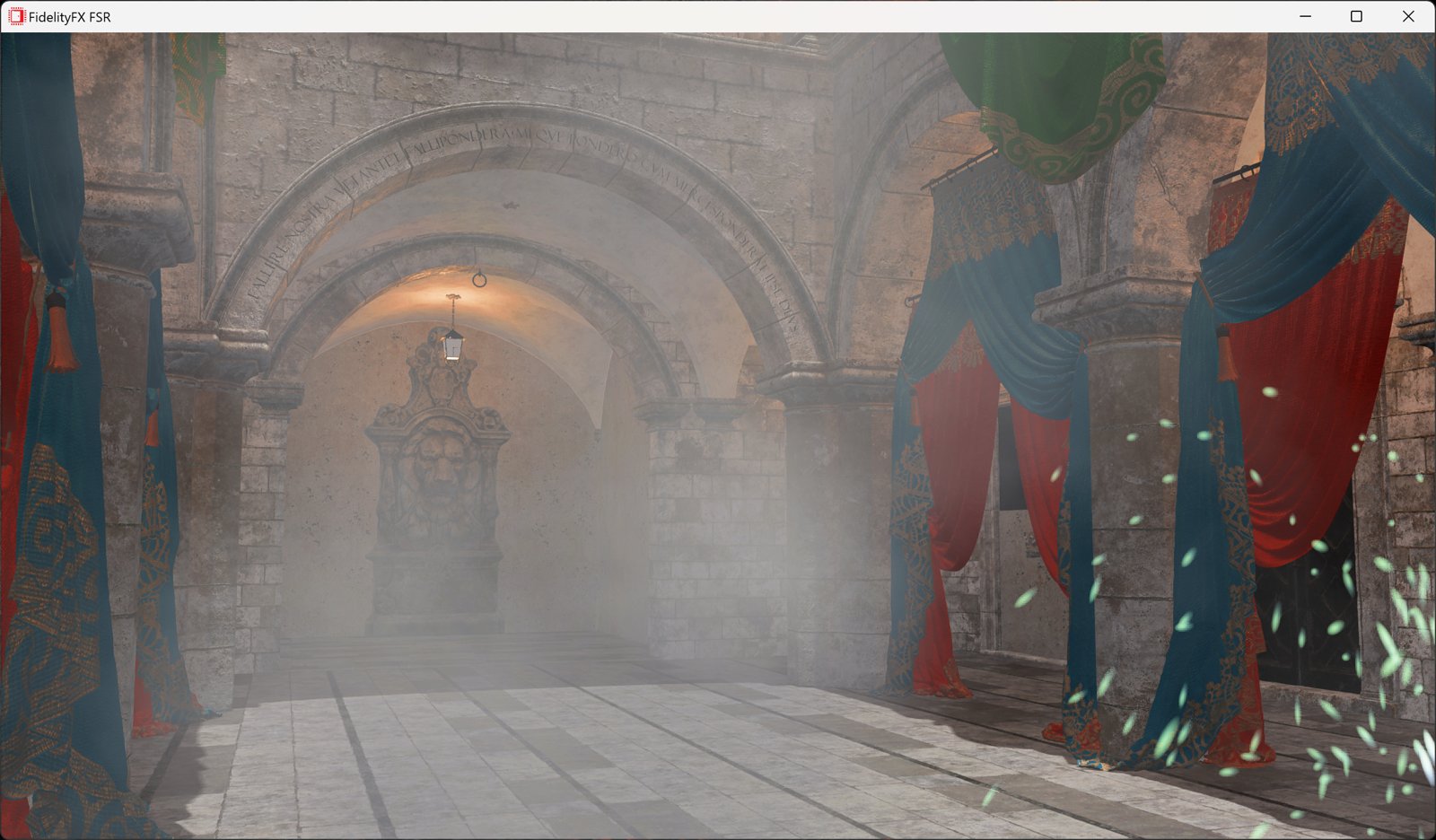
The comparison images below are a 1200 x 700px crop taken from a 4K frame from our FSR sample provided via our Cauldron framework.  The images are JPEGs saved with minimal compression to keep the file sizes lower to support faster load times.

Native resolution is on the left, and FSR Ultra Quality on the right.  

This next set of images are the same crop as above, but this time comparing bilinear upscaling (left) with FSR Performance (right).

Here is a different crop, with native, and then all four FSR quality settings shown.

To make it easier to see the differences, we’ve applied the native resolution image over the top (left) so you can see how FSR quality modes (right) compare by moving the slider.

AMD FidelityFX Super Resolution quality modes

AMD FidelityFX Super Resolution exposes different quality modes that varies the amount of scaling to apply to the source image, depending on the quality/performance ratio desired.

In addition to fixed scaling, FSR may be used in “arbitrary scaling” mode, whereby any area scale factor between 1x and 4x is supported. This mode is typically used for Dynamic Resolution Scaling, whereby source resolution is determined by a fixed performance budget to achieve a minimum frame rate.

AMD FidelityFX Super Resolution performance

AMD FidelityFX Super Resolution is hand-optimized for best performance and runs well on a large variety of GPUs. The following table provides some indication of upper performance threshold numbers for the cost of running FSR, measured on different classes of GPUs.

System Specifications

  • Motherboard: MSI X570-A Pro
  • Operating System: Windows 10 Pro 64-bit Version 20H2 (OS Build 19042.928)
  • AMD Driver Version: 21.20-210624n
  • NVIDIA Driver Version: 471.11
  • CPU: AMD Ryzen 9 5900X @ 3.70 GHz
  • Chipset: Ryzen SOC
  • System RAM: 16.0 GB G.Skill DDR4-3600 CL16-16-16-36

How it works

AMD FidelityFX Super Resolution is a spatial upscaler: it works by taking the current anti-aliased frame and upscaling it to display resolution without relying on other data such as frame history or motion vectors.

At the heart of FSR is a cutting-edge algorithm that detects and recreates high-resolution edges from the source image. Those high-resolution edges are a critical element required for turning the current frame into a “super resolution” image. 

FSR provides consistent upscaling quality regardless of whether the frame is in movement, which can provide quality advantages compared to other types of upscalers.

FSR is composed of two main passes:

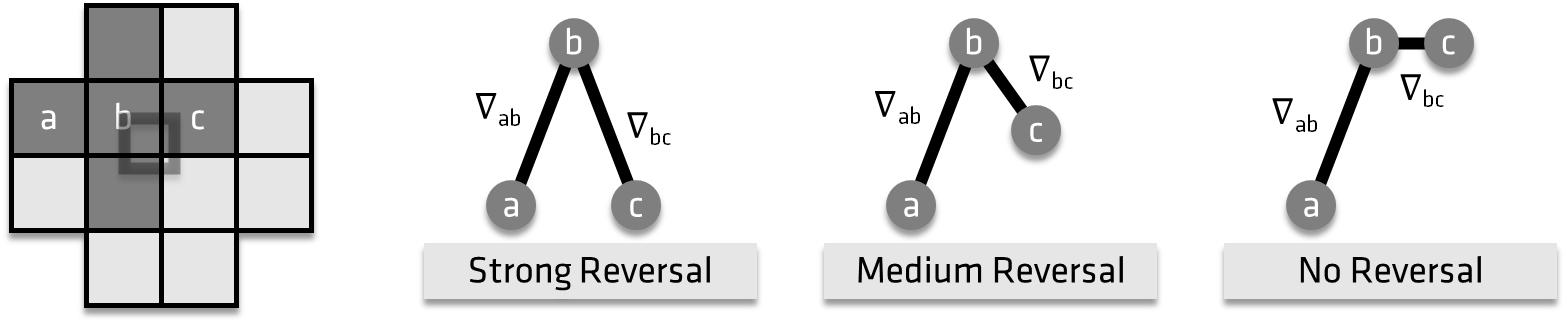
  • An upscaling pass called EASU (Edge-Adaptive Spatial Upsampling) that also performs edge reconstruction. In this pass the input frame is analyzed and the main part of the algorithm detects gradient reversals – essentially looking at how neighboring gradients differ – from a set of input pixels. The intensity of the gradient reversals defines the weights to apply to the reconstructed pixels at display resolution.
  • A sharpening pass called RCAS (Robust Contrast-Adaptive Sharpening) that extracts pixel detail in the upscaled image.

FSR also comes with helper functions for color space conversions, dithering, and tone mapping to assist with integrating it into common rendering pipelines used with today’s games.

👁 Image

FidelityFX Super Resolution looks for gradient reversals in the source image to reconstruct high-definition edges at upscaled resolution.

Where to integrate AMD FidelityFX Super Resolution in a frame?

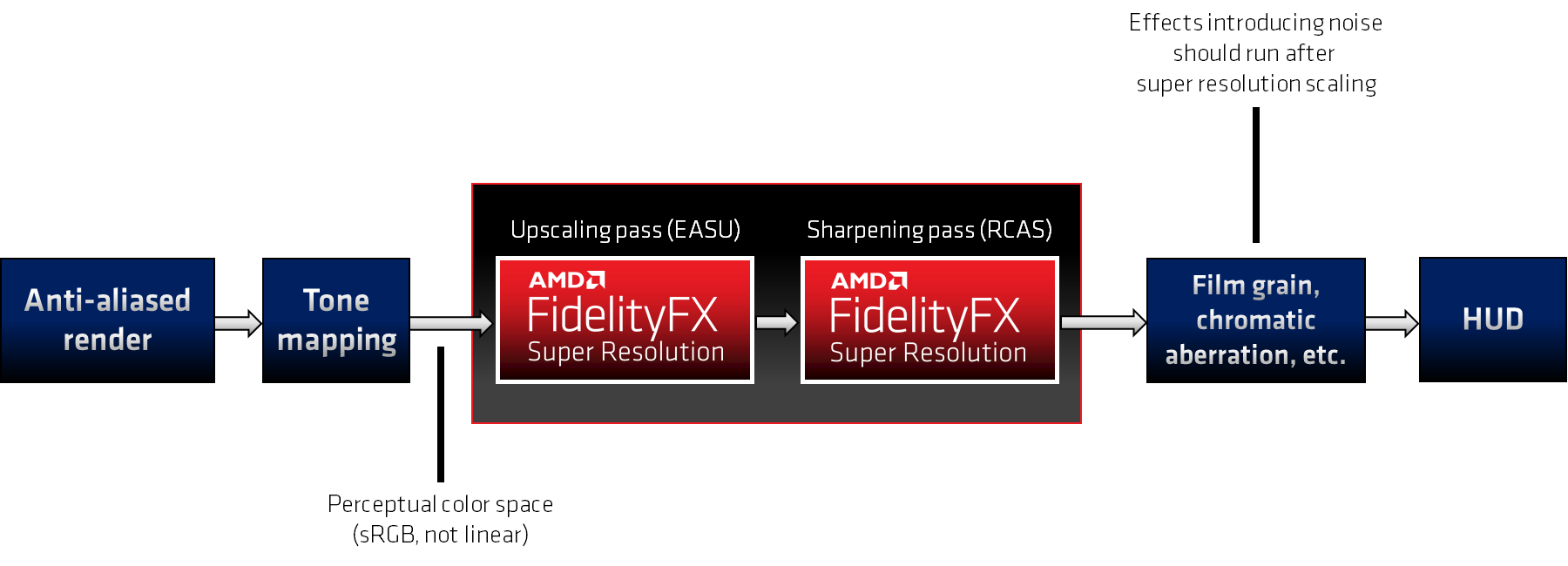
AMD FidelityFX Super Resolution passes work best in perceptual color space, and should therefore be integrated after tone mapping. Passes that introduce noise or other high-frequency visual components to the scene should be rendered after upscaling to avoid those noisy components being amplified.

👁 Image

Looking to integrate AMD FidelityFX Super Resolution into your game? For more information on how to integrate FSR and how to expose it in your game’s user interface please consult our FSR presentation.

Please also take a look at our naming guidelines for advice on presenting FSR in your game UI, and to obtain AMD FidelityFX logo assets.

Version history

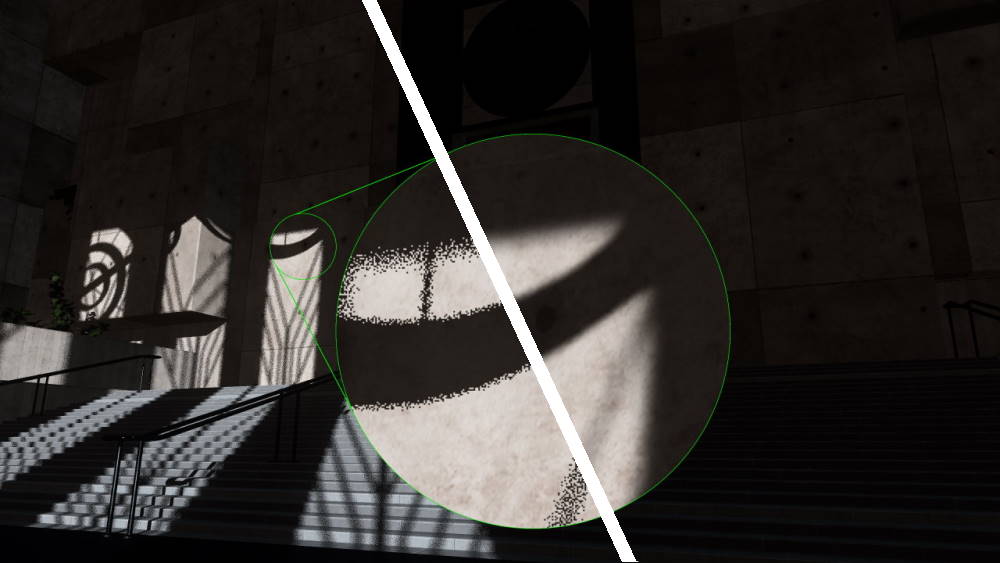
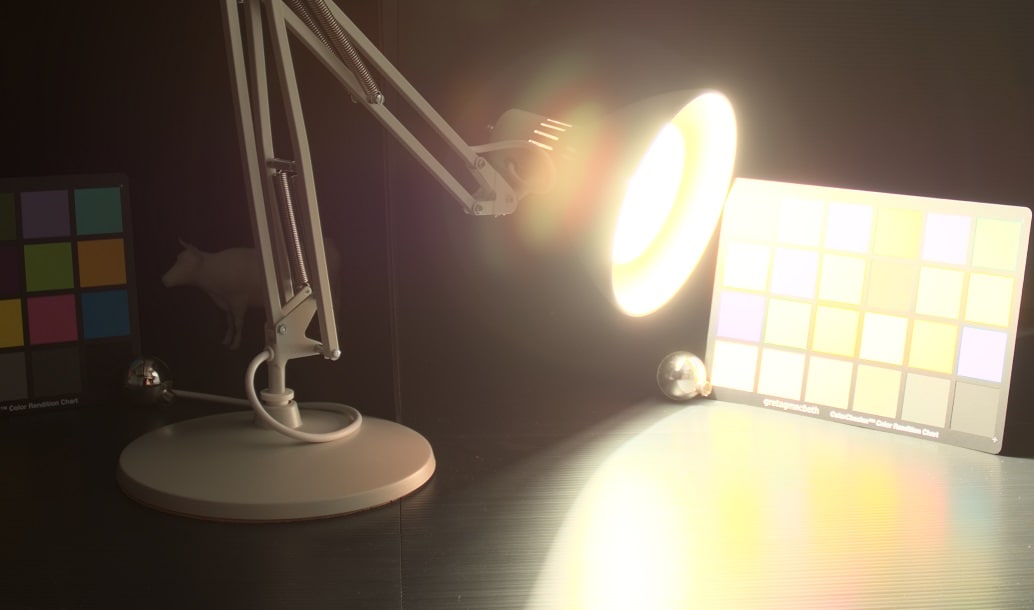
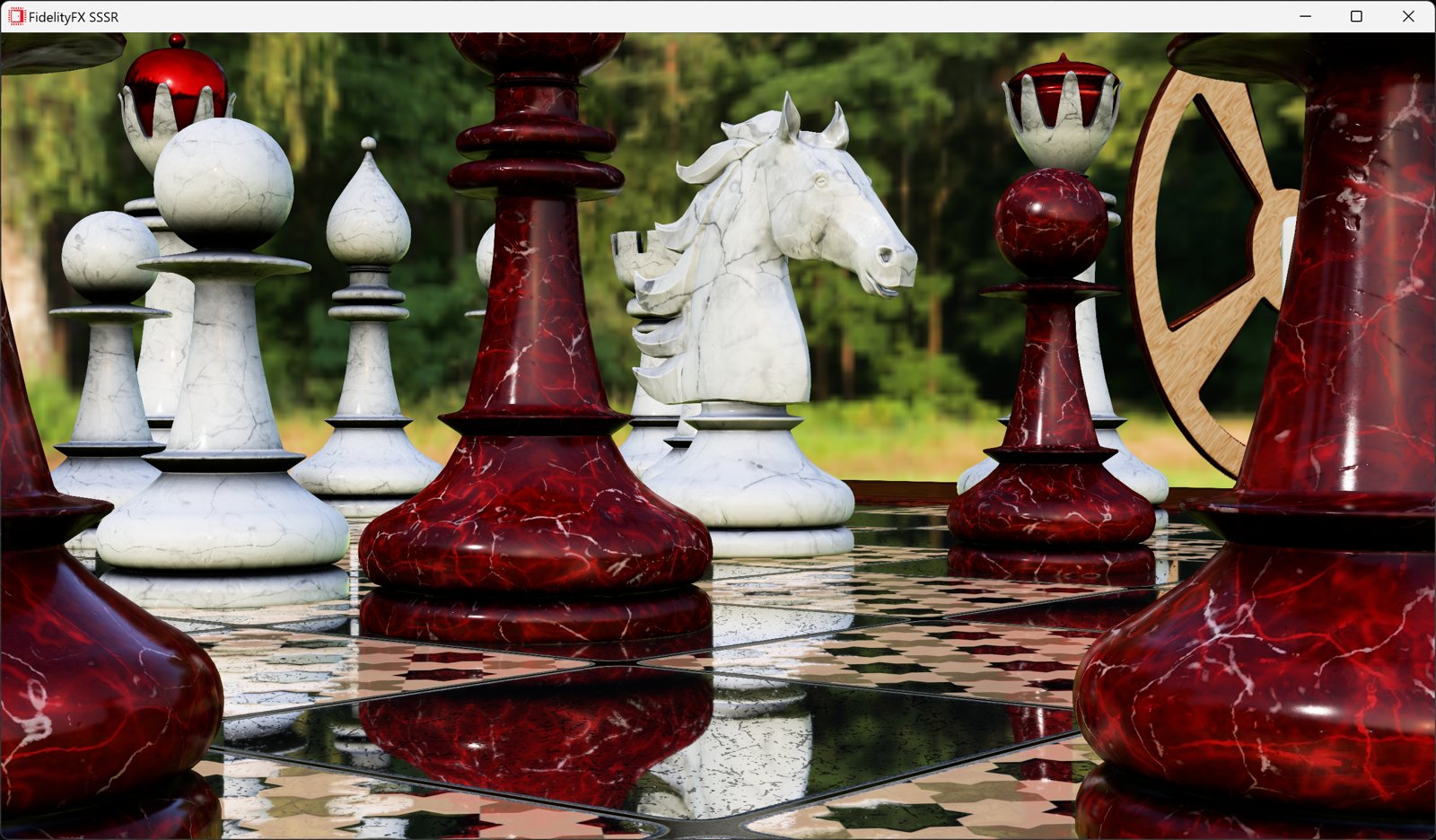
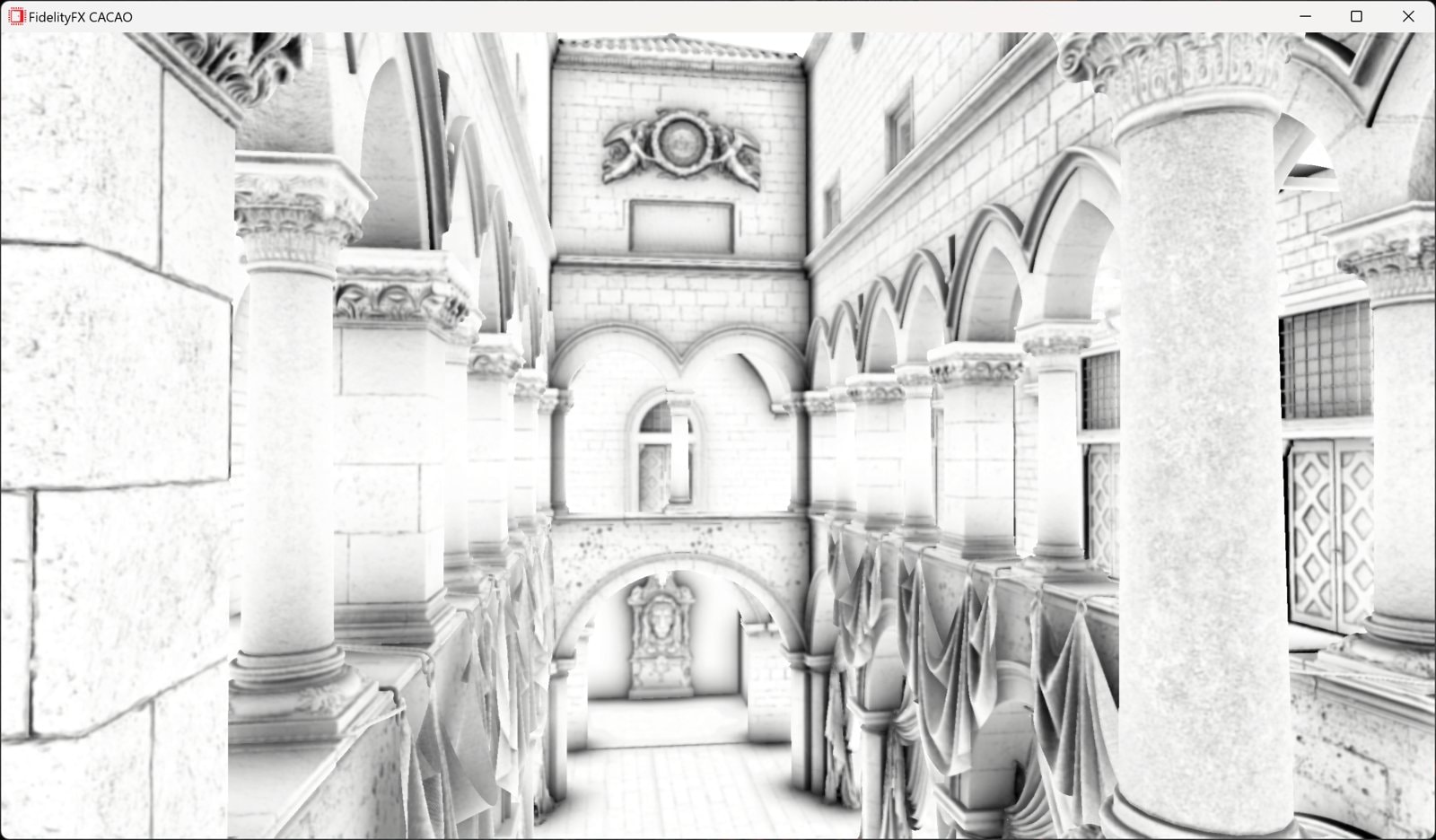
Other AMD FidelityFX effects

AMD FSR Frame Generation
AMD FSR™ Frame Generation uses state-of-the-art machine learning to generate high-quality intermediate frames, delivering ultra-smooth gameplay on AMD Radeon RX 9000 Series GPUs.
AMD FSR Upscaling
AMD FSR™ Upscaling is our cutting-edge ML-based upscaler. It delivers significant image quality improvements with reduced ghosting, better particle preservation, and superior detail.
AMD FSR Ray Regeneration
AMD FSR™ Ray Regeneration is a standalone, ML-powered real-time denoiser that integrates with any game engine, enabling high-quality visuals by denoising inputs from ray-traced workloads.
AMD FSR Radiance Caching
AMD FSR Radiance Caching is an ML-powered, real-time illumination cache that accelerates path tracing to deliver richer, dynamic multi-bounce global illumination with lower computational cost.
AMD FSR SDK
AMD FSR™ SDK v2.2 is the launchpad for our ML-based FSR "Redstone" rendering technologies, inc. AMD FSR Upscaling, Frame Generation, Ray Regeneration, and Radiance Caching.
AMD FidelityFX™ Brixelizer/GI
AMD FidelityFX™ Brixelizer GI is compute-based real-time dynamic global illumination solution built upon sparse distance fields.
AMD FidelityFX™ Lens
AMD FidelityFX Lens is an AMD RDNA™ architecture optimized implementation of some of gaming''s most used post-processing effects.
AMD FidelityFX™ SDK v1
The AMD FidelityFX SDK v1 is our easy-to-integrate solution for developers looking to include FidelityFX v1 features into their games.
AMD FidelityFX™ Blur
AMD FidelityFX Blur is an AMD RDNA™ architecture optimized collection of blur kernels from 3x3 up to 21x21.
AMD FidelityFX™ Parallel Sort
AMD FidelityFX Parallel Sort makes sorting data on the GPU quicker, and easier. Use our SM6.0 compute shaders to get your data in order.
AMD FidelityFX™ Denoiser
AMD FidelityFX Denoiser is a set of denoising compute shaders which remove artefacts from reflection and shadow rendering.
AMD FidelityFX™ Cauldron Framework
AMD FidelityFX Cauldron Framework is our open-source experimentation framework for DirectX®12 and Vulkan®, provided in the AMD FidelityFX SDK.

Related news and technical articles

Welcome to the AMD FSR SDK 2.2, now available on GPUOpen
The AMD FSR™ "Redstone" SDK 2.2 update delivers ML-powered FSR Upscaling 4.1 and FSR Ray Regeneration 1.1 optimized for AMD RDNA™ 4 graphics, enabling higher visual fidelity and performance with analytical fallbacks to scale across handhelds, consoles, and PCs.
Sim-to-real in AMD Schola
Replicating a physical line-following device in Unreal® Engine and training it with reinforcement learning using AMD Schola.

Related videos

A Review of GPUOpen Effects - YouTube link
This presentation will provide a technical overview of existing and new graphics effects available in GPUOpen and detail integration procedures for them.