|
VOOZH | about |
|
VOOZH | about |
Infinispan requires authentication and authorization by default. Create a user named `admin` to implicitly have a user with the admin role.
Run one of the following commands:
podman run -it -p 11222:11222 -e USER="admin" -e PASS="password" --net=host quay.io/infinispan/server:16.1
docker run -it -p 11222:11222 -e USER="admin" -e PASS="password" quay.io/infinispan/server:16.1
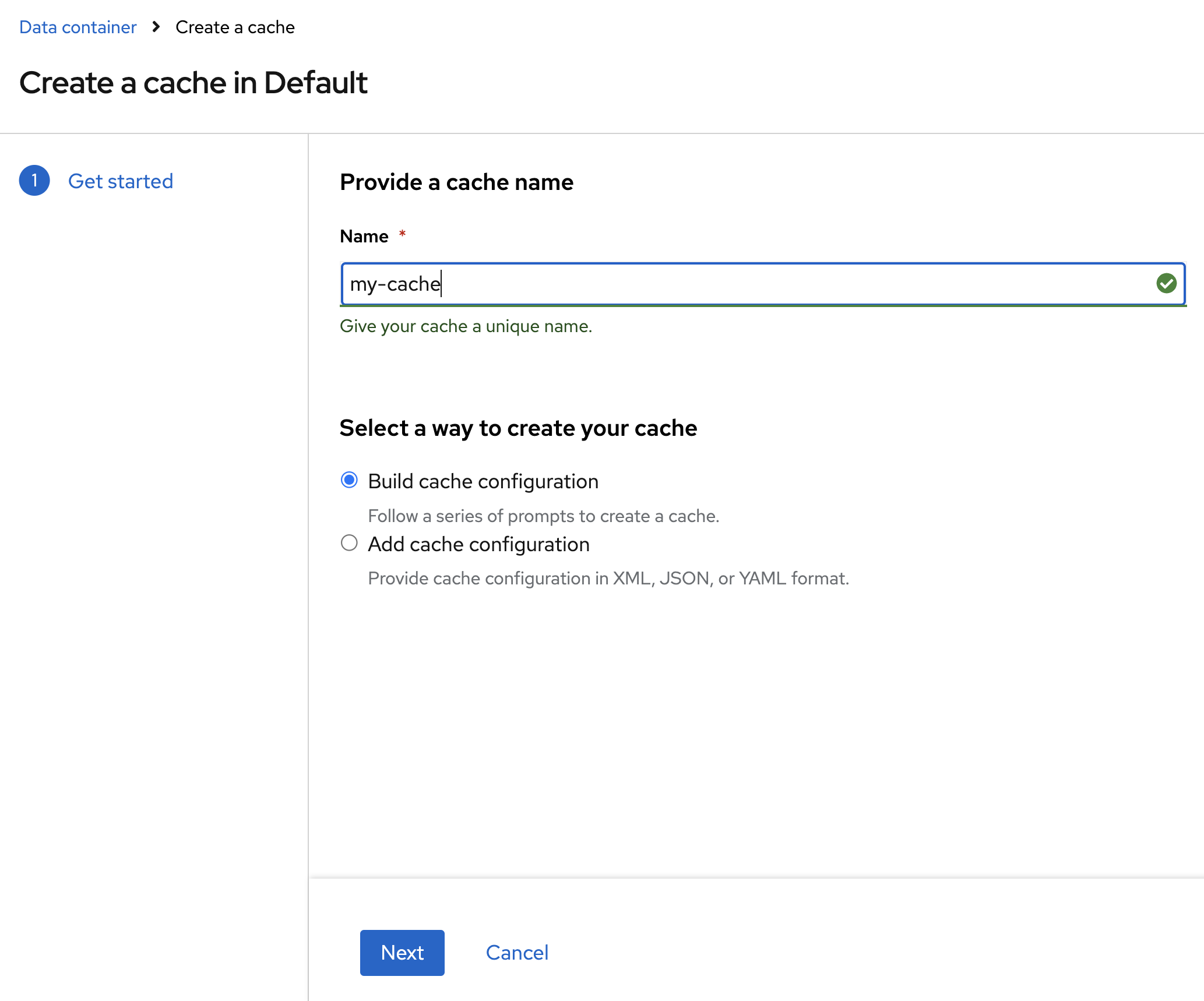
You can also create a cache from a xml, json or yaml configuration.
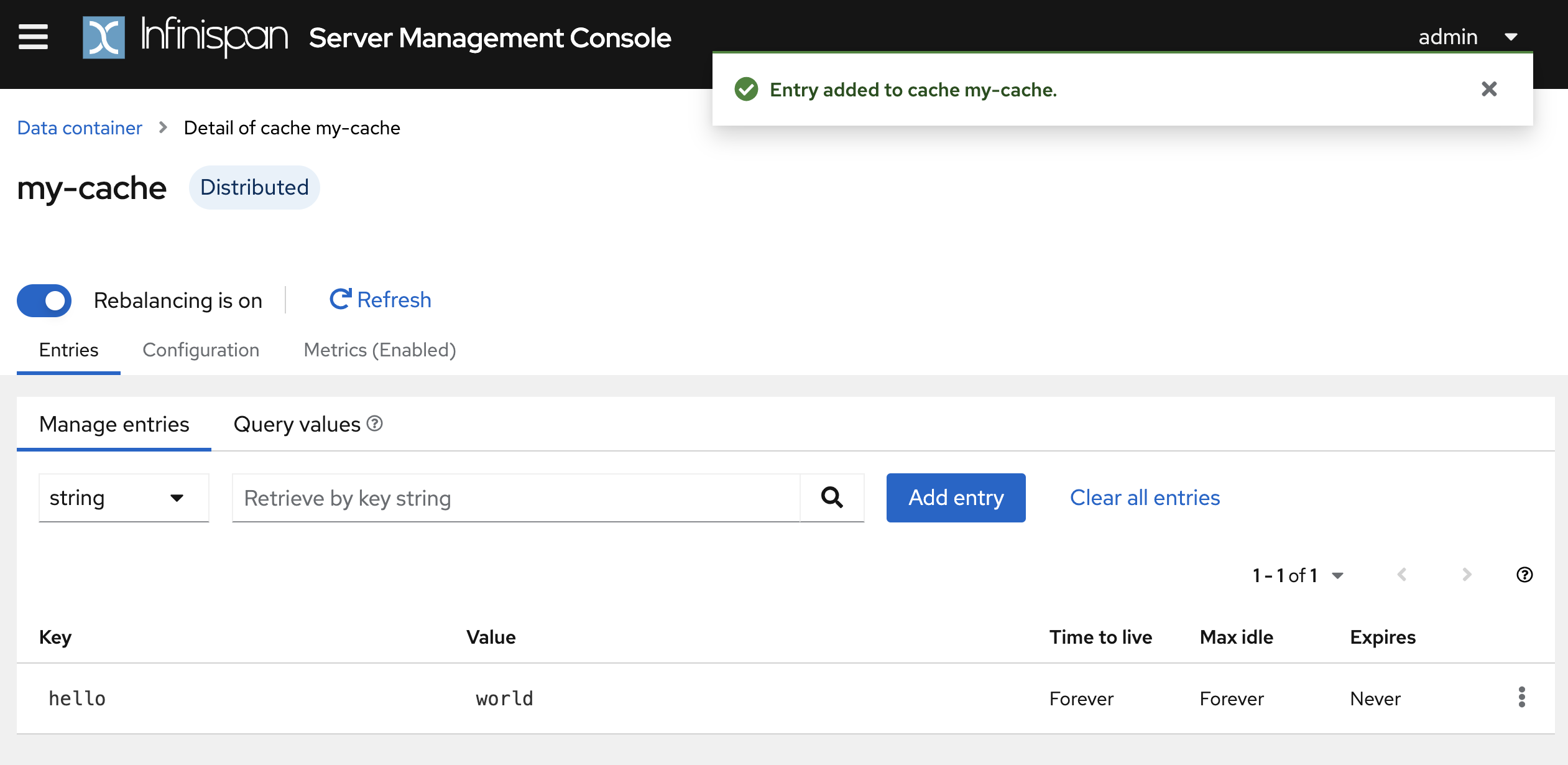
After you add data, you can enter the key to retrieve and view the entry.
Visit Getting Started with Infinispan Server if you want to run on bare-metal. If you want to run in your application, go to Embedding Infinispan.
Infinispan is released under the Apache 2.0 open source license. Learn more about the Apache Software License 2.0.
This website built with Jekyll is hosted on Github Pages and is completely open source. If you want to make it better, fork the website and show us what you’ve got.