

Evernote is a great note taking app that can be used across Windows, macOS and all major smartphone OS.There is one problem with it though. It is not properly supported on Linux desktop yet.
There is a beta version and thanks to that you can install Evernote on Ubuntu Linux.
That beta version of Evernote is only for Ubuntu/Debian based distributions for now. For other distributions, you’ll have to use an alternative.
Best Evernote alternative apps for Linux
These apps are in general available for all the other Linux distributions. I have deliberately excluded Electron version of Evernote Web in this article.
List of the best note taking apps for Linux presented here is in no particular order.
1. Joplin
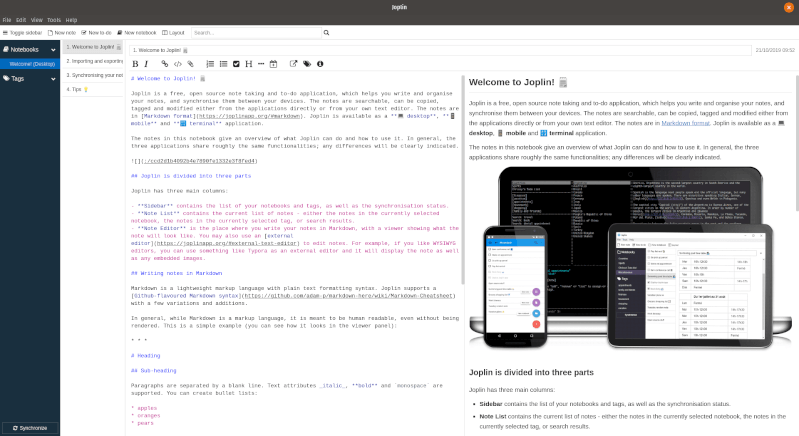
Joplin is a useful open-source note-taking app with essential features. Unlike some of the ones mentioned, it does not get restricted to the Linux desktop.
It is officially available for Android, iOS, and other platforms. To sync, you will have to utilize OneDrive, NextCloud, Dropbox, or WebDAV and file system. In addition to the syncing capabilities, it supports markdown and you can easily add to-do lists as well. You can also add tags to be able to sort your notes easily and search for them when needed.
Similar to Evernote, it also offers a web clipper to directly take a screenshot or save webpages directly to the notebook (for Firefox and Chrome). It’s fairly easy to set it up by downloading the .AppImage file from its official site and simply run it to launch the app.
2. Laverna
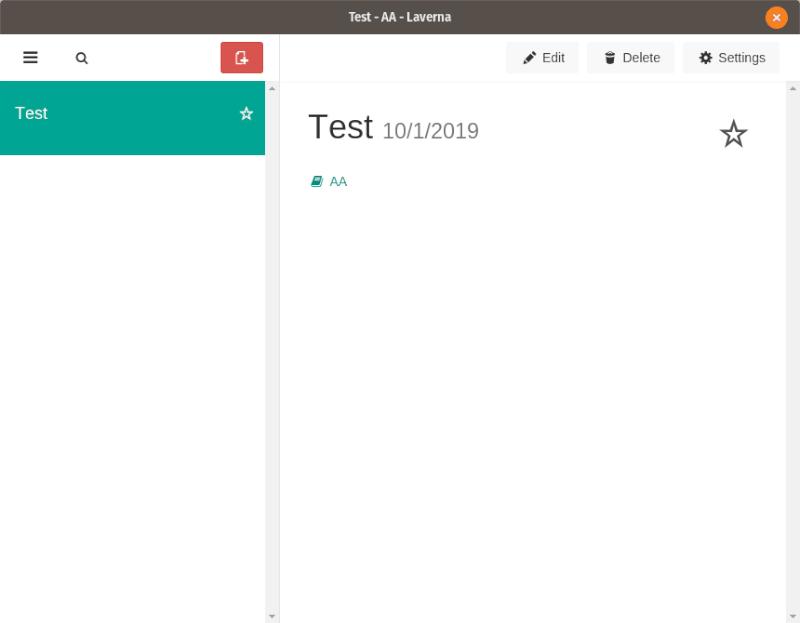
Laverna is an open source Evernote alternative for Linux. It provides an official Linux client for creating, editing and deleting notes. Laverna does not have its own storage to store and sync notes but it can be connected with cloud storage services for Linux like Dropbox. This way all your notes will be available all the time.
You can take notes and create tasks. Laverna also provides markdown editing and syntax highlighting. It also has a distraction-free mode. End to end encryption can also be used. You can download and install Laverna from its website.
3. Simplenote
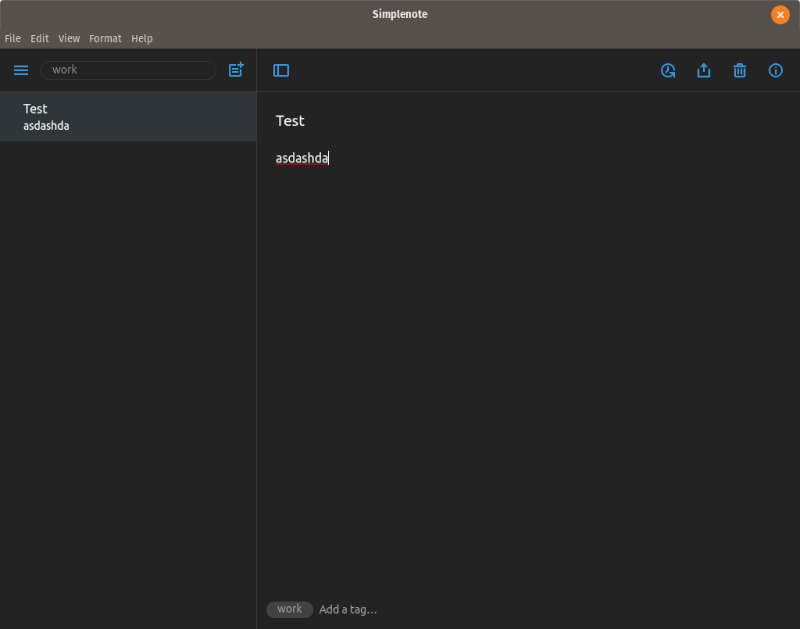
Simplenote is one of the best alternatives to Evernote – even on other platforms, not just Linux. There’s a dark mode too (as you can see in the image above). It is a completely free and open-source note-taking app developed by Automattic (the team behind WordPress.com). The simplicity and ease of use give the edge to Simplenote.
So, without spending a penny, you can sync across multiple platforms, create notes, create checklists, import notes from Evernote, and have a full-fledged Linux desktop client. Isn’t that great?
You can find a variety of packages ready to download from its GitHub release section. It works perfectly fine on every major distro. Do give it a try.
4. RedNotebook
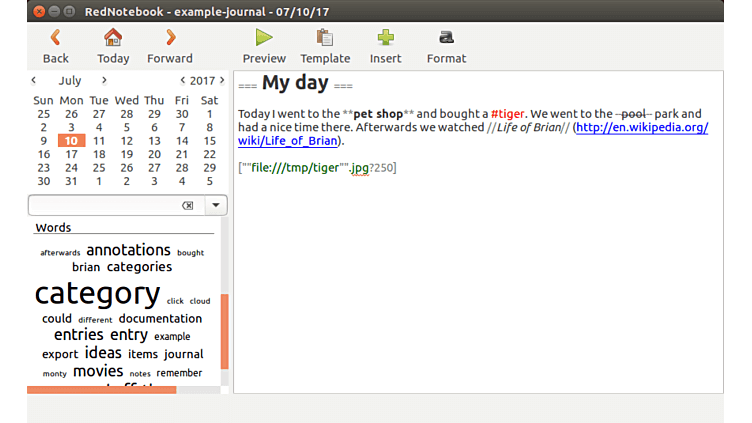
RedNotebook is slightly more powerful and has more features than Springseed. While Springseed was simply a note taking app, RedNotebook is aimed to be a more diary like app. It includes a calendar navigation so entries can be searched by specific dates as well.
Text can be formatted, web links are automatically recognized. It also supports images. Notes can then exported as PDF, HTML, Text or Latex format. Optionally, notes can be ‘tagged’ as well for quick searches and a tag cloud is displayed in the interface with most used tags. Sound like WordPress, ain’t it?
RedNotebook is available for Linux, Windows and Mac OS X but no support for mobile OS yet.
5. TagSpaces
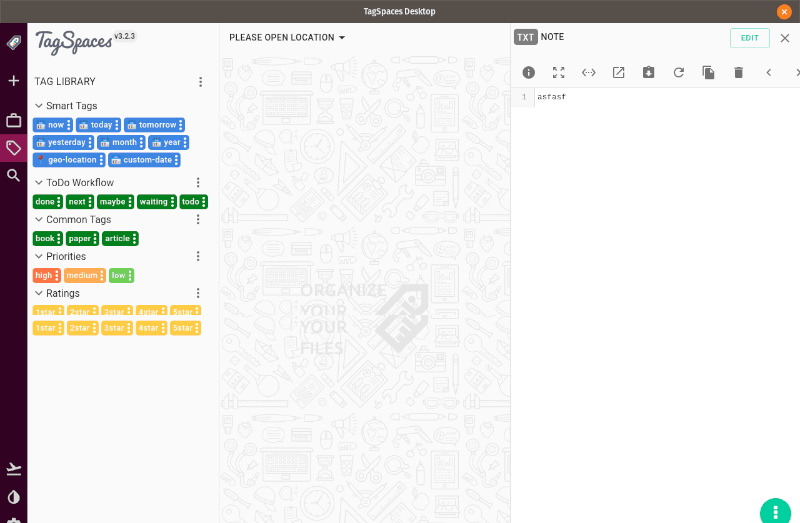
TagSpaces is rather unknown but a powerful and feature rich app. It is just not a note taking app, its a complete data management application that you can use to manage and organize the files on your computer.
As the name suggests, you can tag all kind of files for quick finding. TagSpaces can open all kind of files be it image or PDF. It can also take quick notes. A nice GUI tops all the features.
6. Boostnote
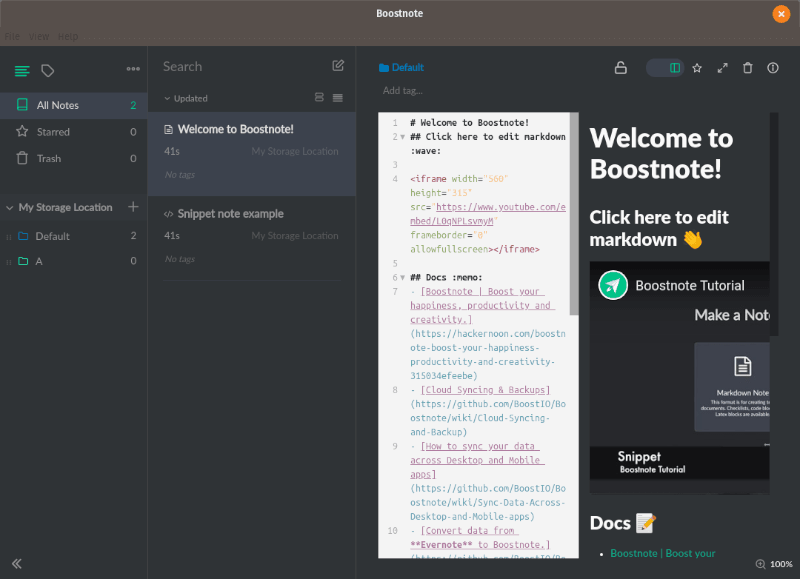
Boostnote is rather an interesting Evernote alternative. Primarily, it is a markdown editor which can also be used to take notes and save them.
For backup and sync, you just have to create a storage folder in any of your local storage path which you normally use for Google Drive sync or any other cloud storage service. You can read about in their official GitHub page.
Unfortunately, you cannot sync your notes by default (unless you try the 3rd party integrations). Also, you do not have an app for Android/iOS. So, If you are someone who relies on a desktop – you can give try this out.
What do you think of Evernote alternatives for Linux?
That was the list of best Evernote alternatives for Linux. Do these apps stop your craving to get Evernote on Ubuntu? Which one do you like the most? Do you use some other nice note taking app in Linux? Do share it with us.
