Advanced Packaging Tool (APT) is a very popular package manager found on Debian, and other popular Linux distros based on it. It is used to manage all the packages on a Linux system and to also install new ones, such as applications, command-line tools, etc.
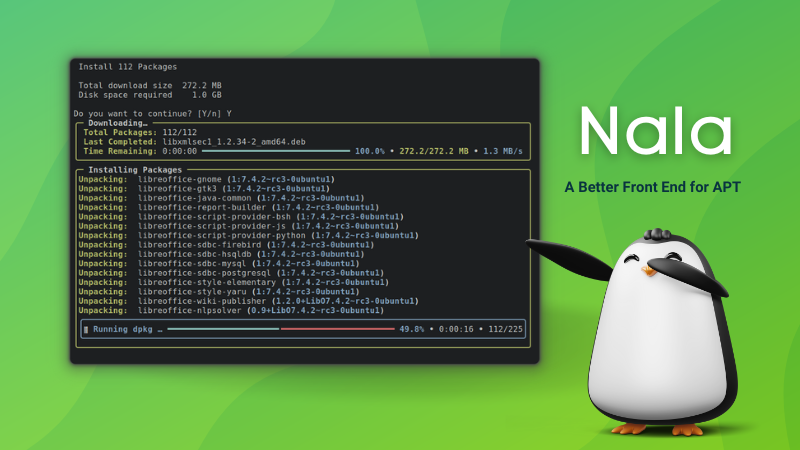
Though, many users don't like how APT presents information when running commands. Hence, some switch to tools like Nala, which is like APT but better at presenting information while also offering cool features like parallel downloads, an easy-to-use interface, and more.
Fedora's DNF is also a good example with how the information is displayed.
Luckily, APT is stepping up its game, and is now moving towards a more colorful, user-friendly future.
Intrigued? Then keep on reading!
More Colors with APT: What to Expect?
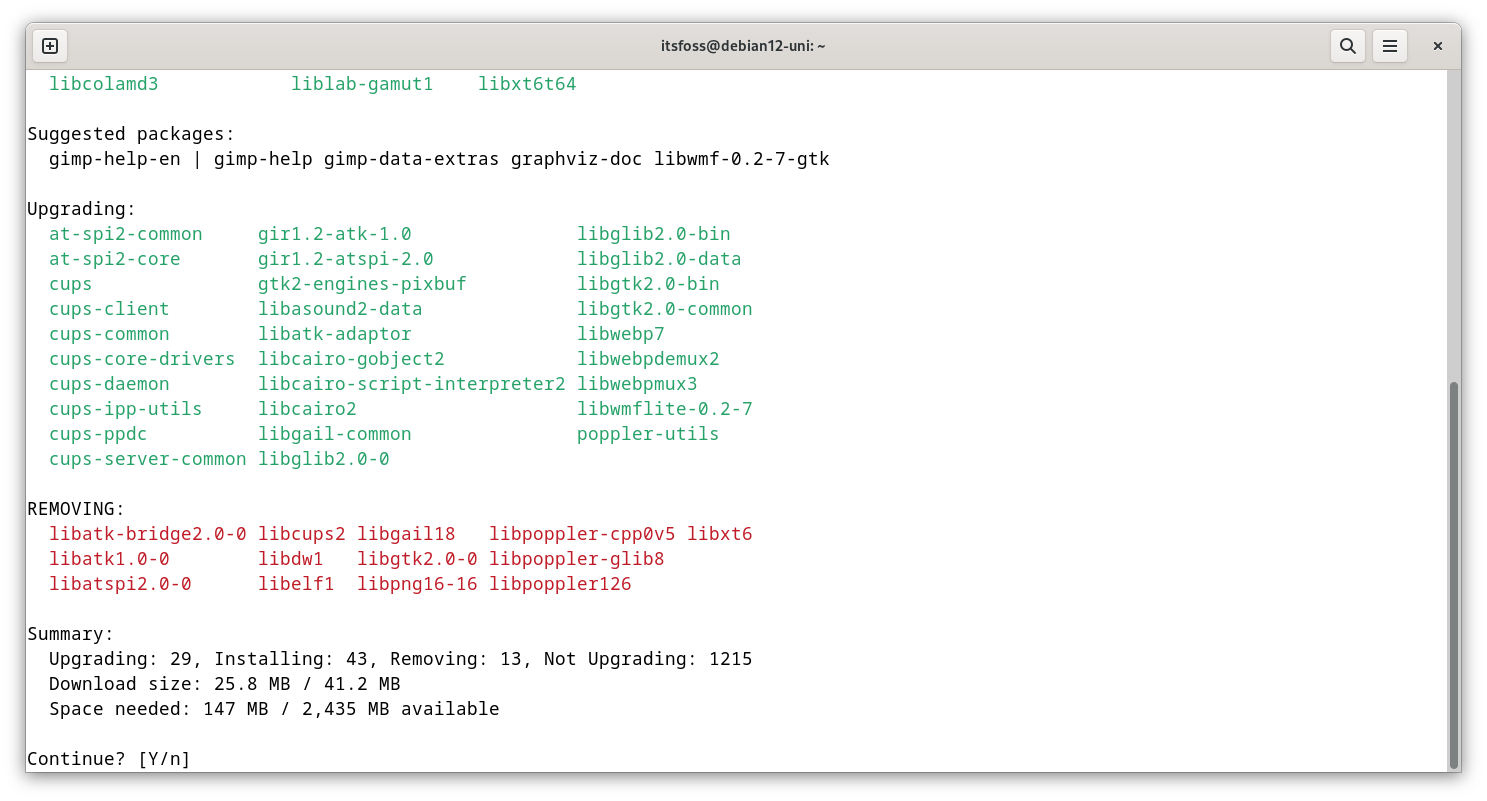
Introduced a few days back in a very low-key manner, APT 2.9 (unstable) was released with an updated user interface that now sports colors, displays information in padded columns, and an organized package removals list.
This also marks the beginning of the APT 3.0 development series, which will surely feature extra refinements and upgrades to make this widely used package manager more potent.
I tried this it out on a Debian-equipped virtual machine, and I must say, I was not disappointed. 😃
When I tried installing GIMP using APT 2.9, all the information was arranged quite neatly, and I never got confused as to which packages were being added; the columns and colors helped too.
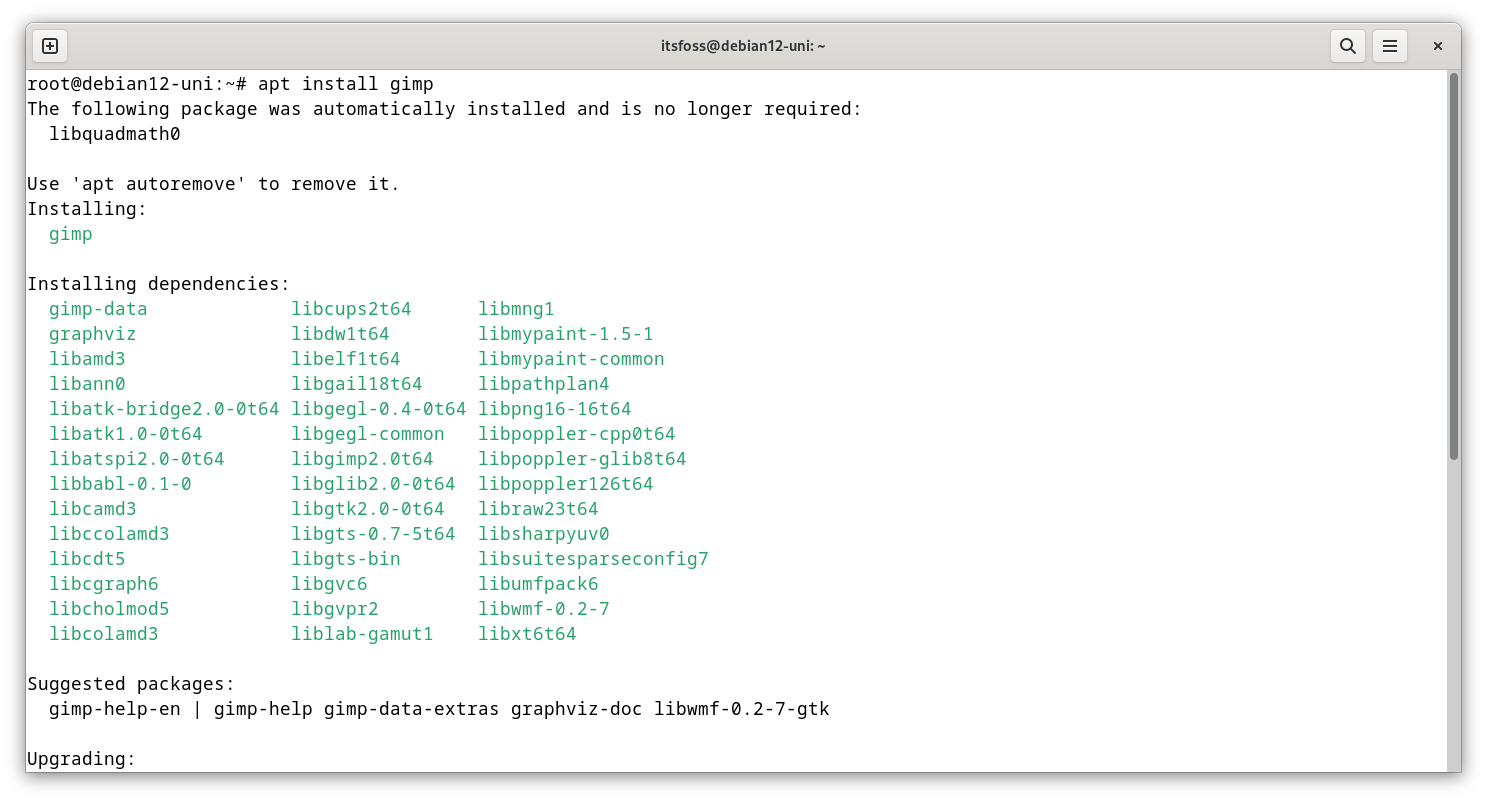
To wrap this up, I will say that these changes certainly improve APT's readability, and for newer users, they can now be better informed of what APT is doing when they run one of its commands.
Want to try it out?
Well, if you can wait, then distro releases later this year could feature APT 3.0/2.9, with these changes, alongside a few others.
But if you would rather not wait and experiment, then you can install a more recent Debian release and edit the source.list file to use the unstable branch. Once done, update APT using the following command:
sudo apt install aptYou can also refer to APT 2.9's Debian Package page to learn more.
💬 Do you like the way APT is headed? No? Add your opinion in the comments below!
Suggested Read 📖