

Brief: Bitwarden is a popular open-source password manager. Here, we take a look at what it has to offer.
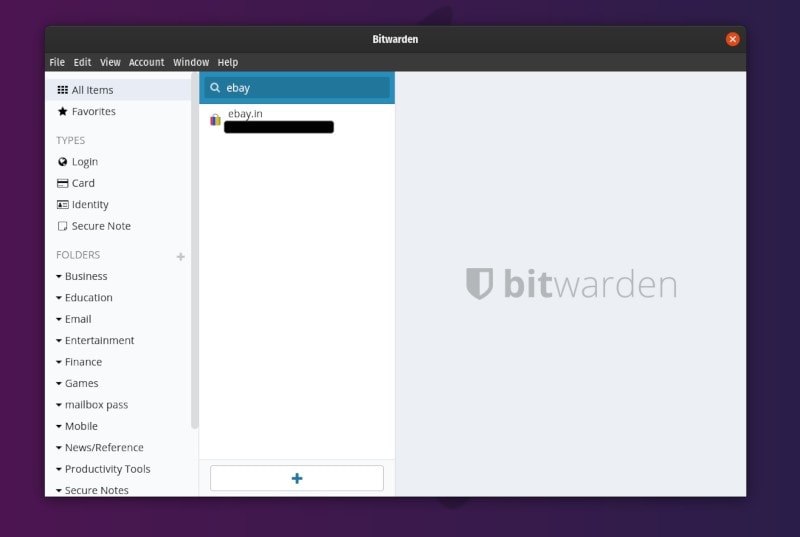
Bitwarden is a free and open-source password manager. You might remember that earlier we listed it as one of the best password managers available for Linux.
Personally, I’ve been using Bitwarden as my password manager across multiple devices for several months now. So, in this article, I’ll be mentioning the features it offers along with my experience with it.
Note: In case you have questions about how secure the service is, check out their official security FAQ page to explore about it.
Features of Bitwarden password manager
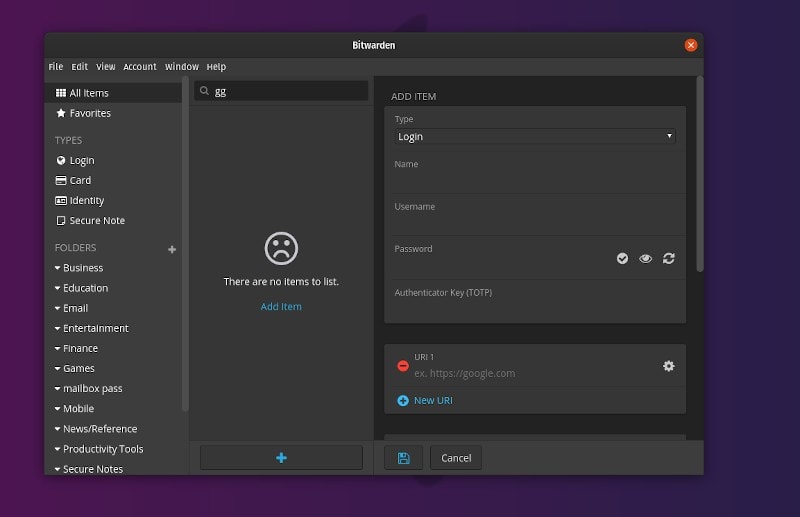
Bitwarden is an impressive alternative to a lot of other convenient password managers out there.
Here’s a breakdown of the features:
- Free & Paid options available
- Available for Teams (Enterprise) and Individuals
- Open source
- Self-hosting support
- Ability to use it as an authenticator app (like Google Authenticator)
- Cross-platform support (Android, iOS, Linux, Windows, & macOS)
- Browser extensions available (Firefox, Chrome, Opera, Edge, Safari)
- Offers command-line tools
- Offers a Web Vault
- Ability to Import/Export Passwords
- Password Generator
- Auto-fill password
- Two-step authentication
Technically, Bitwarden is completely free to use – however, it also offers some paid plans (Personal pricing plans & Business plans).
With the premium plans, you get the ability to share the passwords with more users, get API access (business use), and more such premium perks.
Here’s how the pricing looks like (at the time of writing this article):
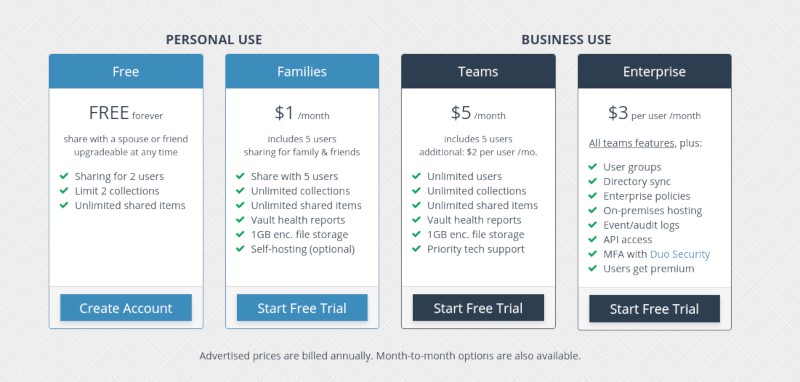
For most individuals, the premium personal plan of $10/year shouldn’t be an issue considering the fact that you will be supporting an open-source project. Of course, you can also choose to use it for free with no essential restrictions.
Installing Bitwarden on Linux
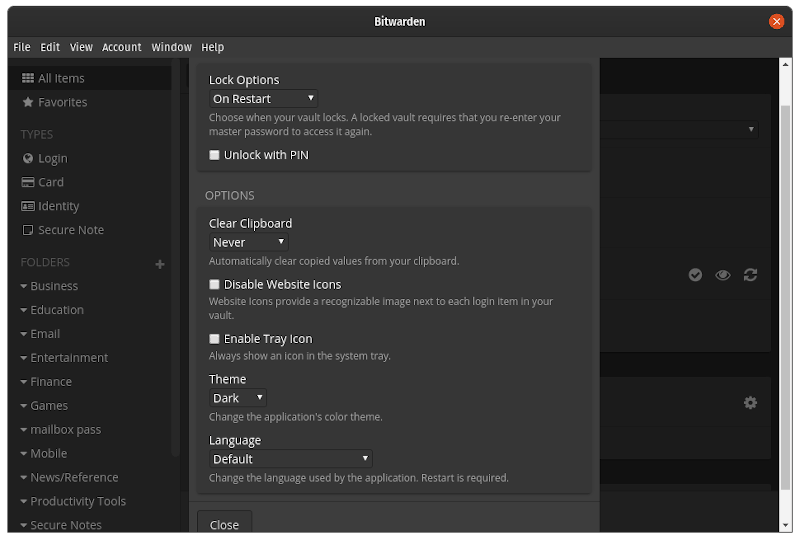
It’s quite easy to get Bitwarden installed on your Linux system because it offers an .AppImage file. You can refer to our guide on how to use AppImage files, if you didn’t know it already.
If you don’t prefer using AppImage – you can opt for the snap package or simply download the .deb or .rpm file available on their official download page. You can also check out their GitHub page for more information.
You can also utilize the browser extensions if you’re not interested in using the desktop app.
My experience with Bitwarden
Before Bitwarden, I was using LastPass as my password manager. Even though that’s not a bad option – it’s not an open-source software.
So, I decided to switch to Bitwarden as soon as I found out about it.
To start with, I simply exported my data from LastPass and imported it to Bitwarden without any hiccups. I didn’t lose any data in the process.
In addition to the desktop app, I’ve been using Bitwarden the Firefox add-on, and the Android app. I haven’t had any issues with it after over six months of usage. So, I’d definitely give it thumbs up from my side if you’re willing to try it out!
Wrapping Up
I’d say that Bitwarden is a complete solution for Linux users who want a password manager that works everywhere and syncs easily across multiple devices.
You can get started for free but if you can, please go for the premium plan of $10/year to support this open-source project.
You may also check our list of top 5 password managers for Linux should come in handy if you’re looking for more options.
Have you tried Bitwarden yet? If not, give it a try! Also, what is your favorite password manager? Let me know in the comments below!
