We are all too familiar with the prospect of systemd bringing the blue screen of death to Linux, with it focusing on boot failures, and other related problems.
Similarly, there's another approach that's been undertaken with the upcoming Linux kernel 6.10 release, which sees a new DRM panic handler that will promptly show a helpful message when a kernel panic occurs.
As expected, the general opinion around such implementations appears to be mixed. Some really liked them, while some not so much.
This debate has been reignited thanks to a chain of posts by Red Hat engineer, Javier Martinez C. who earlier this month showcased a working BSOD implementation using the newly introduced DRM panic handler.
A Blue Screen of Death: Too Similar to Windows?
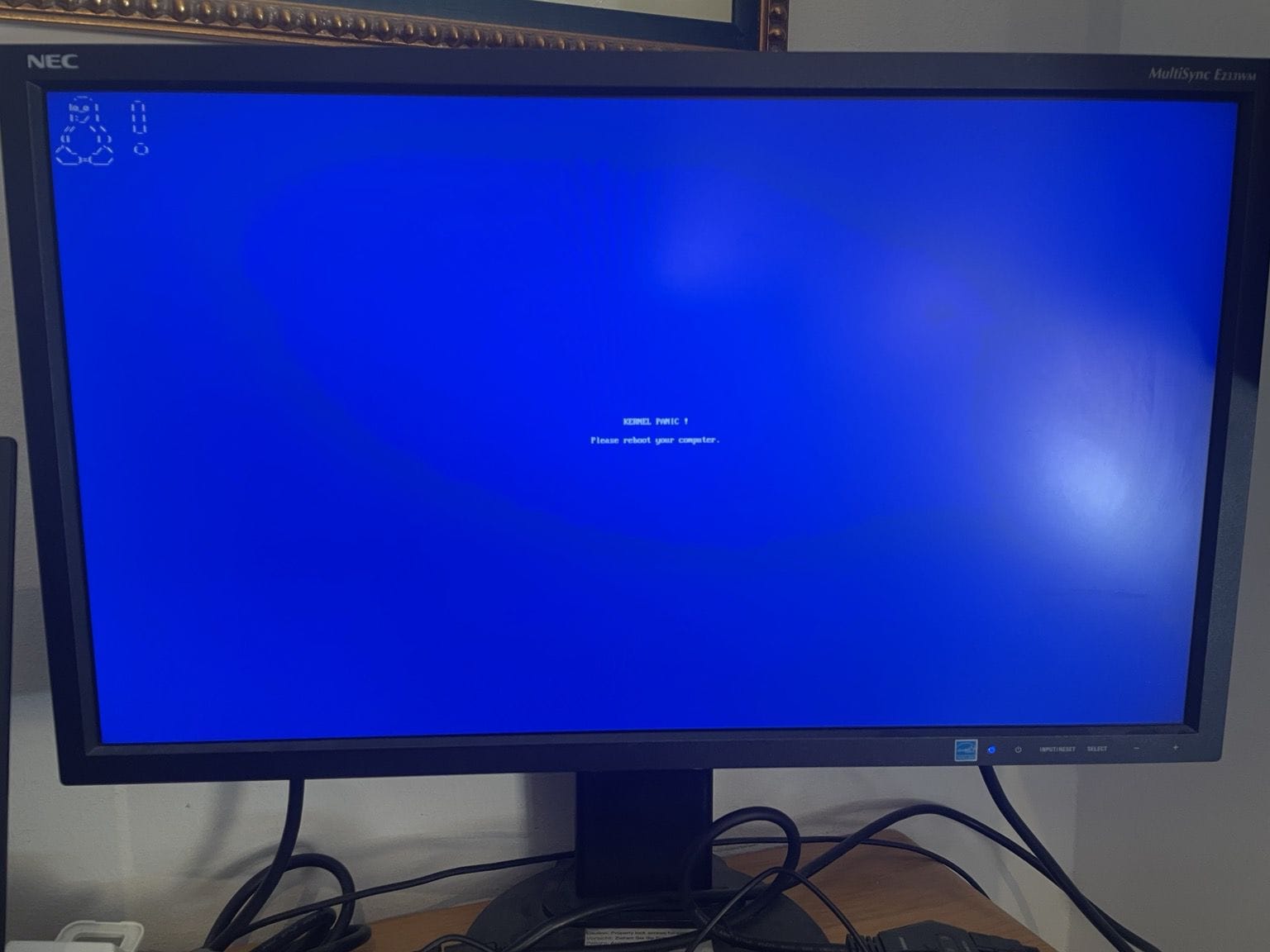
So, the original thread on Mastodon showcased an example of how the new DRM panic message could look like, with a familiar blue screen, an error code, and of course, the loveable Tux in ASCII at the top-left. This was being tested on a BeaglePlay.
However, as you can see in the comment section of Phoronix's initial coverage of it, many people were not happy with the blue nature of it. Someone said that:
Why does it have to be blue? Don't copy Windows! I'd rather prefer black, with white text.
Naturally, there were also those who said that Windows is not the only one who is entitled to use the color blue for an error screen, with someone else suggesting a more macabre red background and a “Penguin skull” to be shown.
In response to all the commotion, Javier shared another photo a few days later that showcased a black screen of death for Linux on a SSD1306 OLED dot matrix display saying “KERNEL PANIC! Please reboot yo”, with the rest not fitting into this tiny screen space. (it would be cool to have this short one though 😆).
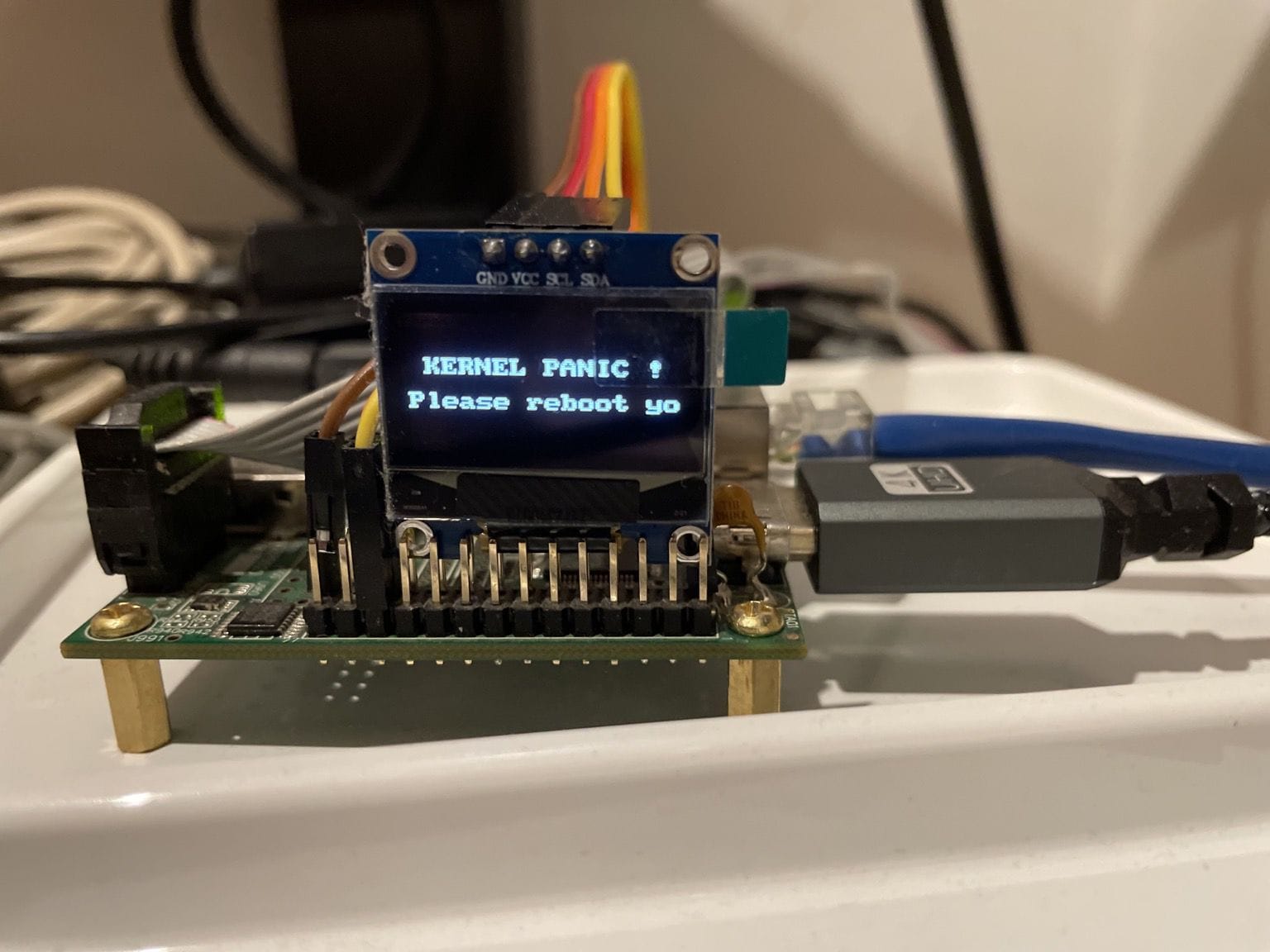
He wrote that:
It seems that a blue #Linux DRM panic triggered some people, so here is a “Black Screen Of Death” on a #SSD1306 display!
This was expected, if you ask me. As are most things with Linux, you also have the freedom to tweak the DRM panic message screen any way you like. There do happen to be pros who build Linux from Scratch, configuring it to their liking, fine-tuning every fine bit.
Of course, if the majority of the users and developers would rather have a black screen for such error messages, then maybe systemd and Linux kernel could choose to follow suite, offering up black screens of death during critical errors.
Until that happens, those who want to try this BSOD functionality, they can do so on Linux kernel 6.10 or later by running the following command:
echo c > /proc/sysrq-triggerSuggested Read 📖