


There are numerous terminal emulators available for Linux. From Terminator to Tilix, you have a wide selection of terminals to choose from.
But that has not deterred the arrival of new terminal applications. You recently learned about GNOME Console, and today, I’ll introduce you to Blackbox.
Blackbox Terminal: Overview and Features
Blackbox is a terminal emulator which supports GTK4. The developer created this project so that he could use a decent-looking terminal app on Linux.
So, don’t expect it to have ton of features. It is just a terminal emulator that utilizes GTK4 toolkit and has support for themes.
In other words, it is more about the looks than the features.
Here are the main highlights of Blackbox:
- Theming (Tilix compatible color scheme support)
- Theme integration with the window decorations
- Custom fonts
- Various customizable UI settings
- Tabs
- Toggleable header bar
- Click to open links
- Files drag-n-drop support
Talking about the looks, let us go through the different looks it offers. The default window will look something like the screenshot below.
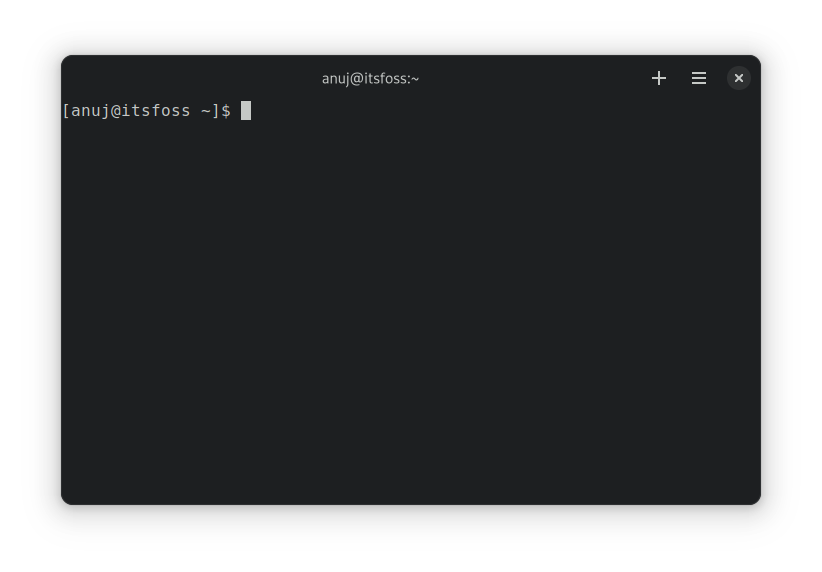
No header bar
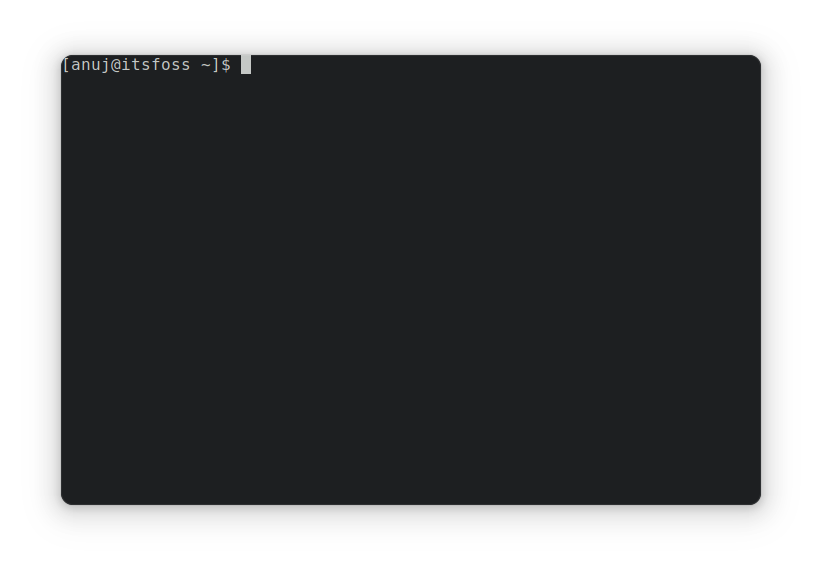
You can also have no header bar, as shown below. It’s one of the most ‘popular’ features of GTK4 apps.
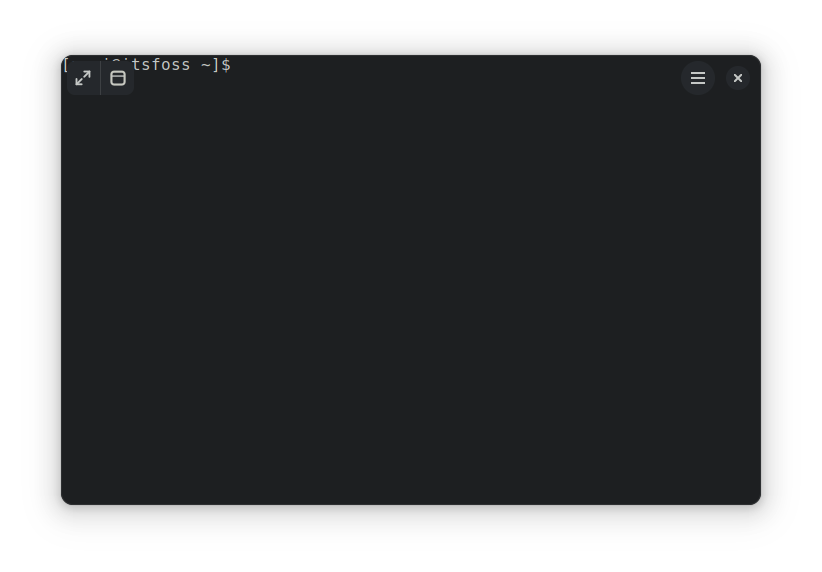
You can also enable floating controls in no header-bar mode.
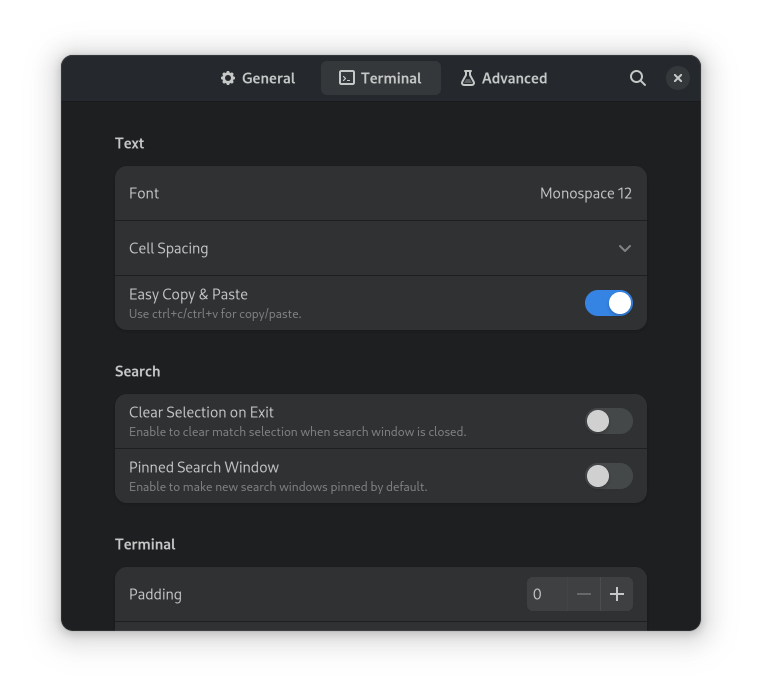
Easy copy and paste (don’t revolt)
Ctrl+C and Ctrl+V are like the universal keyboard shortcuts for copy-paste.
But the ancient Unix existed before the universe and hence it uses the Ctrl+C keys for terminating a running program in the terminal.
However, some people find it a bit inconvenient not to be able to use their favorite shortcuts for copy-pasting in the terminal.
Blackbox allows you to change that by enabling the “Easy Copy & Paste” setting. With this setting enabled, you can use Ctrl+C and Ctrl+v for copy-paste operation.
Don’t worry. Ctrl+C can still be used for stopping running commands.
Themes
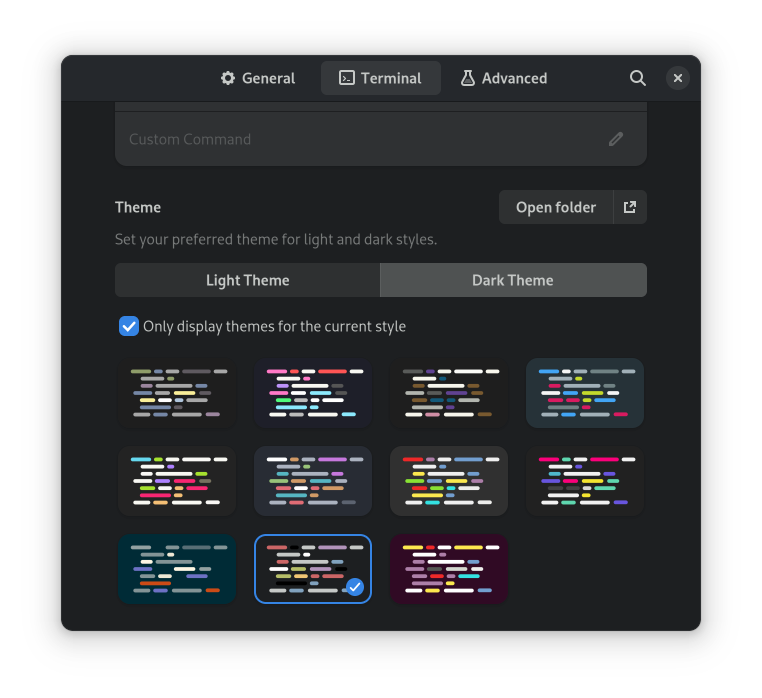
You can also select different themes from the settings. There are several light and dark themes available to choose from. You can also use Tilix styled theming.
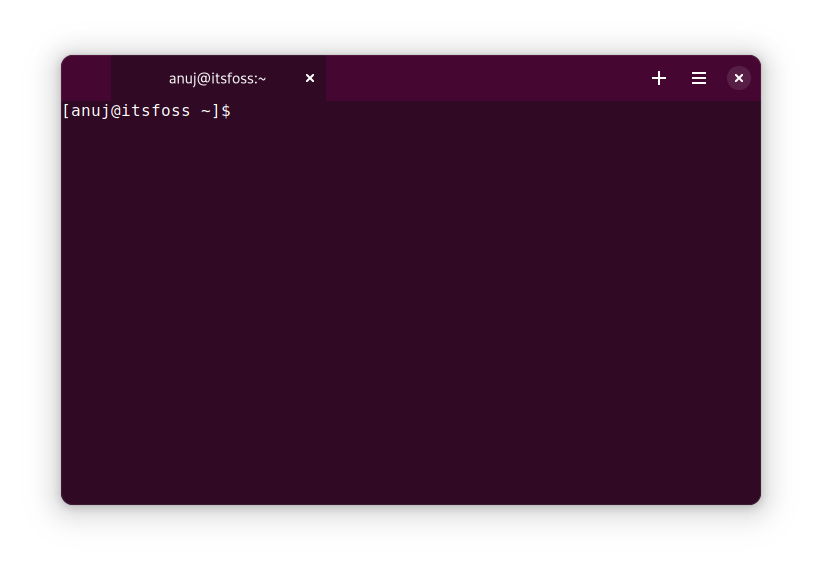
Let us see how it looks with the Yaru theme and with tabs not expanding, unlike the default Blackbox behaviour.
Reset to default
There are a few more handy features like remember window size, scroll by pixels etc.
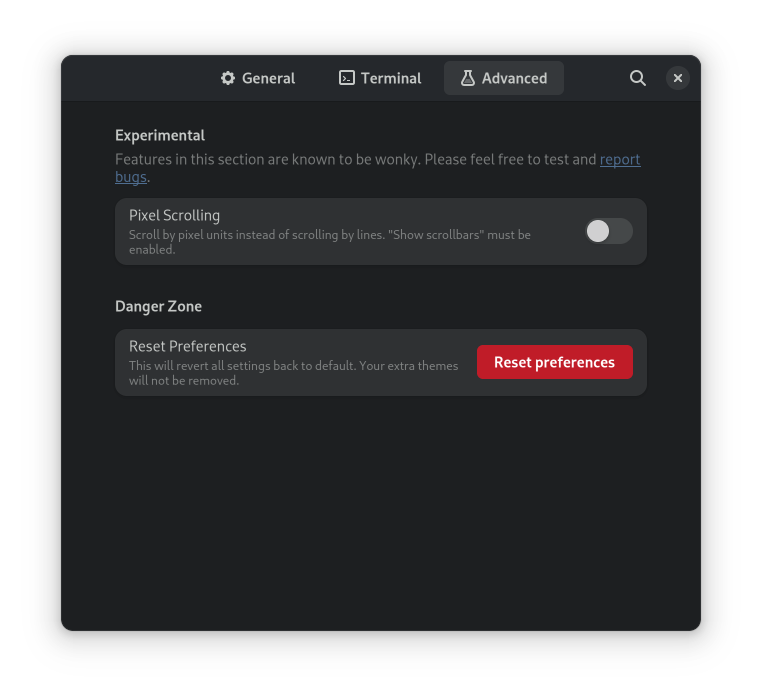
The good thing is that if you made too many changes to the settings, you can revert them all and reset to the default settings.
The option is available in the Advanced tab of Preferences.
Installing Blackbox terminal
Please keep in mind that Blackbox is in the early stages of development. I experienced some crashes when I switched themes.
To install Blackbox Terminal you should have Flatpak installed and Flathub repo enabled in your system.
Use this command to install Blackbox on your system:
flatpak install flathub com.raggesilver.BlackBoxOn Fedora and some other distributions that integrate with Flatpak, you can install Blackbox from the software center.

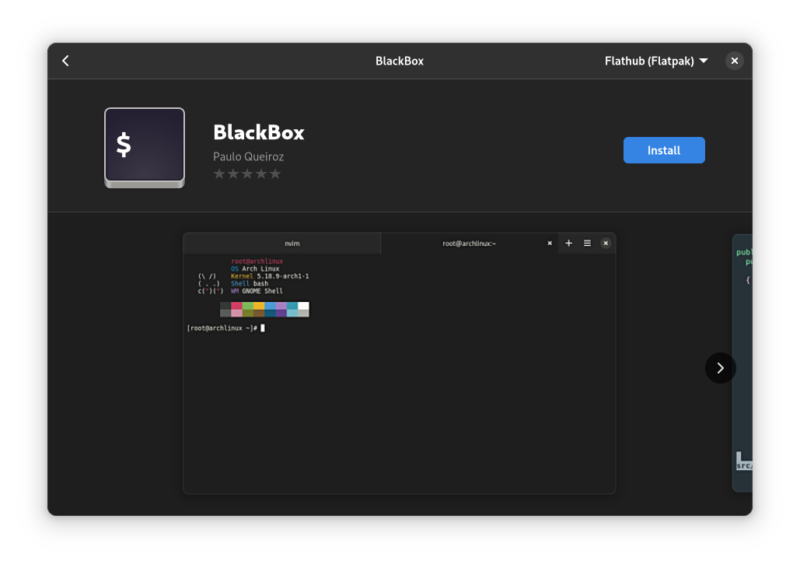
Once installed, you can launch it from the applications menu.
Removing Blackbox Terminal
If you don’t like Blackbox and want to remove it, enter the following command to remove it.
flatpak uninstall flathub com.raggesilver.BlackBoxReviews on web
What others are saying about Blackbox:
- Black Box is a GTK Terminal With a Unique Look on omgubuntu.com
- Black Box: A Beautiful GTK4 Terminal App on YouTube.com
Conclusion
There are many more Terminal emulators available for Linux.

In my opinion, Blackbox is a decent terminal emulator. You get all the eye-candy GTK4 can offer on distributions that do not support GTK4 already. The feature it offers are good enough for day to day work.
In the end, it all comes to personal preference. You may like it. You may not like it. If you like experimenting, give it a try and share your experience with us in the comment section.
