

Want a new, 𝘳𝘪𝘥𝘰𝘯𝘬𝘶𝘭𝘪𝘤𝘪𝘰𝘶𝘴𝘭𝘺 smart clipboard manager? 🤔
That is what the folks behind The Clipboard Project think of their clipboard manager. They call it a 'second brain' that remembers anything, anytime, anywhere.
So, what do you say? Let us take a look at it:
Clipboard: Overview ⭐
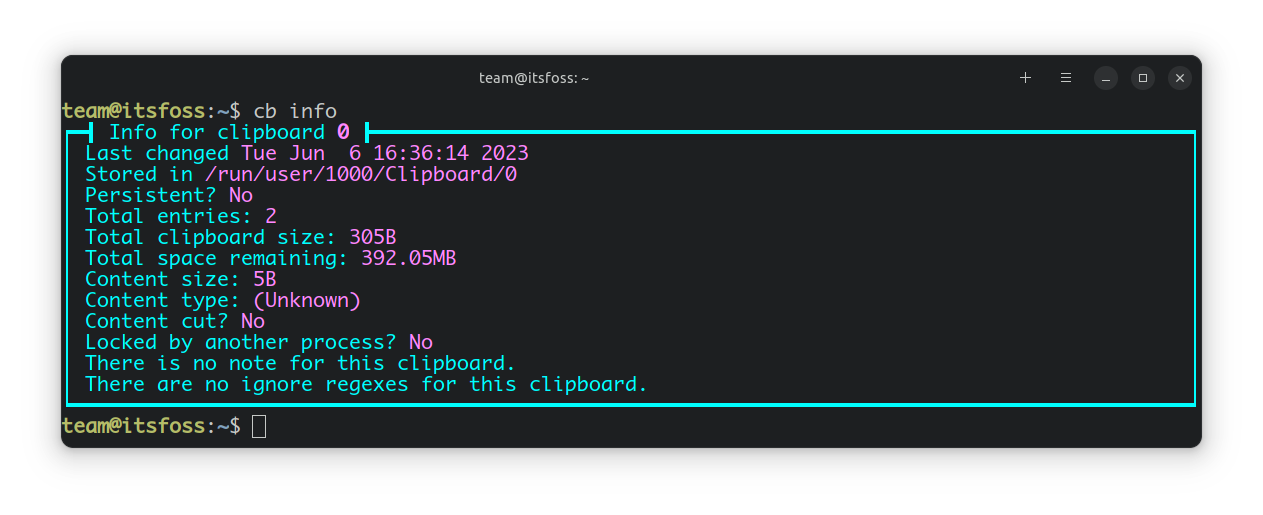
Written primarily in the venerable C++ programming language, Clipboard offers a number of features such as copying/pasting text, files, directories, binary data, infinite clipboards, and more!
Furthermore, it seamlessly integrates with major GUI clipboard systems and supports languages like Español, Portuguese, and Türkçe.
Let me show you how it works.
So, the first thing you will be doing is to copy the contents of a file by using the following command:
cb copy 'filename'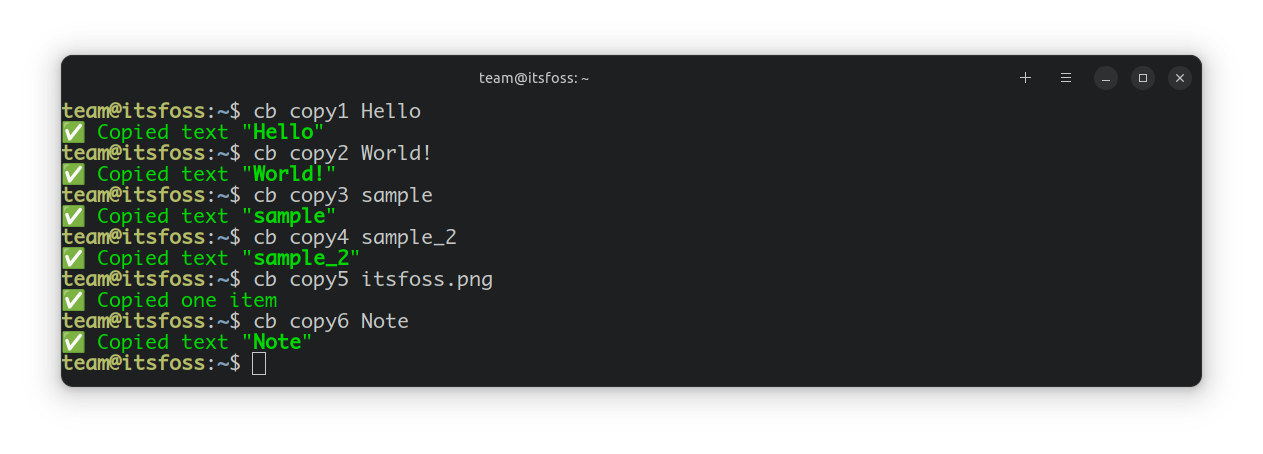
Then to paste, you can use the following:
cb paste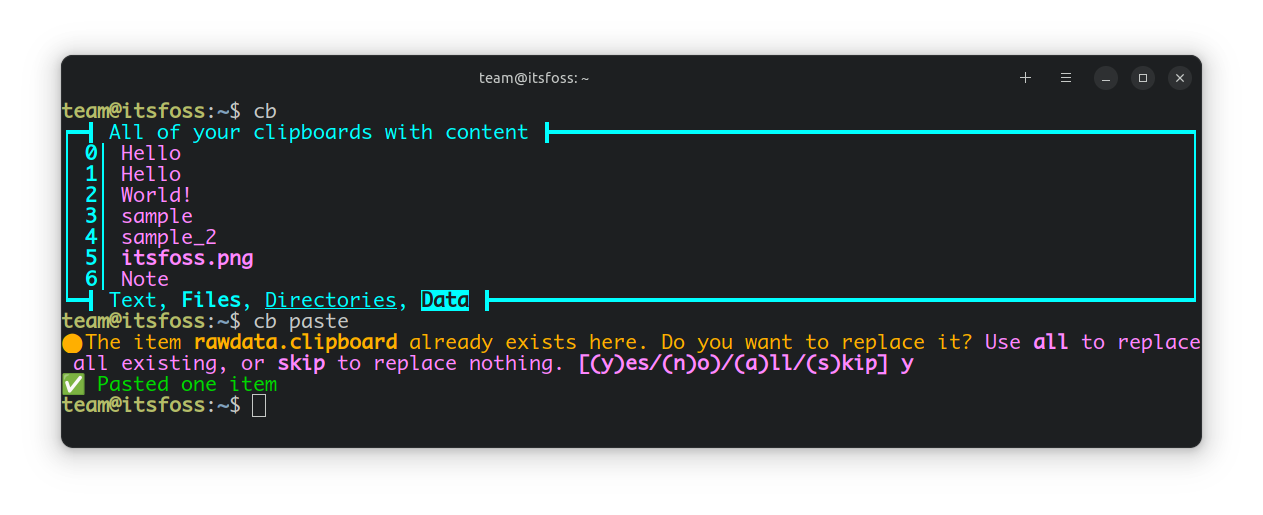
For loading all your clipboards, you can use this command:
cb show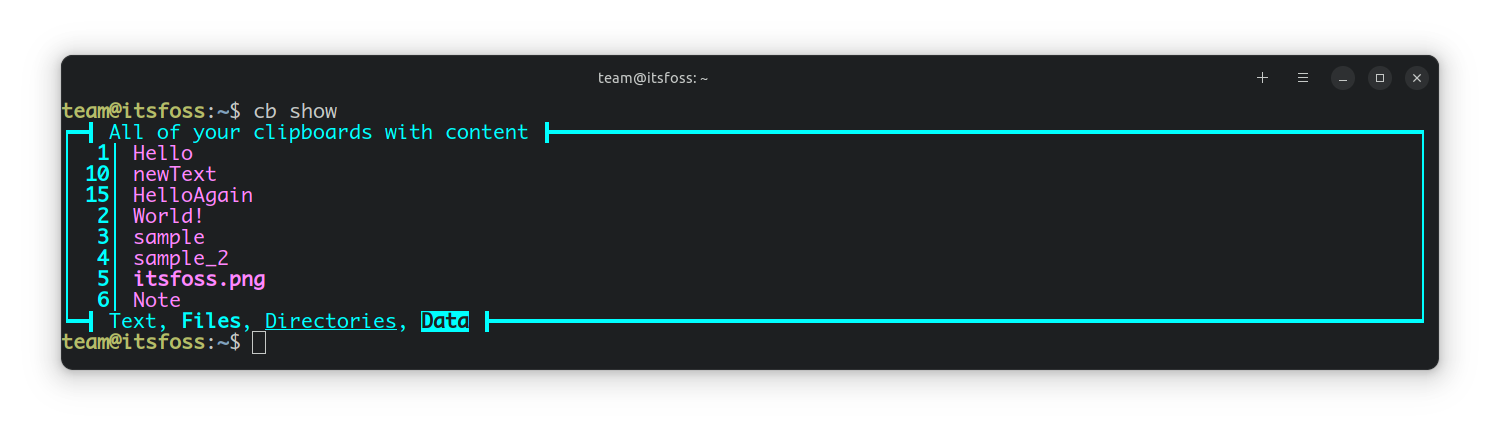
And finally, the feature that grabbed our attention the most was the recently added unlimited clipboard history feature.
You can use this command to access the complete clipboard history:
cb hs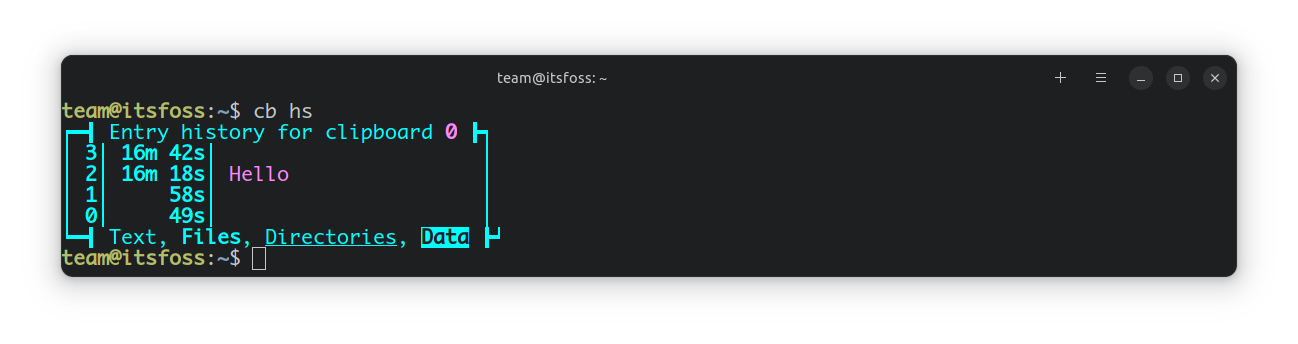
Clipboard should appeal to users who prefer using terminal-based apps over GUI-based apps; it offers a very minimal user experience with all the right tools to go with it.
Not to forget, it is packed with more features than I discussed, some of which include:
- Make scripts to automate your workflows
- Ability to paste every type of data you have got, including binary data
Those who prefer apps with a graphical interface can opt for Pano clipboard manager. It is a lightweight clipboard manager that integrates quite well with GNOME.


📥 Get Clipboard
You can begin your Clipboard journey by getting it from GitHub or exploring its official website. It also contains all the necessary installation guides and documentation.
💬 What do you think of Clipboard? Will you be giving this a try? Do you have any other favorites to recommend? Share your thoughts in the comments down below.
