

CudaText is a cross-platform open source code editor based on Lazarus. It has extensive support for most of the popular programming languages.
I cannot call it one of the best open source code editors because it is too early for that. I cannot even call it Notepad++ alternative for Linux because it’s more like a lightweight IDE like Geany. Though the default interface reminds me of Eclipse IDE.
Personally, I have my own preferred editor, Atom. But I never shy to try out new applications. If you have the same approach, perhaps you could give CudaText a try.
Let’s see what does CudaText have to offer us.
CudaText features
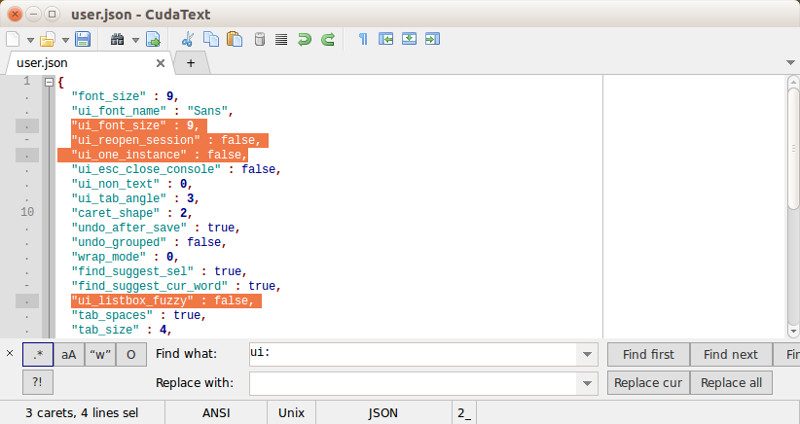
- Syntax highlight for several languages such as C, C++, Java, JavaScript, HTML, CSS, PHP, Python, XML etc
- Code folding
- Code tree structure
- Multi-carets
- Multi-selections
- Find/Replace with regex support
- Tabbed user interface
- Split tab
- Split view for up to 6 files
- Simple auto-completion
- Command palette
- Minimap
- Micromap
- Can show unprinted whitespace
- Many encodings support
- Hotkey customization
- Theme support
- Smart autocompletion for HTML, CSS
- HTML tags completion with Tab-key
- HTML color codes (#rgb, #rrggbb) underline
- View pictures (jpeg/png/gif/bmp/ico)
- Binary file editing support
The capabilities of CudaText can be enhanced by installing additional plugins written in Python. Some of the main improvements you can get via plugins are:
- Add-ons manager
- Snippets
- External tools
- Macro manager
- Session manager
- Spell checker
- Brackets highlight, go to pair bracket
- Highlight all occurrences
- Color picker
- Insert date/time
- HTML/ CSS/ JS/ XML/ SQL formatter
- Tabs list in sidebar
- Menu configurator
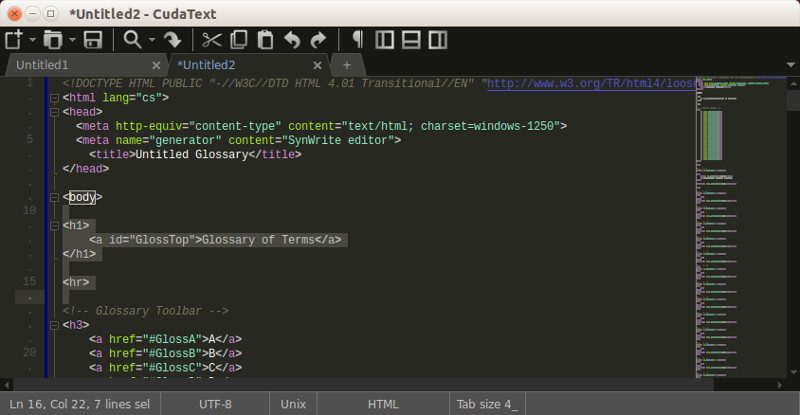
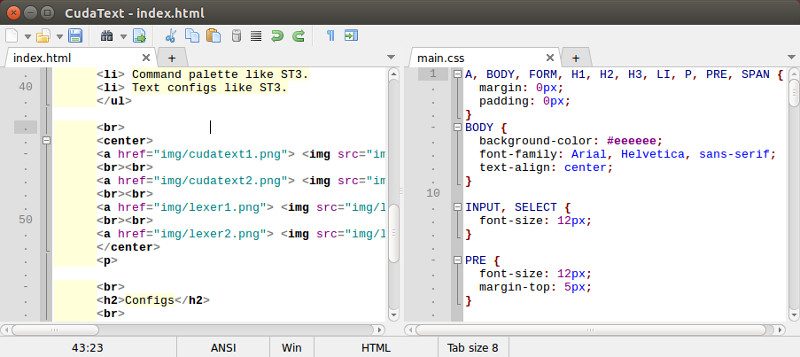
Images are from CudaText website.
Installing CudaText editor in Linux
You can find the binaries and the tarball from SourceForge link below:
Alternatively, you can visit their GitHub repository and grab the source code there:
CudaText uses Mozilla license. If you are wondering about it, you can read this comprehensive article on open source licenses.
Give CudaText a try and see if it has got what it takes to be your favorite code editor. And do share your thoughts on it in the comment section below.
