

Fedora 38 was an exciting upgrade with new spins, and unfiltered Flathub access.
Now, it is again time for an upgrade, i.e., Fedora 39.
If all goes well, Fedora 39 will be released on October 17, 2023. But, what is interesting this time?
Let us take a look!
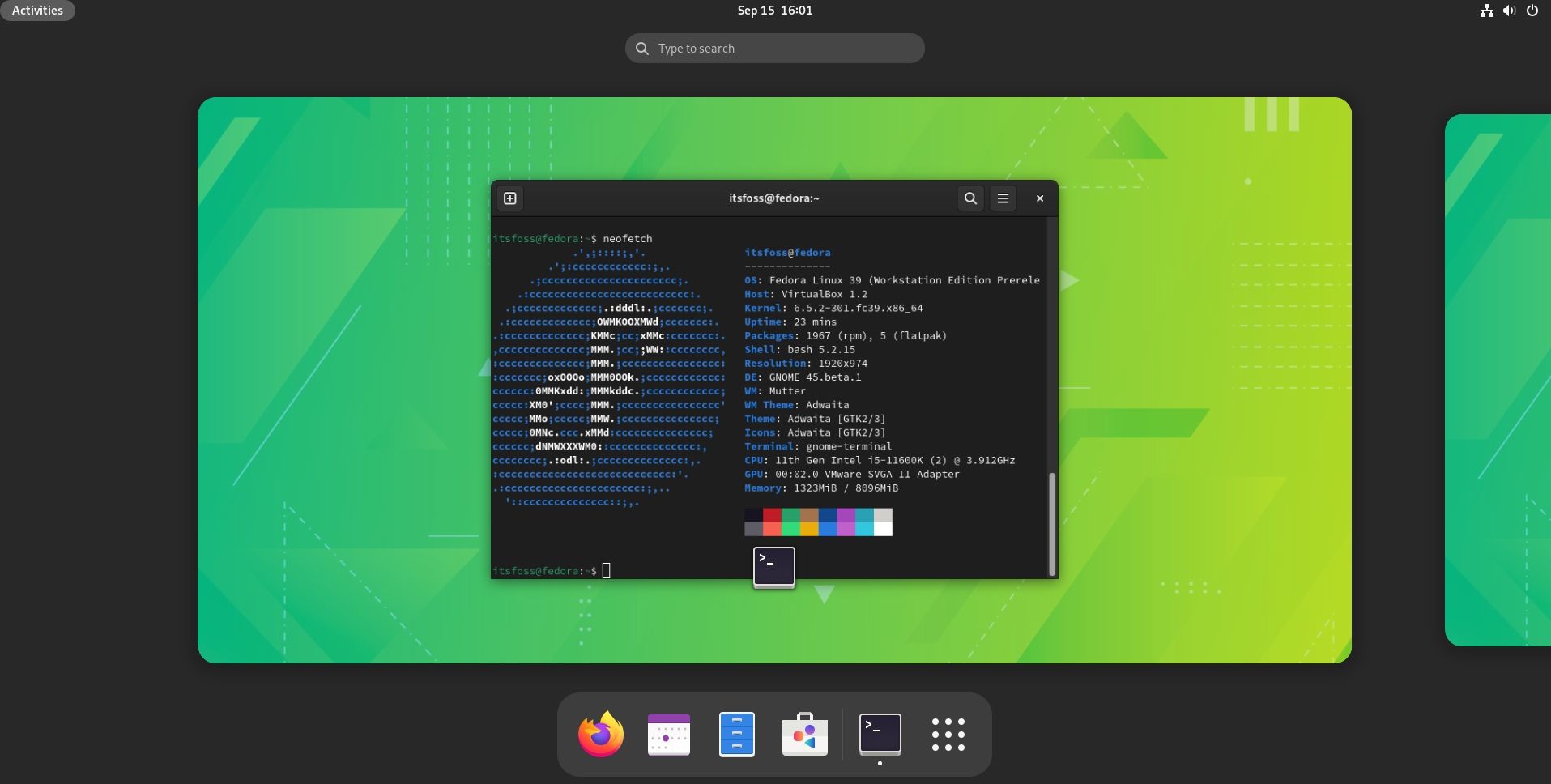
Fedora 39: Key Highlights
With Fedora 39, you can expect some good updates and changes, among other things.
Some key improvements include:
- GNOME 45
- Fedora Onyx spin
- Colored bash prompt
- Application updates
- Performance refinements
Colored Bash Prompt
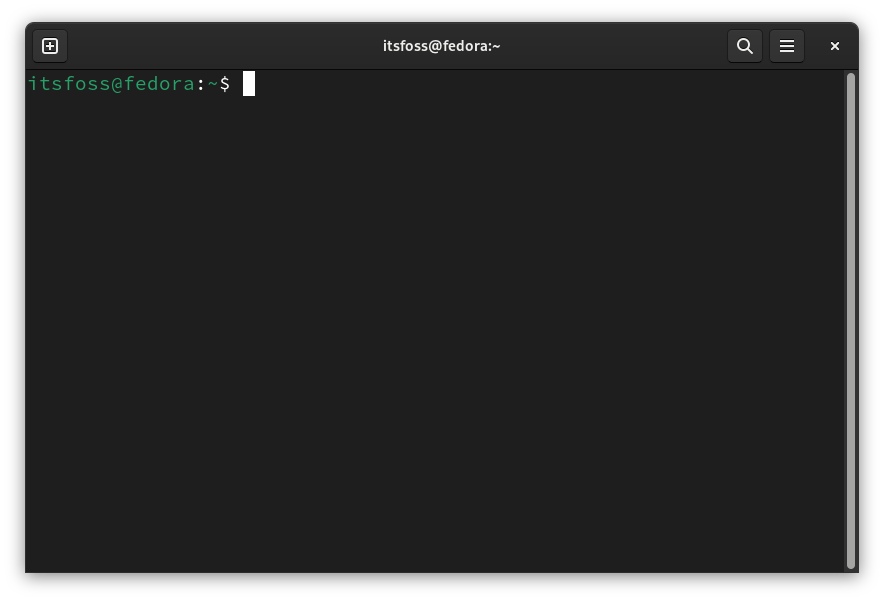
A subtle change in the default color of the bash prompt.
The monochrome default blended in too well with long command outputs. Now, it should be easy to differentiate.
Of course, you can also change the prompt color as per your convenience.
GNOME 45
GNOME 45 is a major highlight of the upgrade.
Along with Ubuntu 23.10, Fedora 39 will be among the first few distributions debuting GNOME 45 out of the box.
GNOME 45 comes baked in with plenty of useful changes, and subtle visual makeovers.
Some key highlights include:
- New core apps
- New about panel in system settings
- Privacy hub in system settings
- Improvements to the Nautilus file manager
The performance improvements to the file manager should be an impressive feat.
And, a simple re-design to the sidebar now separates the file/folder area better as compared to the older design.
The new additions to the core apps, Loupe Image Viewer and Snapshot, should be beneficial.
A simple and minimal image viewer, and a webcam application. However, Fedora 39 sticks to the older Cheese webcam app.
Not just limited to new applications, there have been many improvements to the core apps, including a new app icon for the Calendar app and a better user experience with the console and weather app.
Suggested Read 📖

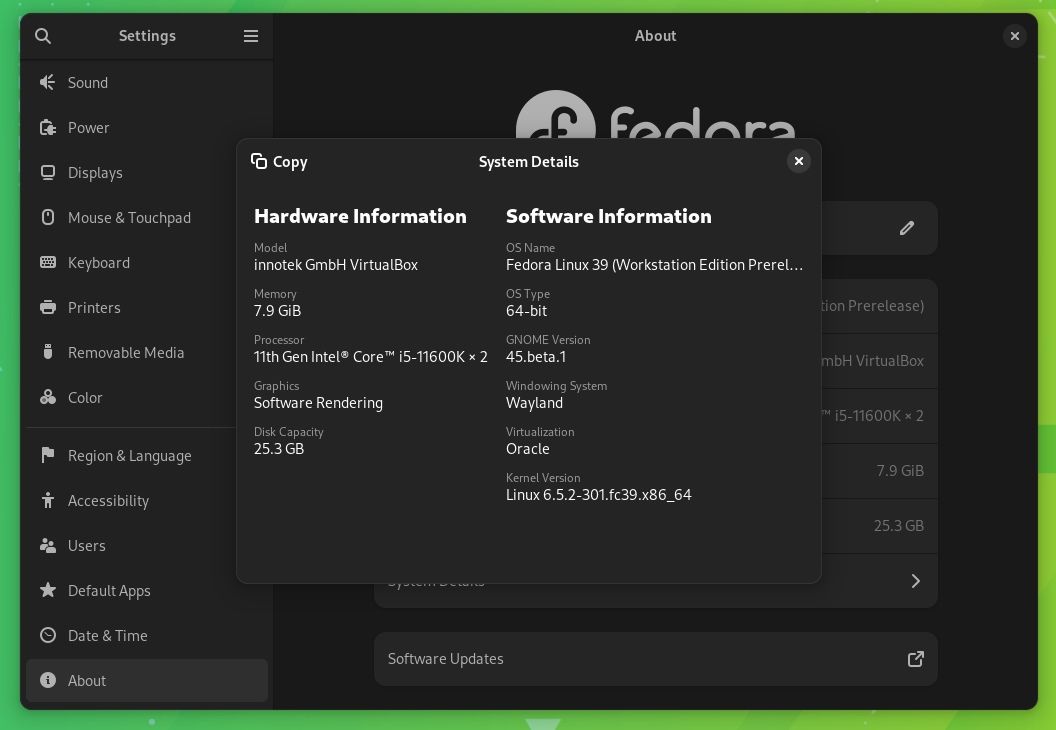
The Settings menu also received upgrades to the way the information is presented to the end-user.
A new "System Details" section was added in the "About" section where you get detailed information on what you are running, and the hardware specifications.
While privacy is already solid in Linux distributions like Fedora, GNOME 45 brings in a revamped section for it.
The options are accessible quickly and should be easy-to-understand for new Linux users.
Of course, GNOME 45 has much more to offer. And, you can find that all in our GNOME 45 feature article:
Fedora Onyx
Fedora already offers a "Silverblue" variant as one of the best immutable distros around, with GNOME as the desktop.
To expand their arsenal, Joshua Strobl proposed to add a new immutable variant with Budgie desktop environment, complementing the Budgie spin, i.e., Fedora Onyx.
And, you should find it available as a new offering with the Fedora 39 release.
Suggested Read 📖


Drop fedora-repos-modular by default
Fedora comes with a couple of repos enabled for you to seamlessly install packages.
However, the modular repos are no longer used by most users, as observed by the developers. So, removing them would speed up DNF's performance.
Hence, with the fedora-repos-modular repo no longer included by default, you can expect some performance improvements with DNF, especially, on poor networks.
Application and Package Updates
Here are the most significant application updates:
- LibreOffice 7.6
- Python 3.12
- RPM 4.19
- Vagrant 2.3
- Perl 5.38
- LLVM 17
- Golang 1.21
- FontAwesome6
Suggested Read 📖
Other Improvements
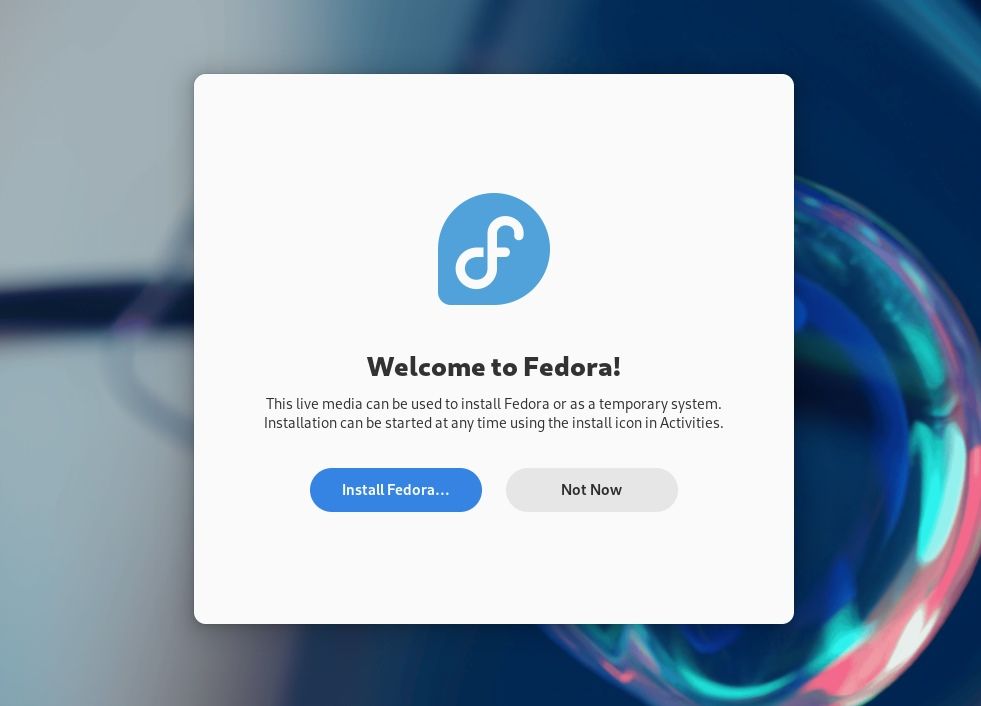
While the installer remains unchanged (Anaconda Web UI targeted for Fedora 40), a new welcome screen to help you started is appreciated.
There are several other changes that lead to a better Fedora 39 user experience.
Some of those include:
- No custom Qt theming for Fedora Workstation: The Qt applications will stick to the default theme settings with the Qt upstream.
- Enabling auto-updates in Fedora Kinoite variant
- Changing the way Flatpak for Fedora is built (without modules)
There are many more refinements, you can check out those on its official changeset wiki.
💬 What do you think about Fedora 39? Will it be a good upgrade for you or sound like a routine release?
