

The newer versions of Android give you more granular control over the access and permission an individual app can have. This is vital because many applications were (are) abusing the system permissions. Download a weather app and it will ask to access your call logs as if that has anything to do with the weather.
Why am I talking about Android app permissions? Because that is something you could relate with this application’s functioning.
You probably already know what Flatpak is. These are sandboxed applications with selected access to system resources like file storage, network interface etc.
Just like Android, you can control the access to system resources by Flatpak applications. By default, that happens with Flatpak commands and not everyone can be comfortable with it.
And hence, there is this tiny utility called Flatseal that allows you to manage and control the Flatpak permissions at application level.
Flatseal

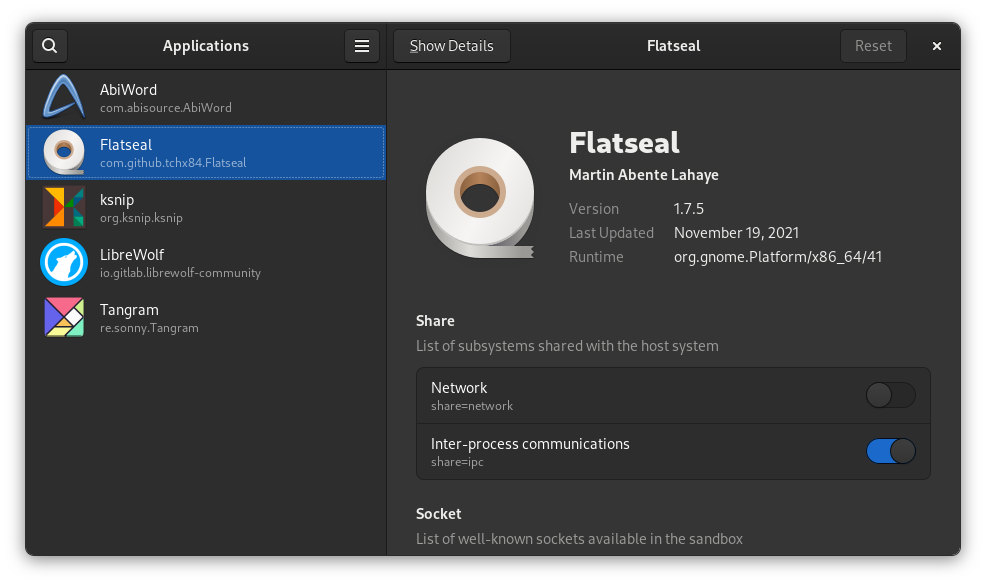
Flatseal is a graphical utility to review and modify permissions your Flatpak applications have got. This makes things a lot easier than going through the commands.
Flatseal lists all the installed Flatpak applications. When you select one, you can see all the permissions. The enabled permissions can be easily spotted and if you want, you can disable them.
For example, Ksnip is a screenshot utility and it also has networking access to share the screenshots with online services like Imgur. If you do not need it, you can disable it.

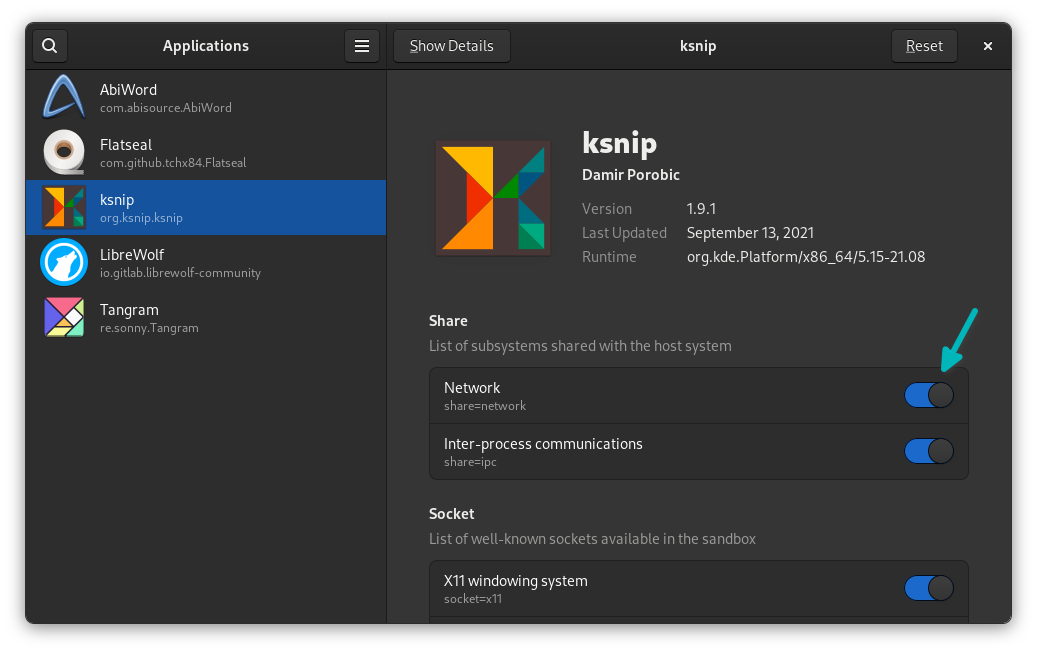
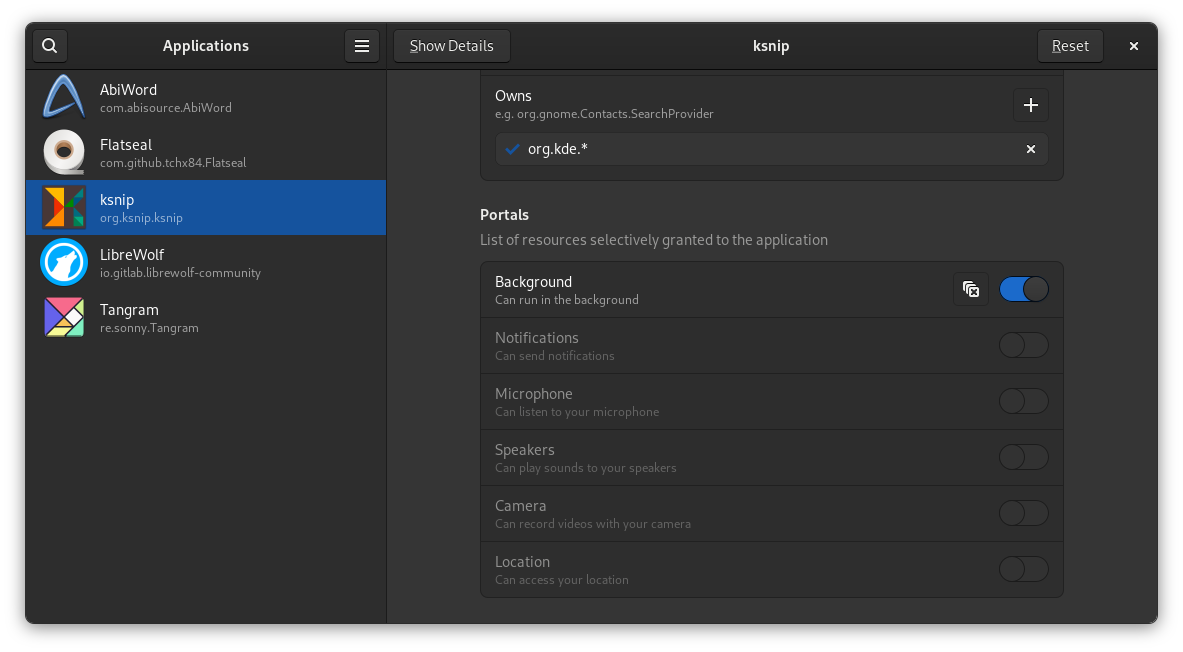
If nothing else, it is interesting to see what kind of permissions an application has. For example, you can see that ksnip has the ability to run in the background (so that you can use it for taking screenshots with keyboard shortcuts).

Installing Flatseal
Since it’s all about Flatpak, it only makes sense that Flatseal is available as a Flatpak package.
On Fedora, if the Flathub repo is added, you can install it from the software center.

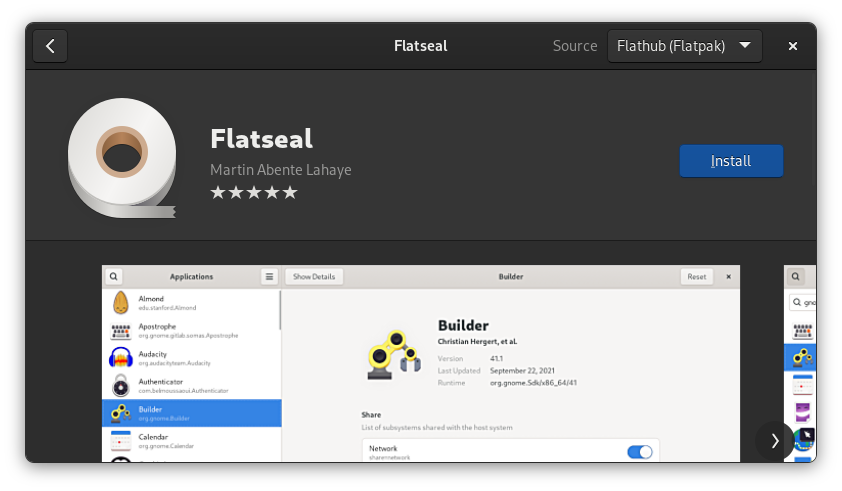
Otherwise, the command line is always there to help you.
flatpak install flathub com.github.tchx84.FlatsealDo you need to control permissions?
That’s a subjective question and it totally depends on you. Thankfully, the desktop Linux apps are not as abusive as Android apps so far.
An average user usually does not bother with these things, which is fine.
However, if you are overly cautious about these things or you find a good reason, Flatseal provides the easy option.
You should also be careful about what permissions you are changing. If you disable a permission crucial to the functioning of the application, it will surely cause trouble while using the application.
So, overall, this is not something an average user is going to use.
