

Brief: A dead simple font manager app that lets you focus on tweaking the fonts on your Linux system.
If you are an experienced Linux user, you might be utilizing the terminal or the tweak tool to manage fonts on your Linux system.
Honestly, no matter how useful the GNOME tweak tool is — it could be a little too overwhelming just to manage fonts. So, a separate application would be perfectly fine to help you manage fonts.
Font Manager: An Open-Source App To Help Manage Fonts
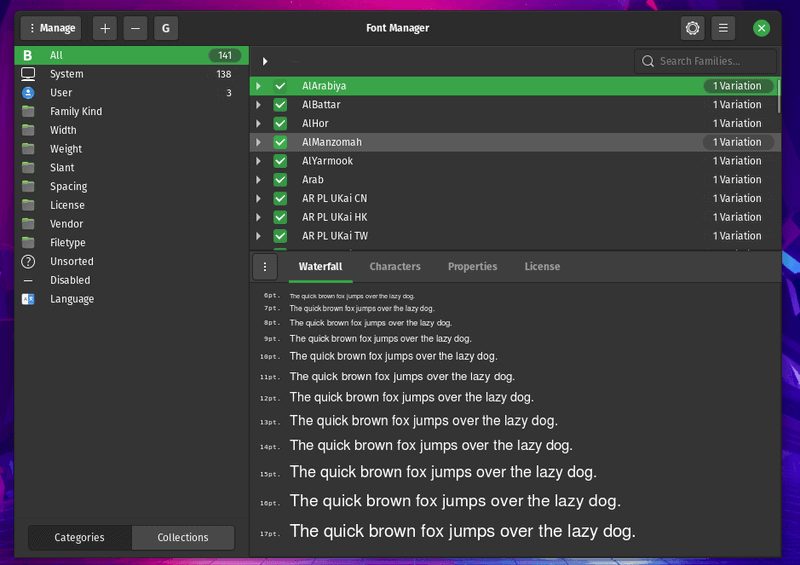
Font Manager (that’s literally the name of the app) is a dedicated application to help you manage the fonts.
You get the details of the font family, variations available, and the ability to filter and tweak based on their height, width, spacing, and more. Considering it is a simple app, you do not find a bunch of features but I’ll briefly highlight a few things below.
Features of Font Manager
- Ability to add fonts
- Ability to remove fonts
- Easily filter fonts based on family, vendor, spacing, height, etc
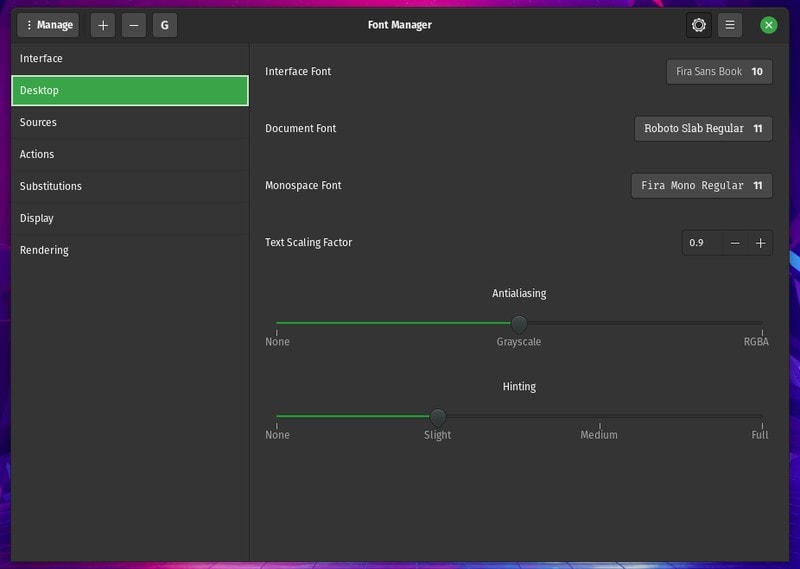
- Tweak the scaling factor of fonts
- Adjust the anti-aliasing (softness/sharpness) of the font
- Add font sources to preview them before installing it
- Offers keyboard shortcuts to quickly manage things
- Google fonts integration available out-of-the-box
- Get detailed information on characters available in the family font, license, size of the font, vendor, file type, spacing, width, and style
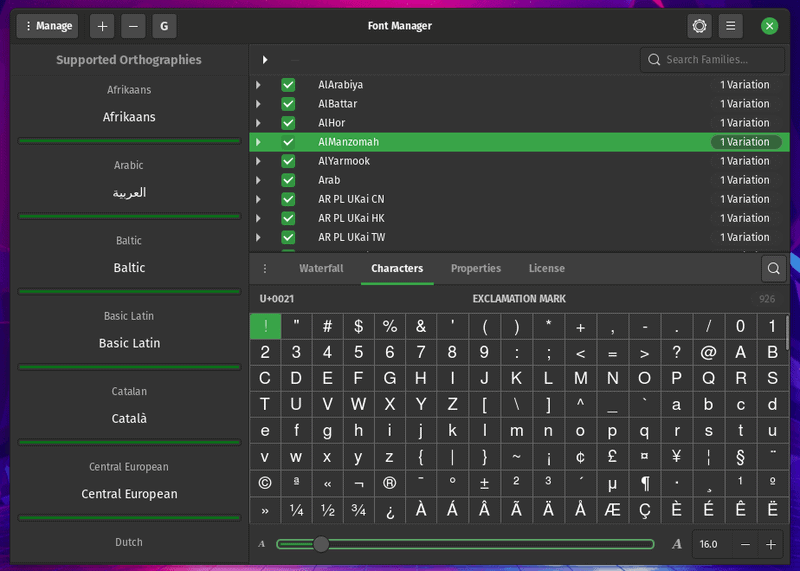
Overall, you can easily install or remove fonts. But, you get quite a few perks while managing the fonts as shown in the screenshot above.
Installing Font Manager on Linux
You get a variety of options (depending on the Linux distro you use) for installation.
If you have an Ubuntu-based distro, you can easily add the PPA through the commands below to install font manager:
sudo add-apt-repository ppa:font-manager/staging
sudo apt update
sudo apt install font-manager
In case you’re not a fan of PPAs (which is how I prefer to install this), you can also install a Flatpak package available on any Linux distribution.
You just need to enable Flatpak on your Linux system and then search for it on your software center (if it supports Flatpak integration) or just type in the following command to install it:
flatpak install flathub org.gnome.FontManagerIn case you’re an Arch user, you can find the package in the AUR.
For further installation instructions, you might want to refer its official website and the GitHub page.
Wrapping Up
Font Manager is a simple solution for any GTK+ based desktop environment. Primarily for GNOME but you can also utilize it for other desktop environments as well.
You get a lot of useful information while being able to add or remove fonts and it is clearly a no-nonsense font manager, I think.
What do you think about Font Manager? Let me know your thoughts in the comments below!
