

GNOME 43 is due for release on September 21, 2022. As of now, GNOME 43’s beta build is available to test.
The features/changes that we find with GNOME 43 beta should arrive with the final release.
So, what are the best GNOME 43 features that you should look forward to?
Let's take a look at some key changes.
The list focuses on visual/interactive changes. For a full list of technical changes, you can refer to the changelog linked at the bottom of the article.
1. Quick Settings Makeover
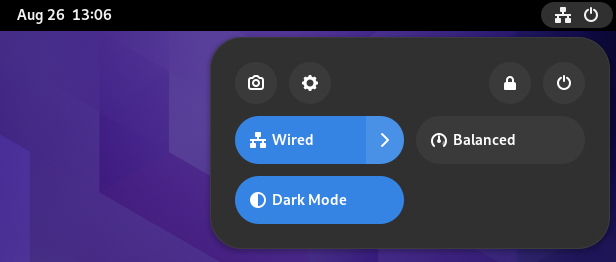
The GNOME desktop menu in the top-right corner where you can quickly adjust the volume, access network connections, and power on/off the computer finally gets a visual refresh.
Now, it looks more like an Android quick toggle bar, which should enhance the user experience while trimming down some extra clicks.
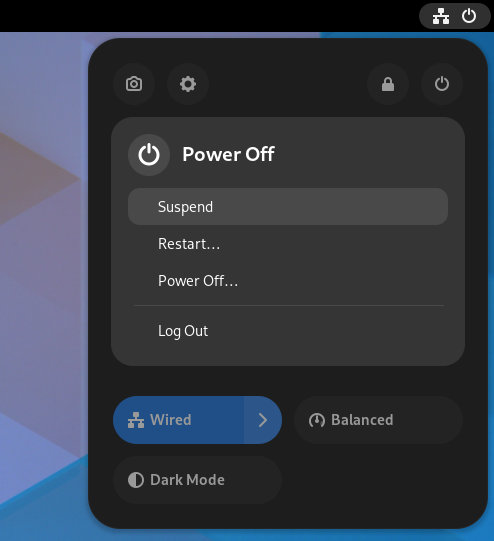
You do not need to head to the settings to turn on the dark mode and night light. The new quick toggle menu gives you access to those.
Moreover, things like selecting a Wi-Fi network and changing the audio device is easier than ever.
2. Changes to the Nautilus File Manager
While we already mentioned the most significant changes to Nautilus in GNOME 43 in our previous coverage:

There are a few things that are worth re-iterating. Some of them include:
- Refreshed look with GTK 4.
- Ability to drag and select files (rubber band selection).
- Adaptive view with a compact window.
- New document context menu.
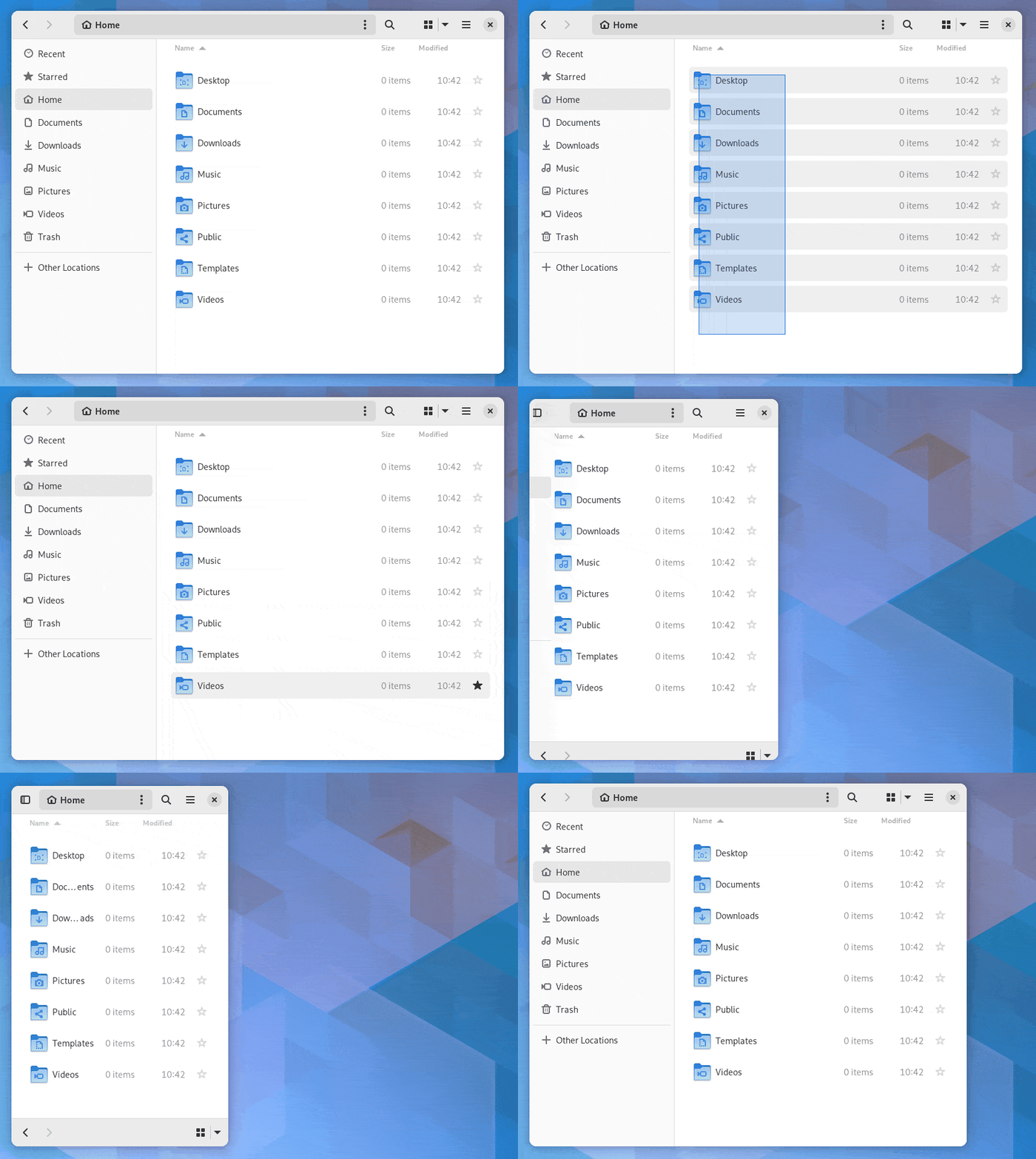
Overall, with GNOME 43, you will find several visual tweaks to the Nautilus File Manager with subtle animation improvements.
You can click on every option, access the properties of a directory and do more such actions to explore the differences. It should feel more intuitive.
3. Device Security Information
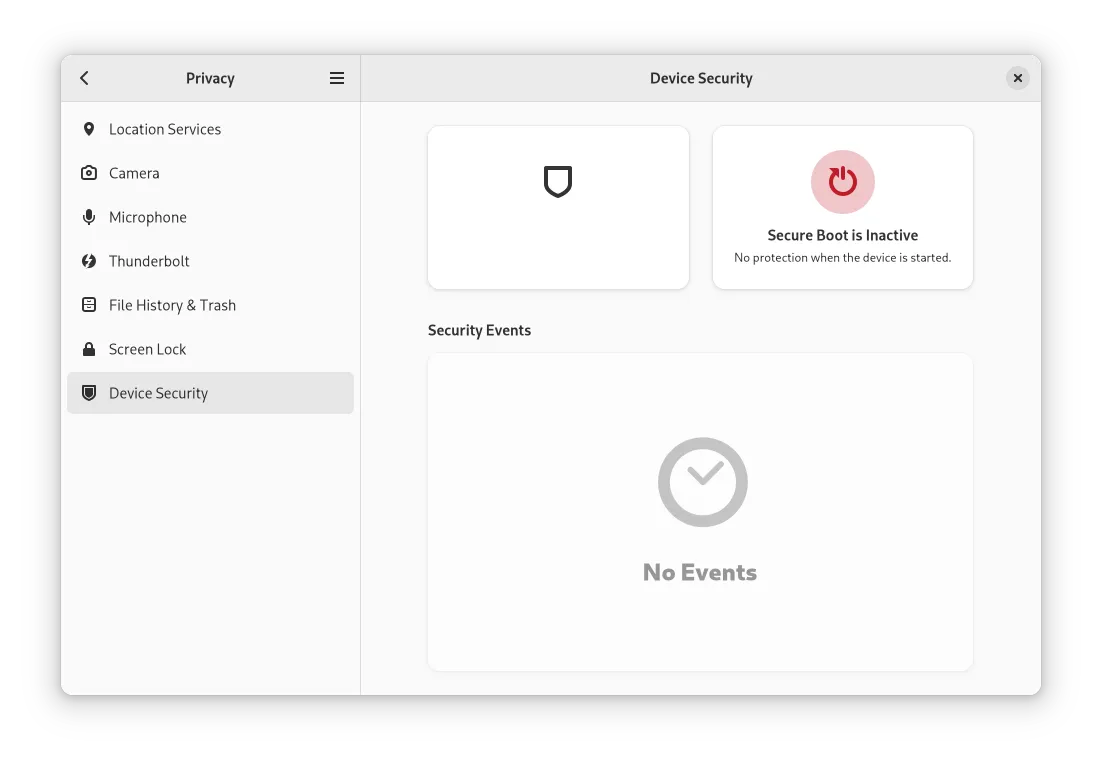
It's been a while since we reported that GNOME will display a secure boot warning if you have it disabled:

You will get the warning in your splash screen, and the lock screen.
GNOME's setting menu also has a new "Device Security" option where you get the Secure Boot status along with other essential information like:
- TPM
- Intel BootGuard
- IOMMU protection
4. Extension Support for GNOME Web
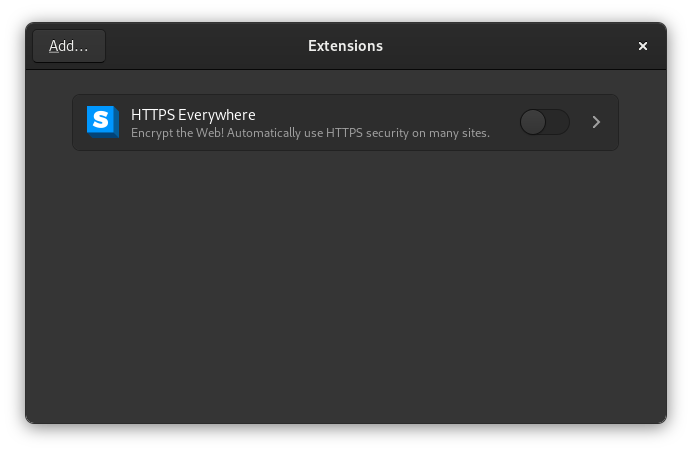
GNOME Web is getting better with every update. With the WebExtensions support, it is an attractive option to replace your daily driver:

At the time of writing this, the support is still experimental, and you will have to manually install the extensions.
For starters, you can download .xpi files for extensions available on the Mozilla Firefox add-ons portal.
5. GNOME Software Improvements
GNOME's Software Center is not the best experience there is.
While it has improved with changes to provide additional information, it still has room for improvements.
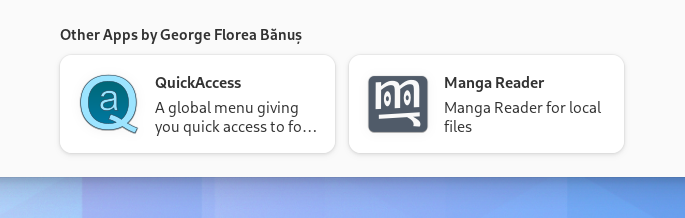
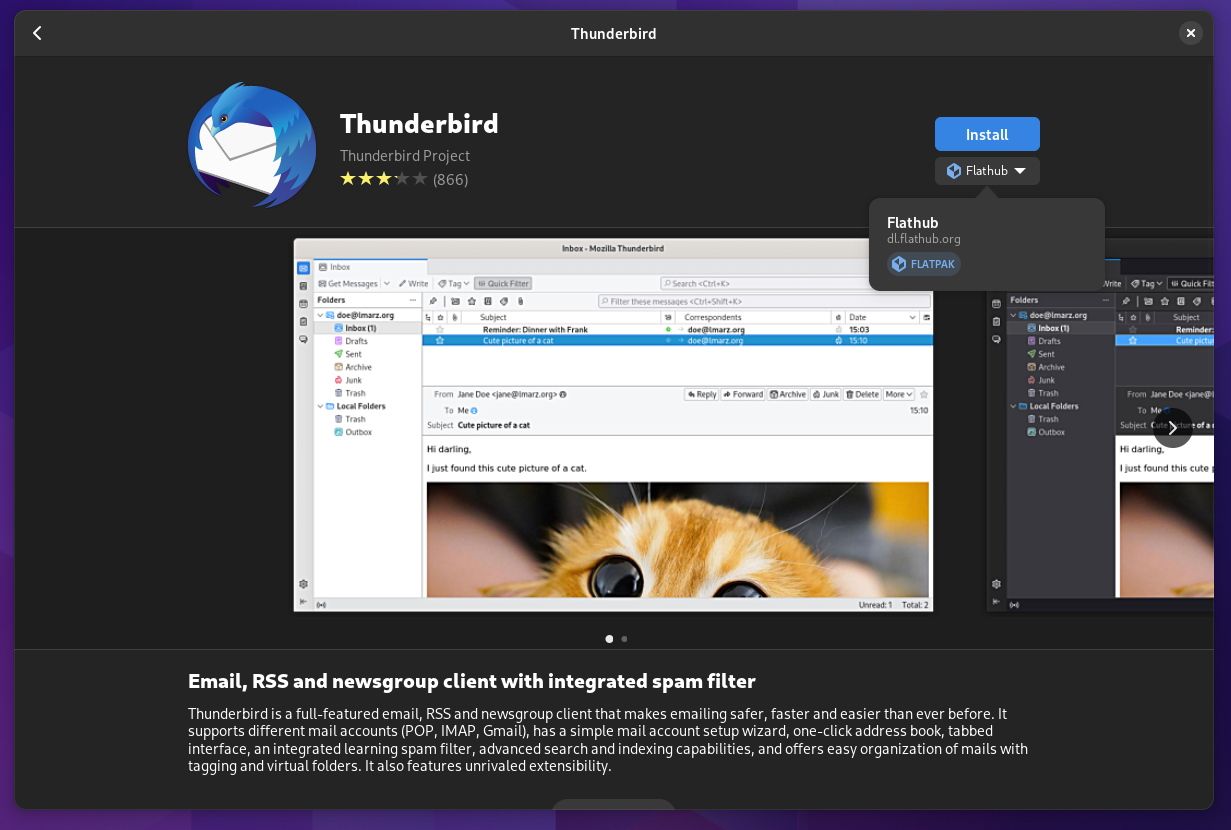
With GNOME 43, you get to know more about the permissions required by Flatpak applications. And, you also get a section for "Other Apps by" to find applications by the same developer.
Furthermore, there are subtle visual tweaks to the way package sources are displayed.
Bonus: New Wallpapers
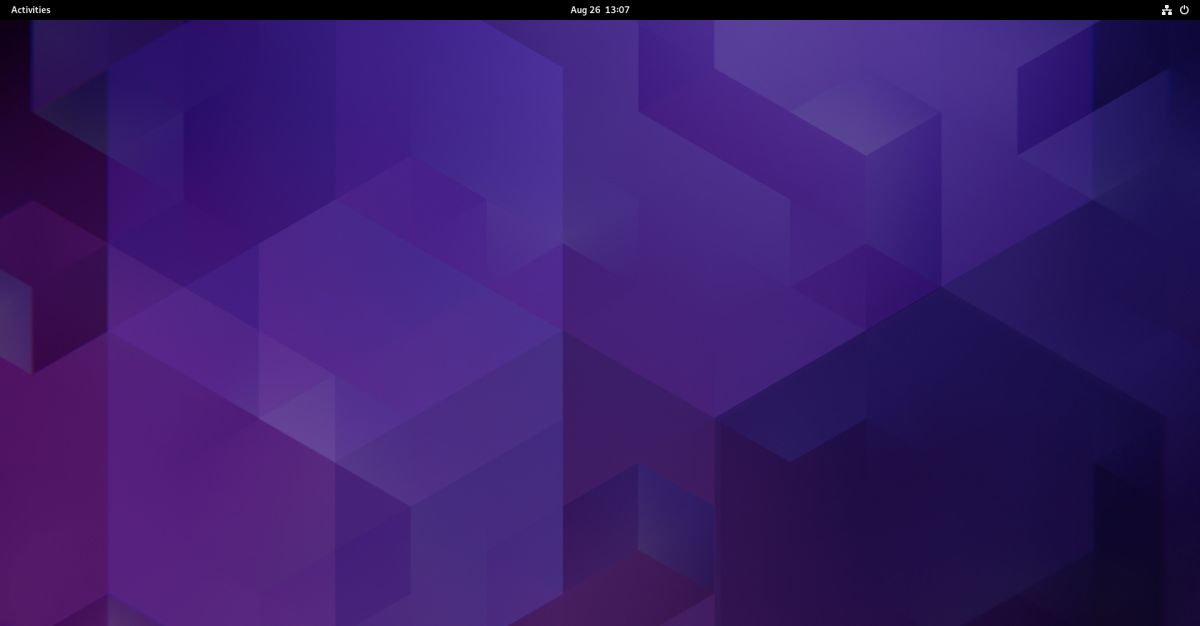
You get new default wallpapers with their dark and light variants. Here's what the dark wallpaper background looks like:
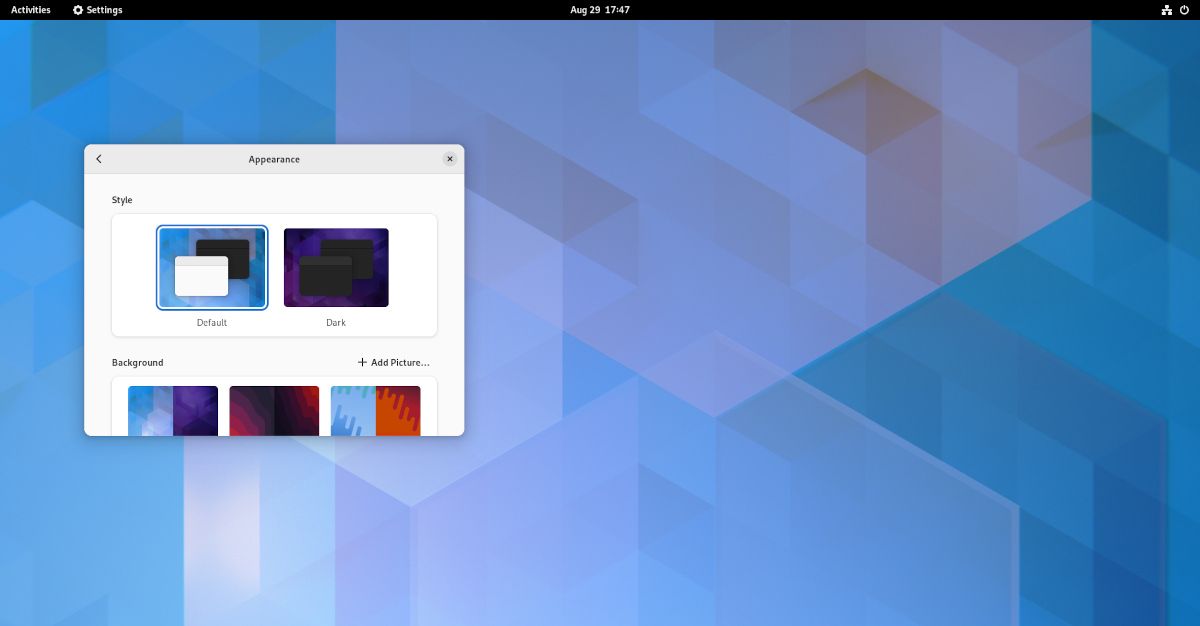
And, here's the light version:
In addition to the major highlights, some other changes include:
- Adwaita icon theme updates.
- Performance improvements to GNOME apps.
- Various code-cleanups.
- Refinements to the calendar.
- Revamped “About” window.
For full technical details, you can refer to GNOME 43 beta changelog.
Overall, GNOME 43 focuses heavily on improving usability and the user experience.
Some interesting features were planned initially but did not make it to GNOME 43. Maybe, GNOME 44 will include those?

💬 What do you think about GNOME 43 features? Kindly let us know your thoughts in the comments below.
