


HandBrake is one of the most popular open-source video converters for Linux, Windows, and macOS.
This GUI application enables you to convert videos from one format to another in just a few clicks. You can also customize the output video as per your requirements.
Starting with version 20.04, HandBrake is available in the universe repository of Ubuntu. This means you can install it using the command below:
sudo apt install handbrakeOr look for it in the Software Center.
But you might not get the latest version of HandBrake this way.
Let me show you how you can get the latest HandBrake on Ubuntu and other Ubuntu-based distributions like Linux Mint, Linux Lite, elementary OS etc.
Installing the latest HandBrake on Ubuntu
The developers of HandBrake maintain an official PPA for Ubuntu 20.04 LTS and older. Using this PPA, you can easily install the latest version of HandBrake on your Ubuntu-based distribution.
Open a terminal and use the following command to add the PPA repository. Press enter when asked for it:
sudo add-apt-repository ppa:stebbins/handbrake-releasesYou may have to update the local package cache after adding the PPA (not required in Ubuntu 18.04 and higher versions):
sudo apt updateNow install the latest version of the HandBrake using this command:
sudo apt install handbrake-gtk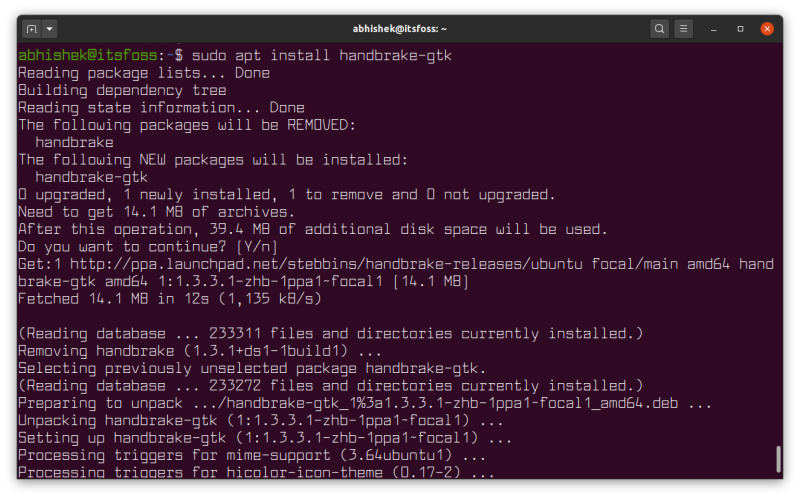
Remove HandBrake
For some reason, if you don’t like HandBrake and want to remove it, here’s what you need to do.
Open a terminal and use the following command to uninstall HandBrake:
sudo apt remove handbrake-gtkIf that does not work, you can try:
sudo apt remove handbrakeNow that you have removed the application, it will be a good idea to remove the PPA (if you added it), as you don’t need it anymore.
sudo add-apt-repository -r ppa:stebbins/handbrake-releasesConfirm when asked for it.
Bonus tip: Using the Flatpak package
You can also utilize the Flatpak package available on Flathub. Follow our Flatpak guide if you cannot install the Flatpak package on your system.
With the setup done, you can find it using the software center (or your package manager). In either case, you can use the following command to install it via the terminal:
flatpak install flathub fr.handbrake.ghbMore on video converters
HandBrake is one of the several encoders available for Linux.


FFmpeg is the most popular and popular of them all. It's a command-line tool and many GUI converters, including HandBrake, use it underneath.

In this quick tutorial, you learned how to install the latest HandBrake on Ubuntu using the official PPA. You also learned the steps for removing it properly.
I hope you find this quick tip useful. If you have questions or suggestions, please leave a comment below.
