

uGet is a popular open source download manager for Linux and other major platforms including mobile devices. It is a lightweight yet feature rich application that has always been ranked among the best download managers for Linux.
Here are the main features uget offers:
- Queue Downloads
- Pause/Resume
- Clipboard Monitor
- Multi-Connection
- Multi-Mirror
- Multi-Protocol
- Batch Downloads
- Global Defaults
- Categorized Defaults
- Speed Limits
- YouTube download
- Mega Download
- Browser extensions
- Support for multiple languages
- Wayland support
- Browser extensions
Install uGet in Ubuntu Linux
There are two ways to install uGet on your machine. You can install it from Ubuntu software center, or you can install it using PPA for the latest version.
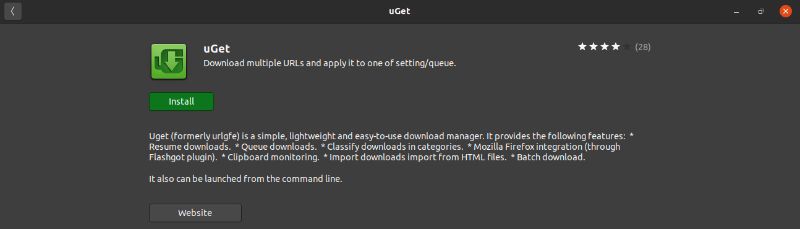
Start Ubuntu Software and use the search option to look for uGet.
Once found, click on the install button and enter your password to start installing the download manager.
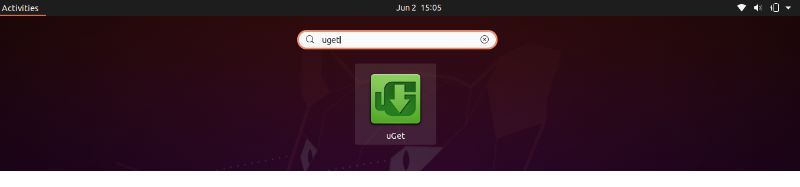
Once installed, open up your Unity Dashboard, and you will find the software there.
Install the latest version of Uget Using PPA
To install the latest stable version of uGet in Ubuntu 18.04, 20.04, Linux 19 and latest series and elementary OS, you can use this PPA:
sudo add-apt-repository ppa:plushuang-tw/uget-stable
sudo apt-get update
sudo apt install uget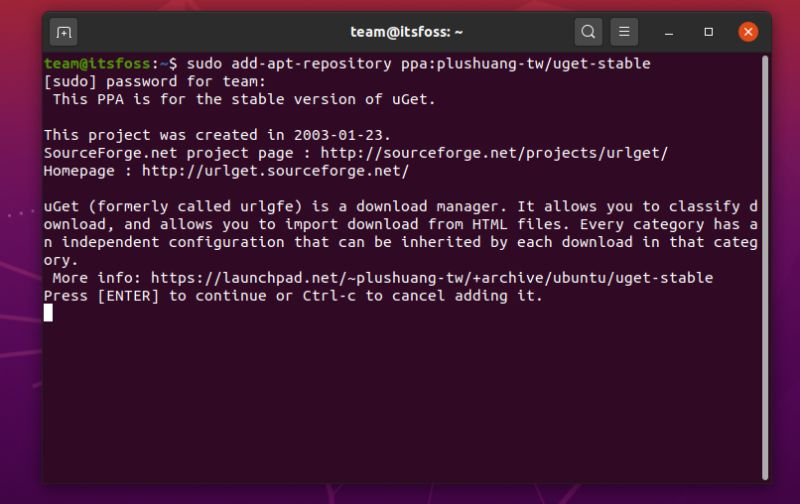
Here’s how uGet will look after installation:
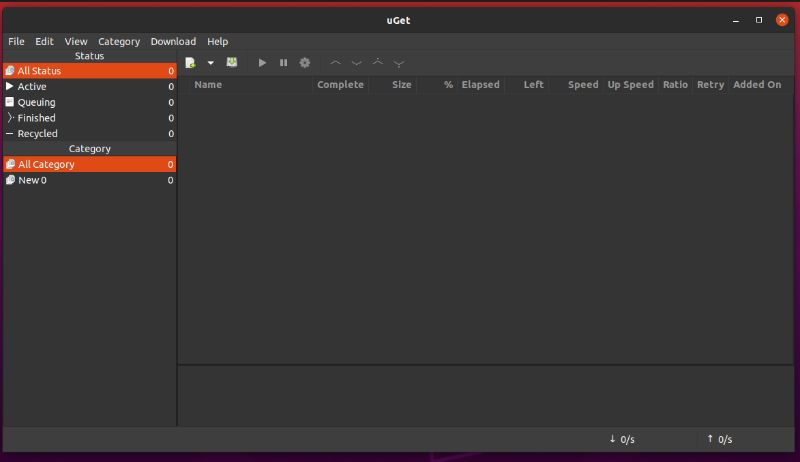
You can get uGet for other Linux distributions from the link below:
Remove Uget From Ubuntu
Just in case, if you wish to uninstall uGet from your computer. Then you can run this below command:
sudo apt-get remove --auto-remove uget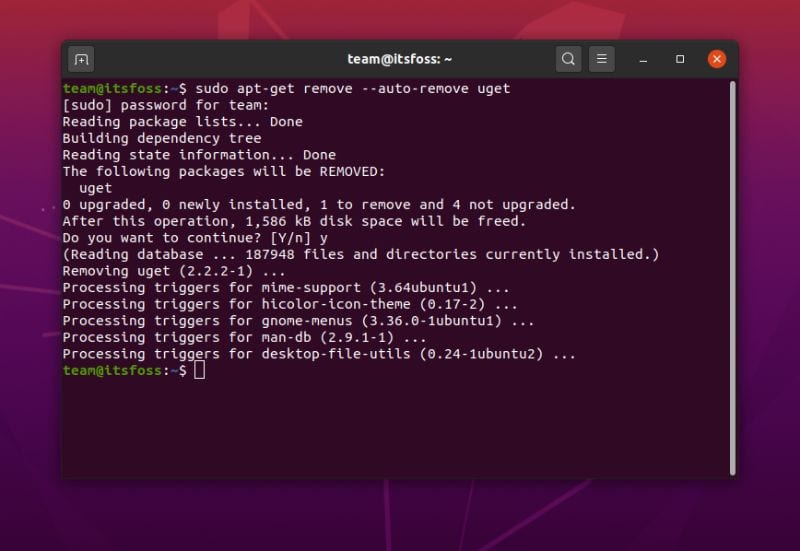
If you used the PPA, you should delete the PPA as well:
sudo add-apt-repository -r ppa:plushuang-tw/uget-stableThat’s all you need to do. I hope you find this tutorial helpful. Ciao :)
