Cybersecurity breaches are now a daily occurrence, with passwords being the most sought-after commodity by threat actors. Attackers often employ methods like brute force attacks, phishing, guessing, etc. to gain unauthorized access to accounts and data.
Sure, users can enhance their privacy game by using a secure password manager to manage all their credentials. But keeping a weak password would outright nullify any advantage gained from taking any such proactive measures.
That is where an app like Is Your Password Secure? (IYPS) comes in. Let's check it out 😃
IYPS: Scrutinizing Passwords Was Never Easier
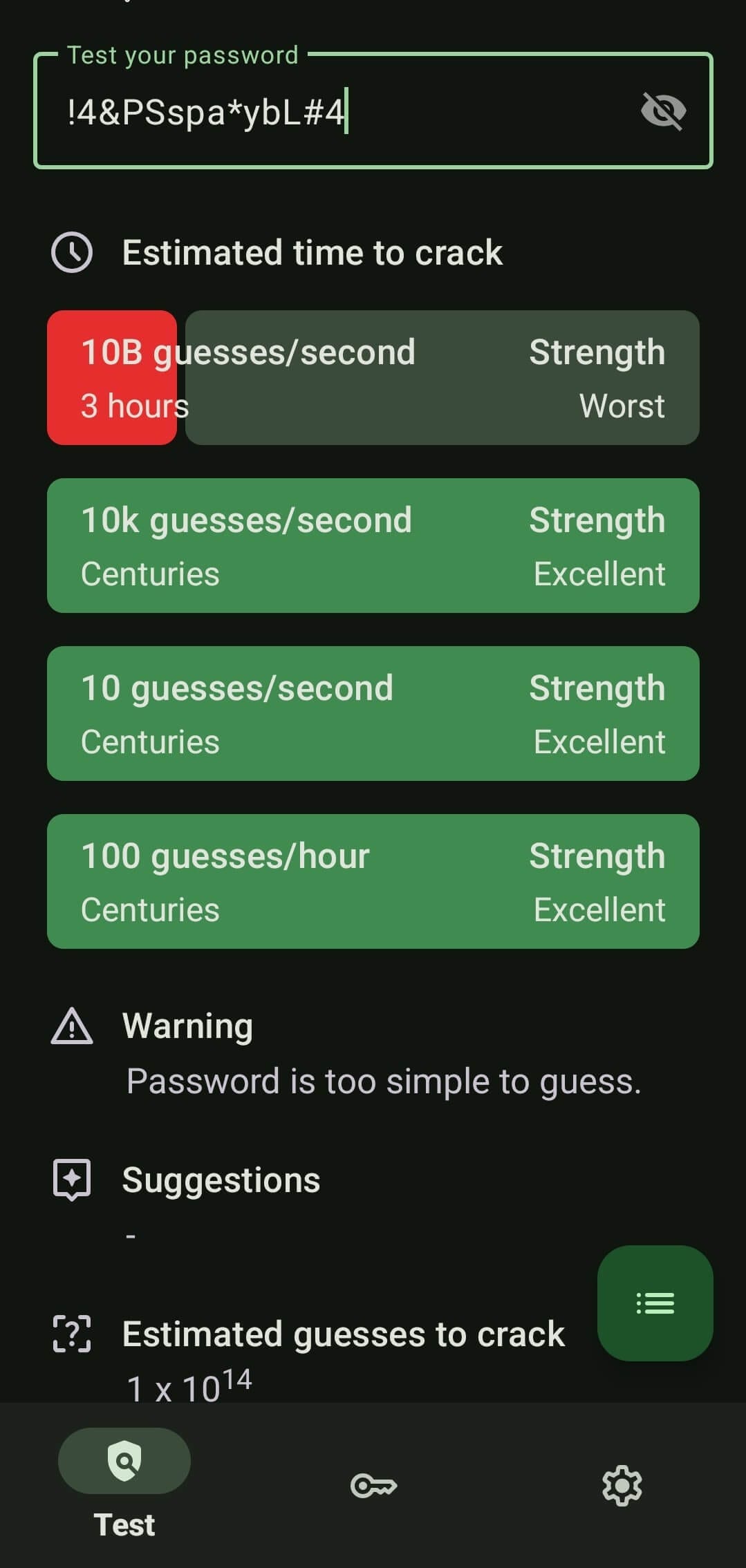
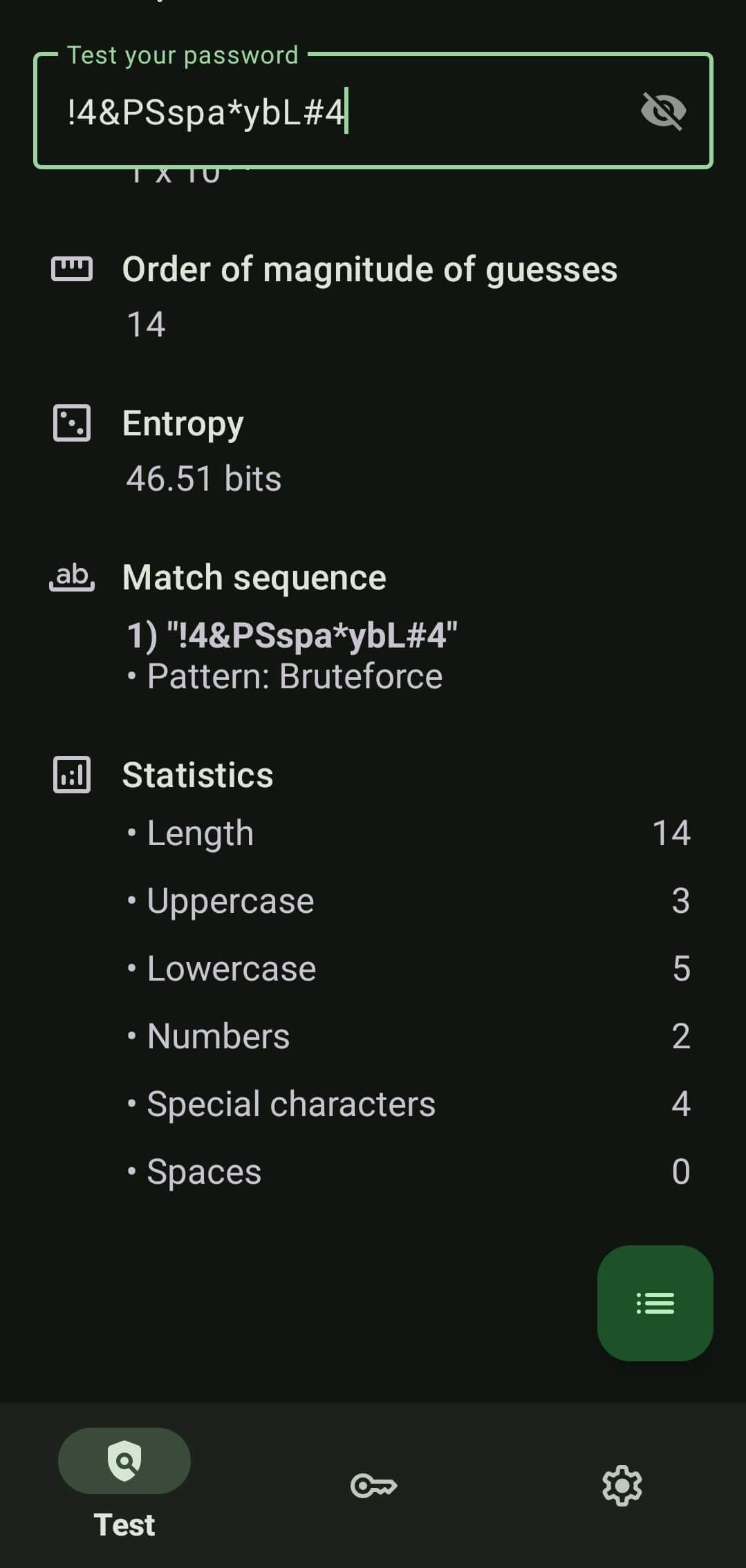
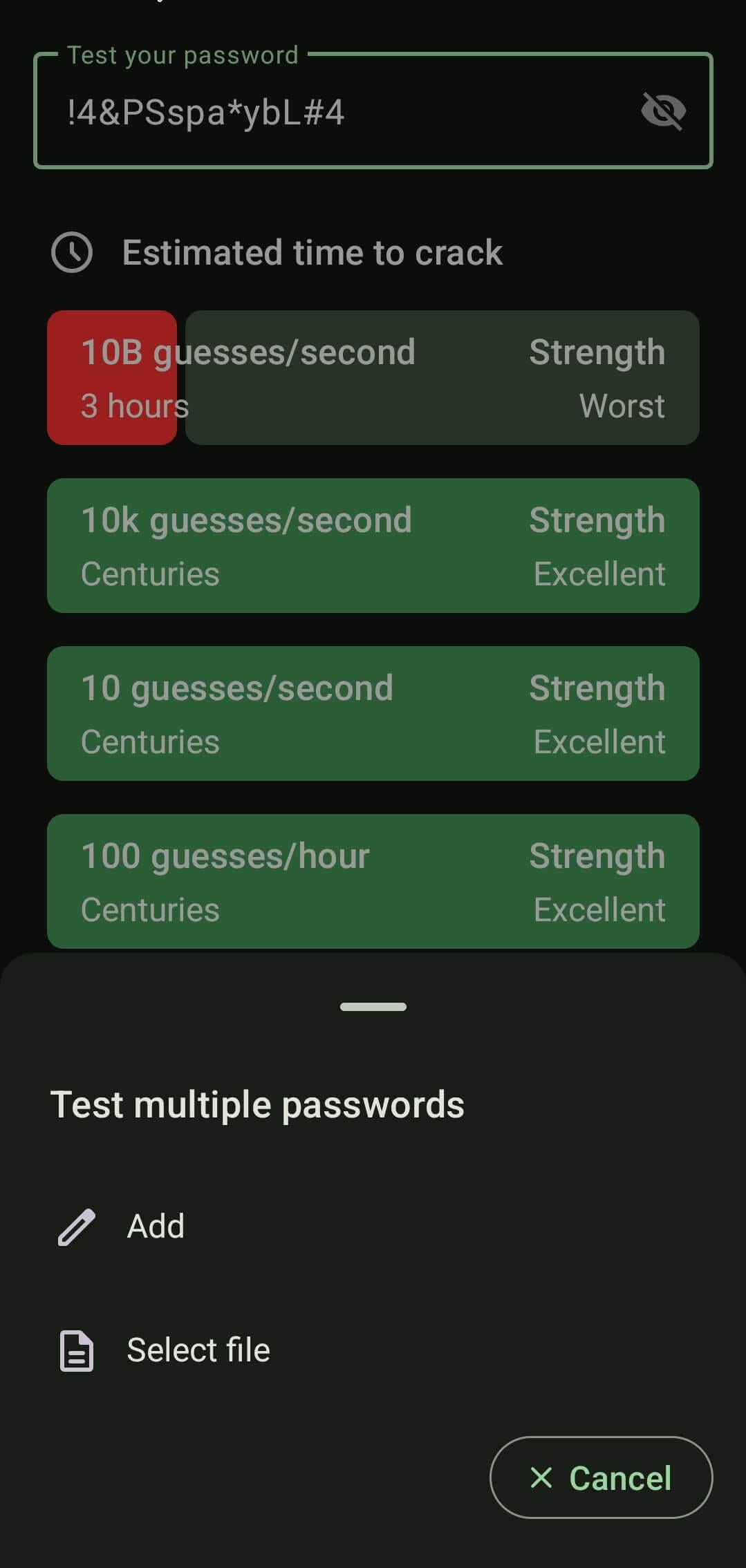
IYPS in action, showing the strength of an entered password.
Written in Kotlin, IYPS is an open source password strength checker app for Android that can be used to evaluate and rate any entered passwords or passphrases. It is supported by many contributors, with StellarSand being the lead developer.
IYPS is a far safer alternative than entering your passwords on a shady online password checker. You can use it to securely scrutinize any passwords or passphrases, and all of it happens locally, with no ads or trackers involved in the process.
At the core of the app is an algorithm called zxcvbn, which is an open source password strength estimator developed by Dropbox. It works by combining pattern matching techniques with conservative estimation, recognizing common passwords, names, etc.
If you have doubts, you can read the app's privacy policy, and if that doesn't cut it, then you can always cut internet access to it using NetGuard.
In my usage, IYPS performed well on an Android 14 smartphone. I copied over a password generated by Bitwarden to see how it fared, and it almost passed with flying colors, except in the 10B (billion) guesses per second test.
I could also add multiple passwords at once by manually entering them or from a file for evaluation by the app.
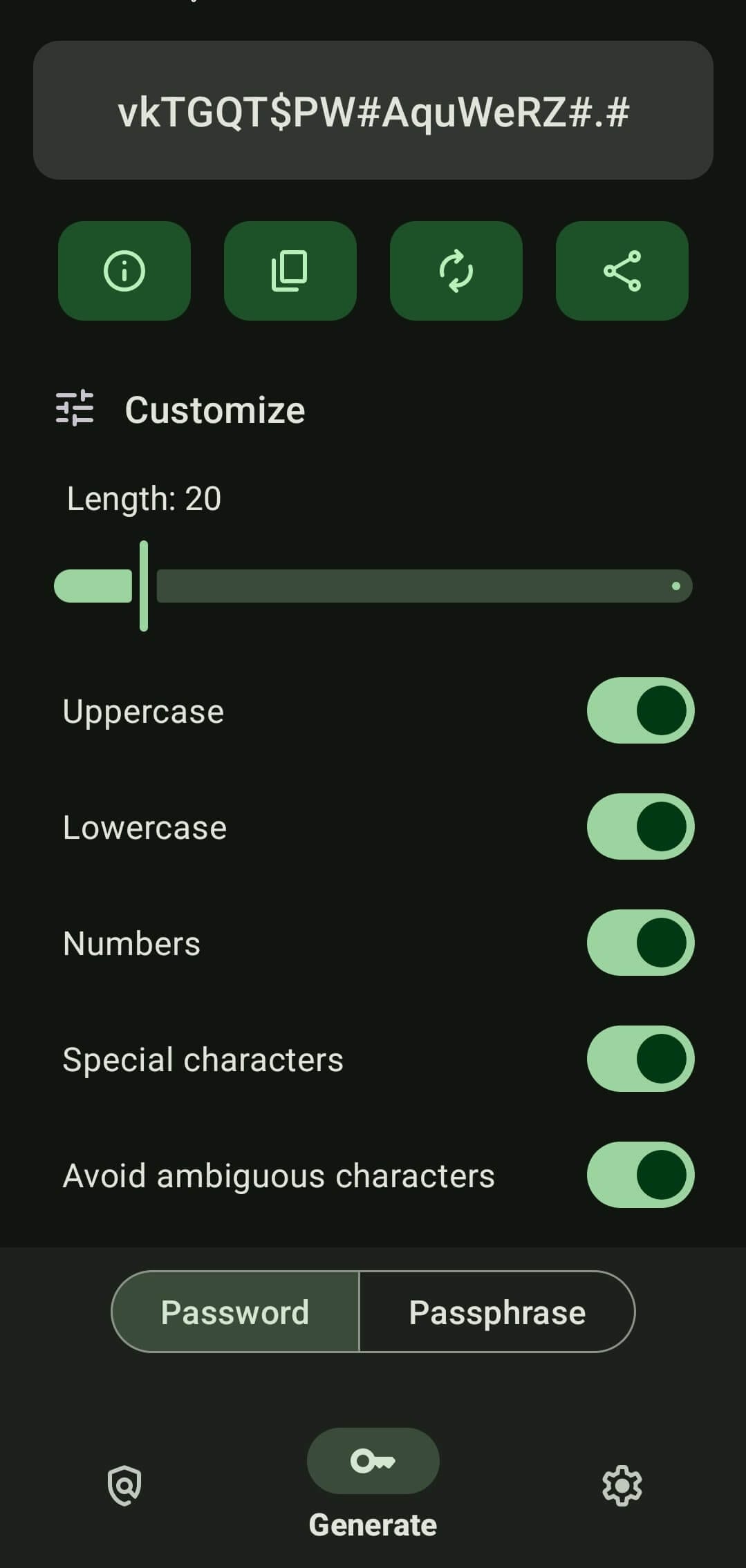
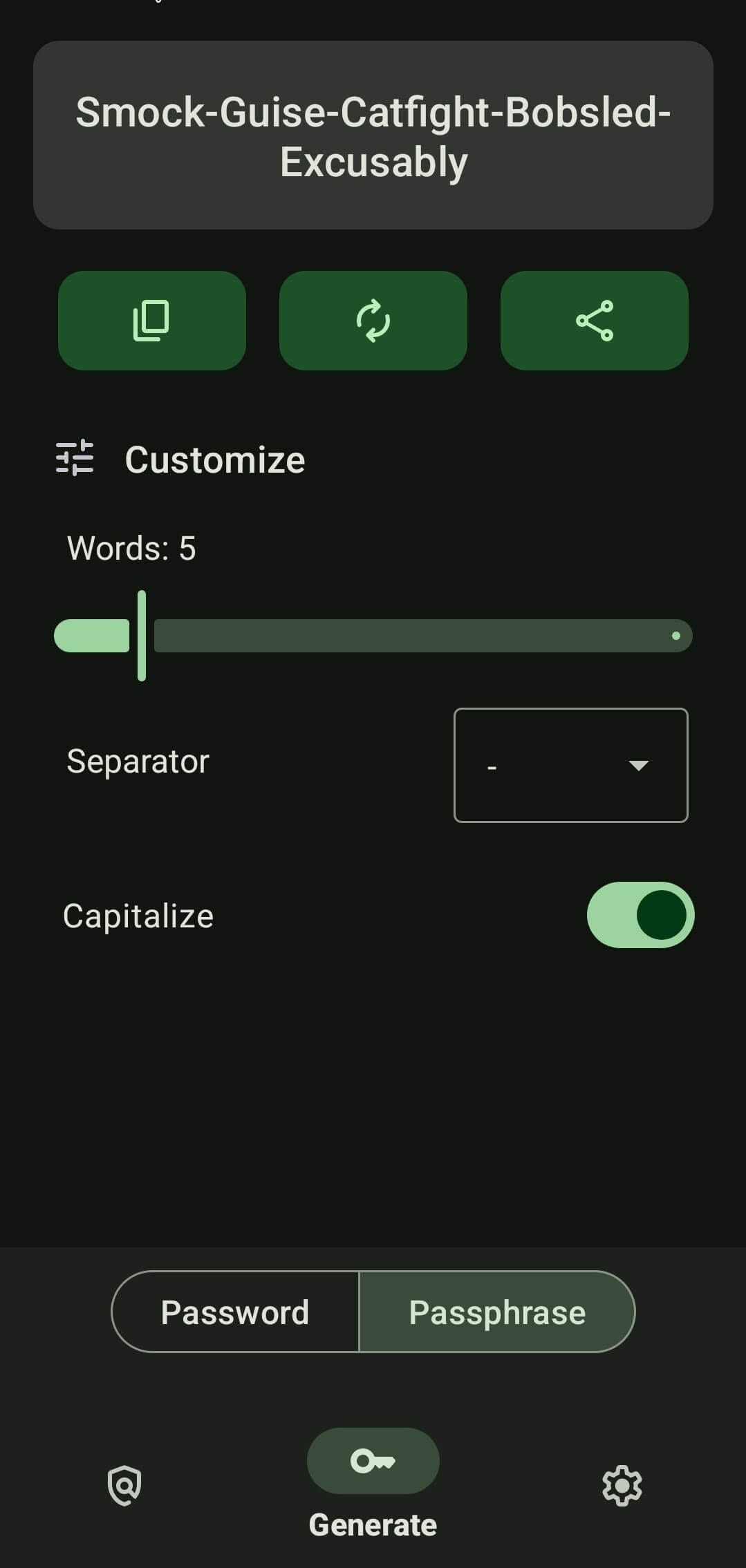
IYPS supports generating and evaluating passphrases too.
There is also a handy password and passphrase generator on-board, with a range of options to tweak the output, copy content into the clipboard, run an evaluation of it, and even share it using apps installed on the phone.
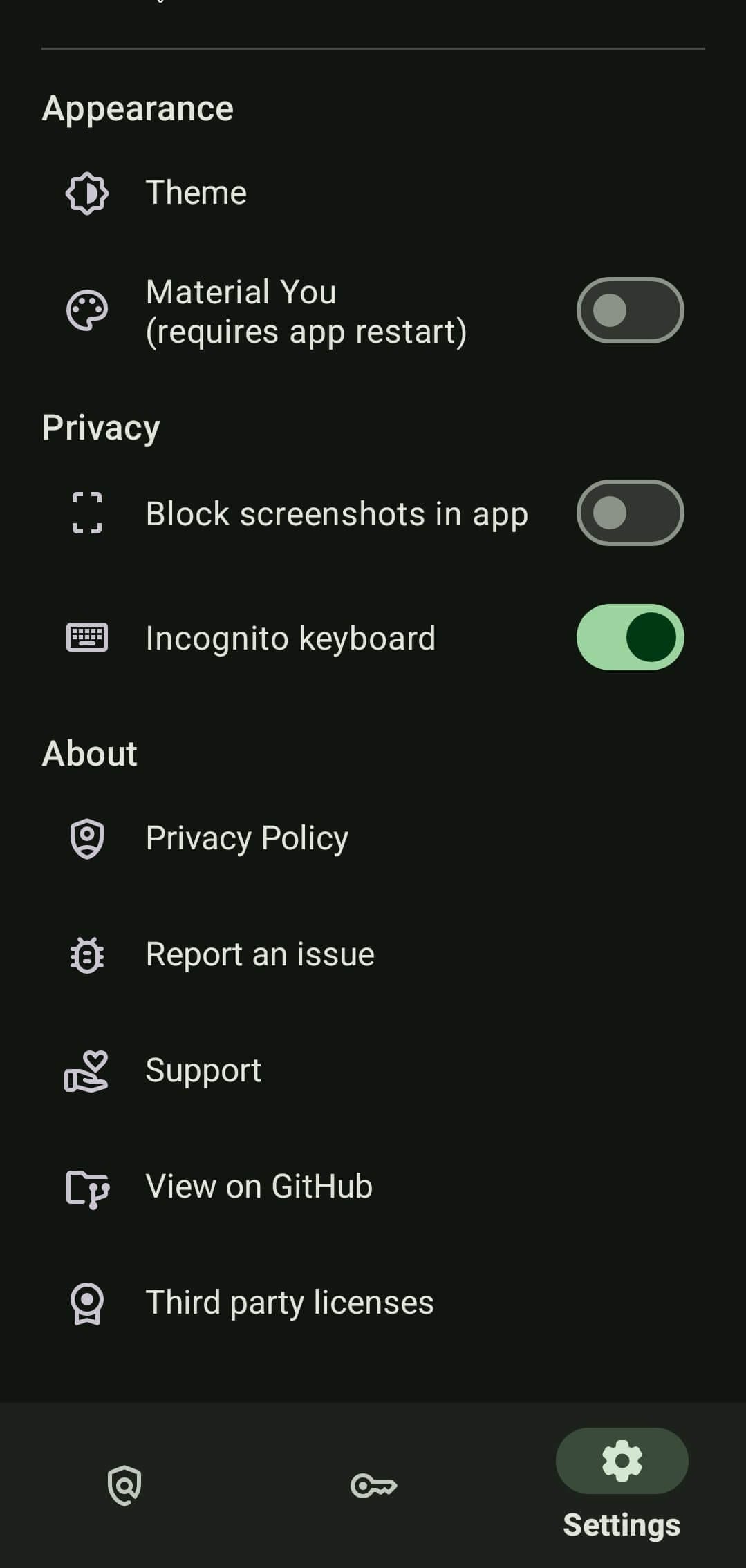
The Settings menu is minimal, with controls for adjusting the appearance and privacy-focused options to block screenshots in the app and to enable incognito keyboard (prevents keyboard apps from storing data).
Install IYPS
The most recent releases of IYPS can be found on F-Droid, IzzyOnDroid, and the Play Store. Just keep in mind that the Play Store release is not handled by the lead developer.
If you were searching for the source code, then you can head over to GitHub.
Suggested Read 📖