

Brief: LibreWolf is a Firefox fork that focuses on privacy and security by eliminating telemetry and adding other perks. Let us find out more about it.
Firefox is one of the best web browsers for Linux. However, some users do not appreciate the presence of telemetry.
In addition to that, some prefer a browser that’s tuned for the best possible privacy and security out-of-the-box, even if Firefox offers one of the best customization capabilities.
LibreWolf is the answer for all those users if you do not want distracting features of Firefox and want a private web experience without tweaking anything from your side.
LibreWolf: Firefox, but better?
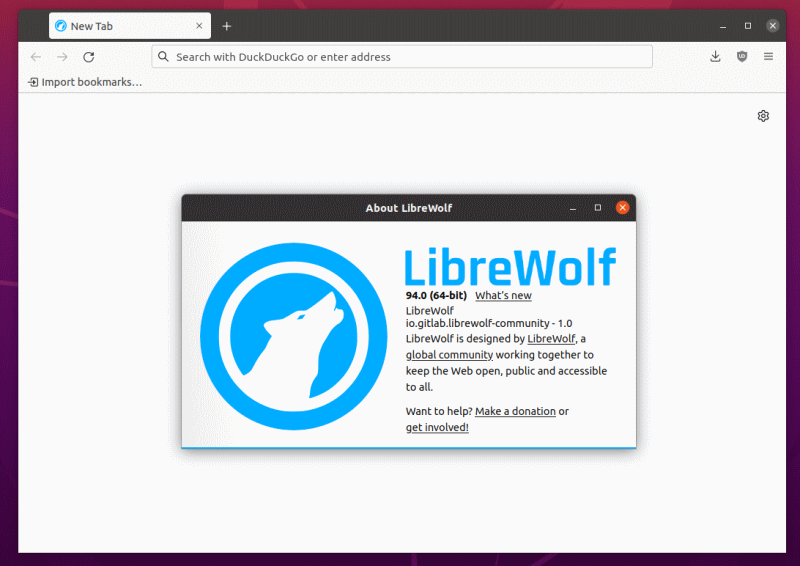
Suppose you want to use Firefox without the ability to sync using a Firefox account and a few other Firefox-specific features like the “Add to Pocket” button. In that case, LibreWolf can be a good option.
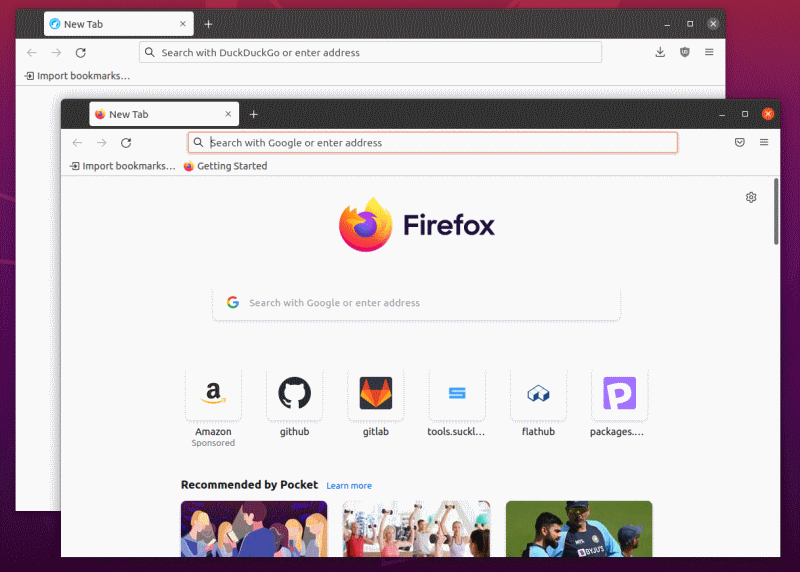
Unlike other Firefox forks (for instance- Basilisk browser), it is regularly updated. And, it only focuses on providing a private web experience without affecting the user experience you’d expect with Mozilla Firefox.
Features of LibreWolf
LibreWolf offers a pretty useful set of features out-of-the-box for a secure web experience. Let me highlight some of them.
- Removes telemetry
- No cloud sync using Firefox account
- Private search providers like Searx, Qwant (DuckDuckGo set as the default)
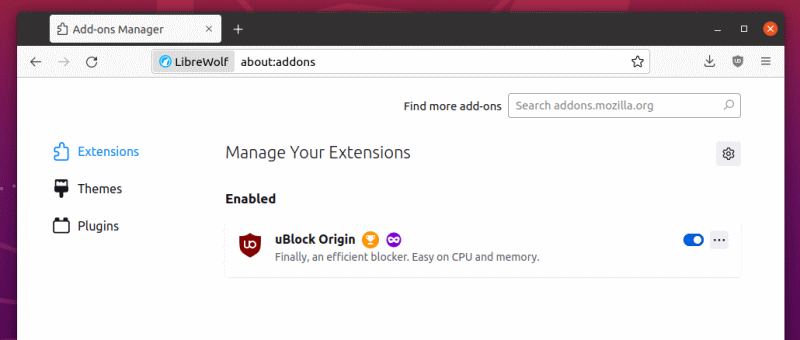
- uBlock Origin included to block scripts/advertisements
- No “Add to Pocket” button
- No sponsored/recommended content in the homepage out-of-the-box
- Firefox’s snippets to add news/tips in a new tab removed from the Settings
- No sponsored shortcuts
- Tracking Protection set to “Strict” mode by default
- Cookies and History set to delete when you close the browser
- Enable HTTPS-only mode by default
As you can notice, LibreWolf aims to provide a cleaner and privacy-friendly experience without needing to tweak anything.
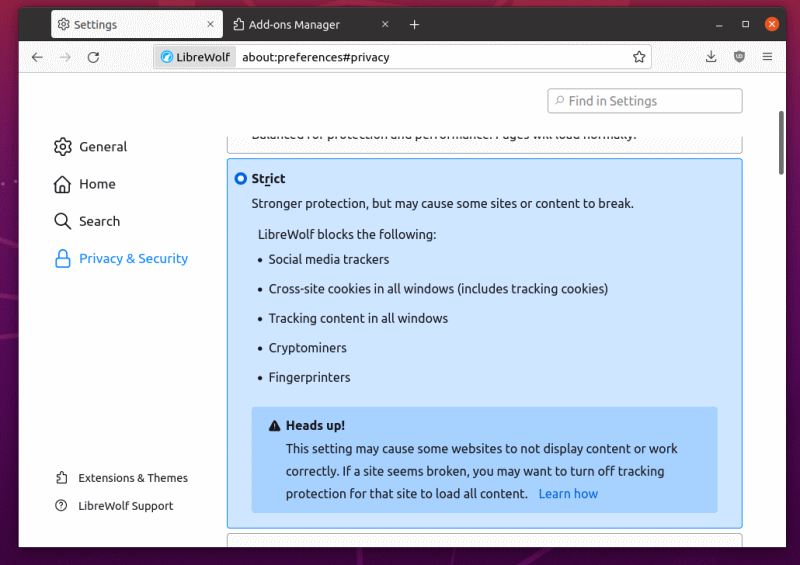
Some options like clearing cookies/history upon exit may be inconvenient if you do not want to repeatedly sign in to web services and browse the history to recall your browsing activity.
So, if you want to switch from Firefox to LibreWolf, you may want to test the web browsing experience before you decide.
Installing LibreWolf in Linux
For any Linux distribution, you can use the AppImage file or the Flatpak package from Flathub.
You can refer to our guide on using AppImage and the resource on Flatpak, in case you didn’t know.
It is also available in Arch User Repository (AUR) for Arch Linux users.
You can find other installation instructions on their officialwebsite or its GitLab page.
Have you tried LibreWolf yet? What do you prefer as your web browser? Share your thoughts in the comments down below!
