


Midori is an open-source web browser that focuses on being lightweight.
If you have never heard of it, you might think of it being a new application, but, Midori was first released in 2007.
Because it focused on speed, Midori soon gathered a niche following and became the default browser in many lightweight Linux distributions like Bodhi Linux, SliTaz, elementary OS back in the day.
Its development has seen plenty of ups and downs along the years, but, the good news is that Midori back from the dead.
Recently, a new Gecko-based Midori version was released that changed the way Midori looks and feels.
That made me give Midori another chance. Allow me to show you what it features.
Features of Midori Web Browser
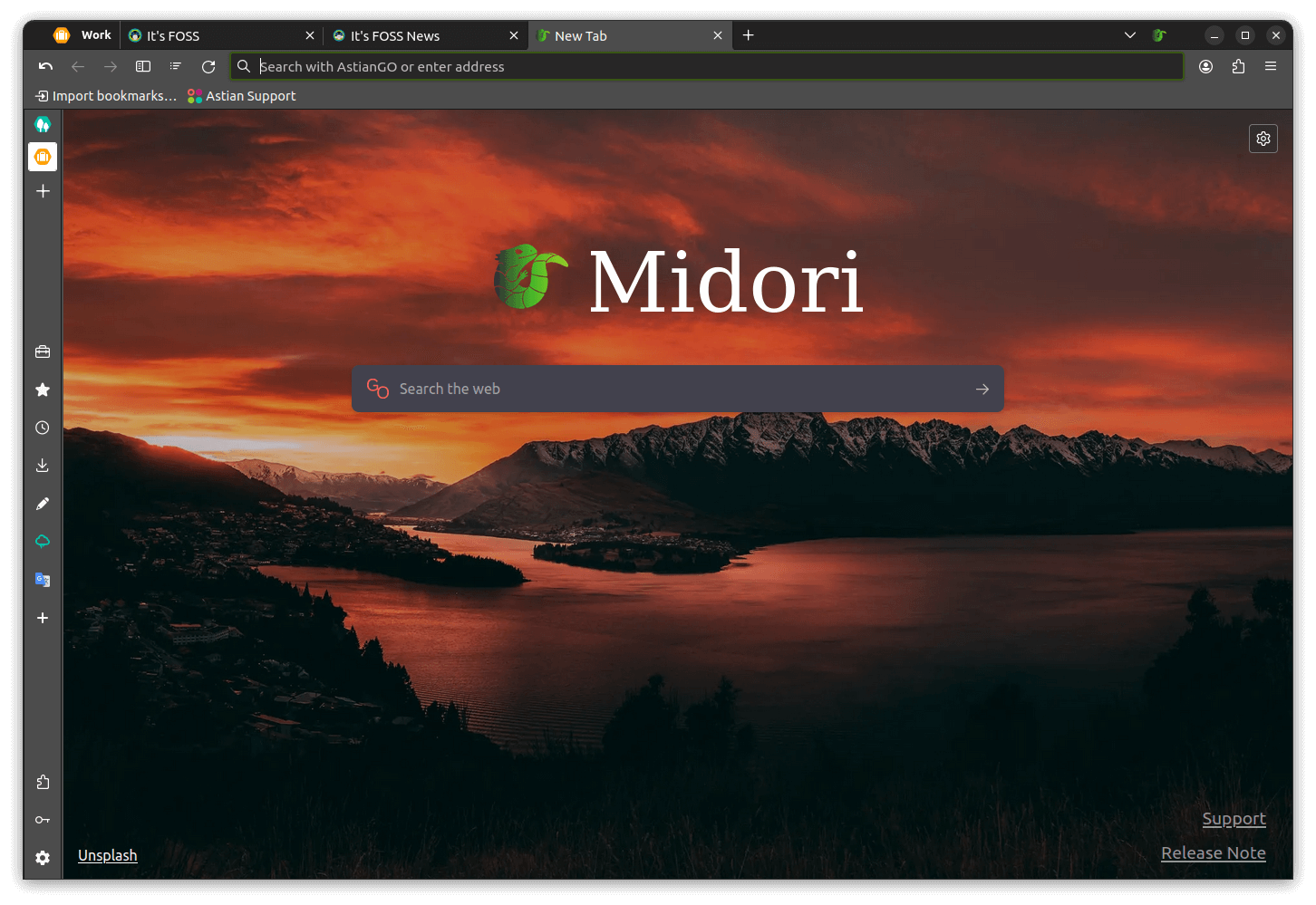
Here are some of the key features of the Midori browser:
- Support for Workspaces.
- Tabs, Windows, and Session Management.
- Uses AstianGO as the default search engine.
- A very customizable and extensible interface.
Experiencing Midori
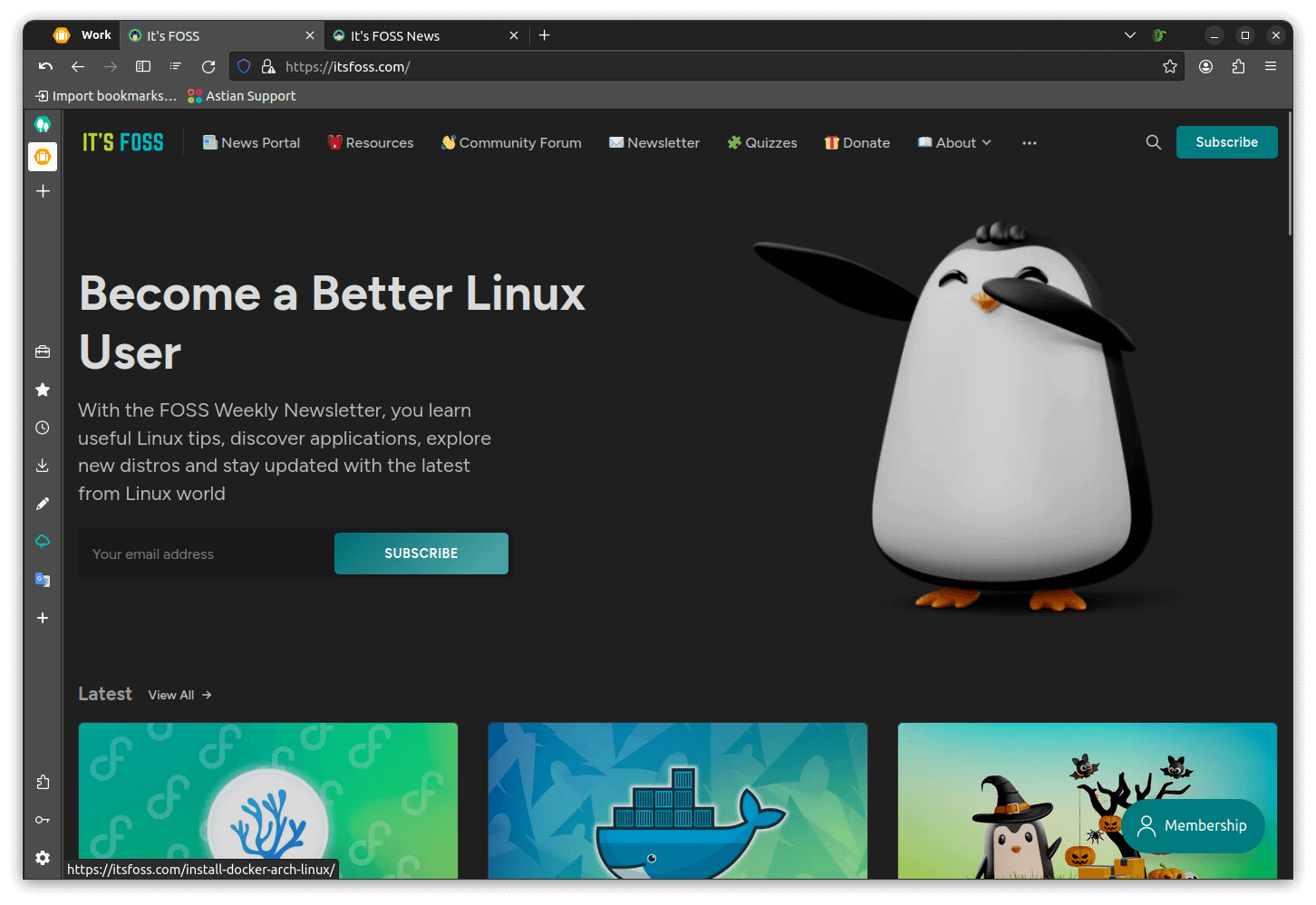
I have been using Midori for the past few days. The experience is mostly fine, it supports HTML5 and renders the websites quickly. The browsing experience is more or less smooth as you would expect in any standard web browser.
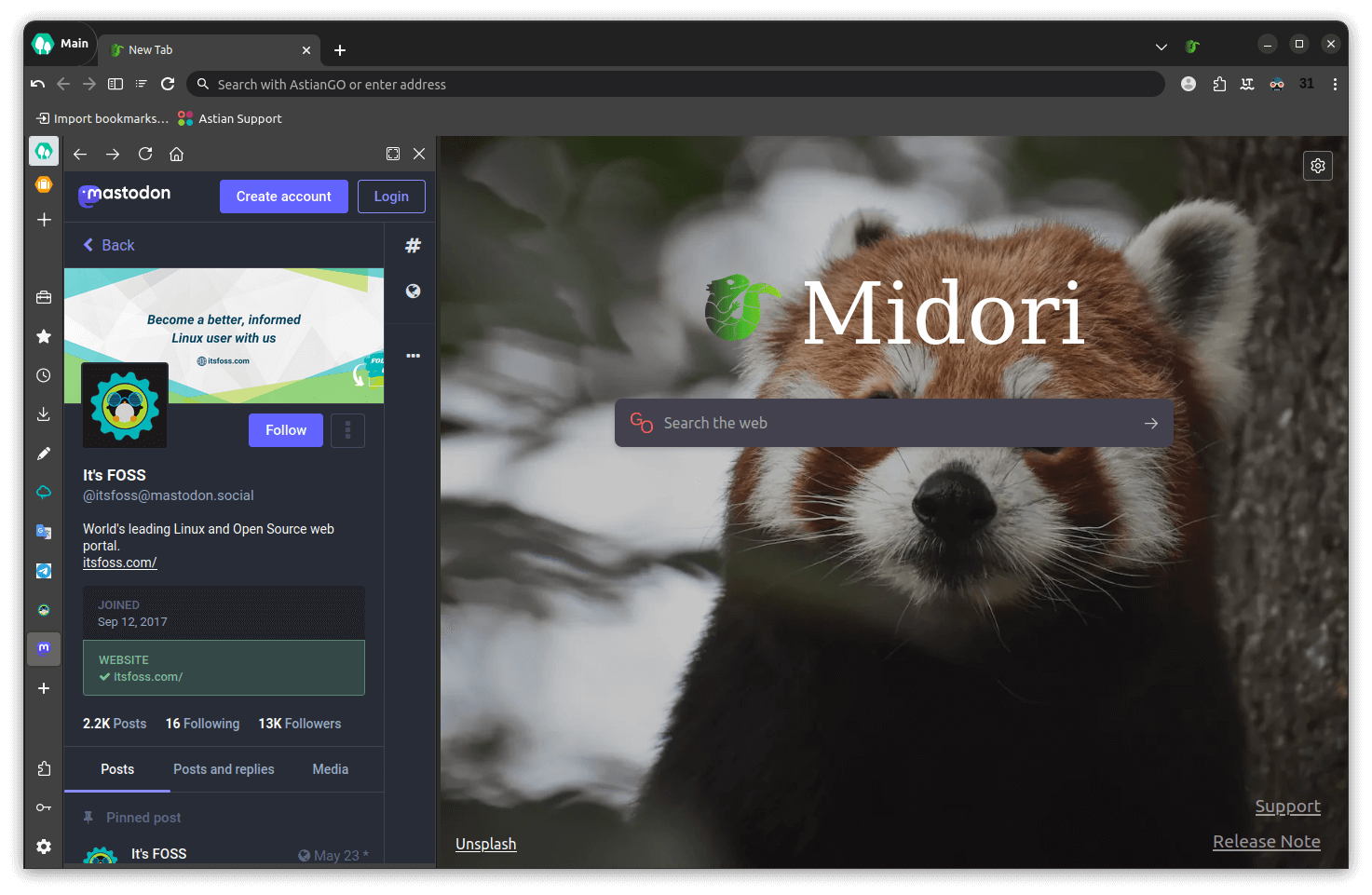
It had a neat little sidebar that housed all the usual browser-related options, but, with an extra WebApp feature that allowed me to use various apps such as Telegram, Mastodon, and even our news portal.
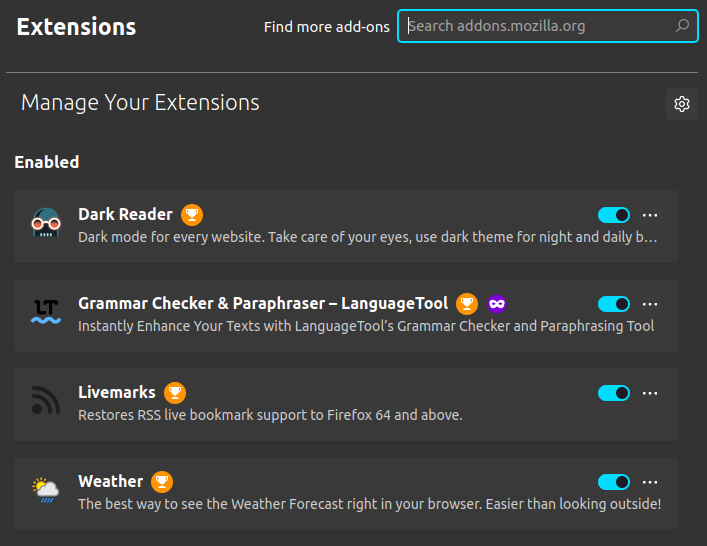
As it is a fork of Firefox, it has support for plenty of extensions from the Firefox Browser Add-Ons portal, I was able to install my favorite extensions without a fuss.
Suggested Read 📖


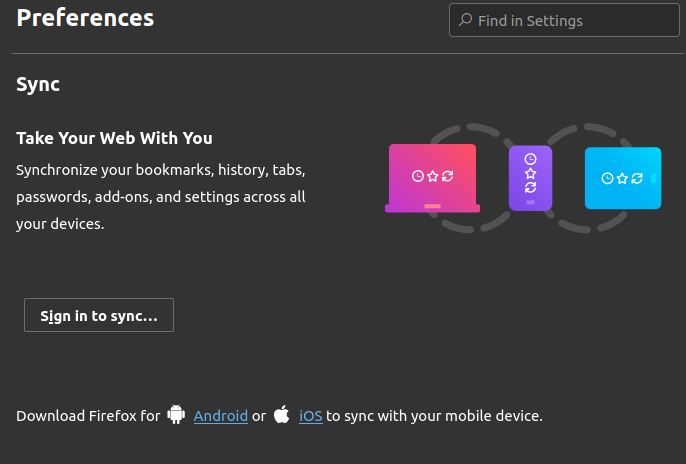
I could even sync the content from my Mozilla account into Midori. So, you can continue to use Firefox on mobile and Midori on the desktop.
Furthermore, Midori consumed less memory unlike Chrome, so that’s a big plus here.
Install Midori on Linux
Midori is no longer available in the Ubuntu repositories. However, the newer versions of Midori can be easily installed from the official website.
If you are using Ubuntu, you can opt for the provided DEB package.
For other Linux distributions, you can either opt for the PET package for Puppy Linux or PKG for Arch Linux.
Of course, you always have the option to compile from the source code. You can download the source code of Midori from its GitLab repo.
On a closing note, Midori has the potential to be a solid open-source Chrome alternative for Linux. I look forward to seeing how Midori progresses in the coming years.
💬 Do you use Midori or have you ever tried it? How’s your experience with it? What other web browser do you prefer to use? Please share your views in the comment section below.
