

Brief: OpenRGB is a useful open-source utility to manage all your RGB lighting under a single roof. Let’s find out more about it.
No matter whether it is your keyboard, mouse, CPU fan, AIO, and other connected peripherals or components, Linux does not have official software support to control the RGB lighting.
And, OpenRGB seems to be an all-in-one RGB lighting control utility for Linux.
OpenRGB: An All-in-One RGB Lighting Control Center
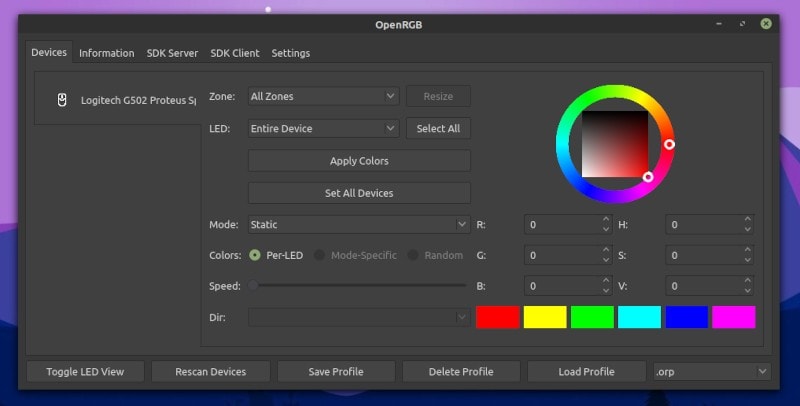
Yes, you may find different tools to tweak the settings like Piper to specifically configure a gaming mouse on Linux. But, if you have a variety of components or peripherals, it will be a cumbersome task to set them all to your preference of RGB color.
OpenRGB is an impressive utility that not only focuses on Linux but also available for Windows and macOS.
It is not just an idea to have all the RGB lighting settings under one roof, but it aims to get rid of all the bloatware apps that you need to install to tweak lighting settings.
Even if you are using a Windows-powered machine, you probably know that software tools like Razer Synapse are resource hogs and come with their share of issues. So, OpenRGB is not just limited for Linux users but for every user looking to tweak RGB settings.
It supports a long list of devices, but you should not expect support for everything.
Features of OpenRGB
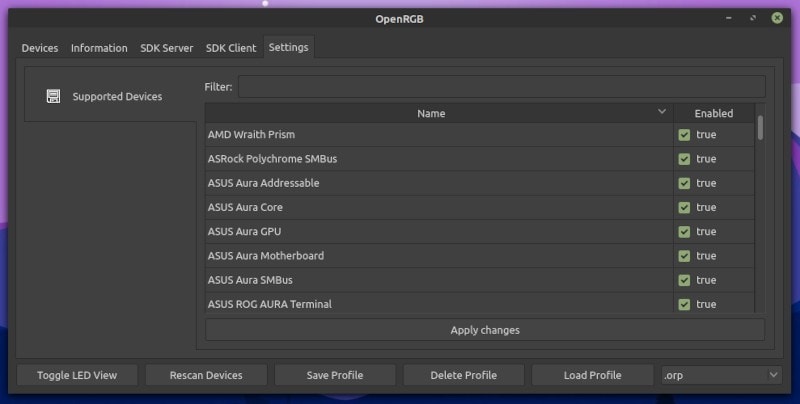
It empowers you with many useful functionalities while offering a simple user experience. Some of the features are:
- Lightweight user interface
- Cross-platform support
- Ability to extend functionality using plugins
- Set colors and effects
- Ability to save and load profiles
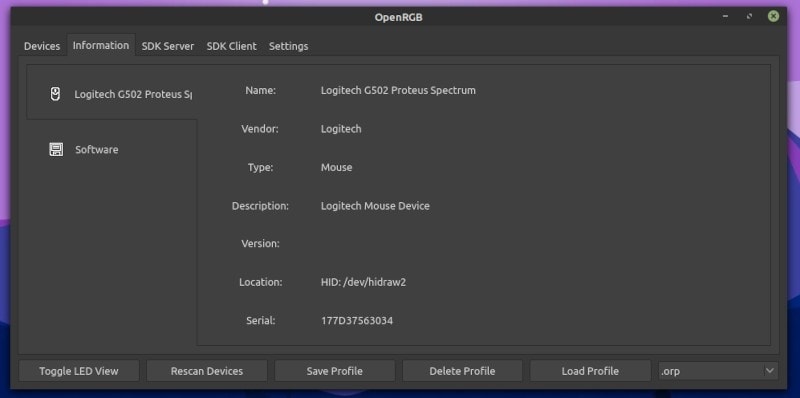
- View device information
- Connect multiple instances of OpenRGB to synchronize lighting across multiple PCs
Along with all the above-mentioned features, you get a good control over the lighting zones, color mode, colors, and more.
Installing OpenRGB in Linux
You can find AppImage files and DEB packages on their official website. For Arch Linux users, you can also find it in AUR.
For additional help, you can refer to our AppImage guide and ways to install DEB files to set it up.
The official website should let you download packages for other platforms as well. But, if you want to explore more about it or compile it yourself, head to its GitLab page.
Closing Thoughts
Even though I do not have many RGB-enabled devices/components, I could tweak my Logitech G502 mouse successfully.
I would definitely recommend you to give it a try if you want to get rid of multiple applications and use a lightweight interface to manage all your RGB lighting.
Have you tried it already? Feel free to share what you think about it in the comments!
