


Notepad++ is a popular text editor among programmers. Unfortunately, it is not available for Linux users.
Gedit is the default text editor on Ubuntu and many other Linux distributions. It’s a decent text editor but I don’t think it can be treated as a full-fledged code editor.
If you are a Notepad++ fan and look something similar, I suggest giving SciTE a try because both of them use the Scintilla Editor Component.
SciTE vs Notepad++
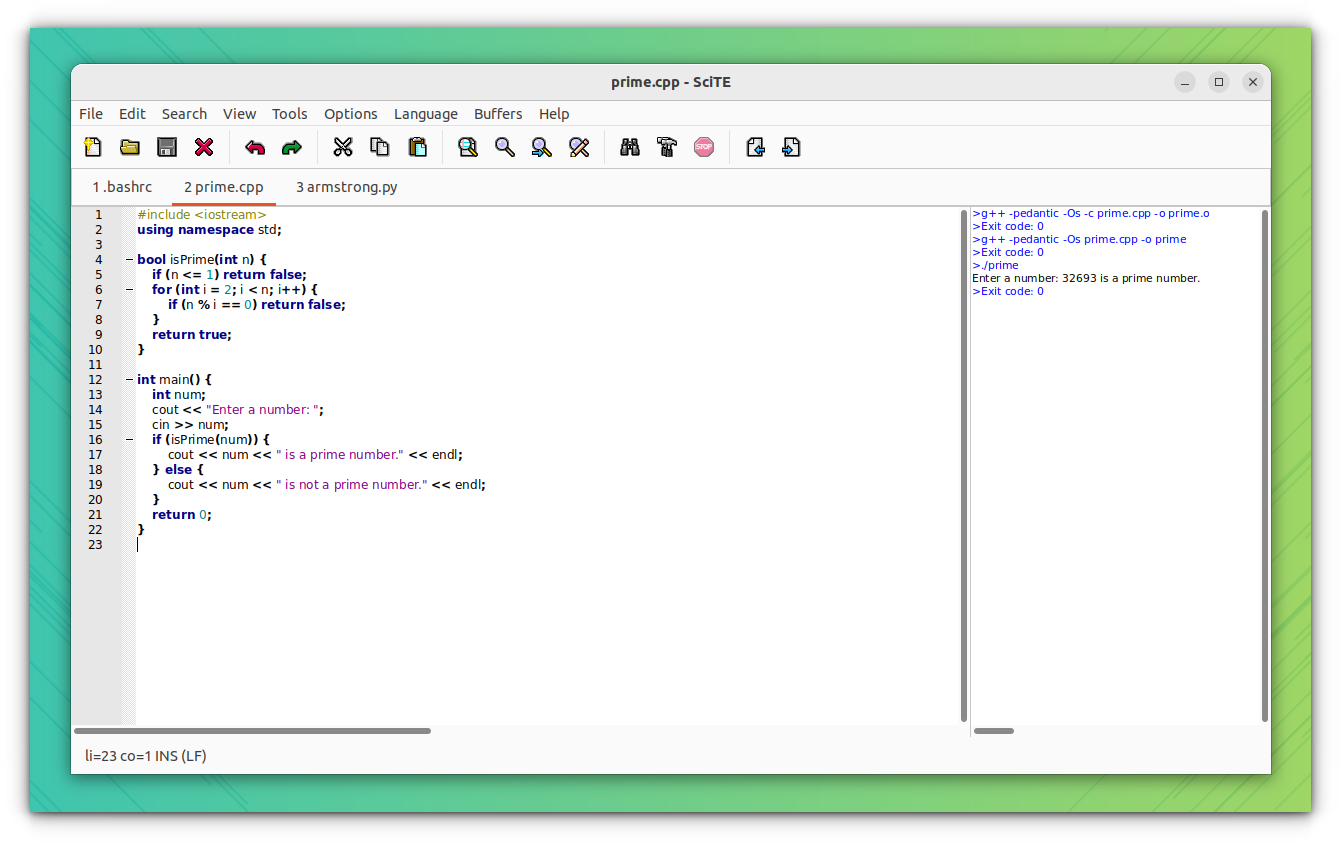
Though based on the same editing component, Notepad++ and SciTE differ in a lot of ways. Without going into too many details, let's discuss the main pros and cons of both of them.
Notepad++ is good-looking, has a better interface, and comes with lots of plugins enabled by default. That makes it ideal for a beginner/average user. Installer files are available for Windows which makes it easy to install. The biggest drawback of Notepad++ is that it is only available for Windows.
SciTE too has lots of plugins but those are not enabled by default and it takes some time to enable the required ones. GUI may not be as good-looking as Notepad++. But it has its own advantage, it is cross-platform and available for both Windows as well as Linux.
Features of SciTE
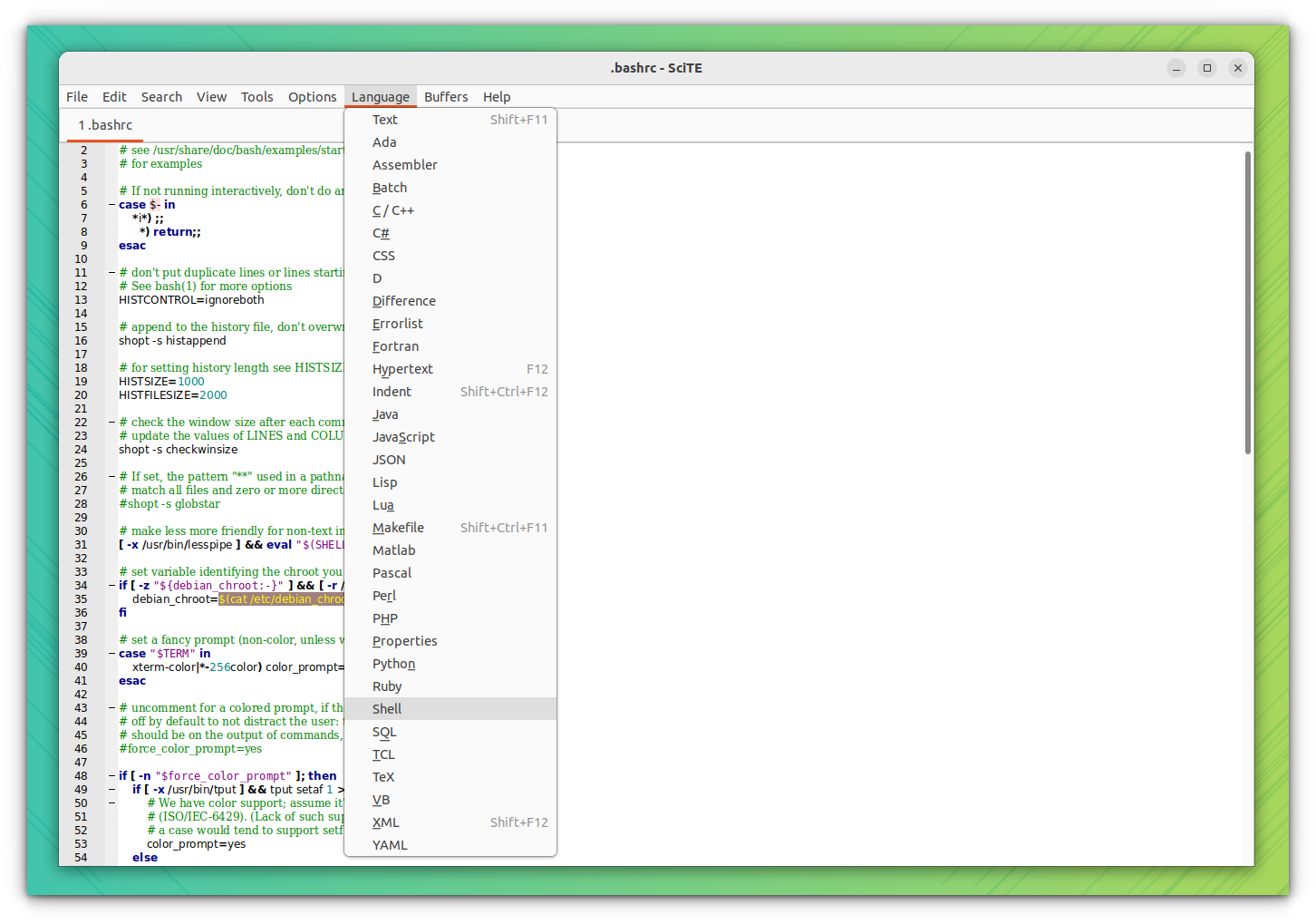
- Cross-platform: Windows, Linux, and a paid version for macOS in their store.
- An output pane that displays the output of codes that have been run
- Multi-tabbed interface
- Syntax highlighting for many programming languages
- Find and Replace with regular expression support
- Line numbering, brace matching
- A separate margin for annotations, which will help with code review
- Auto-completion for words and function prototypes
- Code can be folded/collapsed for better viewing
- Unicode, UTF-8, and various other character encodings support
Install SciTE on Linux
SciTE can be installed in several ways in Linux-based distributions.
Install SciTE in Ubuntu
SciTE is available in the apt repository of Ubuntu. You can install it using the following command in the terminal (Ctrl+Alt+T):
sudo apt install sciteInstall SciTE in other distributions
For Arch Linux users, the latest SciTE version is available in the community repository. To install, execute the command:
sudo pacman -S sciteFor all other users or those who want the latest package, SciTE is available as a Flatpak in Flathub. If you don’t know how to set up Flatpak, refer to our guide on this topic.
To install SciTE, use:
flatpak install flathub org.scintilla.SciTEYou can either start it from the menu or use:
flatpak run org.scintilla.SciTE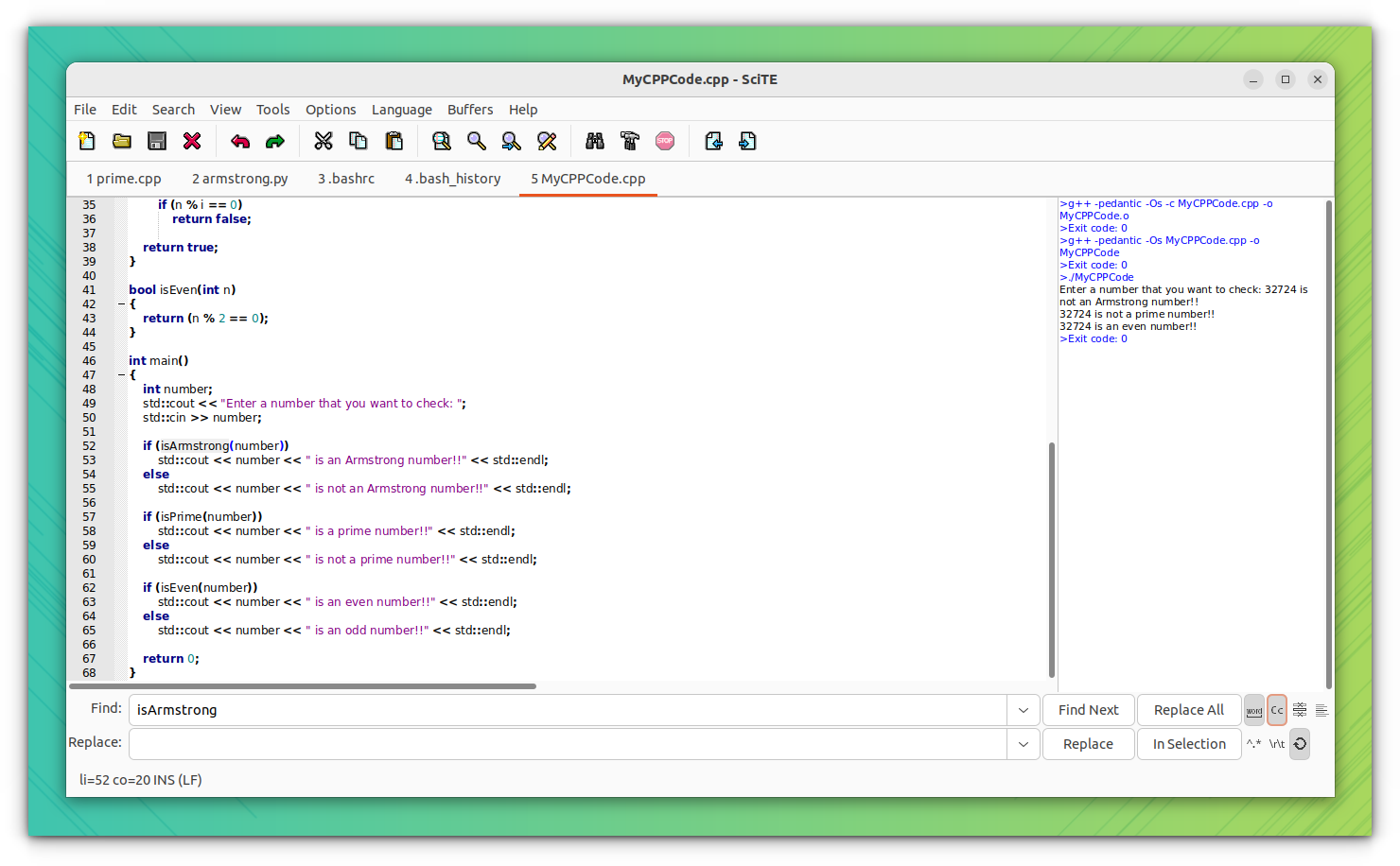
Also, the source code is available for download from its official website.
Remove SciTE
If you don’t want to use SciTE, in Ubuntu, you can remove it by running:
sudo apt remove sciteSimilarly, for the Flatpak version, use the following:
flatpak uninstall org.scintilla.SciTEFor all other distributions, follow your package managers’ remove command.
SciTE instead of Notepad++?
If you want the full awesomeness of Notepad++ on Linux, you are in for a disappointment. There is no Linux version of Notepad++ except an unofficial snap version, that runs on WINE.
If you don’t like this solution, you’ll have to compromise with Notepad++ alternatives on Linux. SciTE is one such alternative.
Also, there are new cutting-edge text editors in development. They have even better features better than Notepad++. Perhaps you could give them a try as well.
