

Ubuntu 23.04 is here.
It is not a Long-Term Support version. So, not everyone needs this upgrade.
Whether you want to upgrade or not, it is always exciting to check out the upcoming features, right? Let us take a look at them.
1. New Installer by Default
Ubuntu's new installer uses Flutter at its core. While it was already available with an alternative build of Ubuntu 22.10, you can find it by default this time, and it looks better.
The user interface gets a modern treatment where options are more clearly laid out and better adapted to different screen sizes.
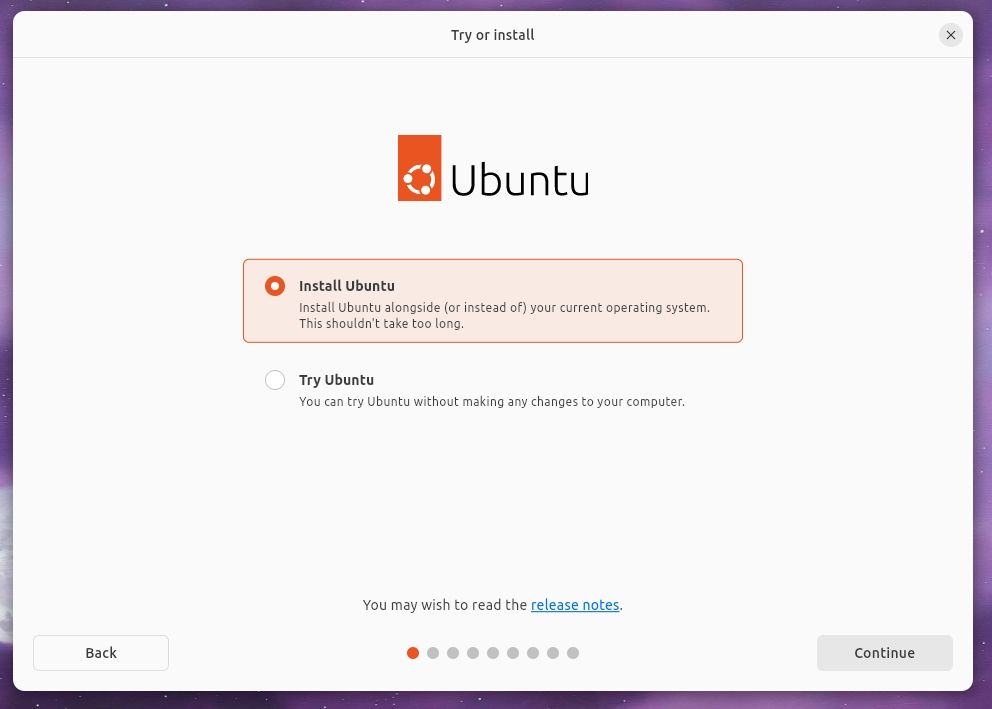
While I still use the daily build for these screenshots, it looks cleaner than when we first spotted it with Ubuntu 23.04 builds.
You can expect a separate "Repair" option added to the screenshot above, considering you already have Ubuntu 23.04 installed on your system.
Also, the re-designed installation slides will describe the benefits/use cases of the operating system better:
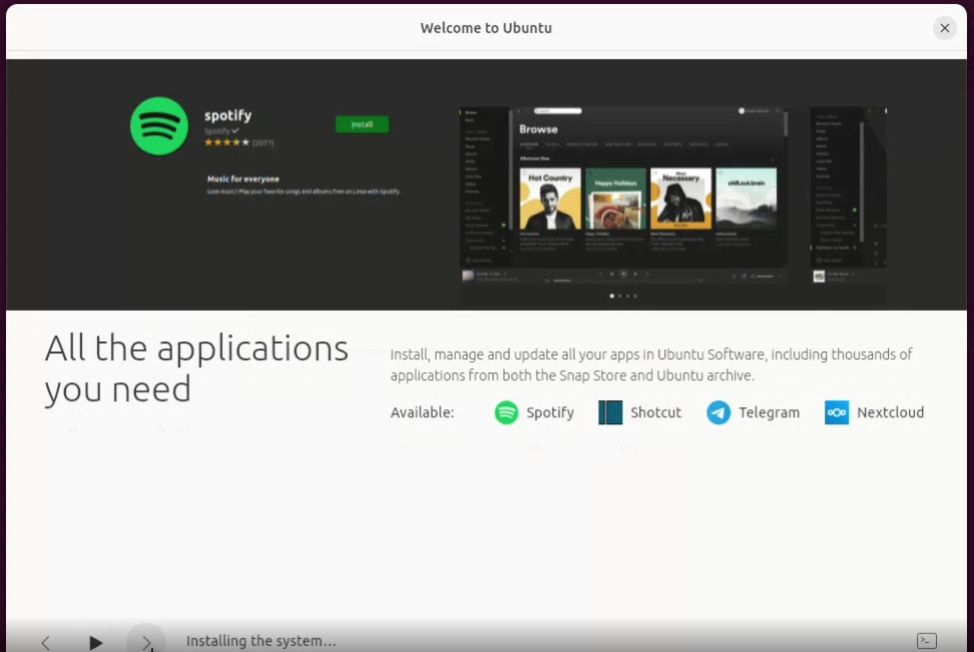
Expect several subtle additions to the installation screens, like a loading screen, before asking to choose the language.
2. GNOME 44
Of course, GNOME 44 is the major highlight.
It is obvious to expect Ubuntufied tweaks on top of stock GNOME. So, you will not get the same experience on Fedora 38 with GNOME.
For instance, the screenshot icon on the quick menu is different here to match the theme of Ubuntu. You will find several subtle differences like that.
The quick menu looks pretty good with the screenshot button and the new Bluetooth toggle that lets you view/manage devices without entering the settings.
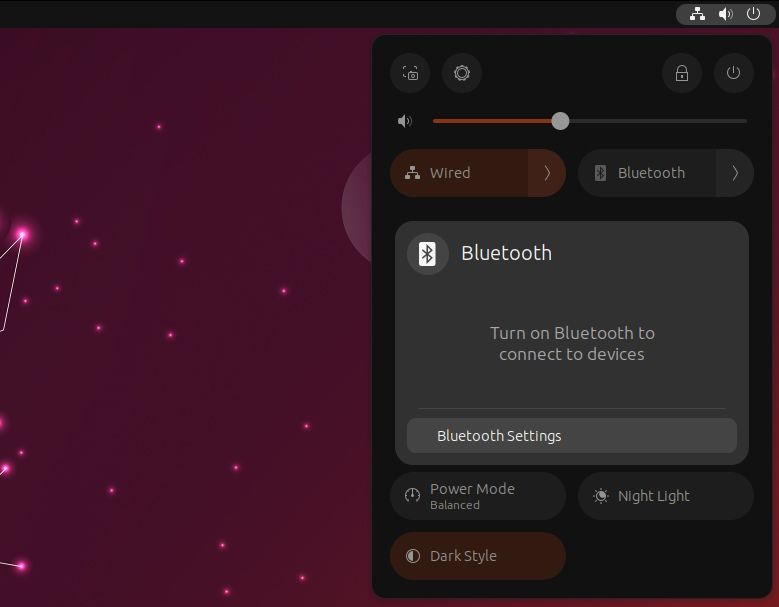
However, you need to head to the settings to pair a device.
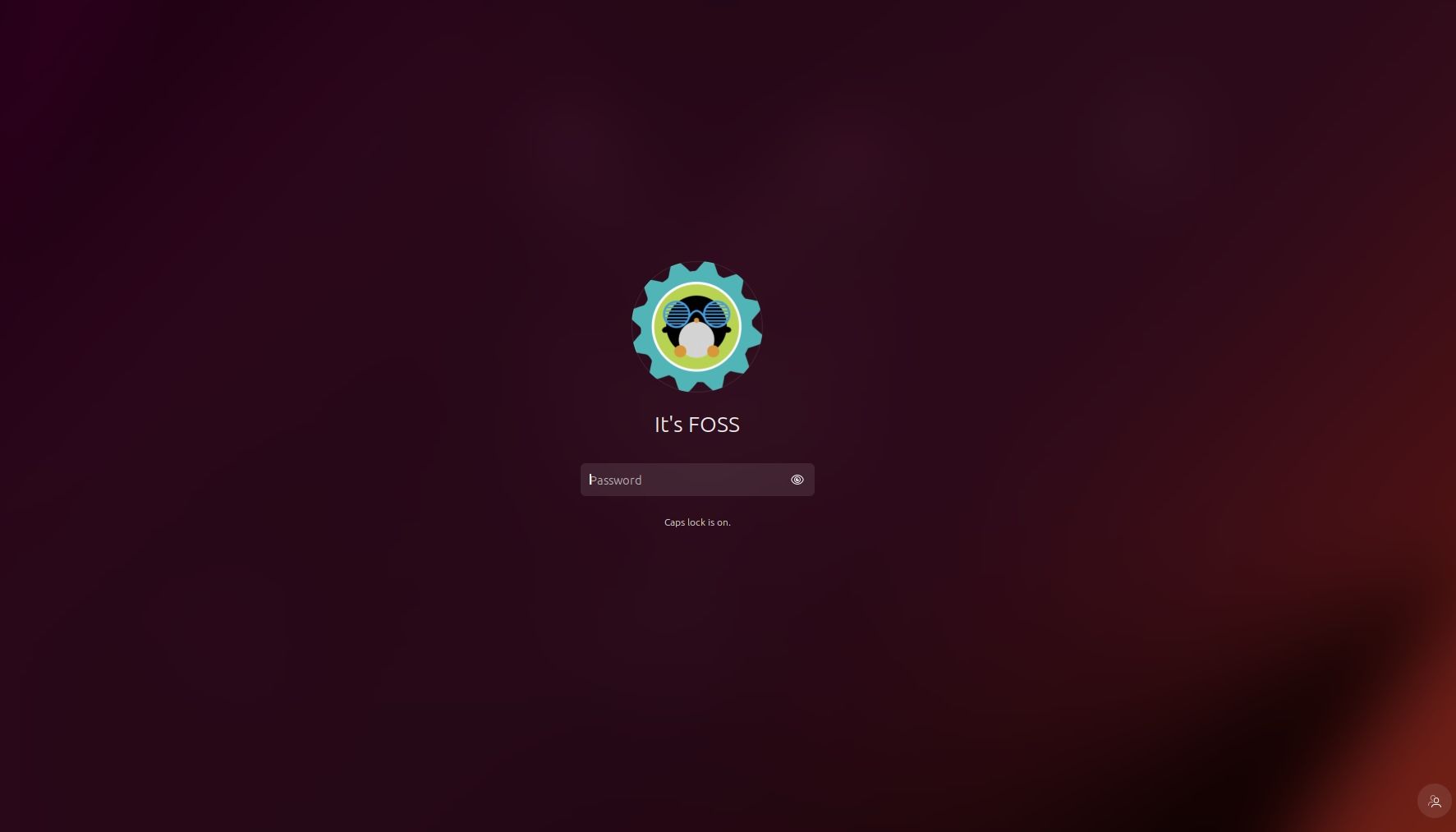
Next, the login screen presents you with a bigger user avatar compared to what you had before:
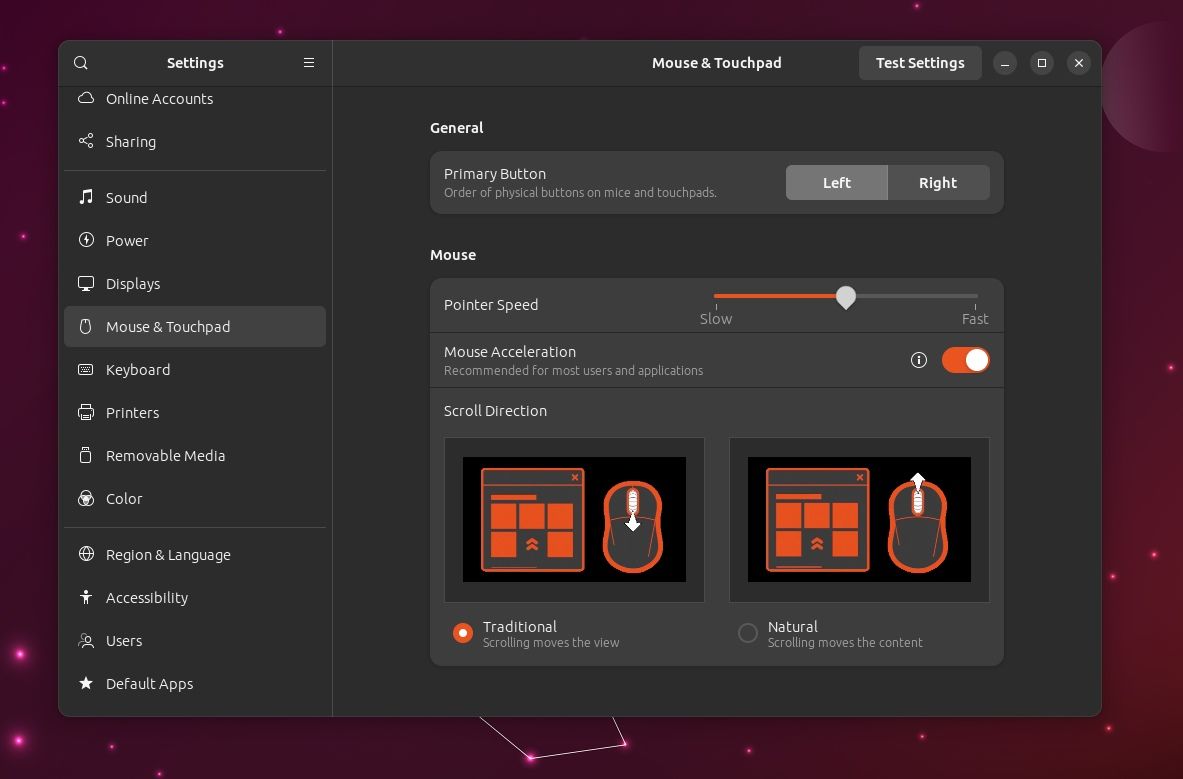
The settings menu has also received refinements regarding options for Mouse and Touchpad configuration and accessibility tweaks.
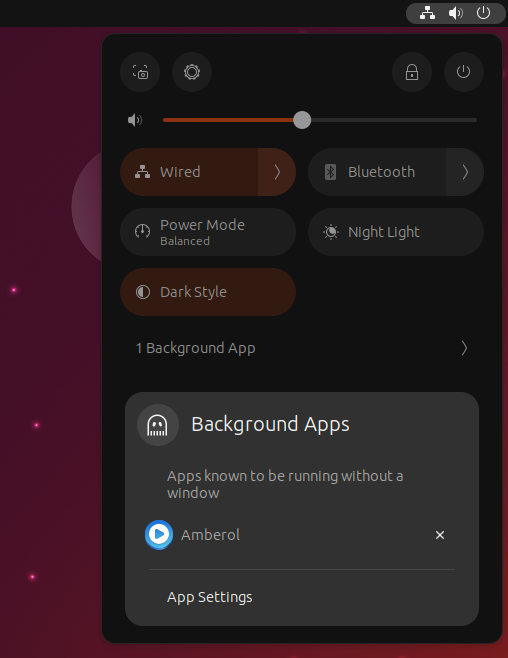
Not to forget, you can monitor some background apps right through the quick menu and choose to close them.
This does not work with every app, only with certain Flatpak applications like Radio and Amberol.
You can explore the GNOME 44 release separately if you want to see what vanilla GNOME on distributions like Fedora looks like:

3. Upgrades to Nautilus File Manager
With GNOME 44 upgrade, the Nautilus file manager has received numerous enhancements.
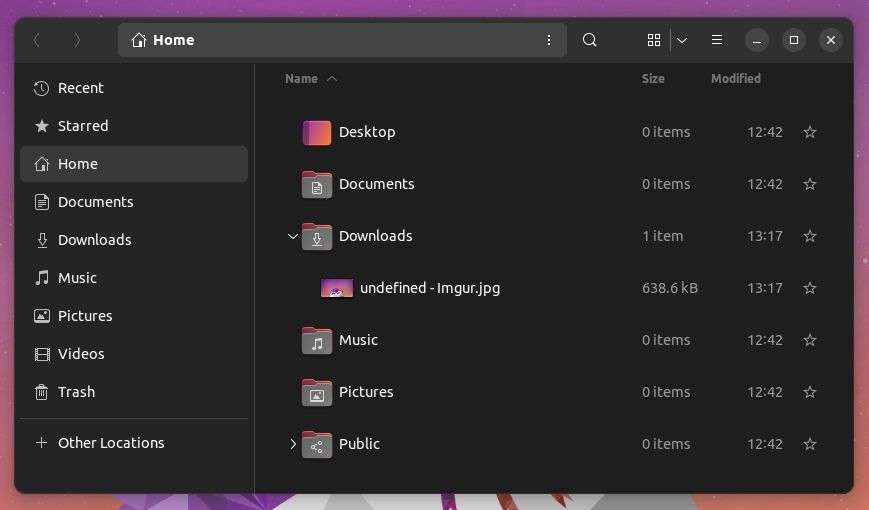
One key highlight is the ability to toggle expandable folders in the list view. You can enable it from the preferences of the file manager. This was already available with Ubuntu 22.04 but later dropped with Ubuntu 22.10 upgrade.
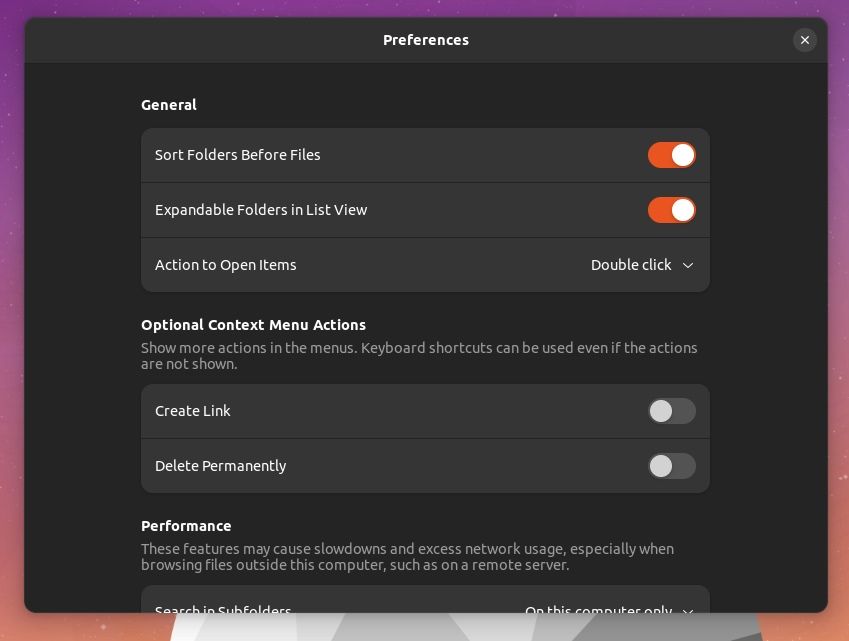
This should allow you to navigate seamlessly without going through each folder and coming back. You get a tree view using a downward-arrow button as shown below:
4. Mini 'ISO' Installer
With Ubuntu 23.04, Canonical plans to offer a separate "mini" 140 MB ISO file.
So, you will need an active internet connection to download the rest of the files when installing it using this ISO.
You can read our original news coverage about this to learn more:

5. Telegram as Snap
Like Firefox, Ubuntu 23.04 may use a transitional package for Telegram and snap when you try to install it from its package manager (or terminal).
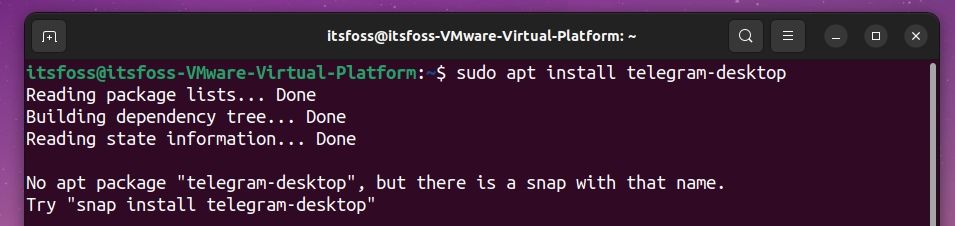
This was done because Telegram's existing package is outdated. And, Telegram (the company) requested it to be converted to snap to have users install the latest version, as they do not maintain the package within the Ubuntu repositories.
6. Ubuntu Cinnamon as a New Official Flavour

With Ubuntu 23.04, Ubuntu Cinnamon Remix is no longer an unofficial spin.
If you have always wanted a Cinnamon edition of Ubuntu, you can get it now.
7. Ubuntu Legacy ISO
Fret not; even if the new desktop installer replaces the old one, a legacy desktop image will feature the classic Ubuntu Desktop installer.
8. New Wallpapers
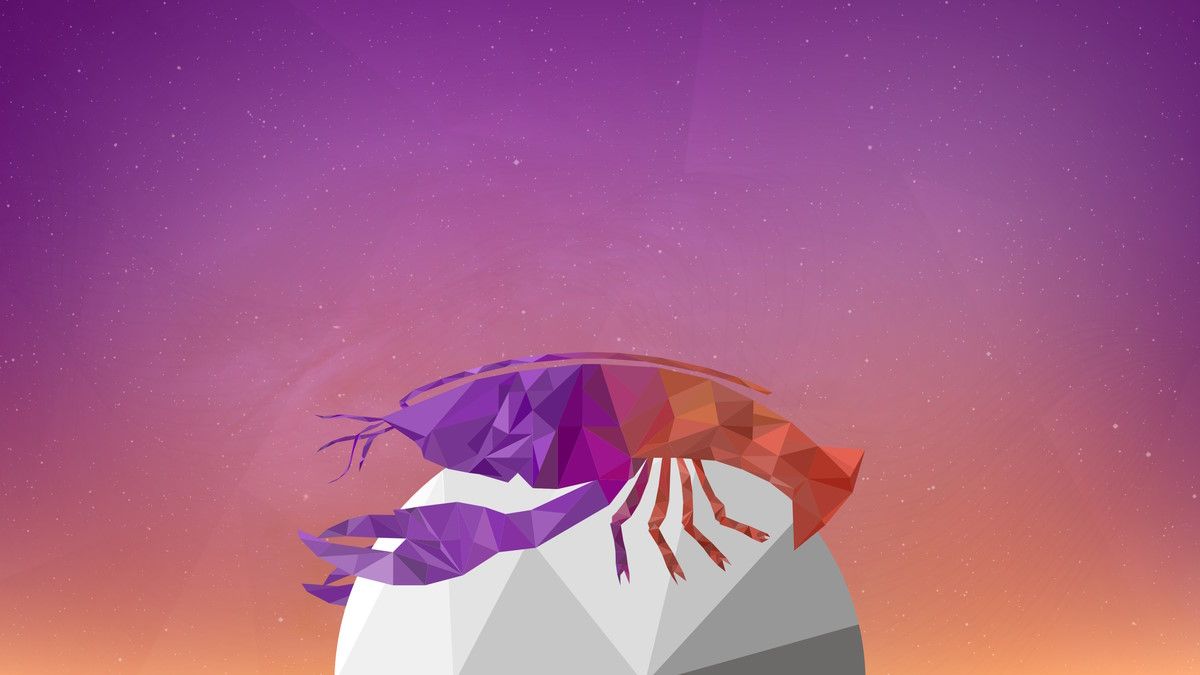
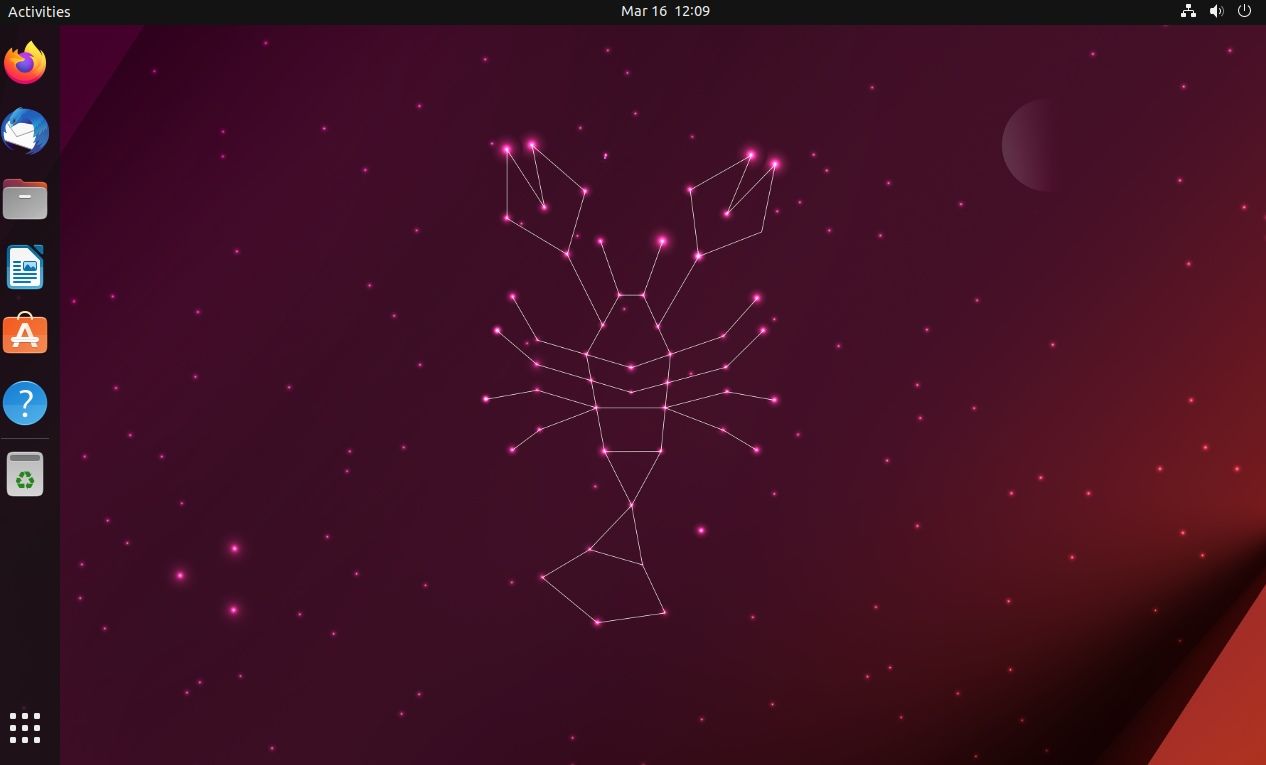
You can find a new collection from the community designers that won the wallpaper competition. The above image is one of them (that I like). There are several other interesting ones.
There's also a new default wallpaper, not to forget. You can check out Ubuntu's official blog post to get the image file separately.
9. Linux Kernel 6.2
While Ubuntu 23.04 is not an LTS version, it includes Linux Kernel 6.2 out of the box.
Suggested Read 📖

Other Changes
In addition, several technical upgrades under the hood should enhance your Ubuntu experience on desktops and servers.
Some of the noteworthy changes include:
- Support for categories when searching for snaps in the software center
- Firmware updater added as a separate app within the snap store
- PostgreSQL 15
- Qemu v7.2.0 with Risc-V support
- Rclone 1.60.1
- Ruby 3.1
- NetworkManager 1.42
💬 So, what do you think about Ubuntu 23.04? Are you excited about the features? What are you looking forward to?
