


You can do a lot of serious work in the terminal. That’s not a secret.
But did you know that you can also do a lot of fun stuff in the Linux terminal? Like running a train in it?
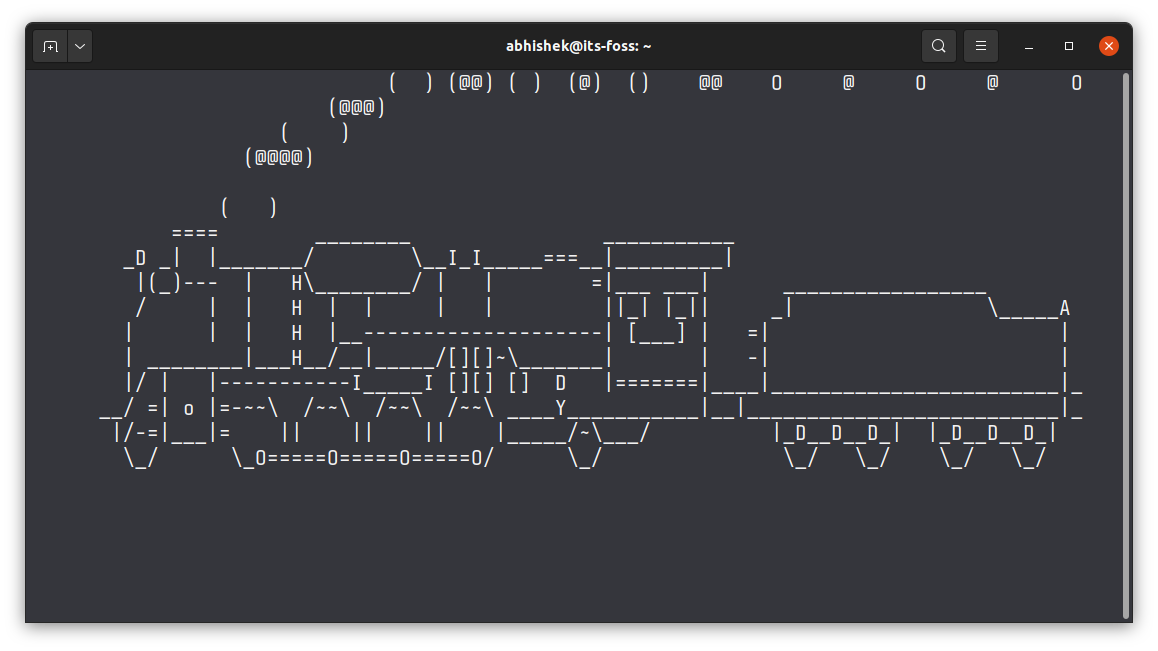
See the train running in terminal in this video:
Run train in Linux terminal
There is no magic here. It’s just a tiny command line tool called ‘sl’.
I presume that it was developed entirely to have some fun when command ls is wrongly typed. If you have ever worked in Linux terminal, you know that ls is one of the most commonly used commands and perhaps one of the most frequently mistyped commands as well.
sl is a popular command and you should be able to install it in most Linux distributions using the package manager.
On Debian and Ubuntu based distributions, use the following command:
sudo apt install slTo run the terminal train, just type sl in the terminal. You’ll see a steam train going from the right to the left side. It automatically stops as soon as the train “crosses the terminal”.
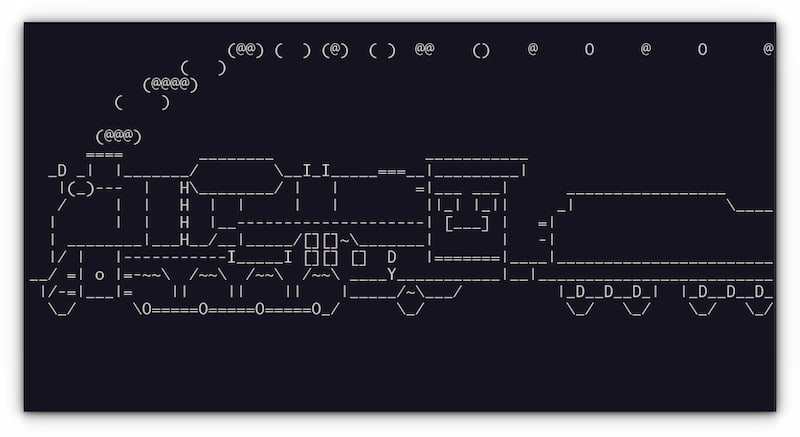
Using the following options, you may have more fun with the train in the terminal.
- -a: Accident mode. You can see people crying for help. Not for the faint-hearted ;)
- -l: shows a more miniature train but with more coaches.
- -F: A flying train like the Polar Express.
- -e: Allows interrupt by Ctrl+C. In other modes, you cannot use Ctrl+C to stop the train. But then, it doesn’t run for long unless you have super ultra-wide monitor.
More options in the recent versions
There is a newer version of sl command available in Arch Linux that provides more options and tweaks:
sudo pacman -S sl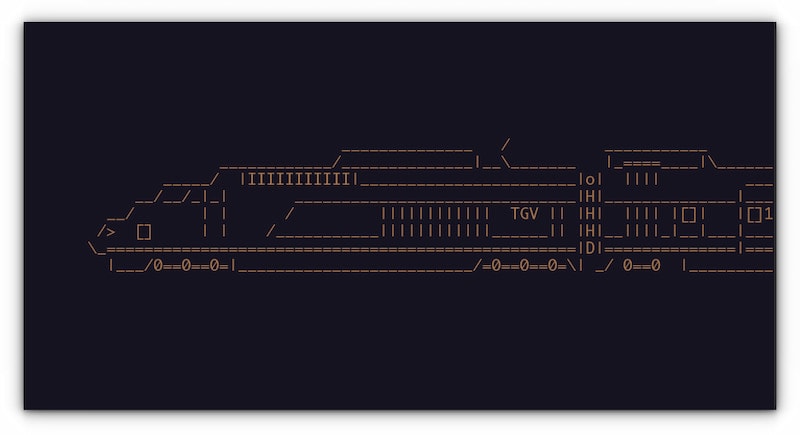
Additional Options:
- -d: Disco Mode. Alternate colors during the animation.
- -G: New look, similar to advanced trains. The French TGV can be seen in the screenshot above.
- -w: The Train moves faster.
- -[Number]: Through this option, the number of cars can be adjusted
In addition, if lolcat is installed, all these options can be piped to get rainbow effects.
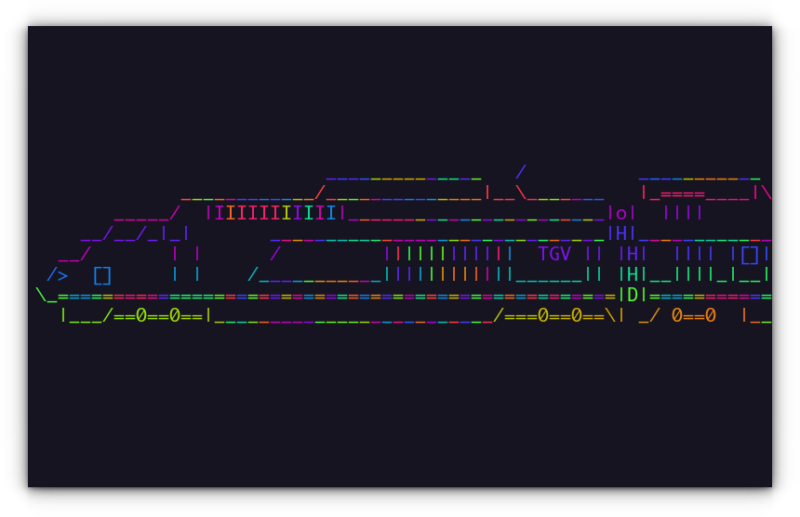
Enjoy riding the Linux train :P
Want more fun with the terminal?
That was fun, right? You want more fun stuff in the Linux terminal? How about playing games in it?


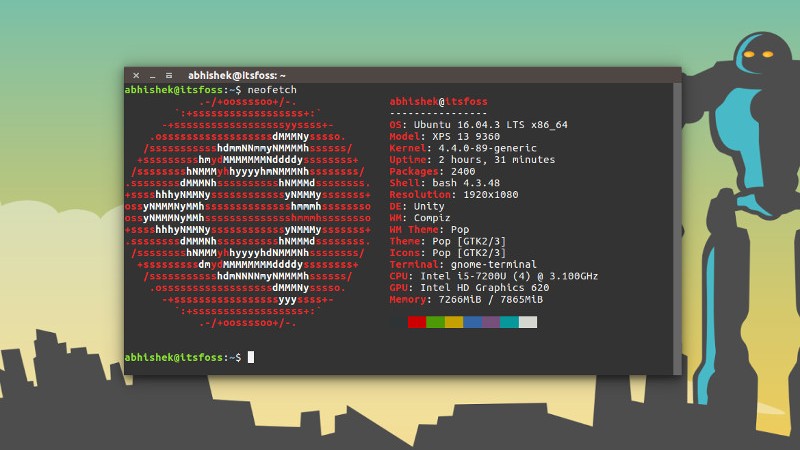
You can also display your distro's logo in ASCII.
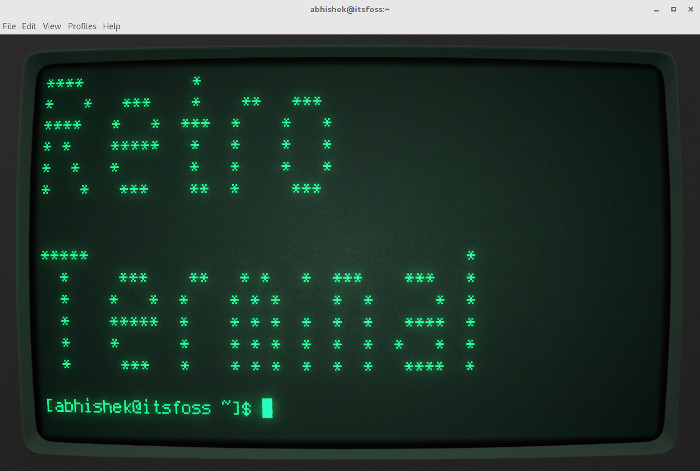
Like me, if you enjoy retro tech and vintage colors, relive the nostalgia with the Cool Retro Terminal and go back to the 80s.
🗣️ Know more amusing Linux stuff like this? Share it with me in the comment section.
