


When was the last that you updated Python packages installed via Pip? Most of the users tend to forget that those packages also need to be updated, as just updating the system repository is not going to work here.
So let’s take a moment and see how to update old Python packages with Pip.
How to use pip to upgrade Python packages
Pip (Pip Installs Packages) is a command line utility to manage python packages. You can think of this as how we use apt to manage packages in Ubuntu and Debian.
So let’s dive deep into how you can use this fab utility to manage everything related to Python packages.
1. List outdated packages
Listing the outdated packages is the best idea to plan how you want to update packages as not many want to update their entire library of packages at once and wants to be selective.
To list outdated packages of Python, you just have to pair pip command with list option and --outdated flag as shown:
pip list --outdated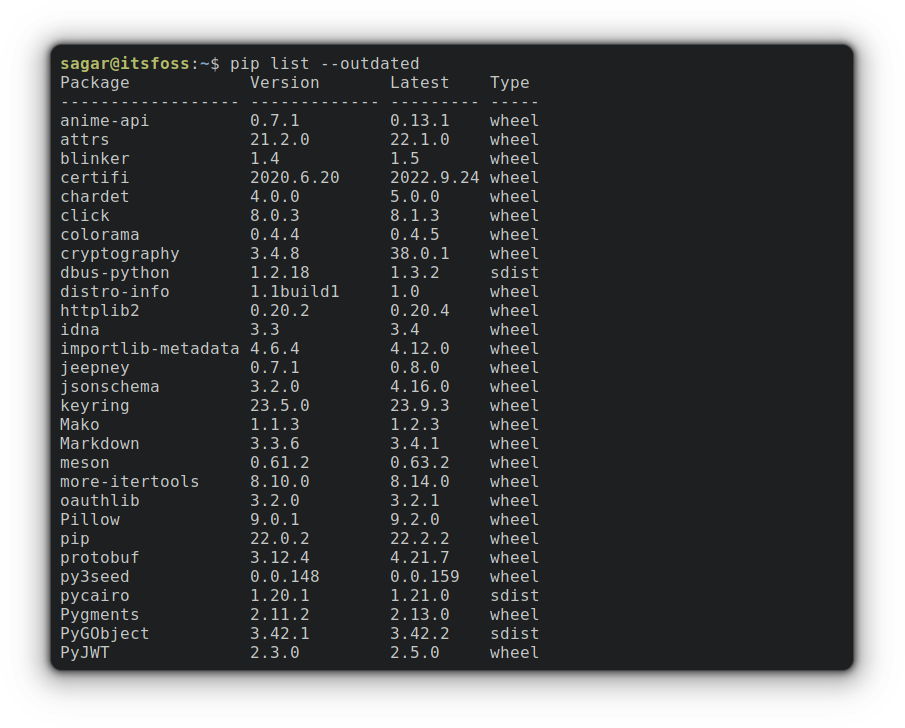
2. Upgrade a specific package
Once you get the list of the packages that need to be updated, you can be selective as I mentioned earlier, and to update a specific package, you’ll need to follow the given command syntax:
pip install package_name -UFor example, I want to upgrade the package named anime-api to the most recent version, so I’ll be using the given command:
pip install anime-api -U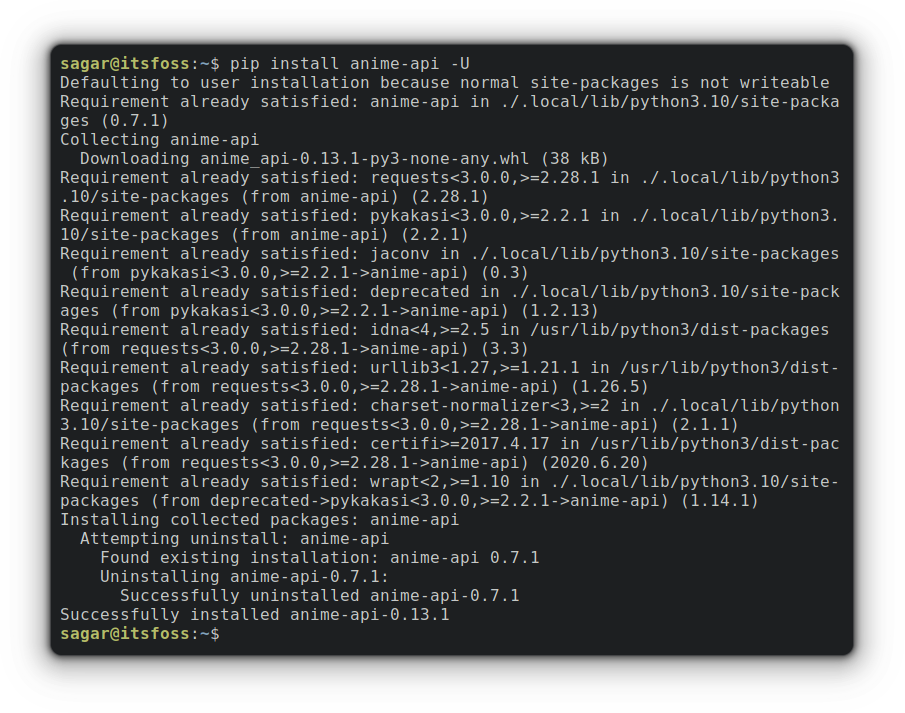
3. Upgrade package to specific version
It is not necessary to use only the most recent version of the software (cough Debian cough) and if you are in need of using packages to a specific version that may or may not be the most recent software, can be done using the given command syntax:
pip install --upgrade <package>==<version>So I want to update the package named xdg to version 5.1 which is one point release behind the most recent build so my command would be:
pip install --upgrade xdg==5.1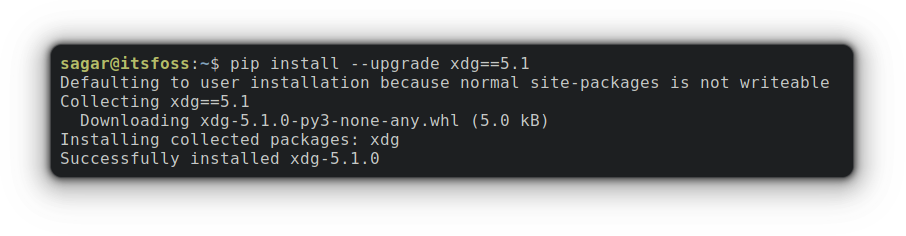
4. Upgrade every package using Pip
To upgrade every python package, you’d need to follow the given command:
pip3 list --outdated --format=freeze | grep -v '^\-e' | cut -d = -f 1 | xargs -n1 pip3 install -U 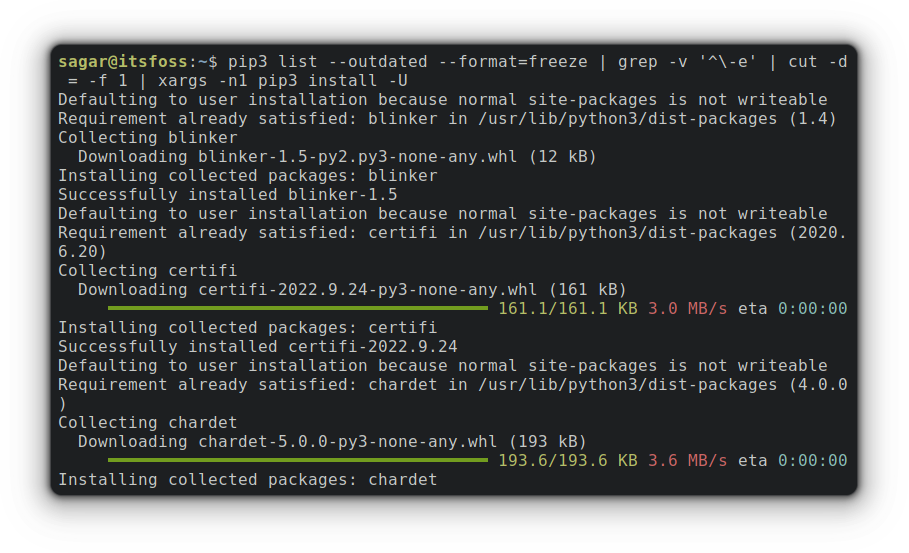
The above command utilizes xargs. First, it will grab the packages that are needed to be updated and then perform pip3 install -U command over each package.
And I used pip3 here instead of pip. In Ubuntu 22.04 and later, both pip and pip3 commands are available.
Wrapping Up
Upgrading everything at once has never been a good idea in the case of pip. And I found myself in a state of broken dependencies so make sure you know what you will have.
Considering that Ubuntu is deprecating the use of pip, it's better to start moving to Pipx instead.


And if you have any queries, feel free to ask in the comments.
