
ml modle.net was not found
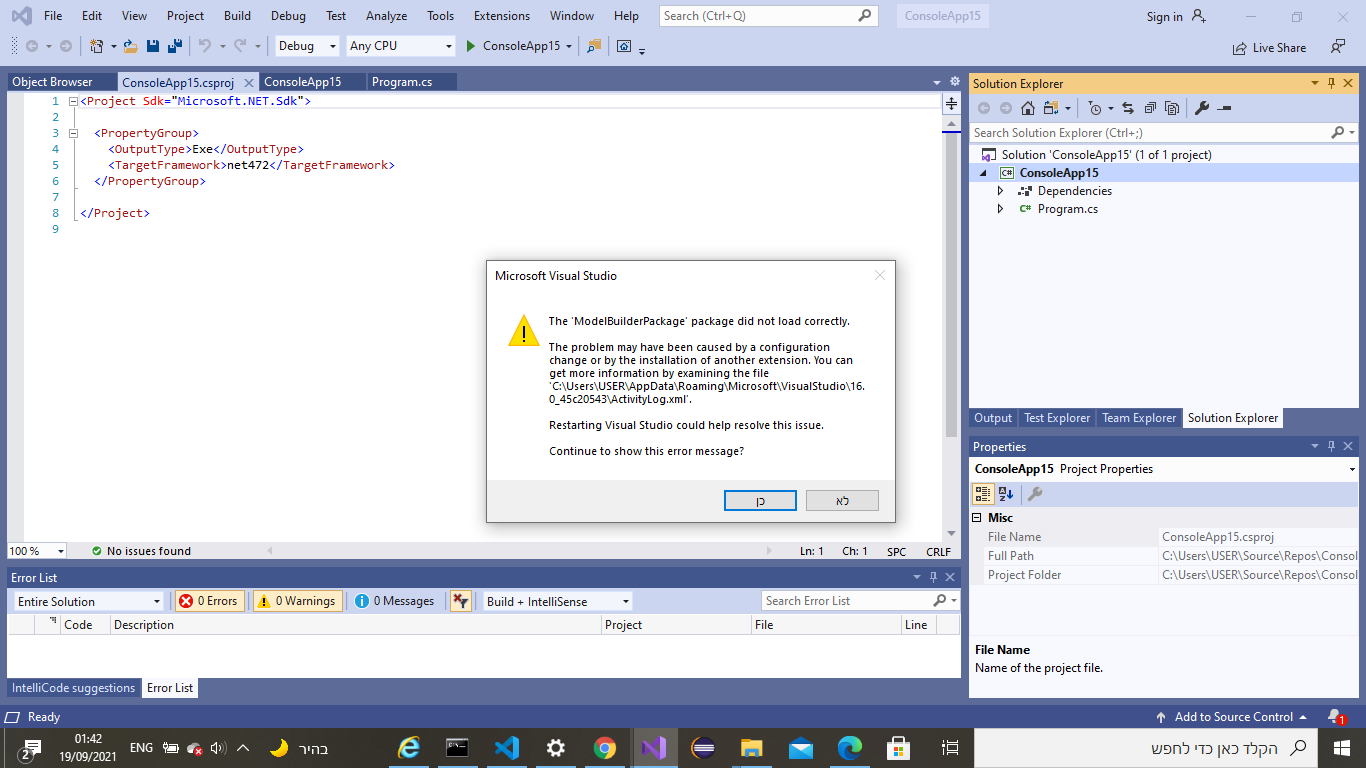
I was installing and downloading the ml.net package to my visual studio 2019 in the marketplace, but when I try to add it to my project this message was thrown 👁 133355-image.png
.
I tried to do a restart to vs and it did not work. So I checked Google and there it was written to close all vs instances and then delete the whole folder: C: \ Users \ USER \ AppData \ Local \ Microsoft \ VisualStudio \ 16.0_45c20543 \ ComponentModelCache but it doesn't work.
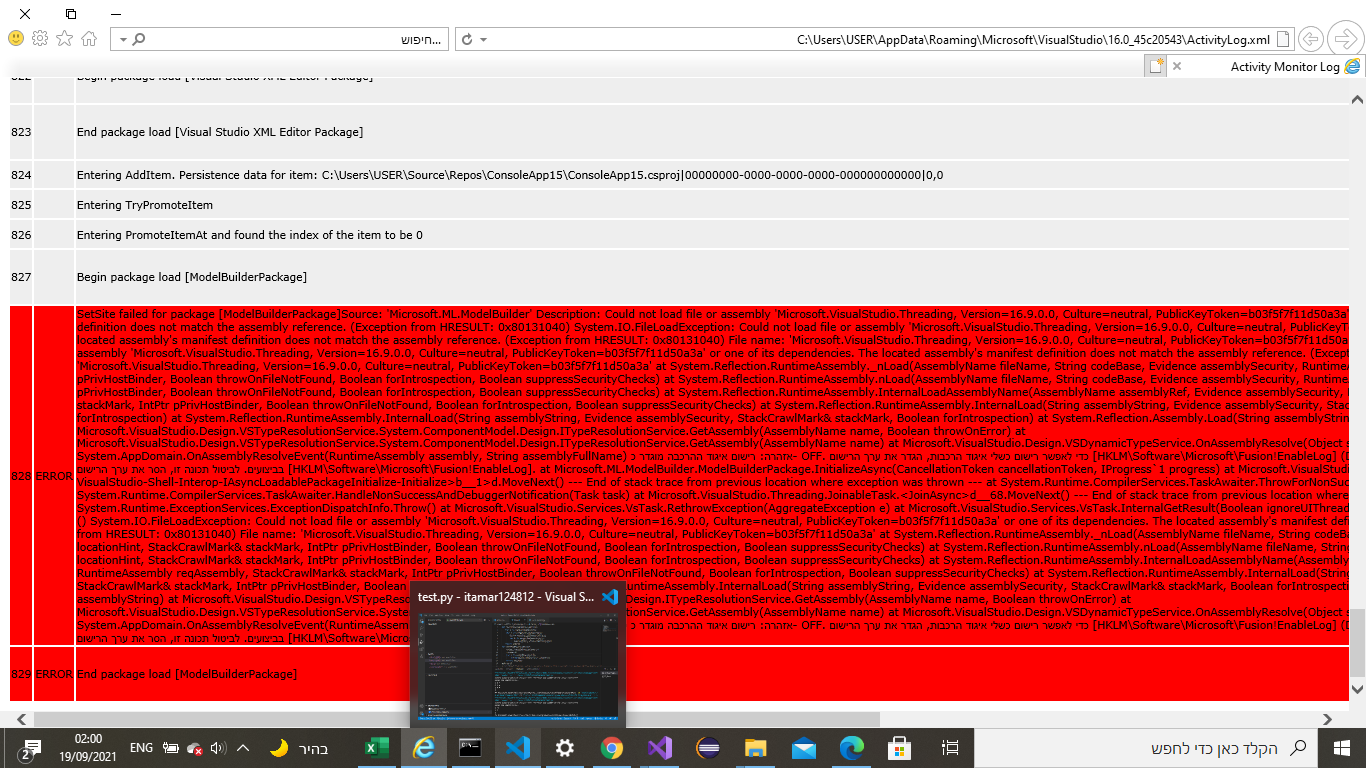
I open the "C:\Users\USER\AppData\Roaming\Microsoft\VisualStudio\16.0_45c20543\ActivityLog.xml" and I was found this message:👁 133259-image.png
I did not understand anything from what is written there.
Can you help me make this ml.net model extension work properly?
-
Deleted
This comment has been deleted due to a violation of our Code of Conduct. The comment was manually reported or identified through automated detection before action was taken. Please refer to our Code of Conduct for more information.
Sign in to comment
1 answer
-
Deleted
This answer has been deleted due to a violation of our Code of Conduct. The answer was manually reported or identified through automated detection before action was taken. Please refer to our Code of Conduct for more information.
Comments have been turned off. Learn more