Note
Access to this page requires authorization. You can try signing in or .
Access to this page requires authorization. You can try .
Getting your Azure Subscription GUID (new portal)
1. Navigate to https://portal.azure.com
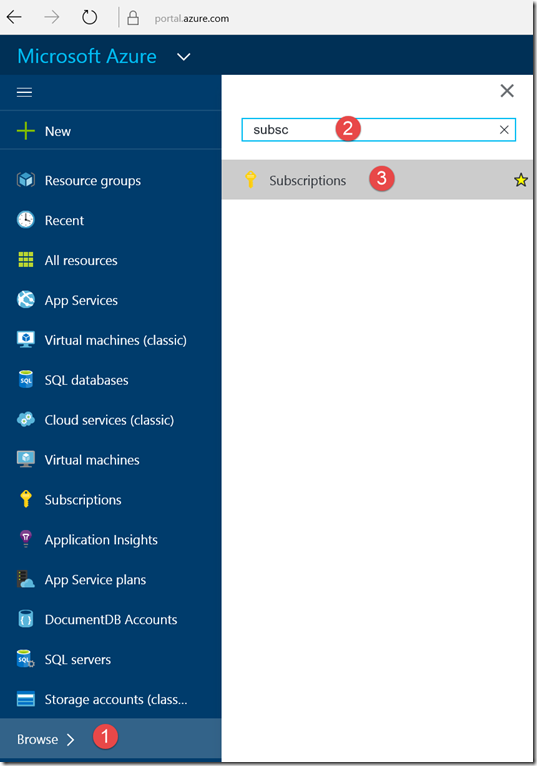
2. Navigate to Browse
3. In the search box being to type subscription
4. Select Subscription from the search results (see below)

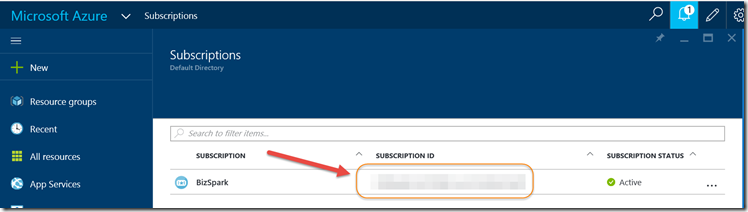
5. Find the appropriate subscription and see your Azure subscription GUID (see below)